1. Project Overview
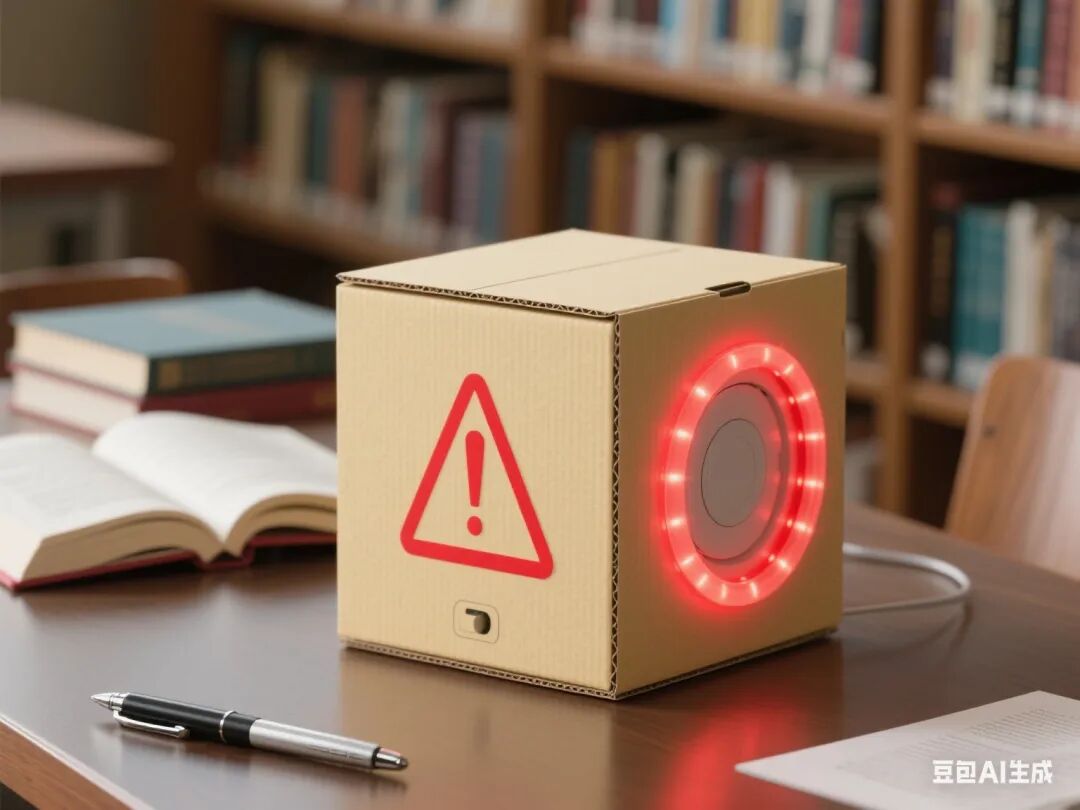
This project revolves around the theme of “Guardian of Silence,” guiding students to comprehensively apply sensor technology, intelligent control programming, and creative design thinking. By completing tasks in stages, students will design a smart device capable of detecting environmental noise and issuing reminders. Throughout the course, the integration of the Doubao Classroom Assistant AI provides students with real-time learning support and personalized guidance, fostering interdisciplinary engineering practice skills and a sense of social responsibility.
2. Overall Project Goals
(1) Knowledge and Skills Goals
1. Master the analog signal acquisition methods and threshold calibration techniques of sound sensors.
2. Deeply understand the multi-color control principles and dynamic display technologies of WS2812 LED strips.
3. Learn to use potentiometers for analog-to-digital conversion to adjust critical values.
4. Be able to integrate programming logic for multi-module collaborative work.
(2) Process and Method Goals
1. Cultivate students’ system thinking abilities through the engineering process of “demand analysis – prototype construction – testing and optimization.”
2. Learn to use the serial monitor and AI assistance for fault diagnosis.
(3) Emotional Attitude and Values Goals
1. Let students experience the significant application value of intelligent technology in public environmental governance.
2. Enhance students’ awareness of public morality and environmental responsibility.
3. Required Hardware
1. Arduino Nano with expansion board.
2. Analog signal sound sensor.
3. 12 LED WS2812 strip.
4. Active buzzer.
5. 10kΩ rotary potentiometer.
6. Corrugated cardboard box and auxiliary materials such as wooden sticks and zip ties.
7. Battery holder for 4 AA batteries.
8. Dupont wires, hot glue gun, and other tools.
4. Lesson Planning and Design
First Lesson: Sound Sensor Testing
Learning Objectives
1. Master the working principle of the sound sensor and the method of analog signal acquisition.
2. Be able to visualize environmental noise values on the serial monitor.
Teaching Key Points and Difficulties
• Key Point: Connection of the sound sensor to Arduino and threshold setting.
• Difficulty: Calibration of noise values and noise reduction processing in different environments.
Teaching Steps
1. Introduction (5 minutes): Play a video on library noise pollution surveys to introduce the theme of this project.
2. Knowledge Explanation (15 minutes):
◦ Introduce the pin functions of the sound sensor, including VCC, GND, and AO.
◦ Explain the method of reading analog signals in Mind+ and the logic of threshold judgment.
3. Hardware Practice (20 minutes):
◦ Connect the sound sensor to pin A0.
◦ Write code to read environmental noise values and display them on the serial monitor.
4. Calibration Experiment (10 minutes):
◦ Test the value ranges under different noise levels, such as quiet and noisy states.
◦ Set dynamic thresholds using the formula (max – min) / 2 + offset.
5. AI Interaction: Doubao provides real-time waveform analysis and diagnoses abnormal data.
Second Lesson: Buzzer Sound Design
Learning Objectives
1. Master the method of controlling the buzzer tone using PWM signals.
2. Be able to implement multi-mode noise alarm sound effects.
Teaching Key Points and Difficulties
• Key Point: Frequency setting of the tone() function and alarm logic design.
• Difficulty: Correspondence between sound effects and noise levels, as well as timing coordination.
Teaching Steps
1. Review Introduction (5 minutes): Review the sound detection function and introduce the alarm requirement.
2. Knowledge Explanation (15 minutes):
◦ Introduce the differences between active and passive buzzers.
◦ Explain the mapping relationship between tone frequency and emotional feedback.
3. Hardware Practice (20 minutes):
◦ Connect the buzzer to pin D9.
◦ Write code to implement sound feedback for different noise levels.
4. Sound Design (10 minutes):
◦ Add a crescendo reminder mode.
◦ Implement volume adjustment functionality using a potentiometer.
5. AI Interaction: Doubao provides a tone frequency reference table and real-time detection of sound logic.
Third Lesson: WS2812 LED Strip Control
Learning Objectives
1. Master the multi-color control technology of WS2812 LED strips.
2. Be able to dynamically map noise levels to lighting effects.
Teaching Key Points and Difficulties
• Key Point: Use of the LED strip control library and setting color values.
• Difficulty: Multi-thread task processing and optimization of visual effects.
Teaching Steps
1. Task Introduction (5 minutes): Show a video of a smart light show to introduce the lighting design requirement.
2. Knowledge Explanation (15 minutes):
◦ Introduce the cascading method and control protocol of the LED strip.
◦ Explain the methods for switching color modes, such as rainbow gradient and breathing effects.
3. Hardware Practice (20 minutes):
◦ Connect the LED strip to pin D2.
◦ Write code to map noise values to light colors.
4. Effect Optimization (10 minutes):
◦ Add smooth transition effects.
◦ Implement mode memory functionality.
5. AI Interaction: Doubao provides example code for light control and real-time detection of display effects.
Fourth Lesson: System Programming Implementation
Learning Objectives
1. Master the programming logic for multi-module collaborative work.
2. Be able to implement the complete process of intelligent reminder functionality.
Teaching Key Points and Difficulties
• Key Point: Nested use of conditional judgments and loop structures.
• Difficulty: Implementation of non-blocking delays and state machine design.
Teaching Steps
1. Task Introduction (5 minutes): Clarify the complete functional requirements, namely detection, judgment, and reminder.
2. Programming Practice (30 minutes):
◦ Write code to integrate sound detection, light control, and buzzer alarm functionalities.
◦ Add reminder interval control, such as triggering only once within 30 seconds.
3. Joint Debugging and Optimization (15 minutes):
◦ Test response speed under different noise environments.
◦ Adjust threshold and delay parameters.
4. Fault Diagnosis (10 minutes):
◦ Address common issues such as false alarms and no response.
◦ Learn to use serial logs for debugging assistance.
5. AI Interaction: Doubao provides code optimization suggestions and analyzes causes of malfunctions.
Fifth Lesson: Structural Design and Project Presentation
Learning Objectives
1. Master the structural design and processing methods of corrugated cardboard boxes.
2. Be able to achieve integrated installation of sensors and actuators.
Teaching Key Points and Difficulties
• Key Point: Layout of sensors and design of sound holes.
• Difficulty: Balancing circuit concealment and structural stability.
Teaching Steps
1. Design Introduction (5 minutes): Showcase excellent structural design cases, emphasizing human-computer interaction needs.
2. Structure Building (30 minutes):
◦ Create the main body of the reminder device using corrugated cardboard.
◦ Install sensor brackets and fixed positions for the LED strip.
3. Circuit Integration (20 minutes):
◦ Conceal wiring to avoid interference.
◦ Test the portability and aesthetics of the reminder device.
4. Final Testing (15 minutes):
◦ Simulate library environments for stress testing.
◦ Record issues such as false triggers and display delays.
5. Summary (10 minutes): Reflect on the system’s strengths and weaknesses and propose improvement plans.
5. Assessment Methods
(1) Process Evaluation (40%)
1. Compliance of hardware connections, accounting for 10%.
2. Reasonableness of code logic, accounting for 15%.
3. Problem-solving ability, accounting for 15%.
(2) Summative Evaluation (60%)
1. Completeness of functional implementation, accounting for 30%.
2. Innovativeness of structural design, accounting for 20%.
3. Expression of project presentation, accounting for 10%.
6. Safety Tips
1. Ensure correct connection of the battery holder’s positive and negative terminals to prevent short circuits.
2. The buzzer volume should not be too loud to avoid hearing damage.
3. Exercise caution with high-temperature protection when using a hot glue gun.
7. Doubao AI Application Design
1. Real-time Guidance: Provide step-by-step voice prompts during hardware connections and code writing.
2. Error Diagnosis: Automatically identify circuit errors and code logic errors, providing modification suggestions.
3. Resource Expansion: Push environmental acoustics materials and intelligent environment device cases.
4. Learning Archives: Record students’ debugging data and generate personalized ability analysis reports.
8. Teaching Resources
1. Mind+ software and extension libraries.
2. Technical documentation for each module.
3. Engineering log templates.
4. Sound sensor calibration guide.