Hello everyone, I am Chen Jianhao, commonly known as Engineer Chen. I enjoy exploring technical issues and often organize the pitfalls and fragmented thoughts I encounter at work into articles, occasionally sharing insights from my work and life experiences.
Installing the operating system CentOS 8.2 for the management host (used for deploying the Engine)
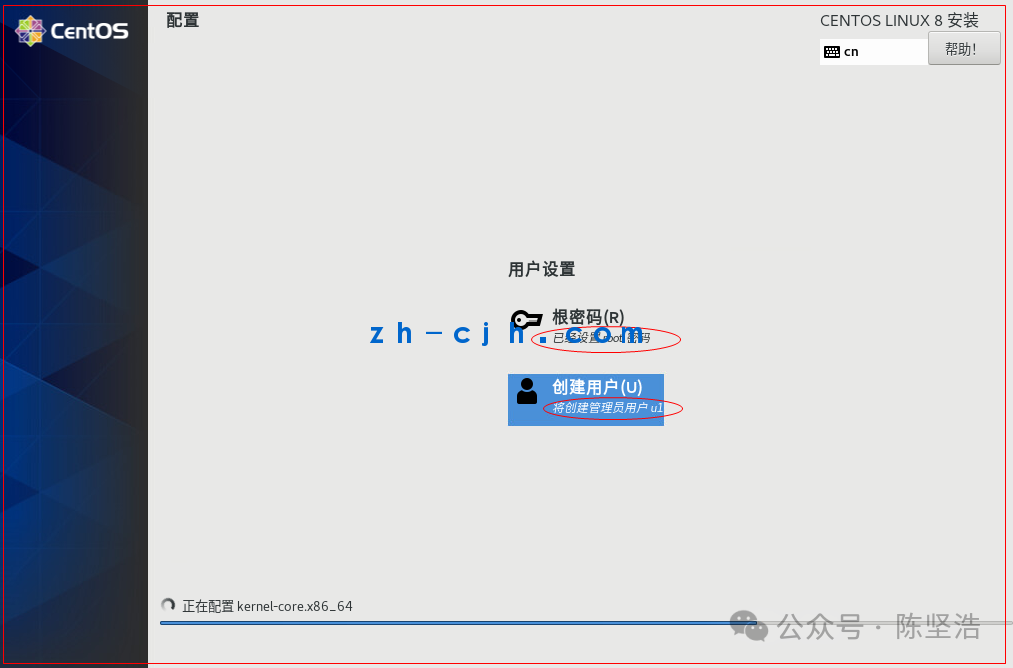
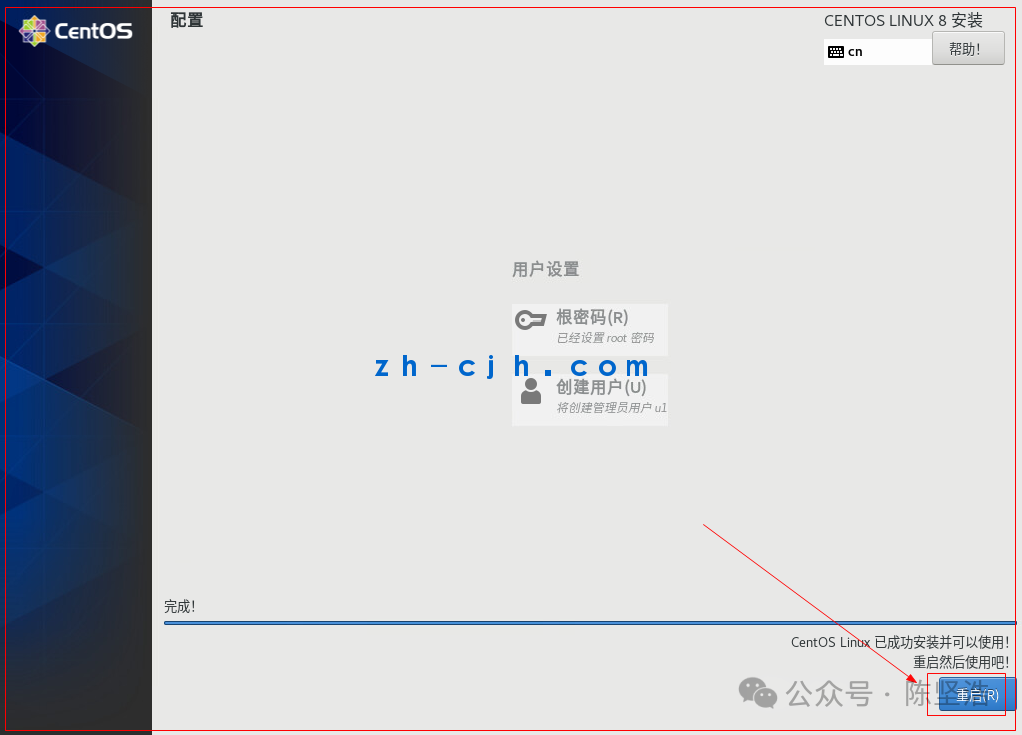
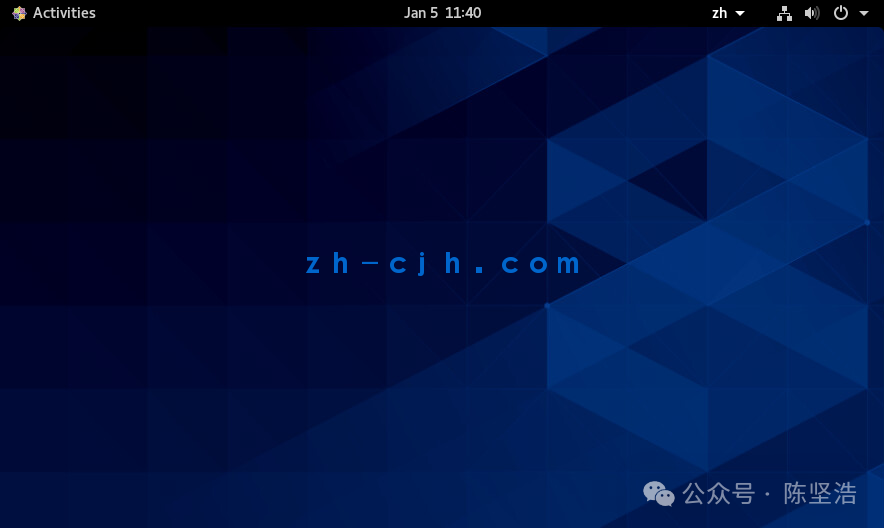
Change the hostname:
[root@centos8-engine ~]# hostnamectl set-hostname centos8-engine
[root@centos8-engine ~]#
Install the Engine
Install the CentOS operating system (this was completed in the previous step)
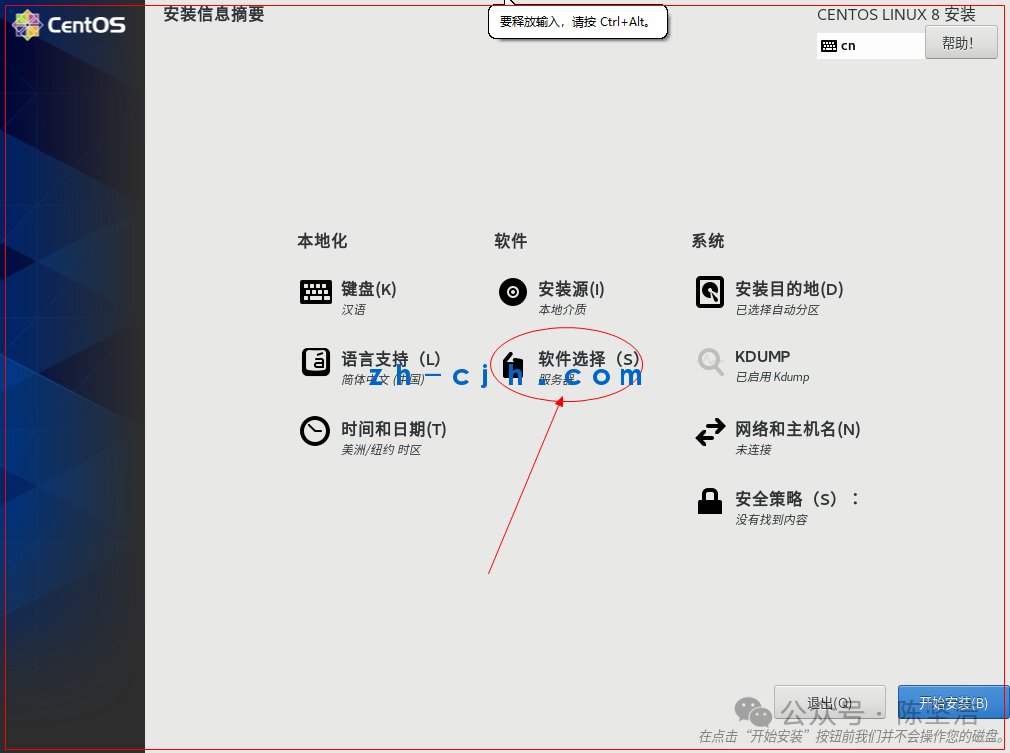
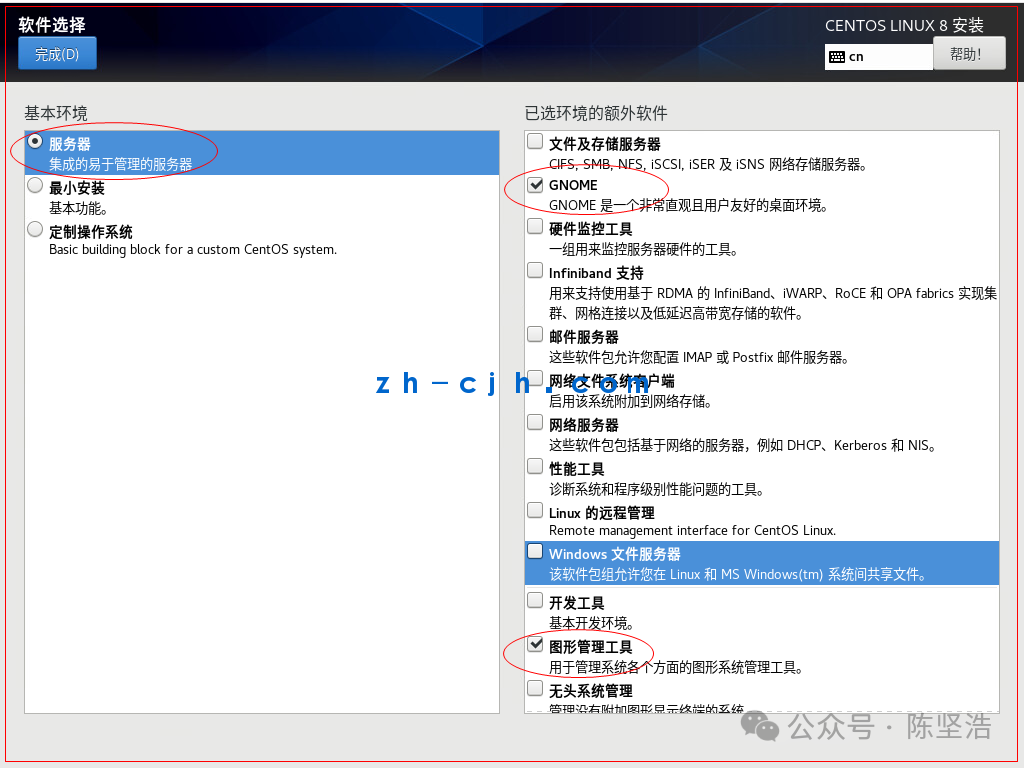
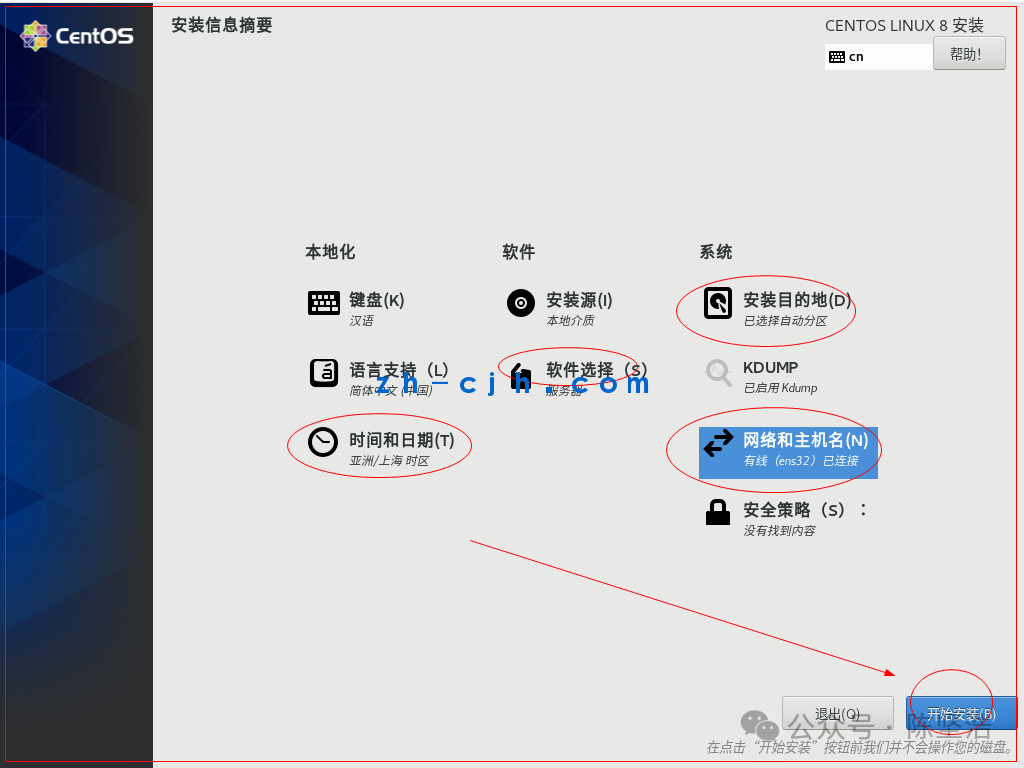
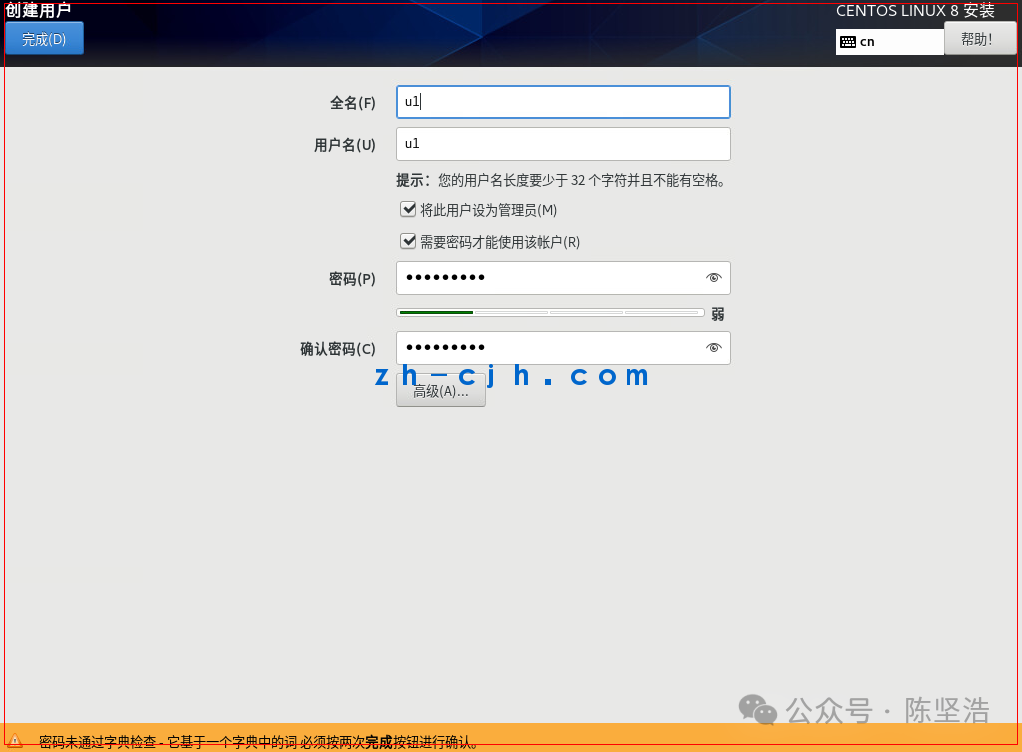
Use the CentOS 8.2 minimal ISO to boot from CD to install the host for the Engine:
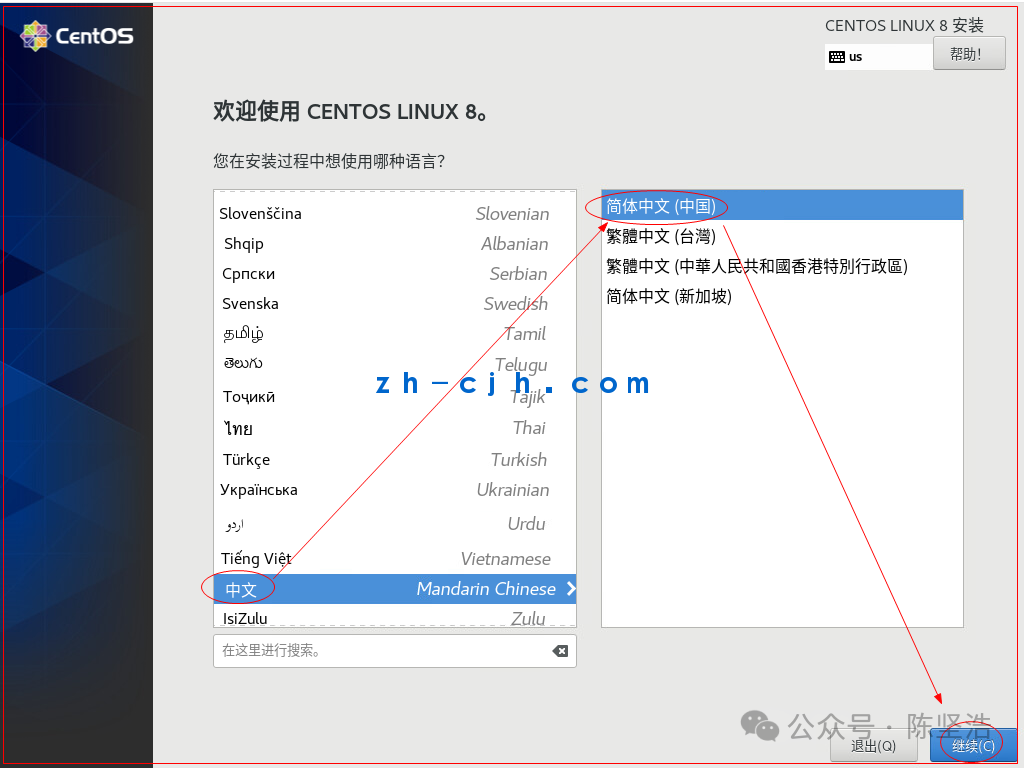
1. Language selection Chinese is fine;
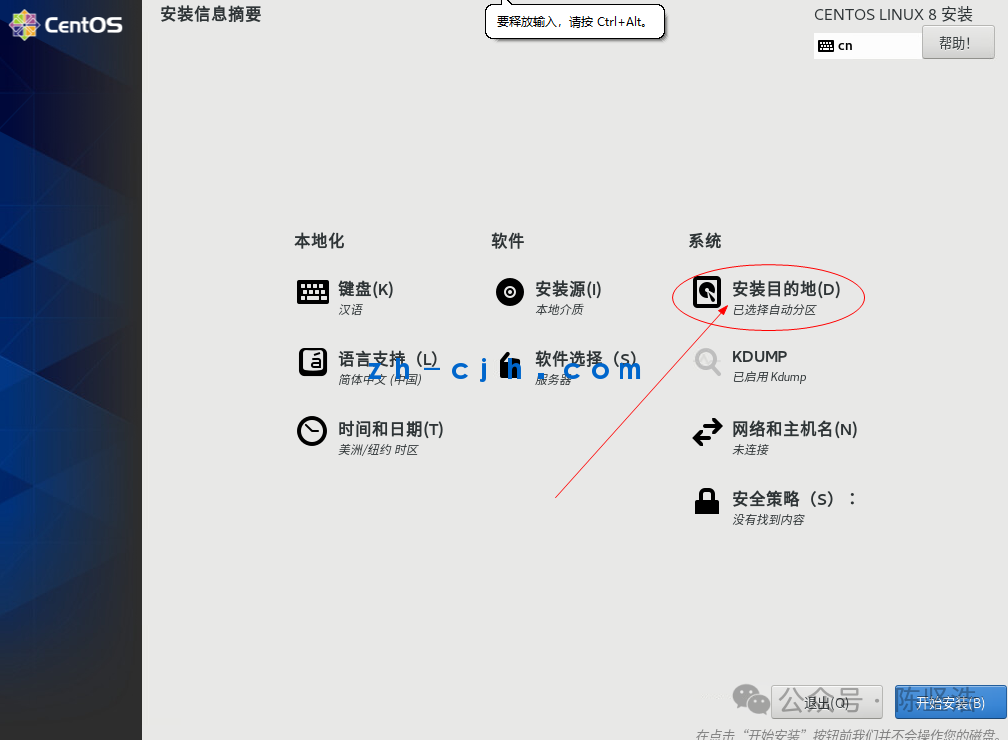
2. Keyboard selection: Chinese;
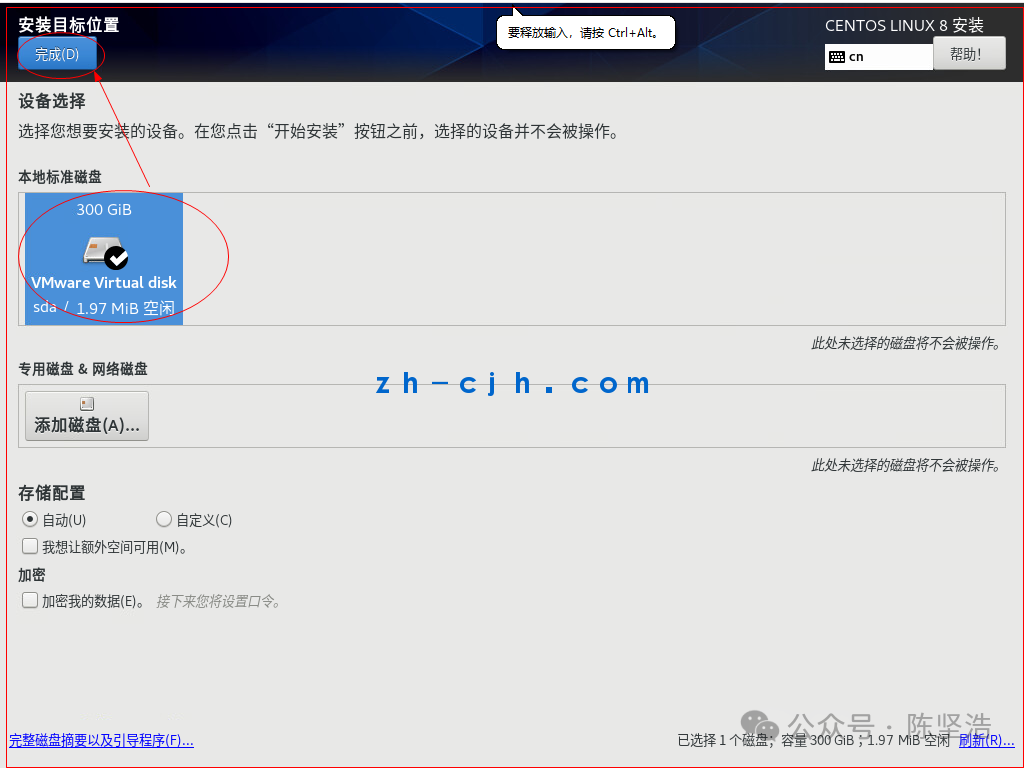
3. For installation destination, select the local disk and choose “automatic” partitioning, note that if there is other data on the disk, you need to perform the space reclamation operation;
4. For time and date, select the timezone as Asia/Shanghai;
5. In the network and hostname section, configure according to the network information we planned above, including the hostname (here we directly use the domain name as the hostname) and IP information;
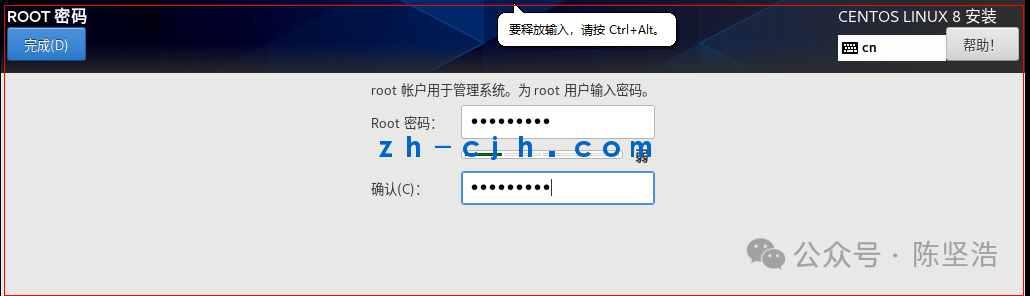
6. During installation, configure the root password;
7. After installation is complete, reboot the host;
Log in to the Engine host using ssh and execute the following operations:
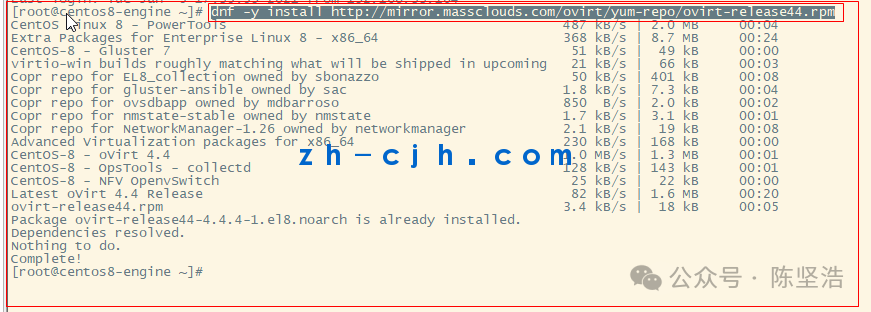
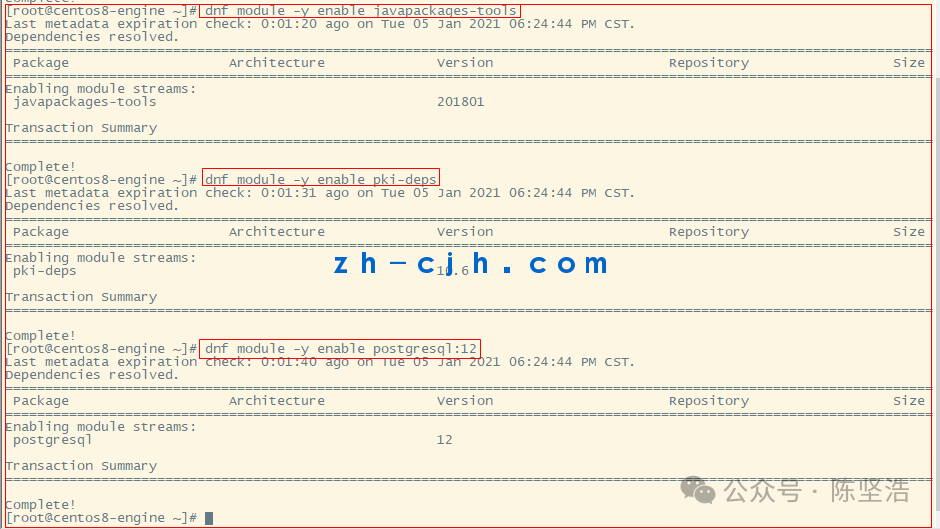
Configure the Engine software source
dnf -y install http://mirror.massclouds.com/ovirt/yum-repo/ovirt-release44.rpmdnf module -y enable javapackages-toolsdnf module -y enable pki-depsdnf module -y enable postgresql:12
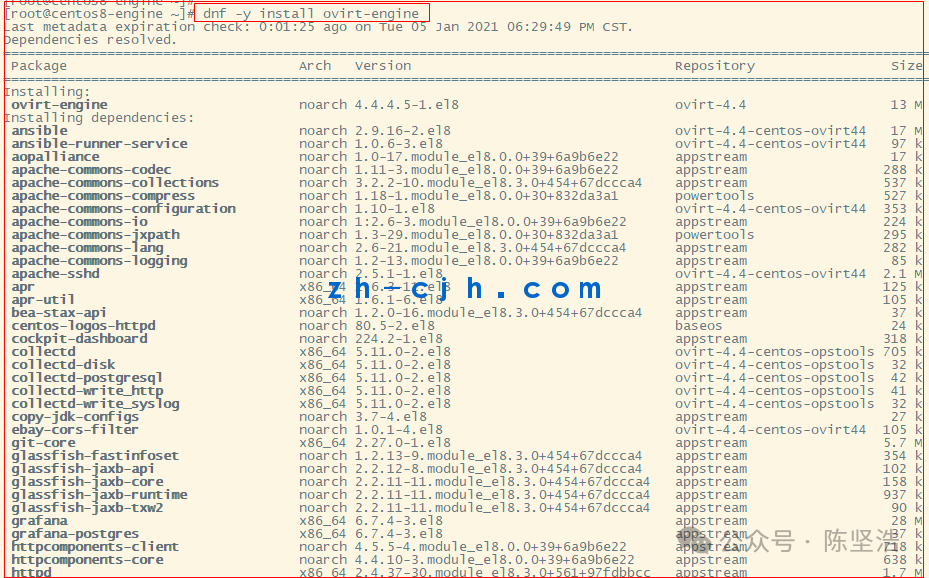
Install the Engine software package
dnf -y updatednf -y install ovirt-engine
Add domain name resolution, all node nodes should also add
Add domain name resolution in the Engine’s /etc/hosts as follows:
10.11.38.1 engine.ovirt4.local
10.11.38.2 nodeA.ovirt4.local
10.11.38.3 nodeB.ovirt4.local
10.11.38.4 nodeC.ovirt4.local
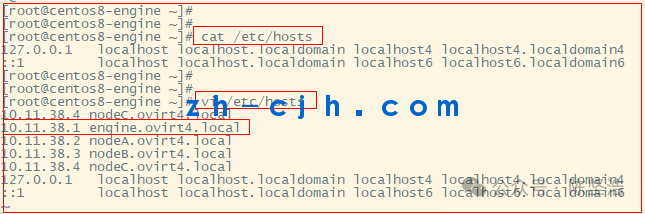
[root@centos8-engine ~]# cat /etc/hosts
10.11.38.1 engine.ovirt4.local
10.11.38.2 nodeA.ovirt4.local
10.11.38.3 nodeB.ovirt4.local
10.11.38.4 nodeC.ovirt4.local
127.0.0.1 localhost localhost.localdomain localhost4 localhost4.localdomain4
::1 localhost localhost.localdomain localhost6 localhost6.localdomain6
[root@centos8-engine ~]#
[root@centos8-engine ~]#
Modify the software source address
Change the content of Engine’s /etc/yum.repos.d/ovirt-4.4.repo as follows:
[ovirt-4.4] name=Latest oVirt 4.4 Release #baseurl=https://resources.ovirt.org/pub/ovirt-4.4/rpm/el$releasever/ #mirrorlist=https://mirrorlist.ovirt.org/mirrorlist-ovirt-4.4-el$releasever baseurl=http://mirror.massclouds.com/ovirt/ovirt-4.4/rpm/el$releasever/ enabled=1 gpgcheck=0 gpgkey=file:///etc/pki/rpm-gpg/RPM-GPG-ovirt-4.4

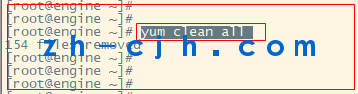
Note: If the software source address is not modified, adding hosts later may fail due to network issues.
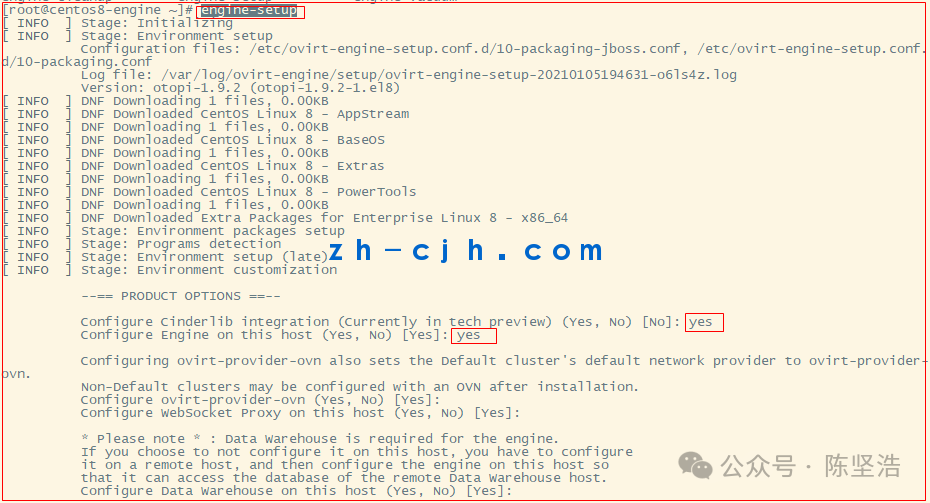
Execute Engine configuration
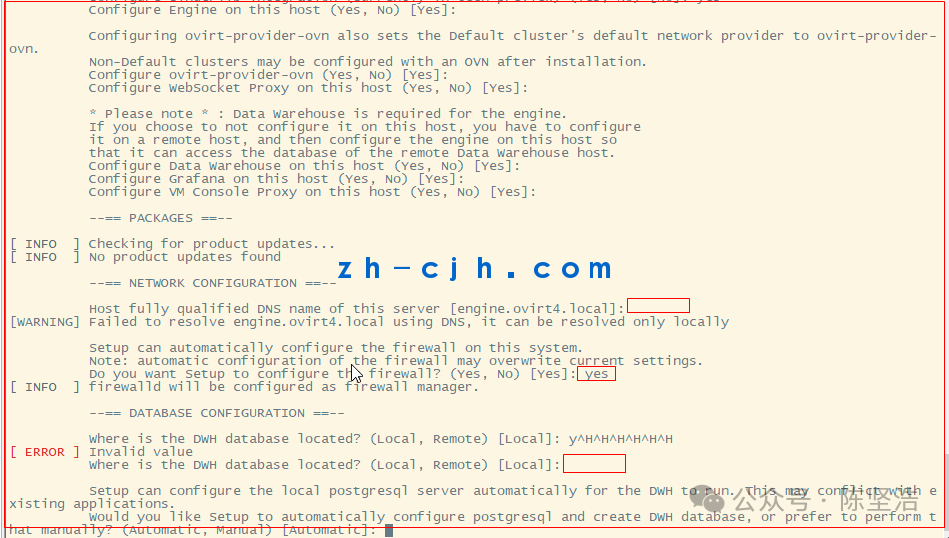
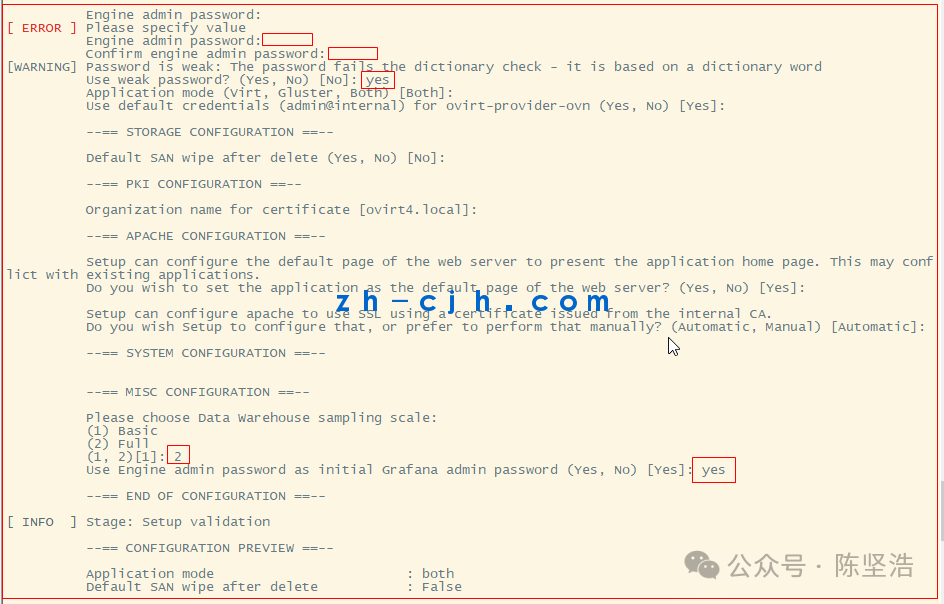
engine-setup
Except for the password for the Engine admin account, which needs to be entered, all other options can be accepted by pressing Enter directly. (Note that if the password strength is insufficient, you will be prompted for confirmation, please respond with Yes)

Access the Engine Web Management Console
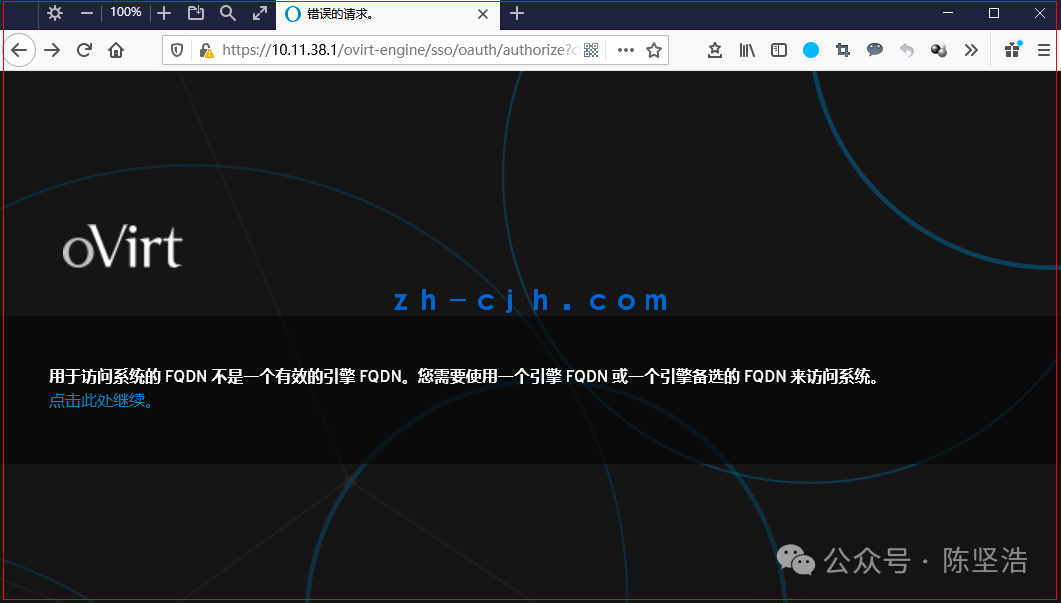
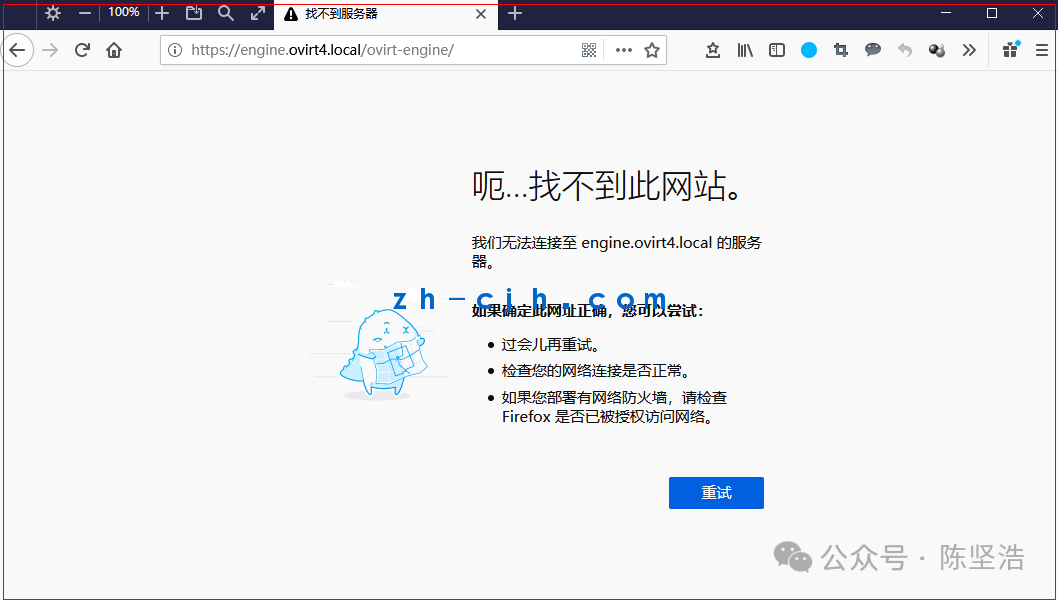
Add domain name resolution for the Engine in your PC’s hosts file, for Win10 systems located at C:\Windows\System32\drivers\etc,
10.11.38.1 engine.ovirt4.local
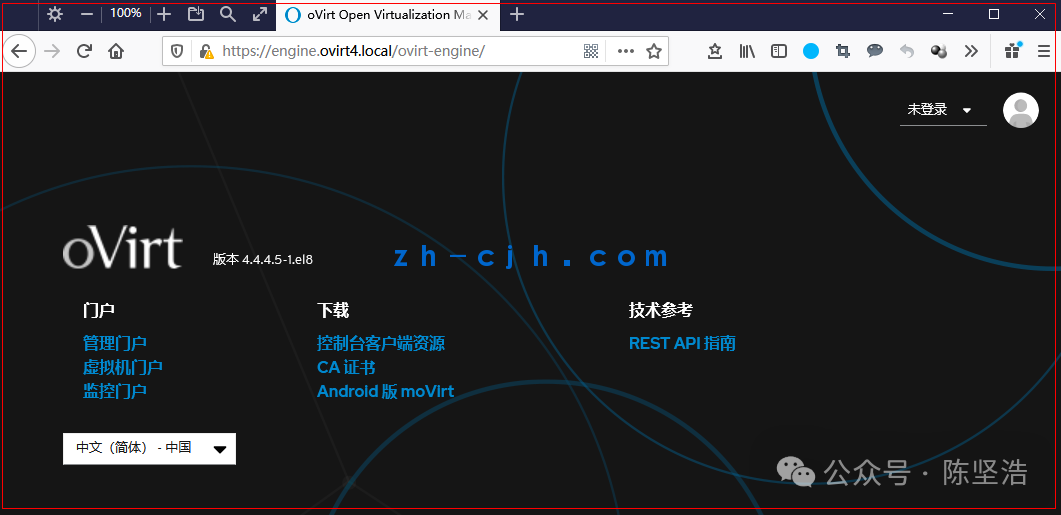
Use a browser to access https://engine.ovirt4.local (if you want to access via IP, please refer to other articles on this site),
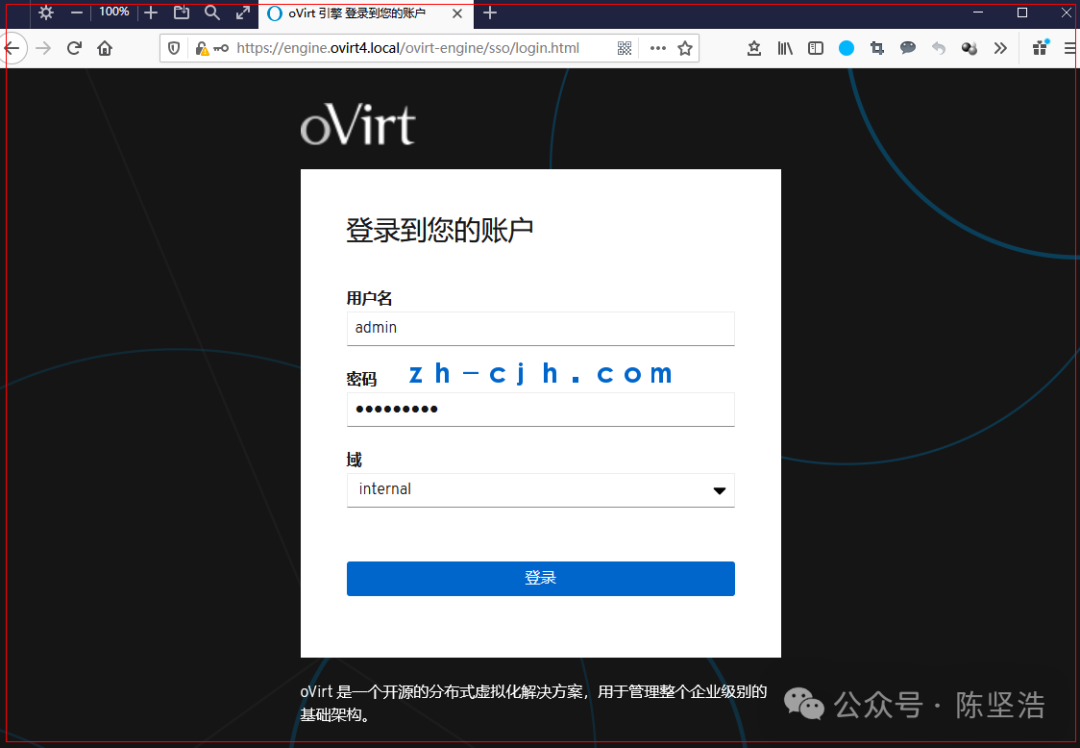
Enter the management portal, log in with the admin account (the password is what we configured during engine-setup).
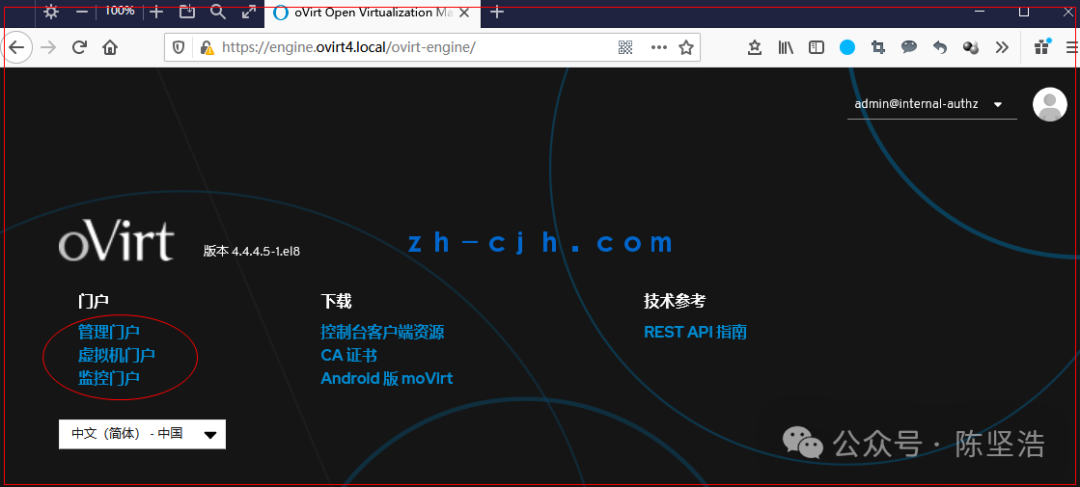
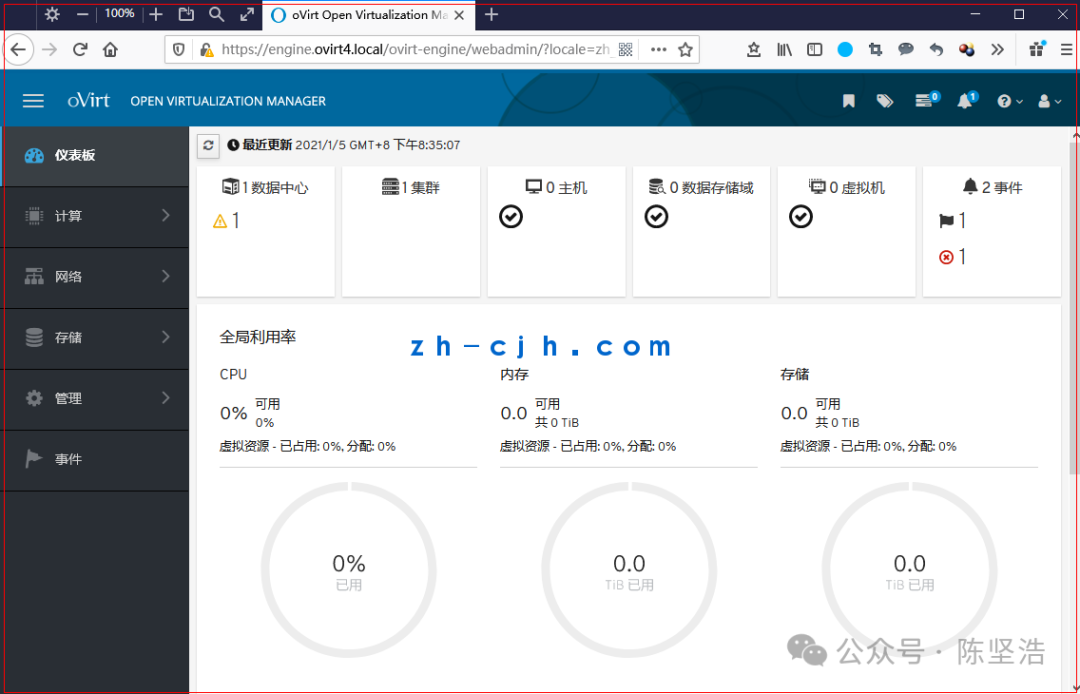
Management Portal
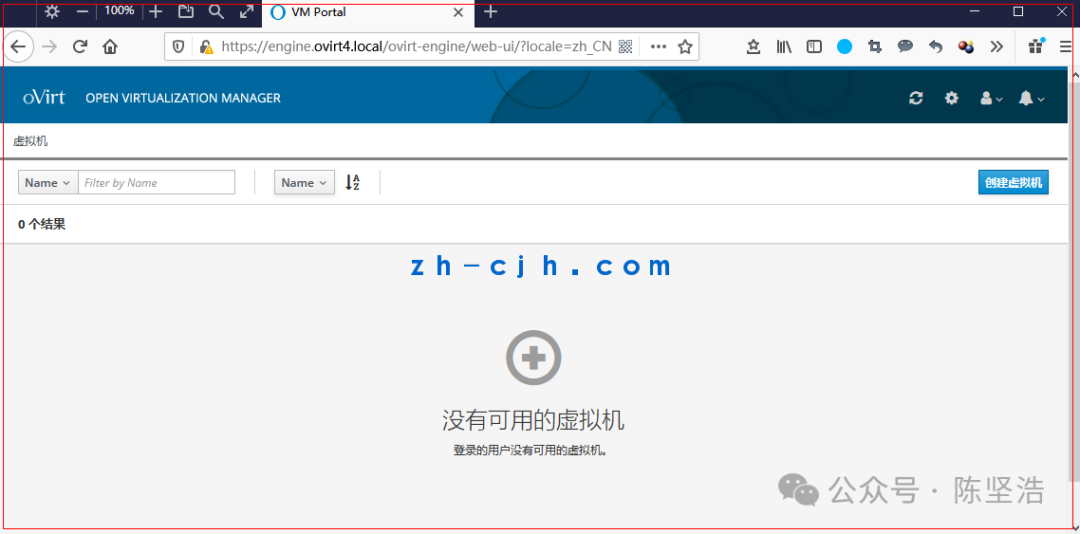
Virtual Machine Portal
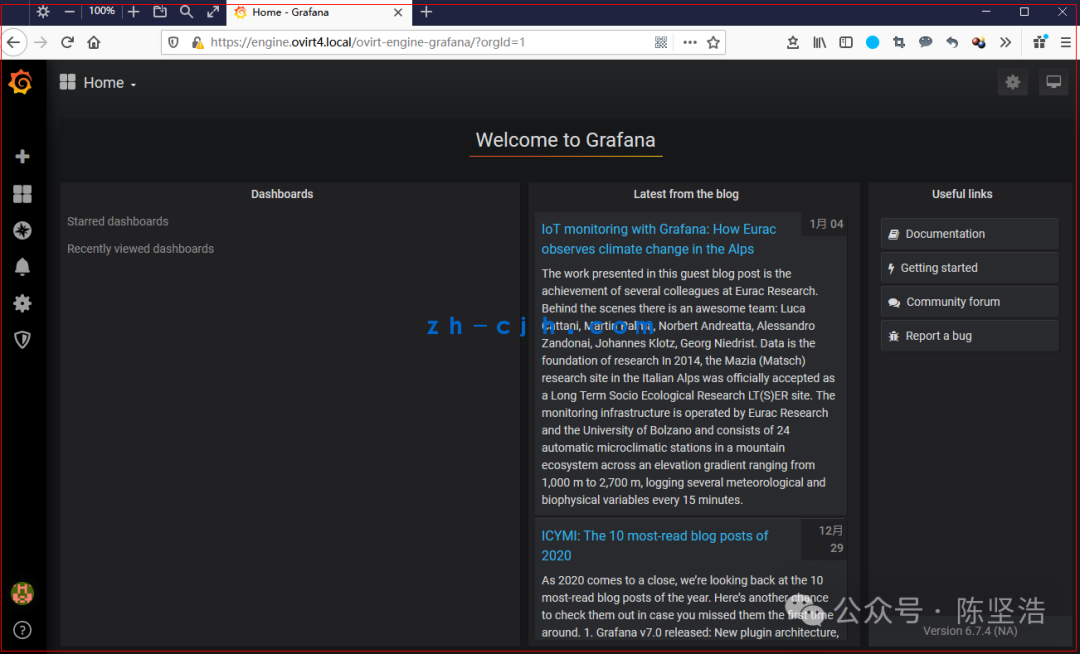
Monitoring Portal
This article is complete.
Article link summary: August 1, 2025
Chen Jianhao’s personal statement:
1. This public account’s resources are continuously updated.2. The resources on this public account are mostly original, with some sourced from other paid resource platforms or collected from the internet. If there is any infringement, please contact us for timely handling.3. Most articles on this public account are screenshots from experimental testing environments. Please do not imitate them in production environments to avoid catastrophic consequences.
4. Everyone is welcome to engage in technical exchanges. Add me on WeChat, please note your region and name.