Series Article Directory
Chapter 1: OneNET1_Creating Products on the OneNET Platform
Chapter 2: OneNET2_Debugger Simulating Data Upload
Chapter 3: OneNET3_MQTT Device Connection and Reporting Structure
Article Directory
Series Article Directory
Introduction
1. Software Used
2. Development Environment
3. Operating Steps
Conclusion
Introduction
This article mainly describes the steps for reporting device attribute data of the MQTT protocol in OneNET Studio version as a structure type.
Reference Link:https://open.iot.10086.cn/passport/login?redirect_uri=%2Fcollege%2Fdemo_detail%3Fid%3D29
1. Software Used
This article uses the MQTT.fx debugging software.
2. Development Environment
Not applicable.
3. Operating Steps
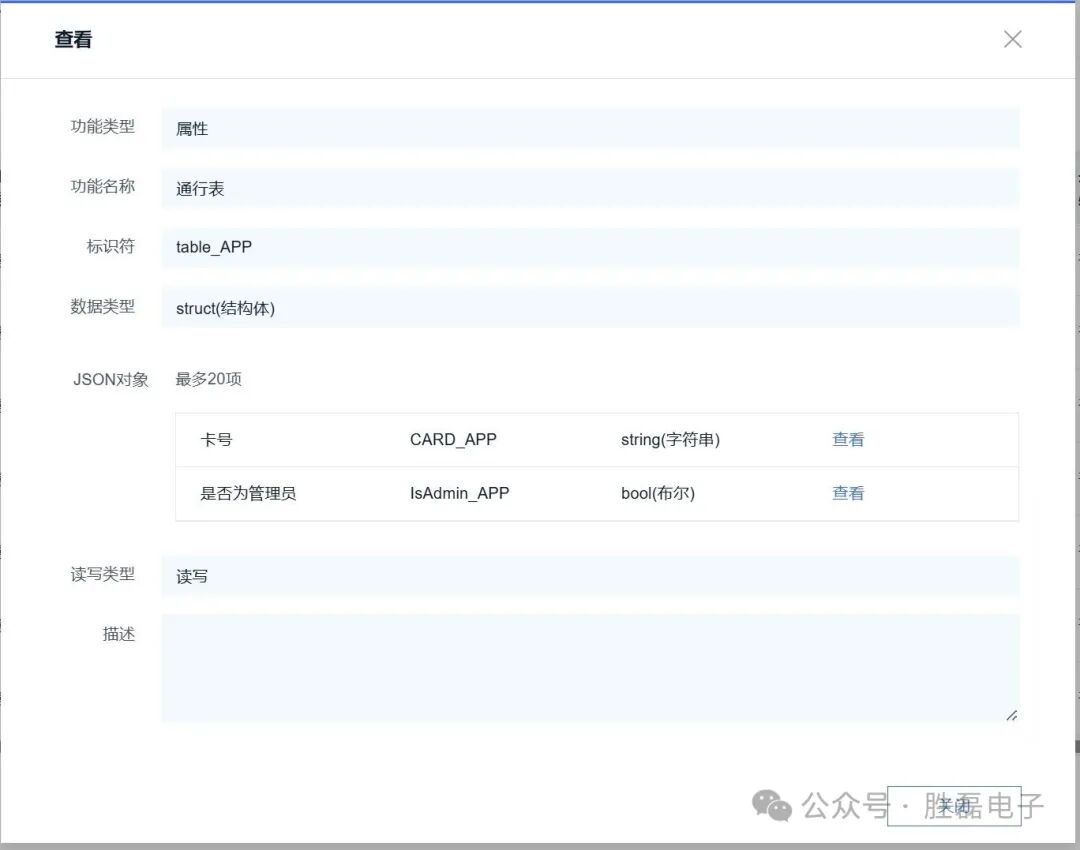
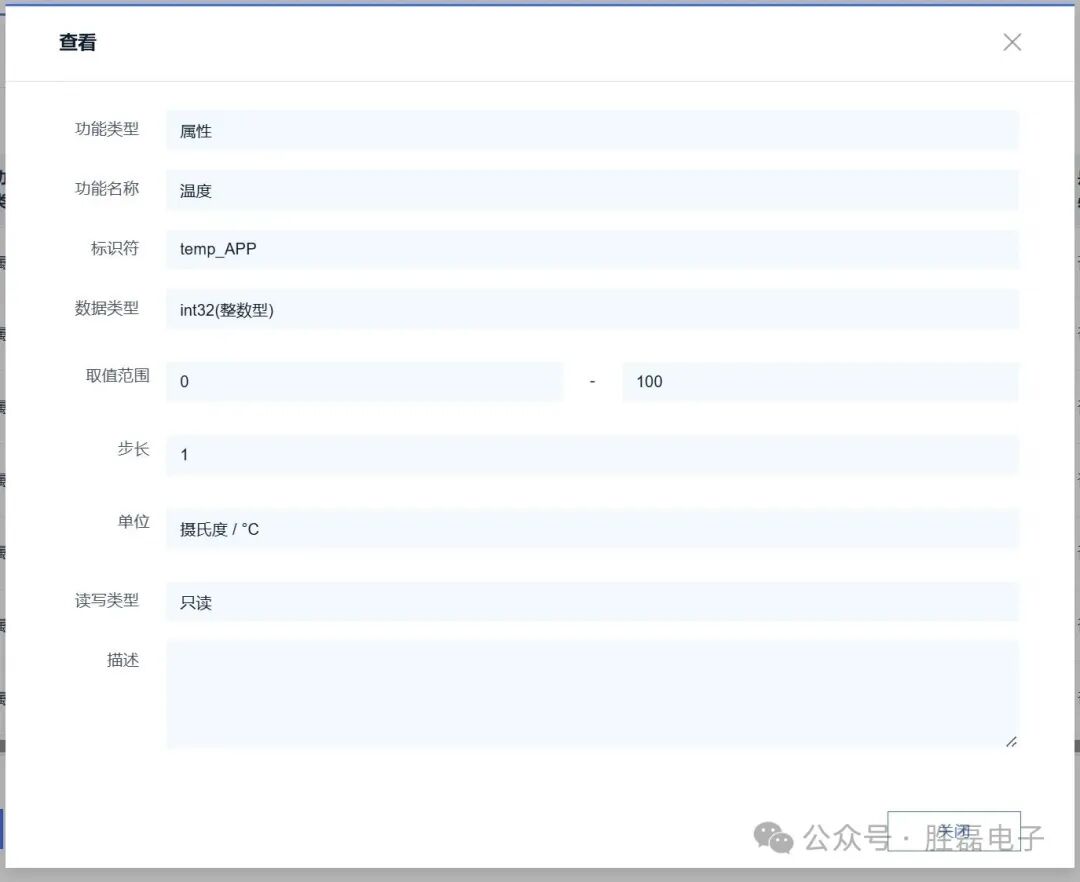
1. Open Product Management – Set Model – Create Structure Type Attributes
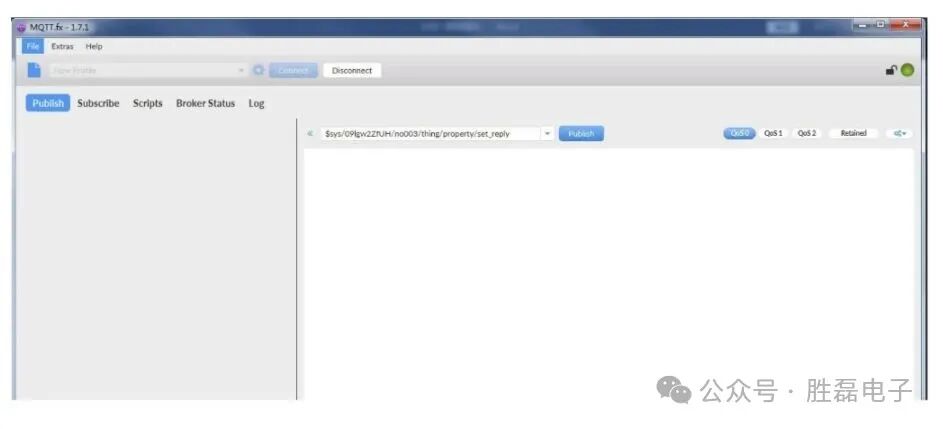
2. Open mqtt.fx and keep the device in a logged-in state.
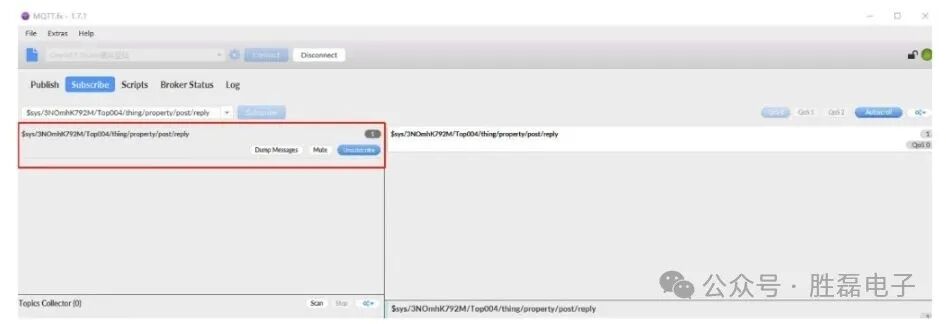
3. Click subscribe to receive notifications of property reporting results
Topic: $sys/{pid}/{device-name}/thing/property/post/reply
4. Click publish to send property data
Topic: $sys/{pid}/{device-name}/thing/property/post
5. For example, JSON data:
{"id": "123","version": "1.0","params": {"temp_APP": {"value": 10},"table_APP":{"value":{"CARD_APP":"12345678","IsAdmin_APP":true}}}}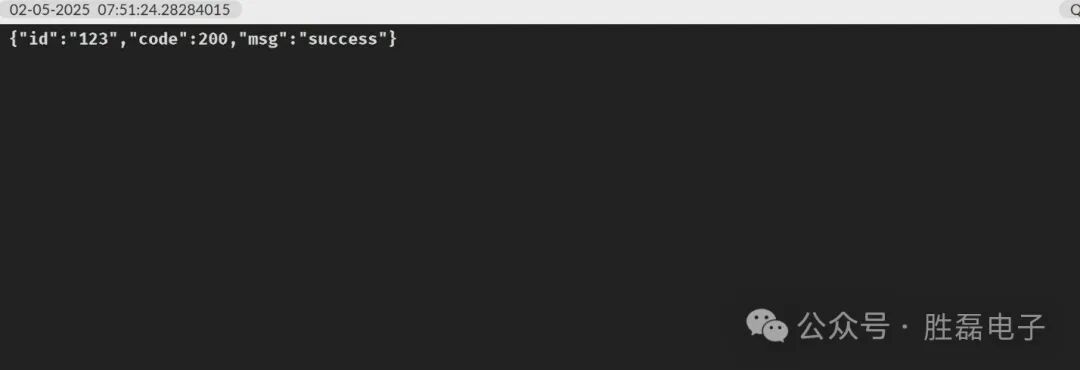
Conclusion
This way, structure data can be reported.