MQTT is a lightweight, publish/subscribe-based messaging protocol widely used in fields such as the Internet of Things (IoT). Below is a tutorial on using MQTT, covering basic concepts, environment setup, communication processes, and development examples:
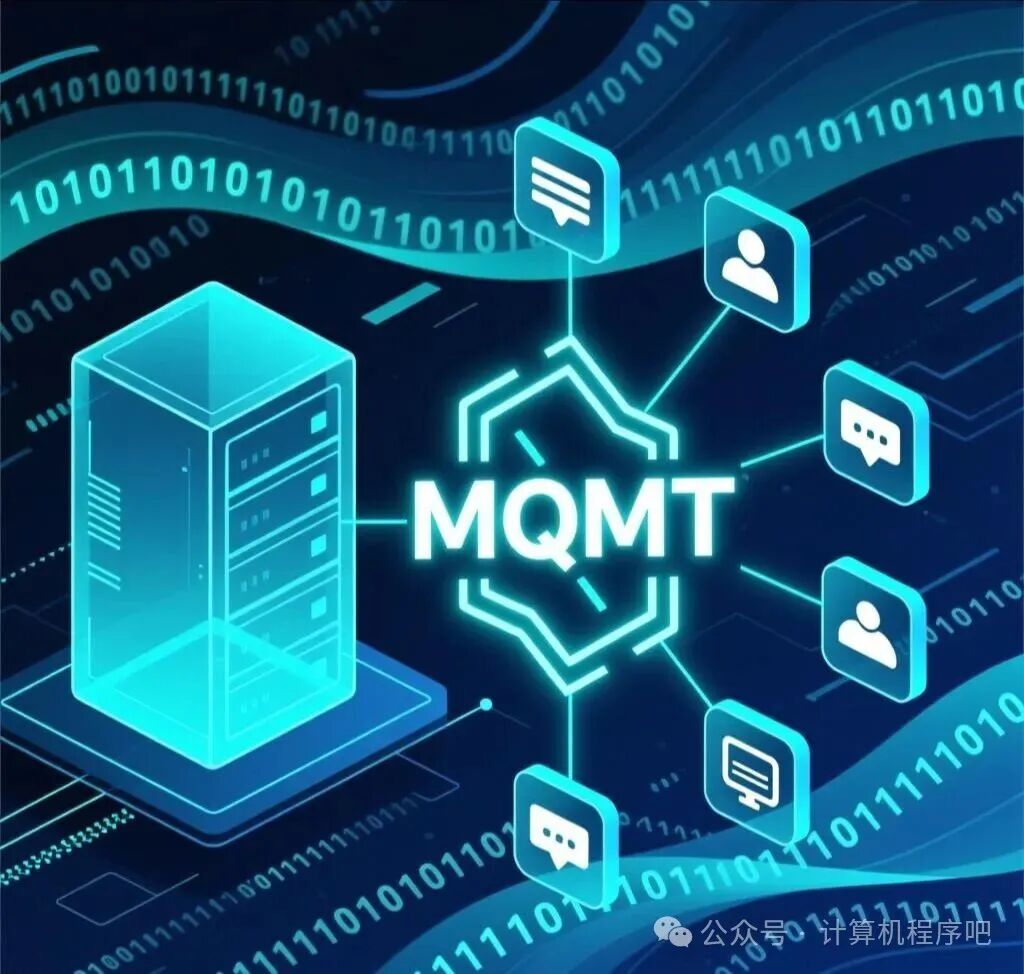
1. Basic Concepts of MQTT
1. Core Roles
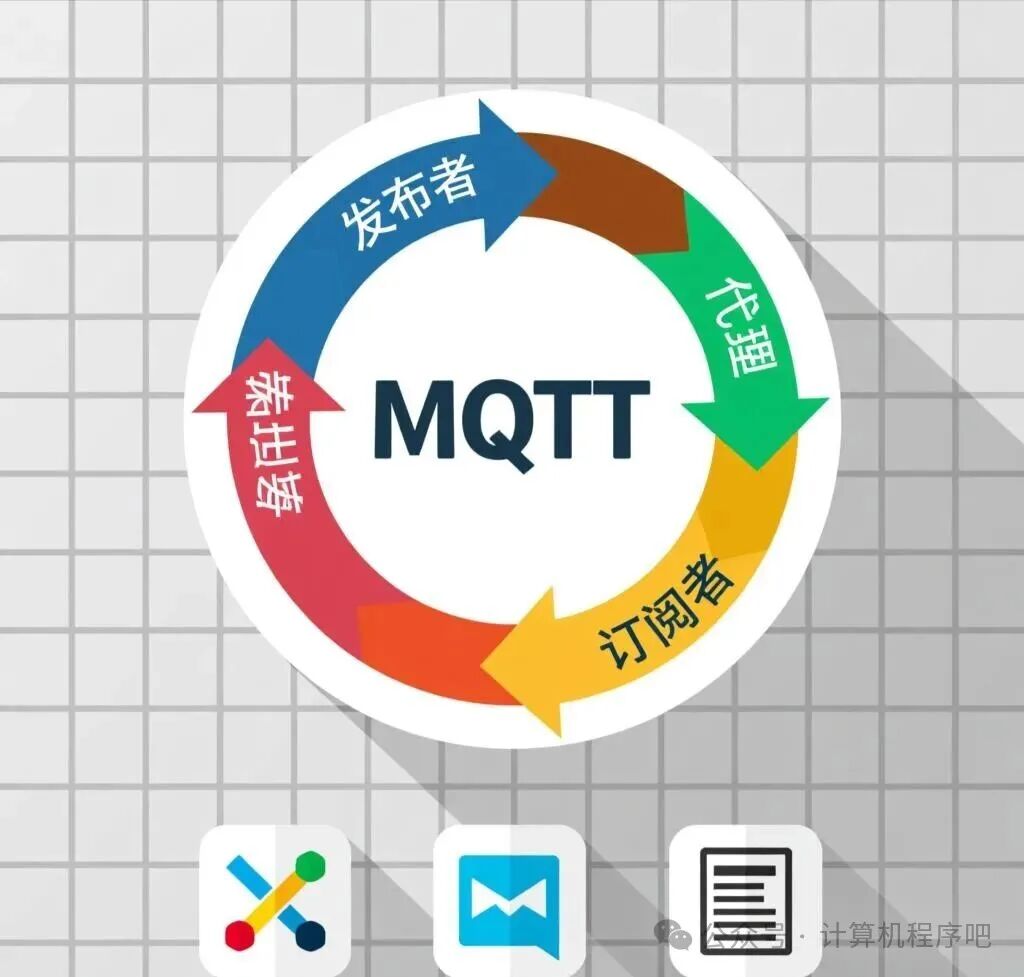
· Publisher: The device or application that sends messages.
· Subscriber: The device or application that receives messages.
· Broker: The server responsible for routing and forwarding messages, acting as a bridge between publishers and subscribers.
2. Topics
· Classification labels for messages, using a hierarchical structure, such as home/living-room/temperature.
· Supports wildcards: + matches a single-level topic, # matches multi-level topics.
3. Quality of Service (QoS)
· QoS 0: At most once, no delivery guarantee, suitable for scenarios with high real-time requirements and tolerable minor losses.
· QoS 1: At least once, ensures delivery but may be duplicated.
· QoS 2: Exactly once, guarantees delivery only once, highest reliability but lower efficiency.
2. Environment Setup
1. Broker Selection
· Open-source tools: Mosquitto (free), EMQX (commercial).
· Cloud services: IoT platforms such as Alibaba Cloud, Tencent Cloud, etc.
2. Client Tools
· MQTT.fx: Supports Windows and Mac, allows quick connection to the broker for message publishing and subscription testing.
· MQTTX: Cross-platform open-source tool, supports MQTT 5.0 protocol.
3. Communication Process
1. Connect to Broker
· The client connects to the broker via TCP, specifying server address, port, client ID, and other parameters.
· Example (MQTT.fx):
· Server address: localhost or actual broker IP.
· Port: 1883 (default MQTT port).
· Client ID: Unique identifier, such as client_001.

2. Subscribe to Topics
· The subscriber sends a subscription request to the broker, specifying the topics of interest.
· Example: Subscribe to topic home/sensor/temperature.
3. Publish Messages
· The publisher sends messages to the broker, which include the topic and content.
· Example: Publish to topic home/sensor/temperature, content 25°C.

4. Message Delivery
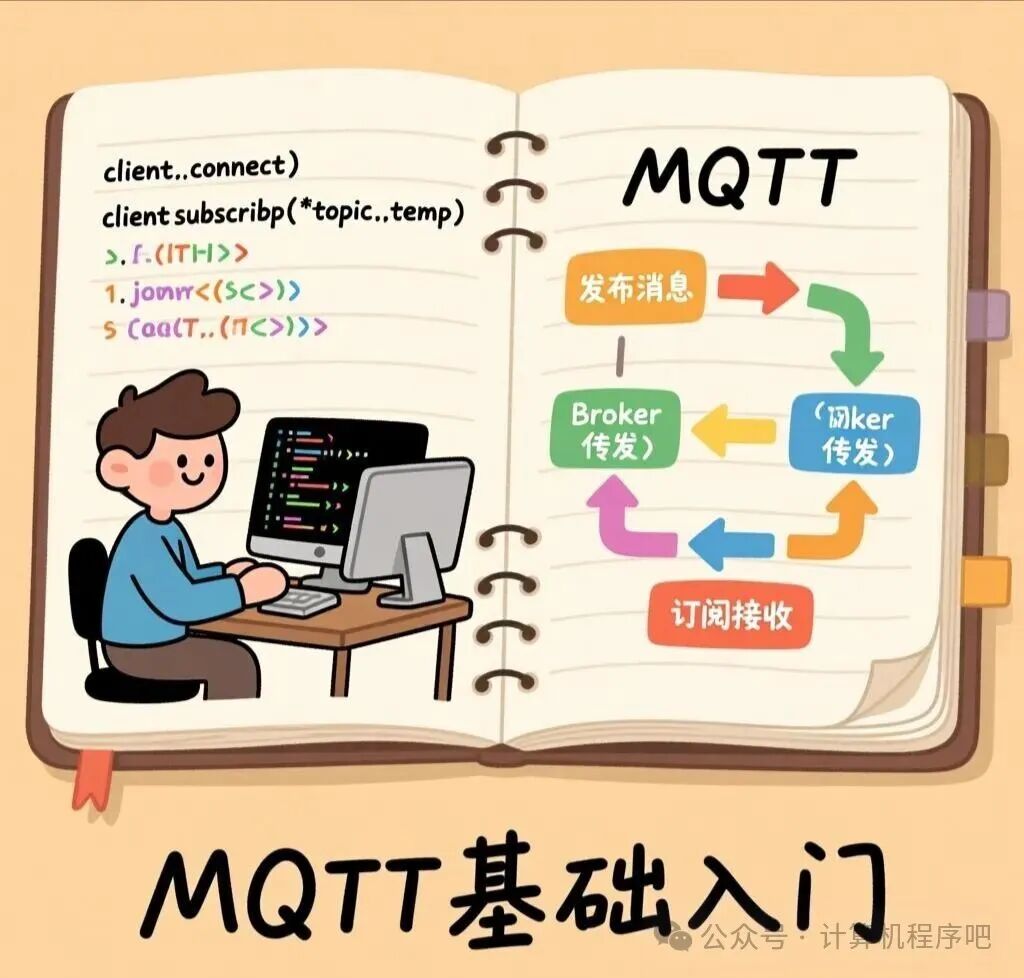
· After the broker receives the message, it forwards the message to all subscribers of that topic.
4. Development Example (C#)
1. Install MQTT Library
· Use NuGet to install the MQTTnet library.
2. Connect to Broker
var options = new MqttClientOptions{
ClientId = Guid.NewGuid().ToString(),
ChannelOptions = new MqttClientTcpOptions
{
Server = “localhost”,
Port = 1883
}};
var client = new MqttFactory().CreateMqttClient();
await client.ConnectAsync(options);
3. Subscribe to Topic
await client.SubscribeAsync(new TopicFilter(“home/sensor/temperature”, MqttQualityOfServiceLevel.AtMostOnce));
4. Publish Message
var message = new MqttApplicationMessage{
Topic = “home/sensor/temperature”,
Payload = Encoding.UTF8.GetBytes(“25°C”),
QualityOfServiceLevel = MqttQualityOfServiceLevel.AtMostOnce};
await client.PublishAsync(message);
5. Precautions
1. Topic Design
· Use meaningful hierarchical structures for easier management and expansion.
· Avoid excessive use of wildcards to reduce the broker’s load.
2. QoS Selection
· Balance real-time requirements and reliability based on business needs.
· Sensor data can use QoS 0, while control commands are recommended to use QoS 1 or 2.

3. Security
· Enable username/password authentication, TLS encryption, and other security mechanisms. By following these steps, you can quickly set up an MQTT communication environment and achieve basic message publishing and subscription functionality. In actual development, you can choose suitable libraries and tools based on your needs to further optimize performance and functionality.