The wireless transmission part of the wireless/wired dual-mode power health monitor mainly uses the Mdbed BLE Sensors Tag Bluetooth module. Through the Bluetooth module, information such as sound, power temperature, power fan speed, noise, and odor is sent to the mobile phone. The mobile phone can also perform an emergency power cut through the Bluetooth device. The Bluetooth debugging includes the design and debugging of the application layer program. The specific operation process is as follows:
3.1 Bluetooth Module Debugging (Taking Temperature and Pressure Collection as an Example)
Bluetooth debugging is mainly done through software code. If you are using this board for the first time, be sure to install the button battery properly. The installation of the button battery is shown in Figure 3.0.0:
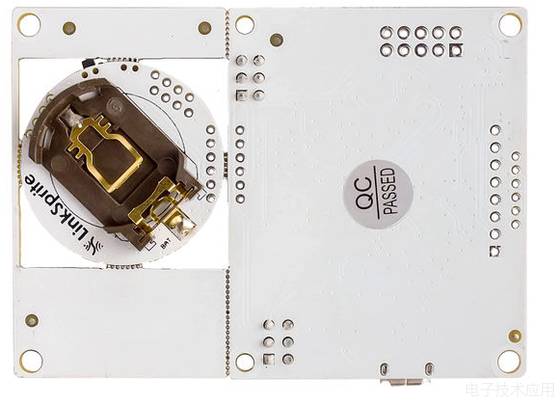
Figure 3.0.0 Battery Installation
3.1.1 Hardware Schematic
Bluetooth hardware schematic
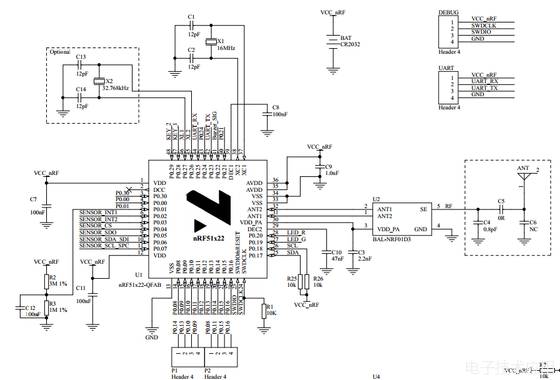
Figure 3.1: Bluetooth Hardware Schematic
3.1.2 Bluetooth Program Debugging
First, create a project, import the program, and then modify it according to your requirements. The imported library files mainly include BLE, BMP180, and mbed. The main function completed in the software part is to send a frame of data from the user to the mobile app via Bluetooth. The user data mainly includes temperature, pressure, voltage, and current data. Other data information in the program is simulated. The project structure diagram is shown in Figure 2.3:
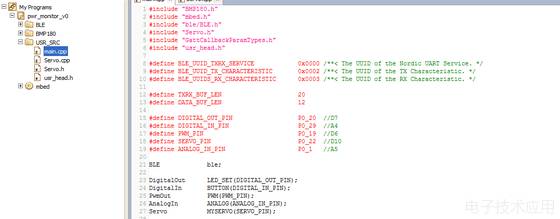
Figure 2.3: Project Code Diagram
3.1.3 Mobile App Bluetooth Debugging
A) Follow the steps below to download and install the mobile app in the example
1. Download the BLE demo project
This LinkNode_SimpleControls project is open source and you can import this project to your own mBed online compilation environment, just click the import button on the right of the page.
· Go to mbed online compiler and compile this project
· You will get a hex file and move it to the disk of LinkNode
· Now downloading the program is finished.
2. Download the Android APK file
This APK file is developed by [RedBearLab].
· Download the APK file
· Install it on your Android mobile phone which supports BLE4.0 or later
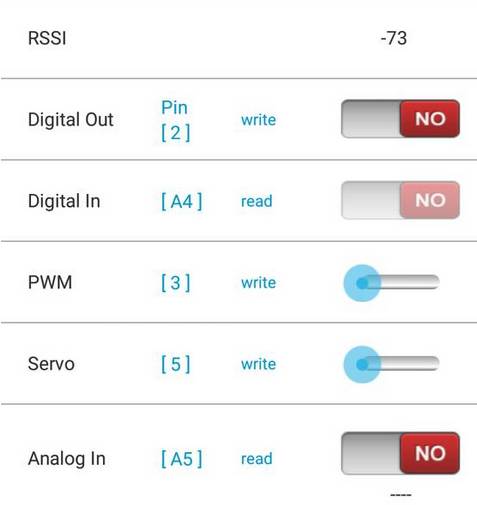
3. Run the APP to control the LinkNode
· Power on LinkNode
· Turn on the Bluetooth on your mobile
· Open the APP and select Simple Controls
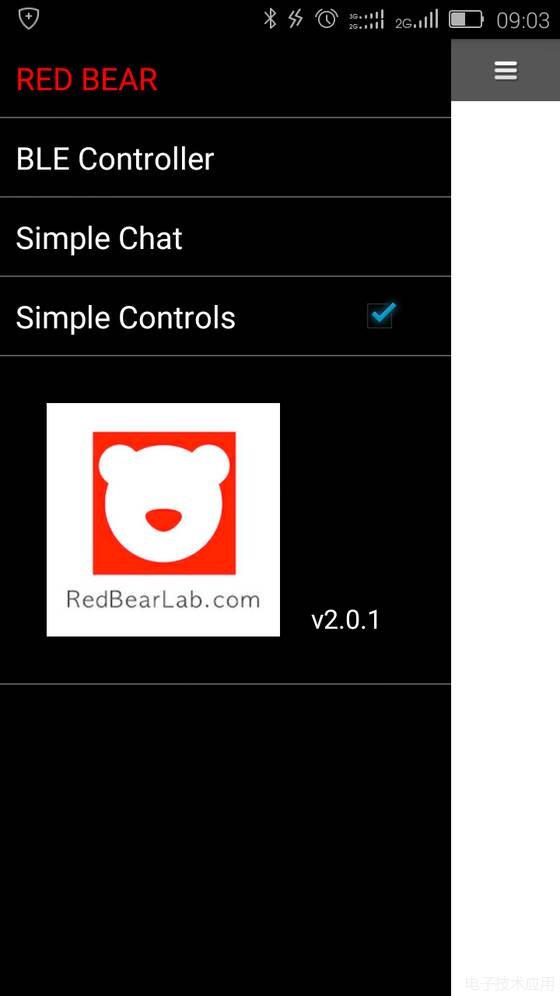
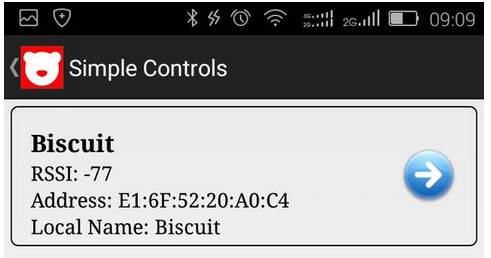
· Click scan
· Click →
B) Custom App
If the official app provided is not suitable for your use, you will need to create your own app. Custom apps have a certain level of difficulty. Google has exited from HTML5-based app design. You can also create apps through other channels, which requires a certain level of web development knowledge (familiarity with CSS, JS, HTML). If you plan to attempt to design your own app, you can follow the steps below. The specific steps for making your own app are as follows.
A) Establish a connection between the mobile app and the computer app
-
Refer to the webpage
http://www.linksprite.com/wiki/index.php5?title=Mbed_BLE_Sensors_Tag
-
Download and install the desktop version of Evothings Studio
-
Download and install the desktop version of Dreamweaver (I am using Dreamweaver CS6)
-
Download and install the mobile version of Evothings Viewer app Note: Downloading this app requires Google’s service framework. For the specific installation process, please refer to Mdbed BLE Sensors Tag Learning Process
-
Download and install a VPN tool
-
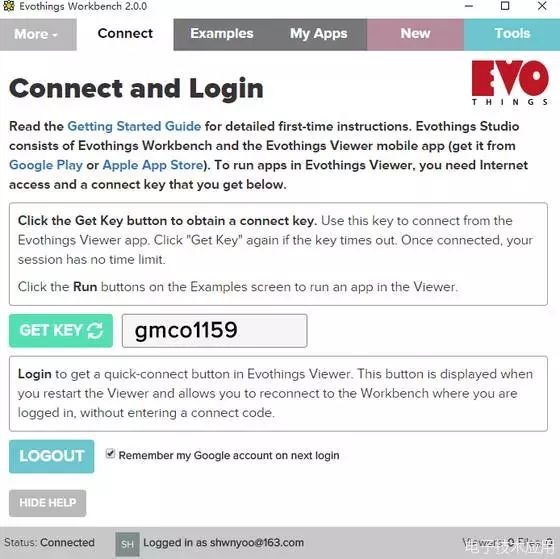
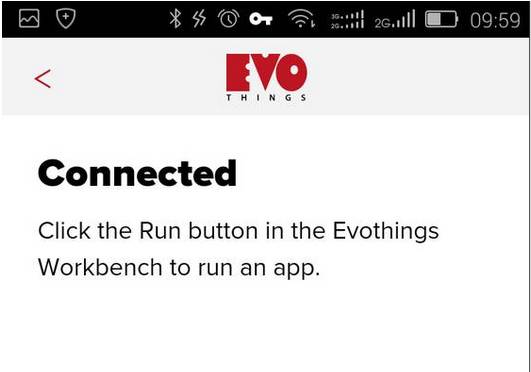
Open the Evothings Studio software, click Get Key to obtain the connection code, and establish a connection between the mobile app and this software. After successful connection, it will look like the following:
-
B) Create your own app, which can be done by modifying the official example provided
-
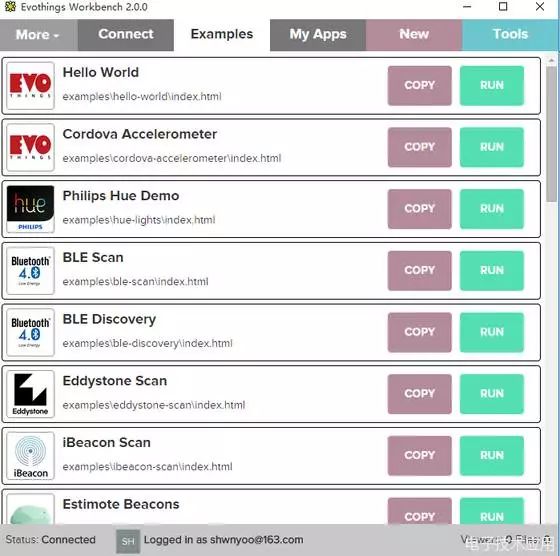
Click Example and copy. Copy the source code from the example and modify it. Or click new to create a new project.
-
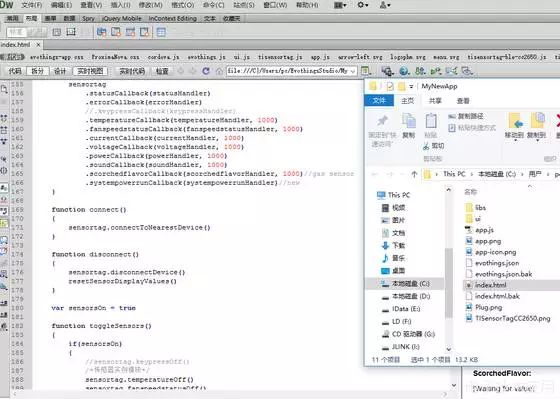
After creating, open the index.html file in the corresponding path using Dreamweaver CS6, and modify the code as shown:
-
After editing, click on My Apps in Evothings Studio and then click Run. The result will be shown as follows:
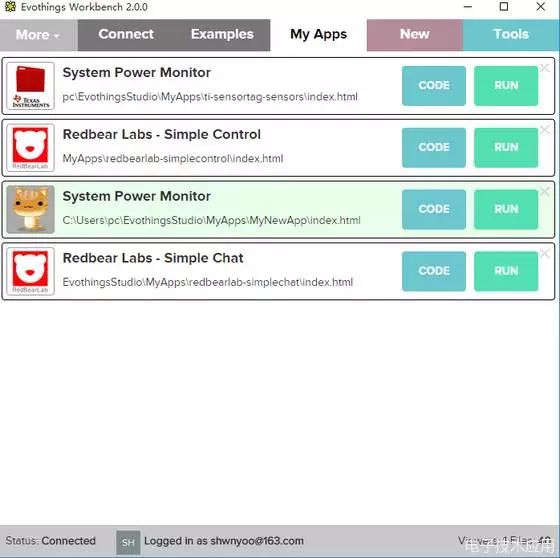
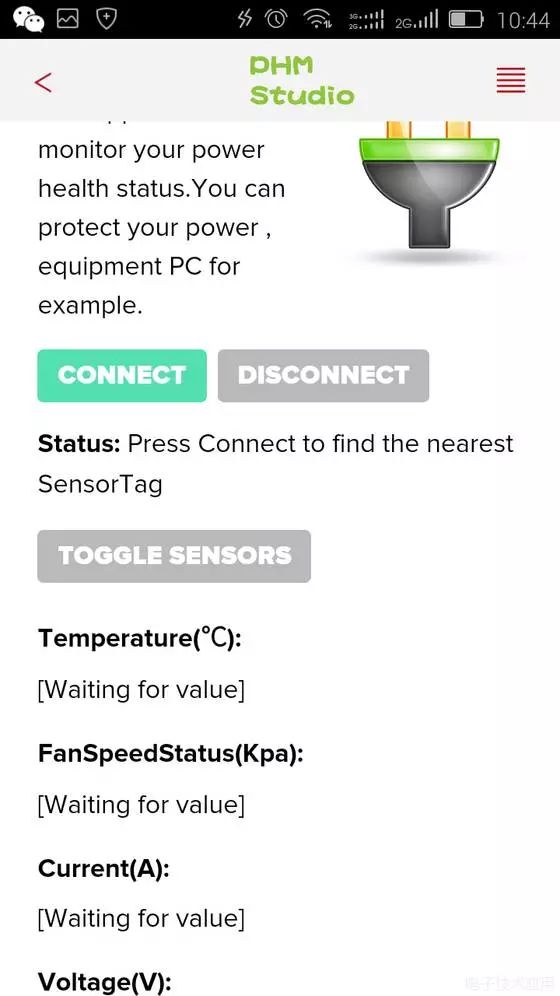
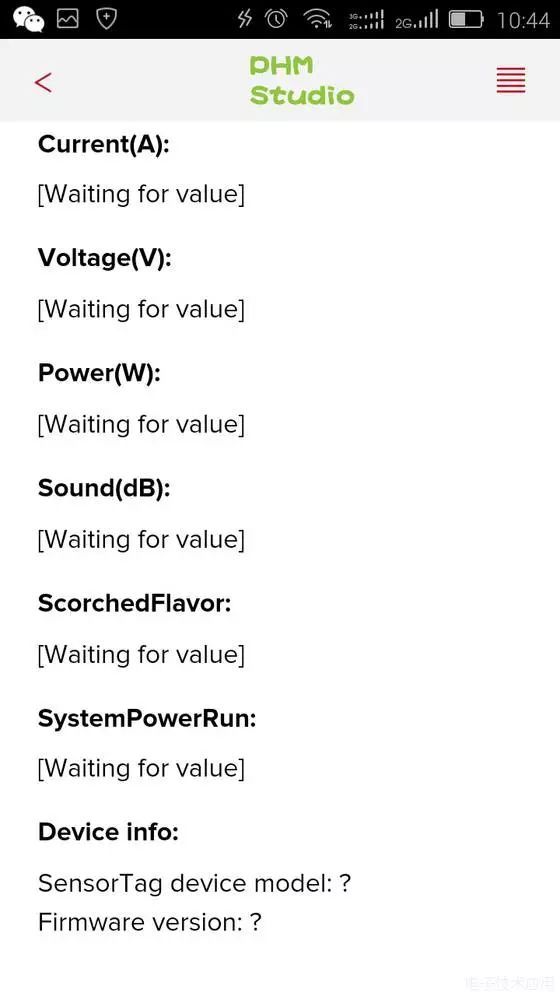
Note: The program is still being debugged and is not the final program. The data processing program part refers to the previously published learning experience. Mbed BLE Sensors Serial Debugging Process. This development platform greatly shortens the development cycle.