M80PLC Tutorial | How to Learn Mitsubishi M80PLC Programming from Scratch?
When performing maintenance, viewing the ladder diagram on the system is still not as convenient as on a computer. Proper use of tools can help you quickly solve problems.
Today, we will learn how to open the MAZAK Mitsubishi system PLC program.
1. Back up the PLC program on the machine. If there is no program, you can download it from the study group.
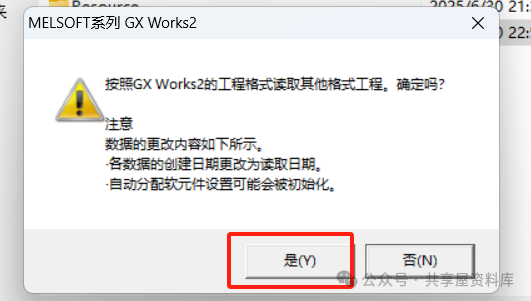
2. Open the GX Works2 software, select File — Open Other Format Data – Open Other Format Project.

Reference Tutorial:
GX Works2 | How to Open the PLC Program of CNC Machine Tools Using GX Works2?
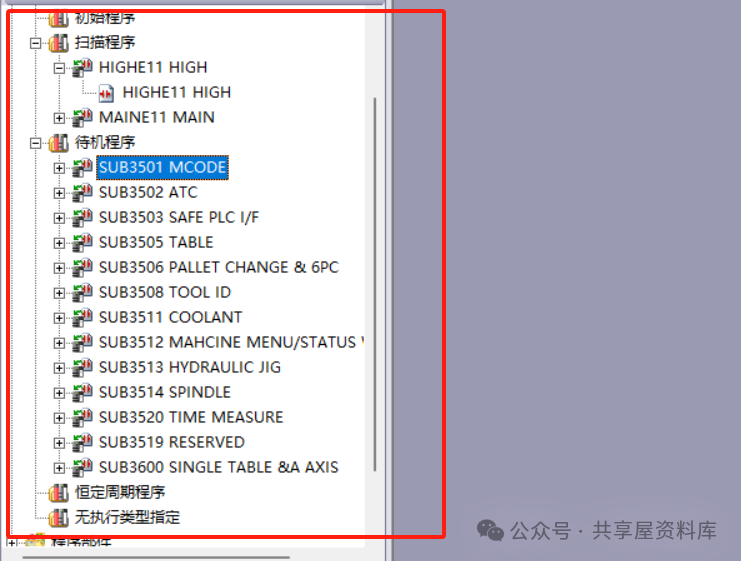
After opening, you can see many subprograms.
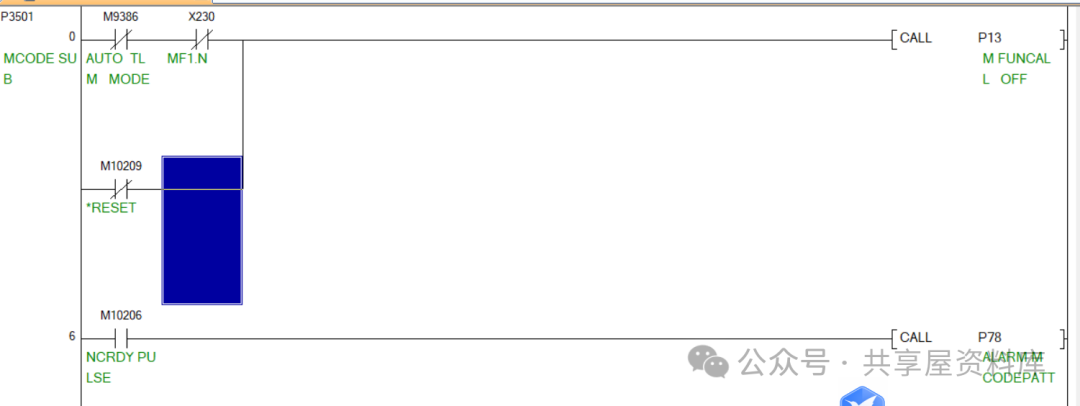
Those who enjoy studying PLCs can conduct research. During the learning process, you can refer to materials while learning and viewing. If you have questions, you can post them in the study group. Learning starts with understanding the most basic questions.
M80PLC Tutorial | How to Learn Mitsubishi M80PLC Programming from Scratch?
Shared WeChat: 136959805