
Click the blue text to follow us

01. Download

Version: Dev-C++ 5.11
Get the installation package: Follow and add the assistant to obtain the installation package.
02. Installation
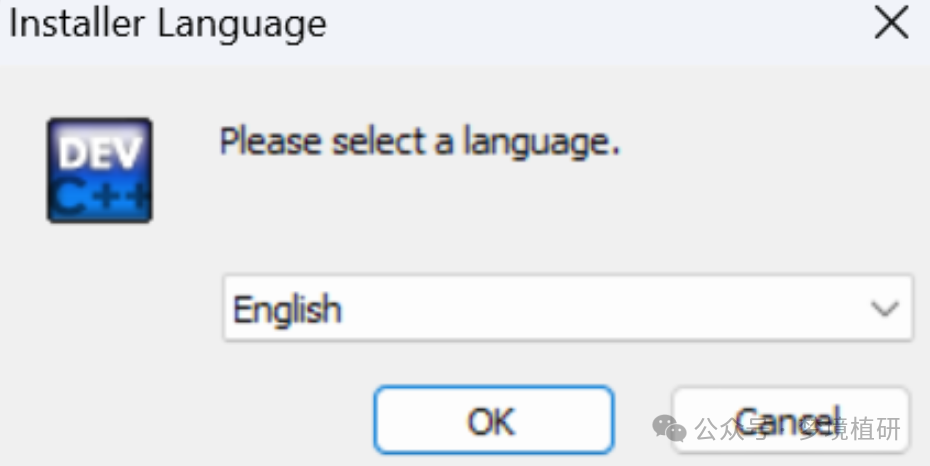
1) Select the installation language, default is English. After successful installation, you can set the interface to Chinese.
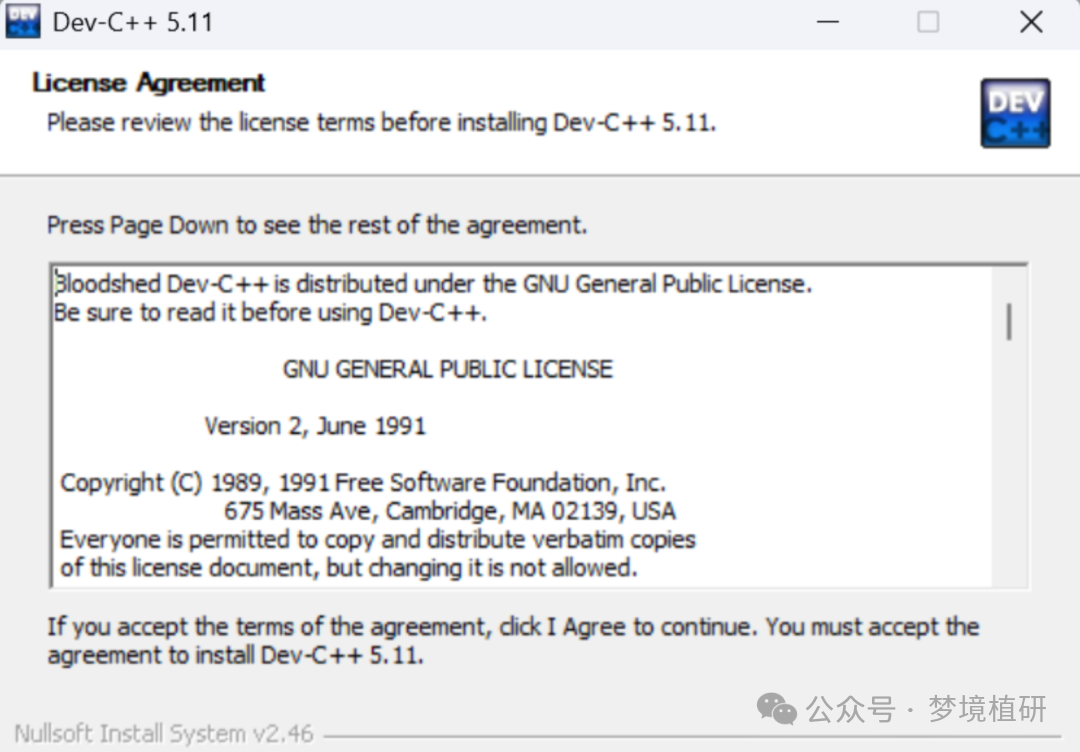
2) License, agree to proceed.
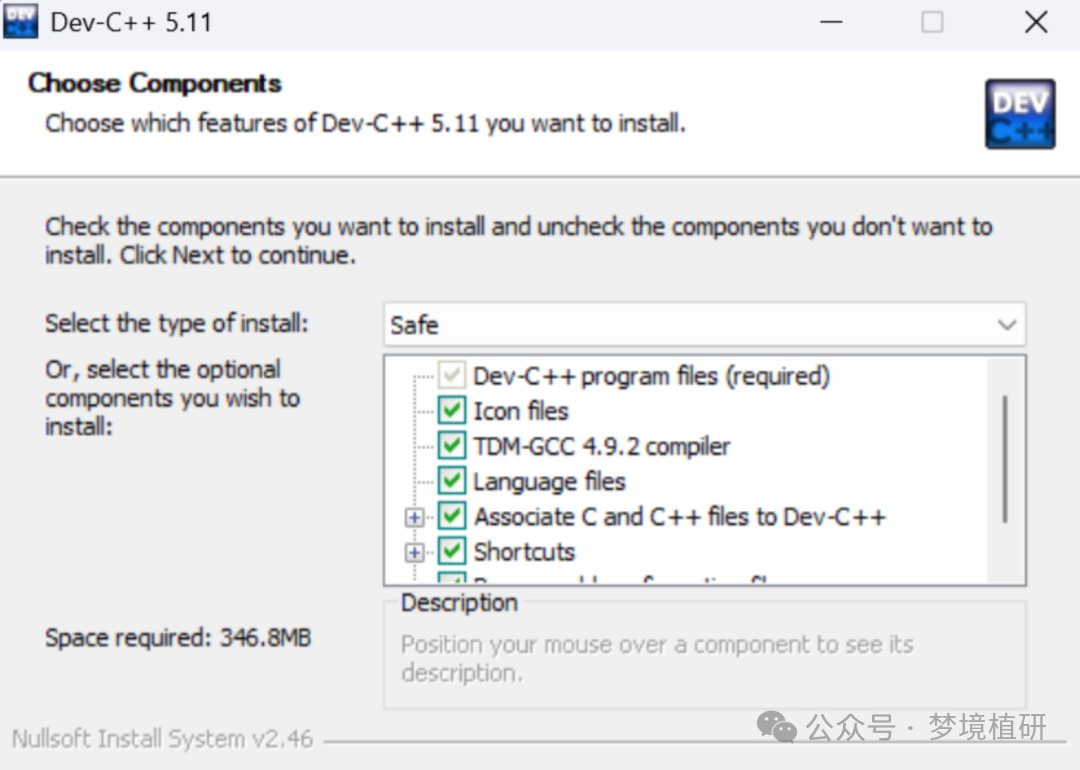
3) Select installation items, select all.
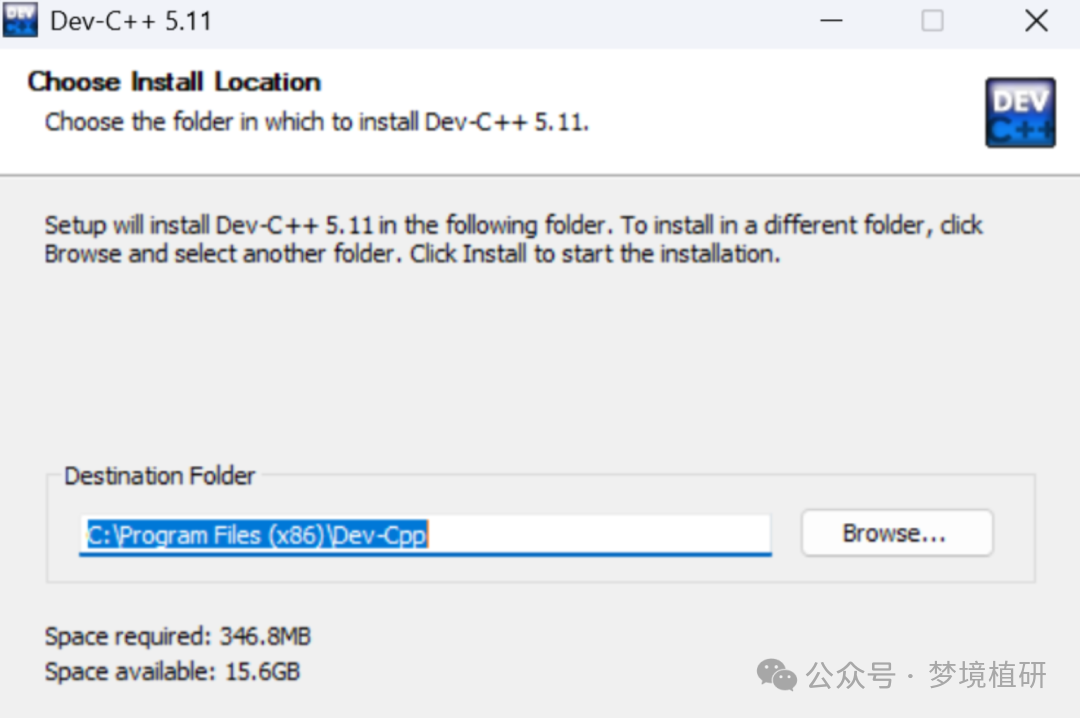
4) Choose the installation directory.
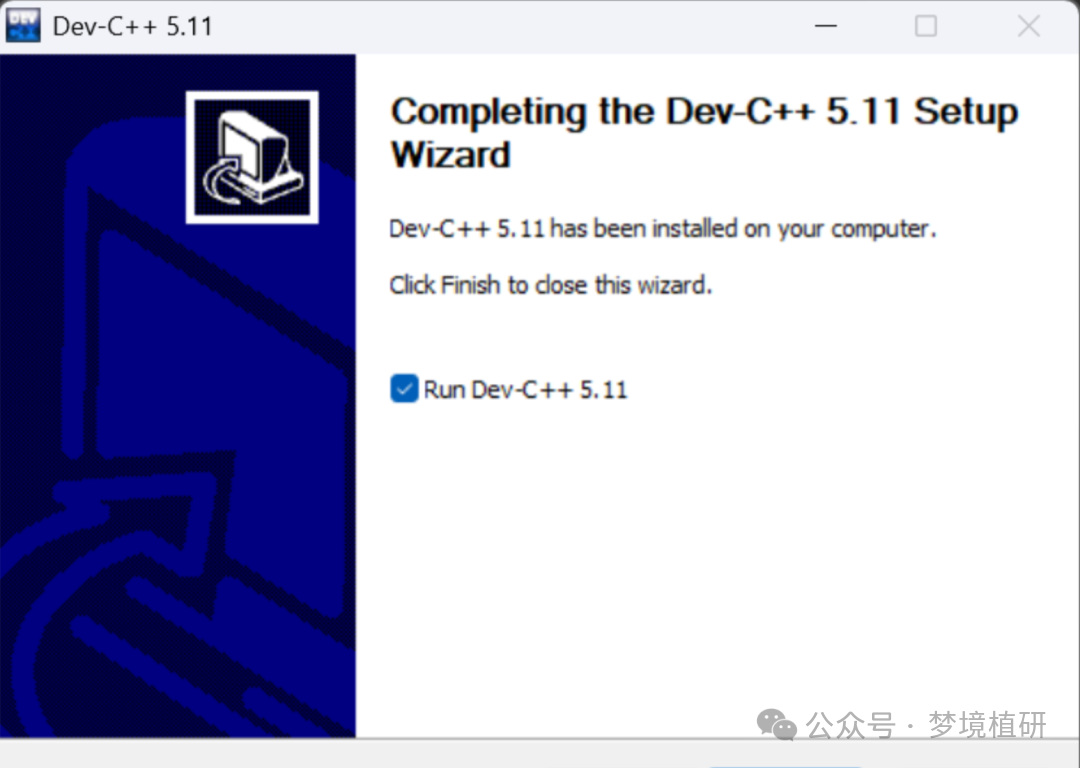
5) Installation complete, click “Finish” to complete and run.
6) Configure the interface to Chinese, select “Simplified Chinese”.
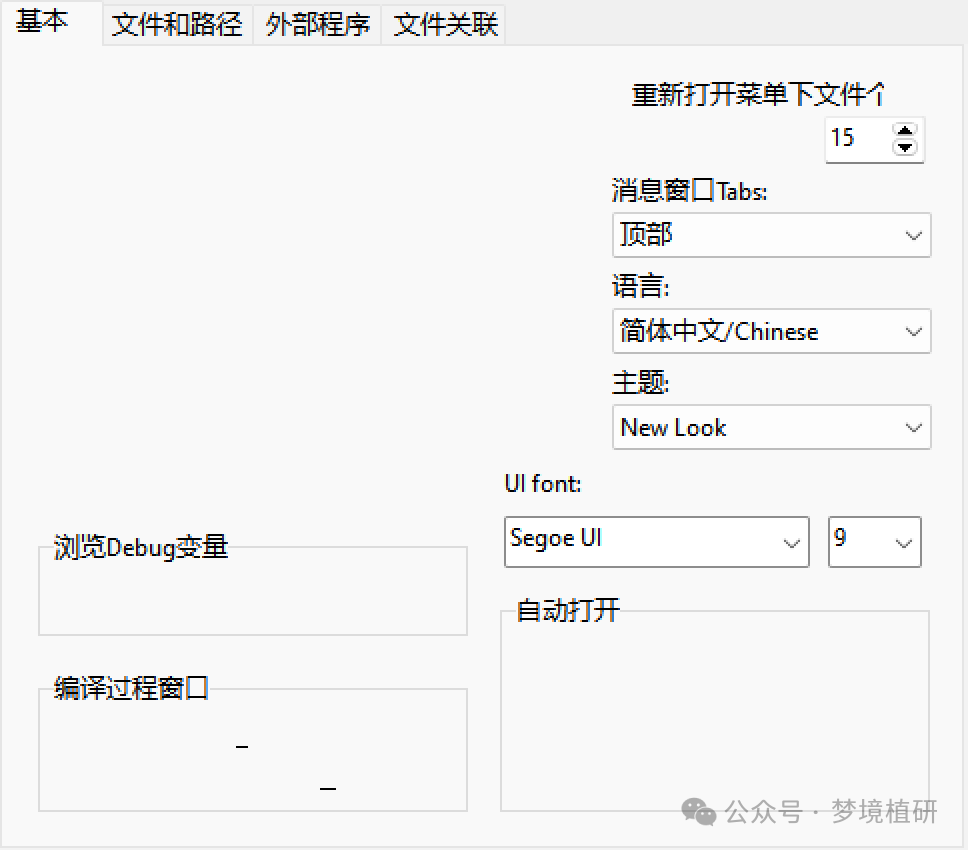
7) Basic configuration, default settings.
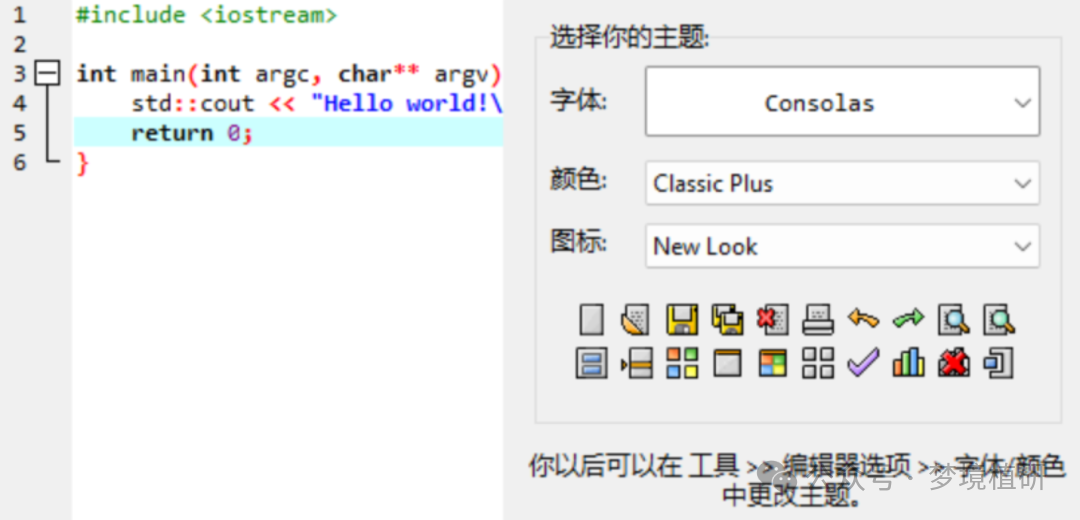
8) Completion.
03 Testing
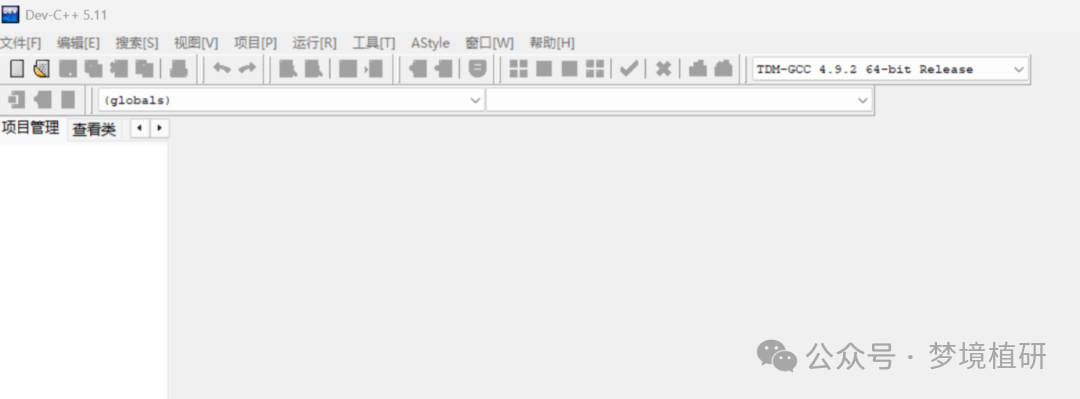
1) Main interface
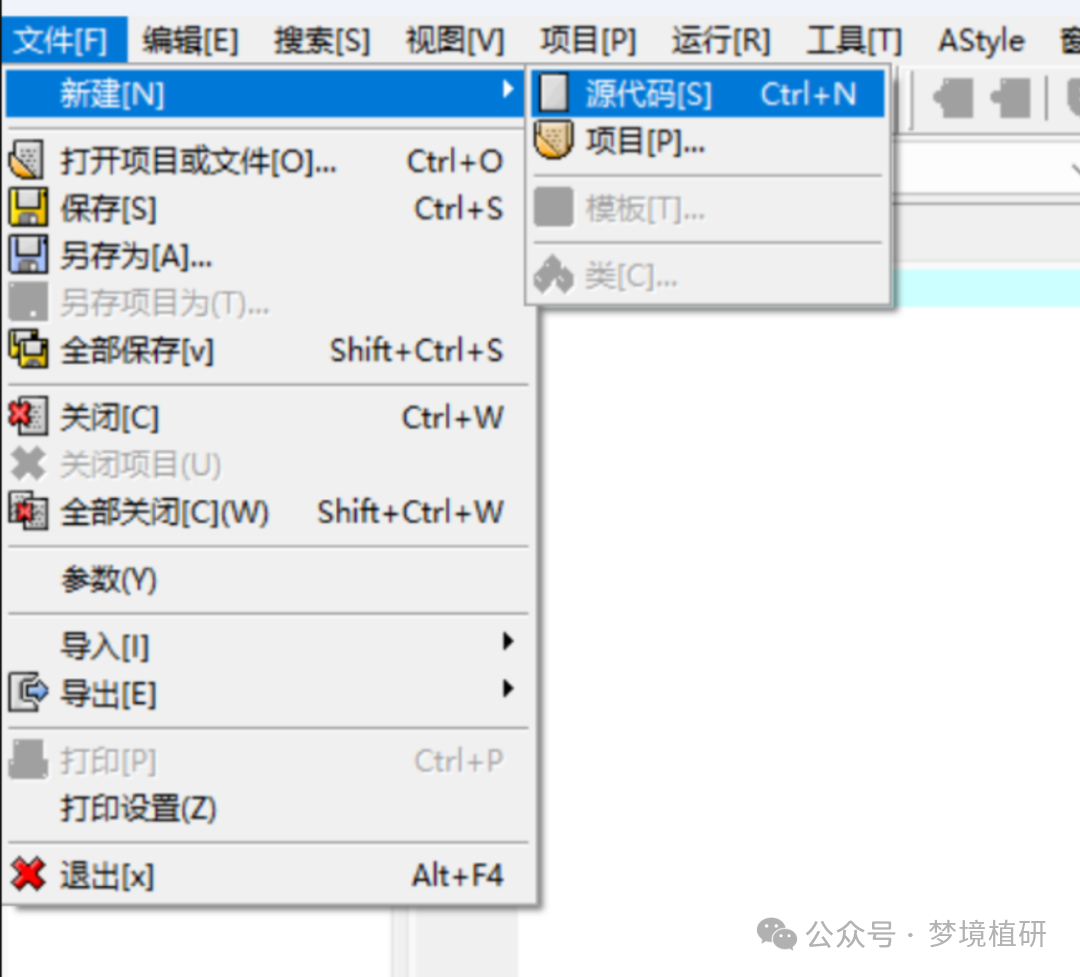
2) Create source code
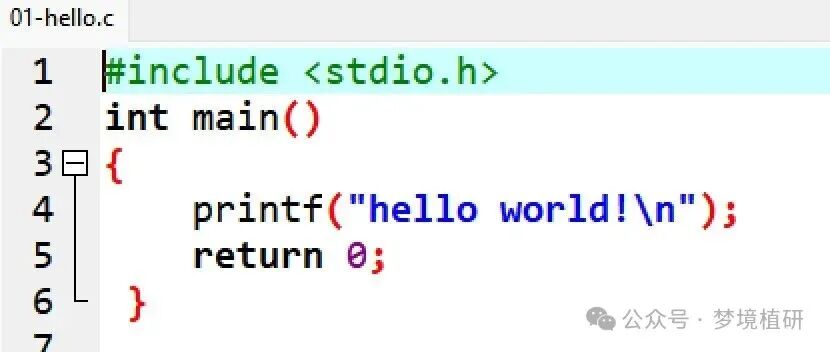
3) Write code
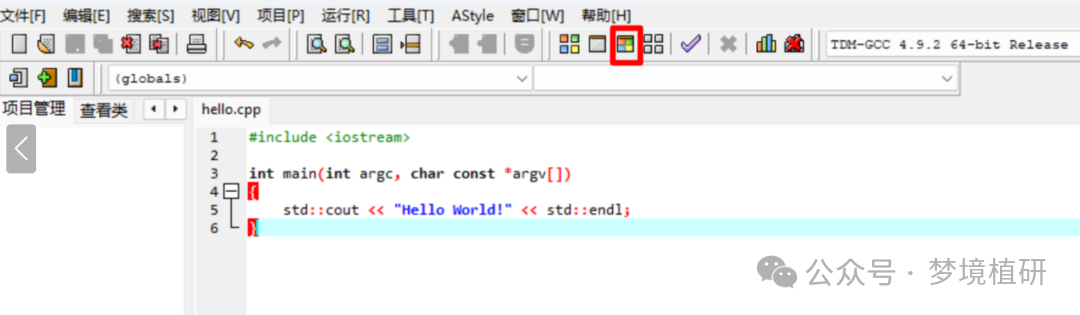
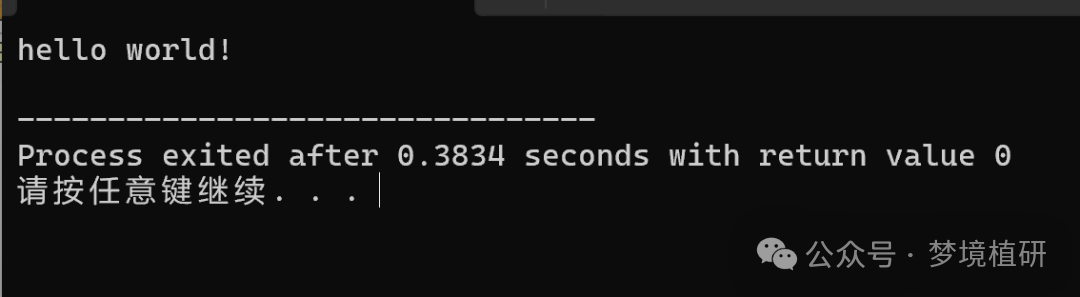
4) Compile and run
Come and try it!
Add the assistant