How to use the WeChat payment speaker?
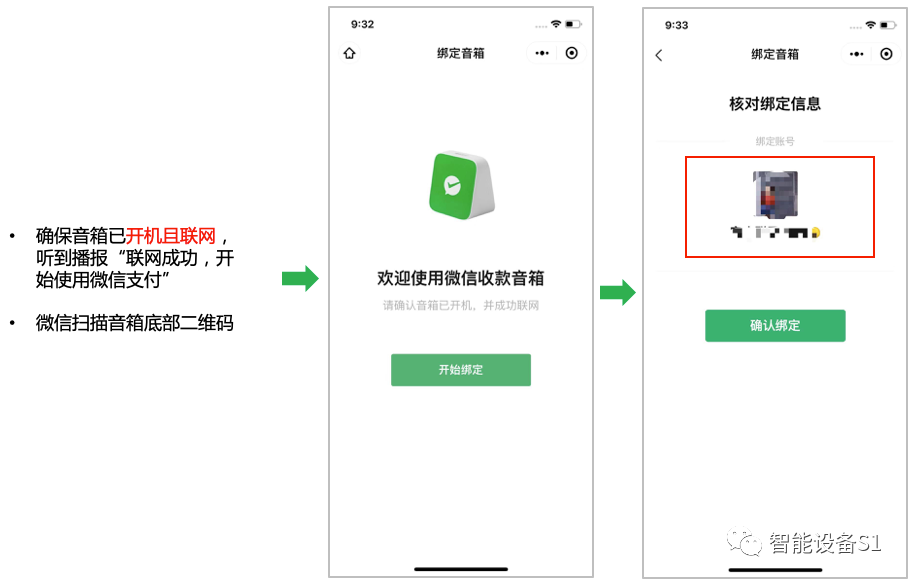
Each speaker comes with a QR code at the bottom. Scan the QR code with WeChat, confirm the payment information, and complete the binding. When you hear the speaker announce “Binding Successful,” the binding is complete. One WeChat account can bind multiple payment speakers, and the binding process is very simple, taking just a minute.
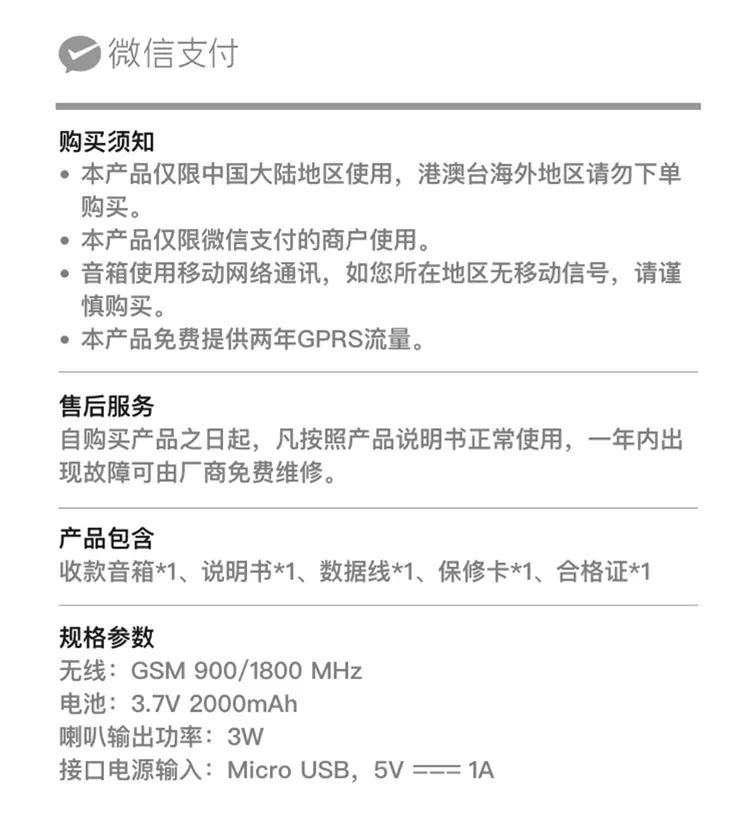
WeChat Official Payment Speaker S1, directly connects to personal WeChat payment code, independent broadcasting, no Bluetooth required, smart voice payment speaker, voice broadcast prevents order evasion, can broadcast even when the phone is off or not in the store.
Features of WeChat Official Payment Speaker S1:
Comes with mobile data
No Bluetooth required
No WiFi required
Timely broadcasting
Loud sound
No app download required
Scan to bind
0% fee rate
Independent broadcasting even when the phone is not in the store
Can bind personal WeChat payment code
Portable, no need to keep plugged in
Business logo can be placed on the payment QR code area
What is a personal payment code?
A personal payment code is the QR code that appears when you open your personal WeChat, click on “Receive Payment” — the QR code for receiving payment is your personal WeChat payment code.
Features of the personal payment code:
★ Funds go to the balance
★ Withdrawal incurs a 0.1% fee on the balance
★ Does not support credit card payments
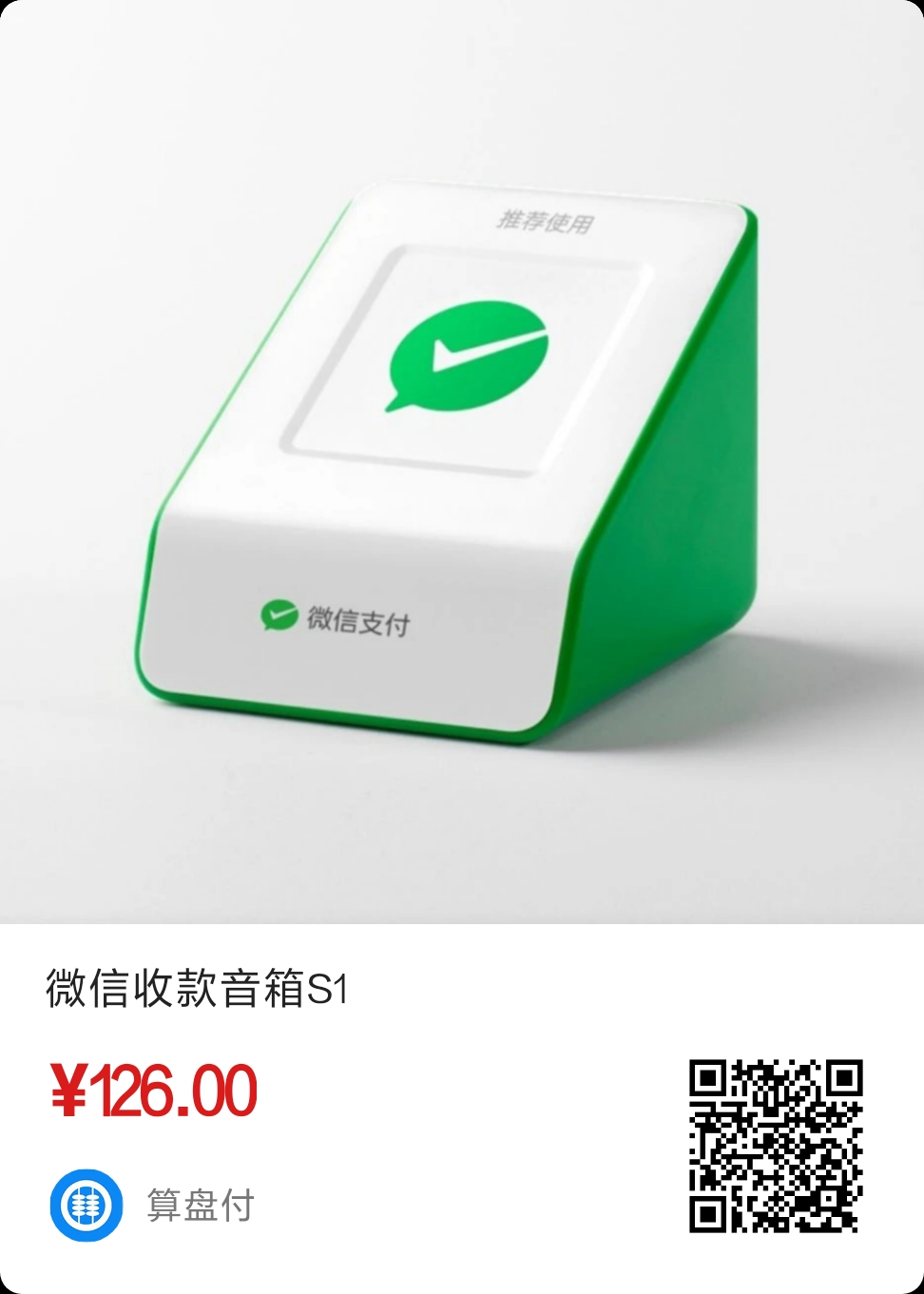
Long press the image above to recognize the QR code for purchase
Q: Is the speaker an official WeChat product? A: Yes, merchants can call the official WeChat number 95017 for inquiries;
Q: Will there be other costs for the speaker?
A: No, aside from the speaker’s price, there are no other fees; Q: How to connect the speaker to the phone? A: Use WeChat to scan the QR code at the bottom of the device and follow the prompts to bind;
Q: Can it broadcast normally when the phone is off or not present? A: Once the speaker is bound successfully, it can broadcast normally regardless of whether the phone is present or off; Q: How does the speaker connect?
A: The speaker comes with a data card, providing 2 years of free mobile network; after 2 years, contact the official for a recharge of 6 yuan per year; Q: When will the funds arrive? A: The speaker binds to a personal payment ledger (which is the personal WeChat payment code), and payments can arrive in seconds;
Q: Can all phones bind? Do I need to download an app? A: Compatible with both Apple and Android phones, no app download required; Q: When will it be shipped? What courier is used? A: Ships on the same day as the order, generally delivered within 2 to 3 days;
Q: Is the payment secure?
A: The WeChat official payment device does not involve any third-party in the fund settlement; WeChat Pay settles directly;
Q: Does it support Alipay payments? A: No, it does not support.
Q: What are the differences between the payment speakers S1 and S3?
A:S1 has a 3W speaker, comes with 2 years of data, rechargeable, can replay the last payment voice, and can attach a payment code.
S3 comes with 2 years of data, supports WiFi connection, rechargeable, can replay the last payment voice, and has a strap for hanging.
S1 has a battery capacity of 2000mAh, while S3 has 1800mAh, giving S1 a longer standby time.
Q: Can one speaker bind multiple WeChat accounts?
A: Currently not supported.
Q: Can the original payment code still be used?
A: The original payment code can still be used, and you can also print your WeChat payment code and stick it on the speaker’s surface.
Q: Will the payment speaker and phone broadcast at the same time?
A: If the phone is off or not in the store, the payment speaker can still broadcast normally.
Q: What is the after-sales phone number?
A: 95017
Q: How long does it take to charge the payment speaker?
A: The accessories only include a charging cable; merchants need to prepare their own charging head, using a charger with an input specification of 1A or more for charging. It takes about 3 hours to charge from completely discharged to fully charged.
Q: What if the payment speaker won’t turn on?
A: Connect the charging cable, the blue charging indicator light will turn on, and it can be turned on after charging for half an hour.
Q: What to do if the system upgrade fails?
A: The speaker will prompt “System is upgrading, please wait” before performing a system upgrade. If the upgrade fails, it will voice prompt “System upgrade failed, please retry”. Once the device is successfully connected to the internet, it can continue to be used, and the next time the device restarts, it will attempt the system upgrade again.
Q: What if the “server disconnected” prompt occurs during the system upgrade?
A: If the server disconnects during the system upgrade, it will reconnect. Once connected successfully, it will announce “Connected successfully, starting to use WeChat payment”, and continue with the system upgrade. Once the system upgrade is successful, it will announce “System upgrade successful, the speaker will restart soon”.
Q: How does the payment speaker connect to the internet after powering on?
A: After powering on, the payment speaker will connect to the internet automatically. After about 10-20 seconds, it will voice announce “Connected successfully”, indicating that the speaker is connected to the internet and can receive payment messages normally.
Q: Does the speaker support connecting to WiFi/Bluetooth?
A:Currently, the payment speaker S1 does not support connecting to WiFi or Bluetooth; it uses China Mobile network and provides 2 years of free data from the date of purchase. After 2 years, data can be recharged at approximately 6 yuan per year (subject to actual charges).Note:If the speaker is in an area with poor mobile network signal, please place the speaker in a location with better signal; it is recommended to use it in open areas without metal obstructions.
S3 supports connecting to WiFi.
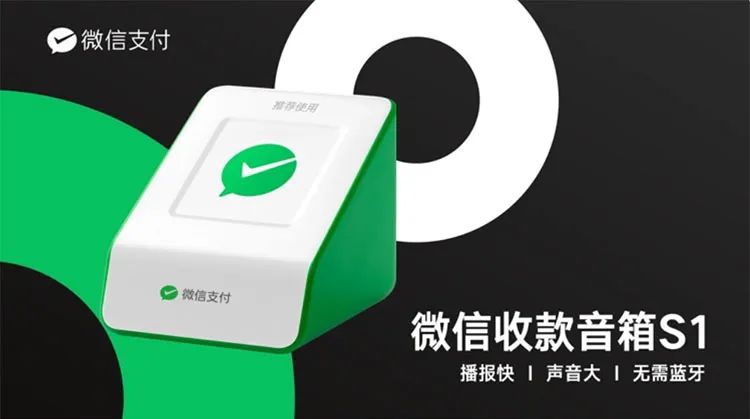
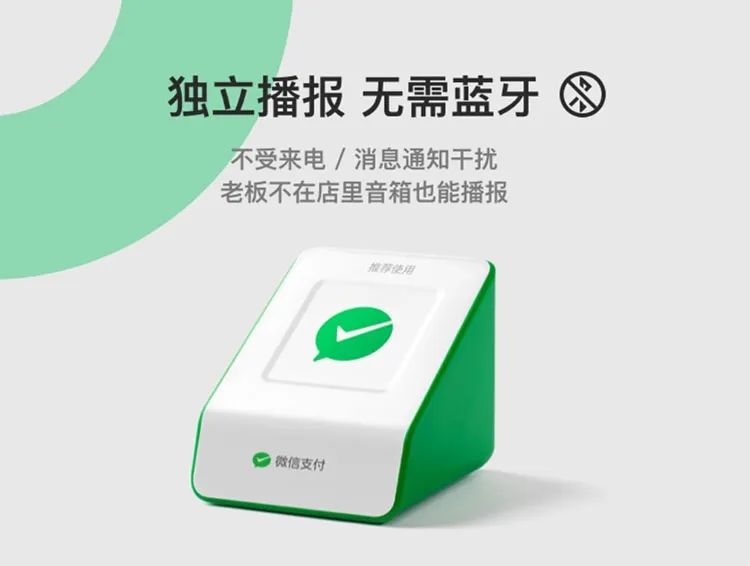
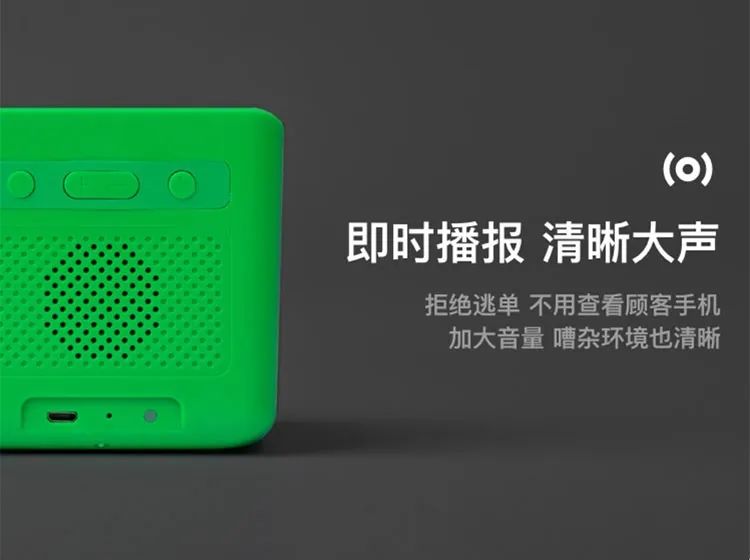
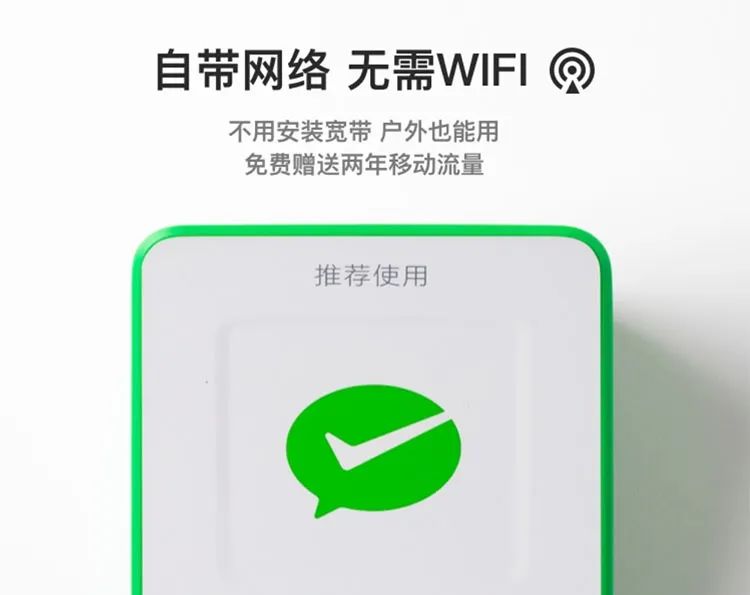
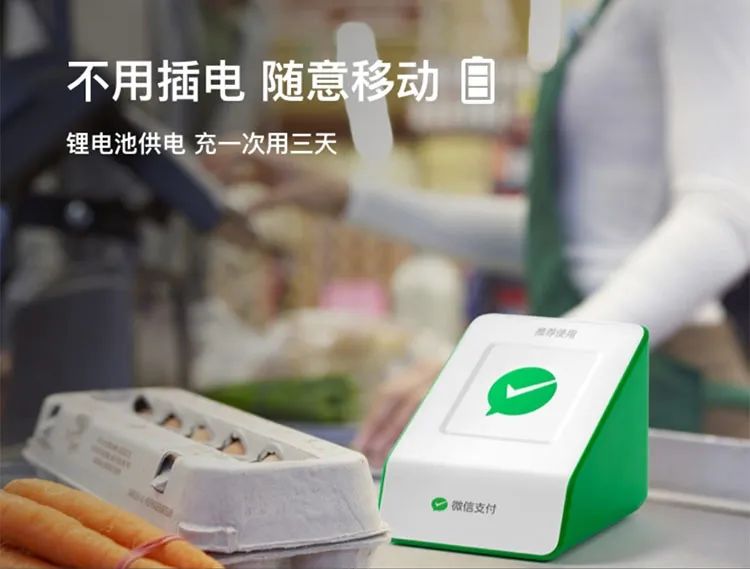
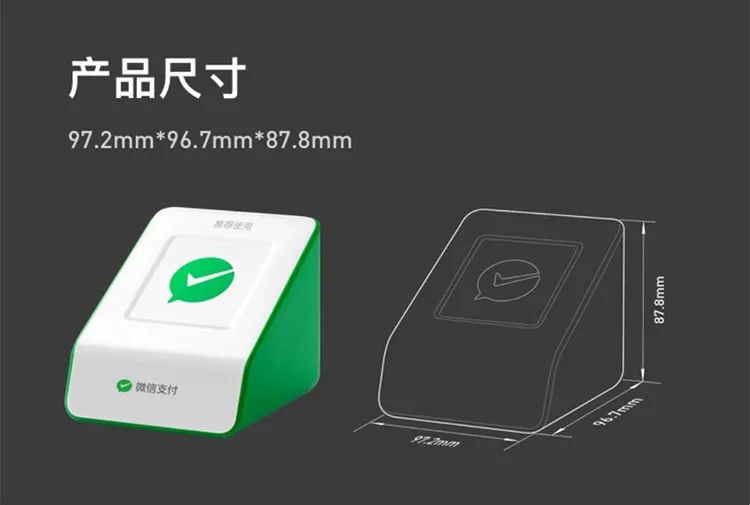
 The WeChat official payment speaker S1 has a loud broadcast sound, does not require Bluetooth connection, is not affected by incoming calls, and can be bound by simply scanning the QR code at the bottom. The operation is simple, making it easy for elderly users as well. It can broadcast independently, so it can still announce even when the phone is not in the store.
Long press the image above to recognize the QR code for purchase
Have operational questions?
Add customer service WeChat for inquiries anytime
Advantages of choosing us (Suanpan Pay) for purchasing the WeChat payment speaker
★ First, we are an official WeChat service provider, ensuring official sources for the device, quality assurance, and reliable after-sales service;
★ Second, non-human issues with the device can be repaired for free by contacting the manufacturer within one year;
★ Third, one-on-one customer service guidance for operations, attentive service, and inquiries can be made anytime later.
1
Product Features
☞ No phone needed, independent broadcasting
☞ Instant broadcasting, louder sound
☞ Comes with data, no WiFi required
☞ Can be moved freely without plugging in
2
Common Questions
How does the speaker connect to the internet after powering on?
After powering on, the speaker will connect to the internet automatically, after about 10-20 seconds, it will voice announce “Connected successfully”, indicating that the speaker is connected to the internet and can receive payment messages normally.
Does the speaker need to be charged after powering on?
Once the speaker has powered on and connected to the internet successfully, press the 【M】 key at the bottom of the speaker to check the current battery level. If the battery is sufficient, it can be used normally; if the battery is low, please connect the USB cable and switch to the right to power on for charging.
Will there be a prompt when the speaker is fully charged?
To avoid disturbing users, the speaker will not have a voice prompt when fully charged; you can press the 【M】 key at the bottom of the speaker to check the current charging status.
How long can the speaker be used after it is fully charged?
Under the condition of 200 broadcasts per day, the speaker can be used for about 3 days. To save power, please turn off the device when the store is closed by switching the power to the left.
Why does the speaker prompt low battery every five minutes?
This indicates that the battery is low and needs to be charged promptly. When charging, please switch to the right to power on for charging, after 1-2 hours, you can press the 【M】 key at the bottom of the speaker to check the current charging status.
Why does the speaker prompt “poor signal”?
The speaker is in an area with poor mobile network signal; please place the speaker in a location with better signal. Generally, open areas without metal obstructions will have better signals.
If the speaker powers on but has no voice prompt and the indicator light is off
This indicates that the speaker’s battery is depleted; it needs to be charged promptly. It will take about 4-5 hours to charge. When charging, please switch to the right to power on for charging, during charging, the speaker may restart several times and will play the power-on voice several times.
WeChat payment speaker S1【official packaging】
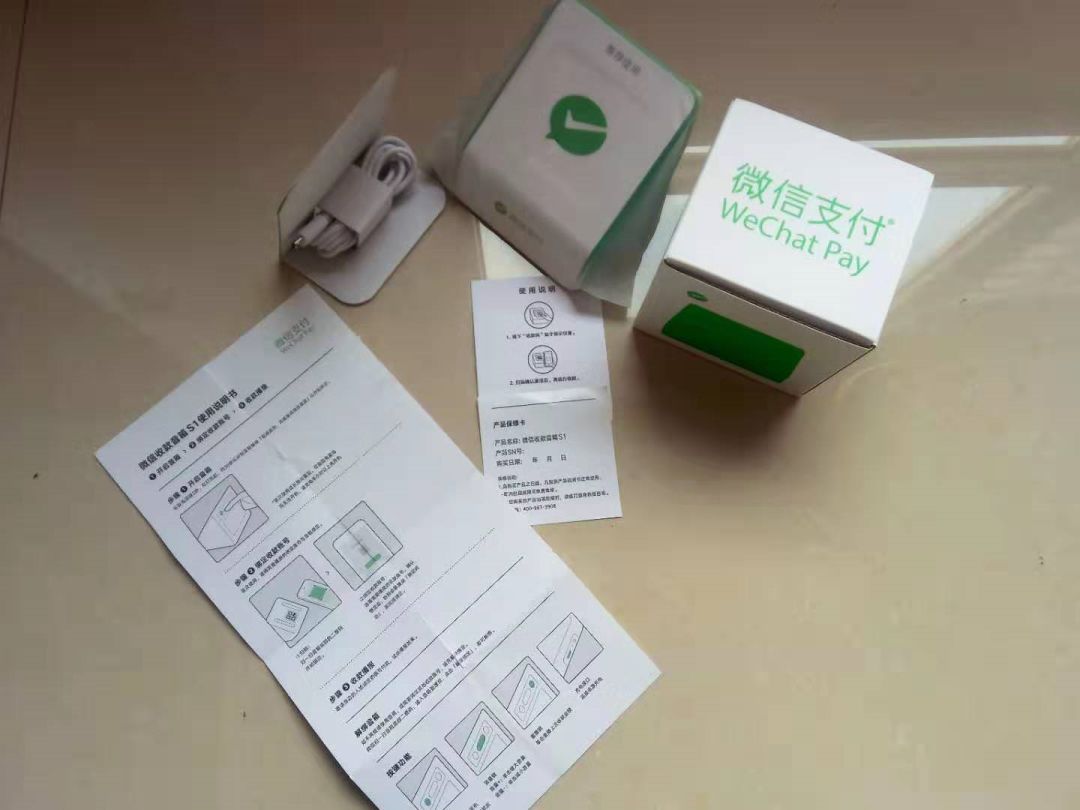
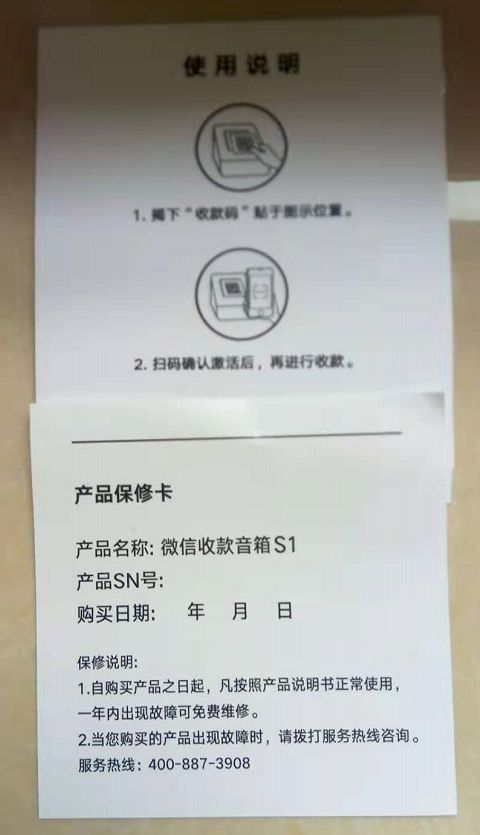
Long press the image above to recognize the QR code for purchase
Have operational questions?
Add customer service WeChat for inquiries anytime