Go Learning Notes (7): Obtaining Version NumberRecently, have you seen news about certain models emerging, causing front-end developers to face unemployment again? 

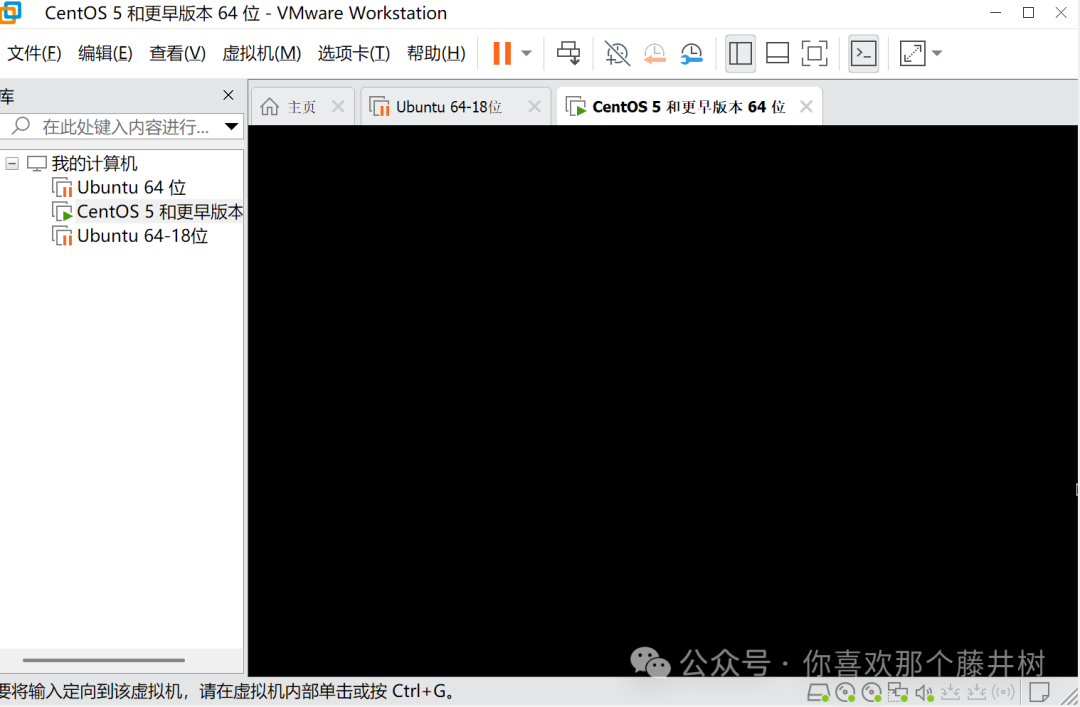
 . Front-end and back-end developers have faced unemployment countless times. Many new AI applications emerge every day. The useful ones are probably just a few, taking turns to dominate the market, leading to intense competition. For example, Google’s Nano Banana and Gemini3. In China, there are Qianwen, Kimi, Doubao, Yuanbao, etc. They are also very useful for image editing and generating game materials.Tonight, I will take some time to document a small experiment, trying to package for the Linux platform and then execute it on Linux.After writing the Go program, we will try to run it on Linux. Since I do not have an Alibaba Cloud server, I previously set up a CentOS system. Using VMware’s virtual machine (currently offering a free version), I can set up a CentOS system locally and practice using the terminal. Here, I am using Xshell to connect to the CentOS system.
 When packaging on the Windows system, I specified the corresponding Linux platform. The generated file is then copied to the Linux system.
set GOOS=linux set GOARCH=amd64 go build -o main_app main.go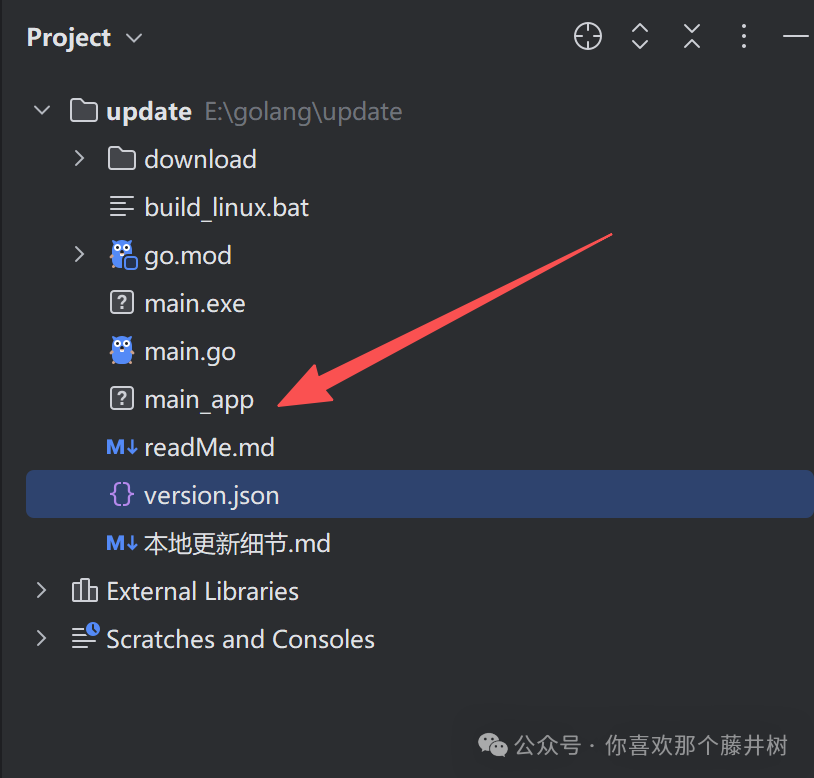 In the terminal, you can upload the packaged file using the command ‘rz’.
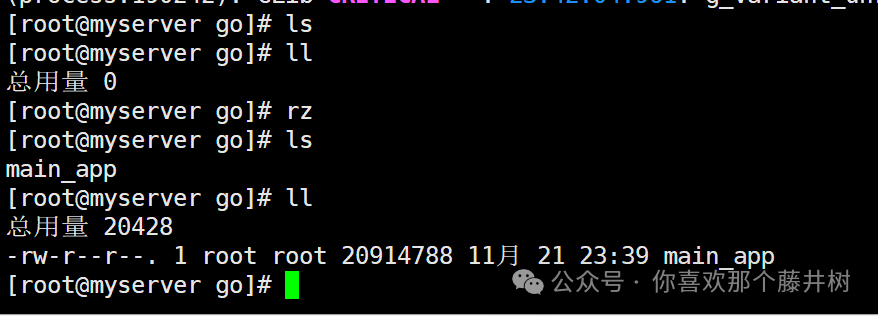 This command allows you to upload the packaged executable file to the corresponding directory.From the screenshot, the uploaded application does not have execution permissions. Next, we will grant permissions to the program.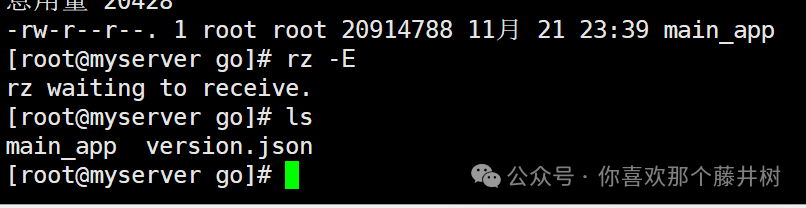
[root@myserver go]# chmod +x main_app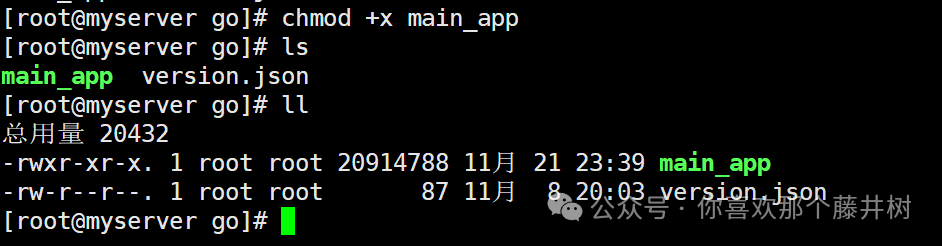 Granting execution permissions. Now the program status has changed to green, indicating that the permissions have been updated, with ‘x’ appearing.
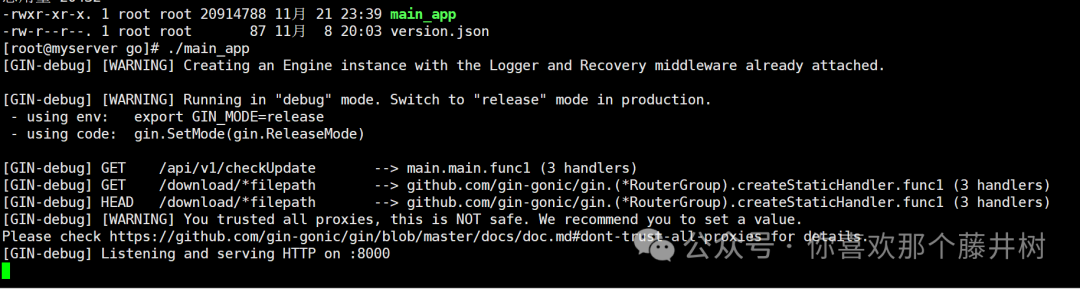 Executing the program allows you to see that the corresponding program is running. By executing the virtual machine’s IP address, you can see that the interface is operational.
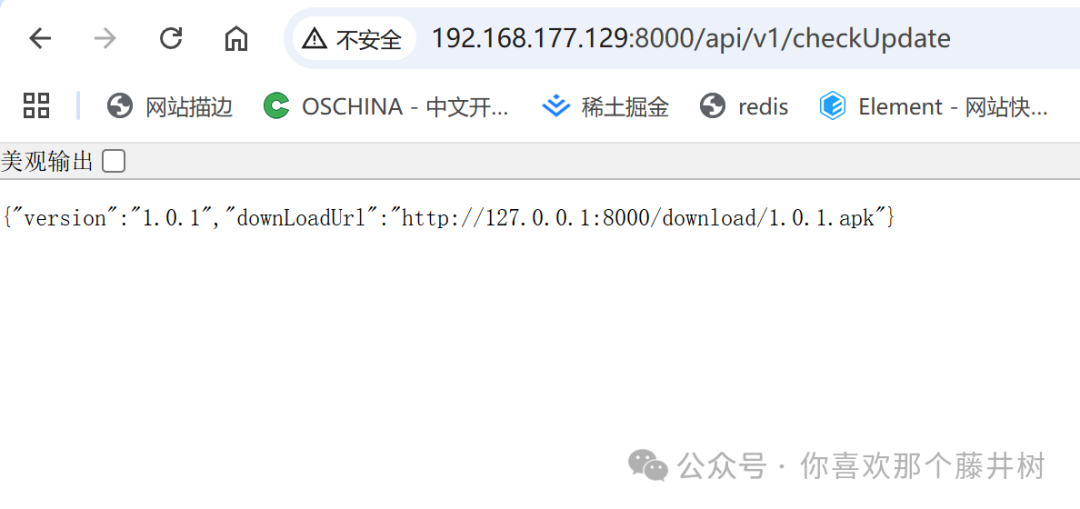 Although I do not have an Alibaba Cloud server, setting up a CentOS locally also allows for Linux operations. The operation is quite similar to using a server.When using the command to run in the background ./main_app &, you can input other command lines in the terminal.
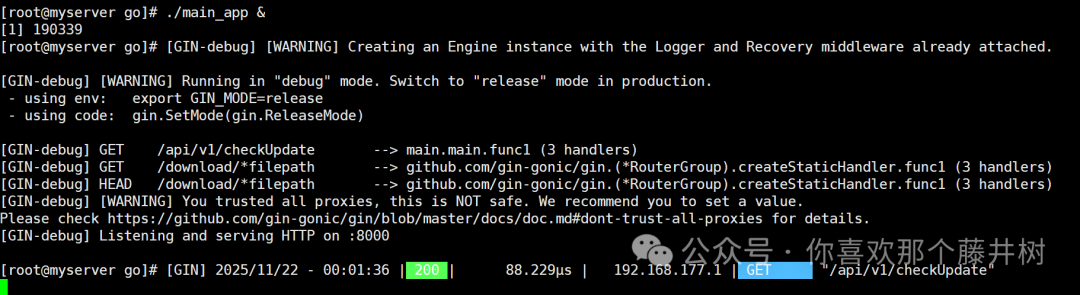 You can view the processes above.
[root@myserver go]# ps aux | grep main_app root 190339 0.0 0.2 1237620 10280 pts/6 Sl 00:01 0:00 ./main_app root 190348 0.0 0.0 221680 2560 pts/6 S+ 00:06 0:00 grep --color=auto main_appTo close the current process, use kill -9 190339 to terminate it.
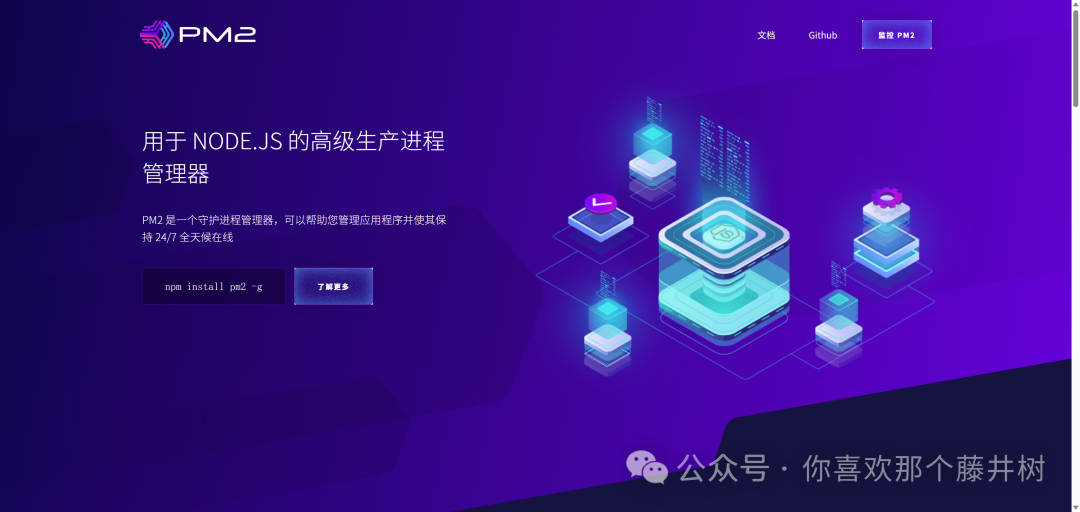
Other commands can still exist after closing the terminal, and there is also log processing.nohup ./main_app > app.log 2>&1 &This concludes tonight’s small experiment. Using Go to package for Linux and then performing some Linux operations on CentOS. To be honest, I really can’t remember too many Linux command lines. The process of typing still requires consulting materials and testing one by one. Deployment is quite user-friendly with just one file operation. Through other commands. During the query process, you can see the running memory and CPU usage. The usage is actually very low. Additionally, pm2.js can also be used for deployment, which helps manage multiple applications and process monitoring. pm2 is also a very useful library.
 In the face of the invasion of large models and AI, is it becoming commonplace for front-end and back-end developers to face unemployment? Perhaps? If unemployed, why not play with hardware and embedded systems? It can definitely change your perspective.Alright, that’s it for tonight.