This series will create my first runnable embedded Linux system based on the Buildroot repository provided by Microchip.
AT91Bootstrap Operation Tutorial
Modify AT91Bootstrap Specific Configuration
Operation command:
make at91bootstrap3-menuconfig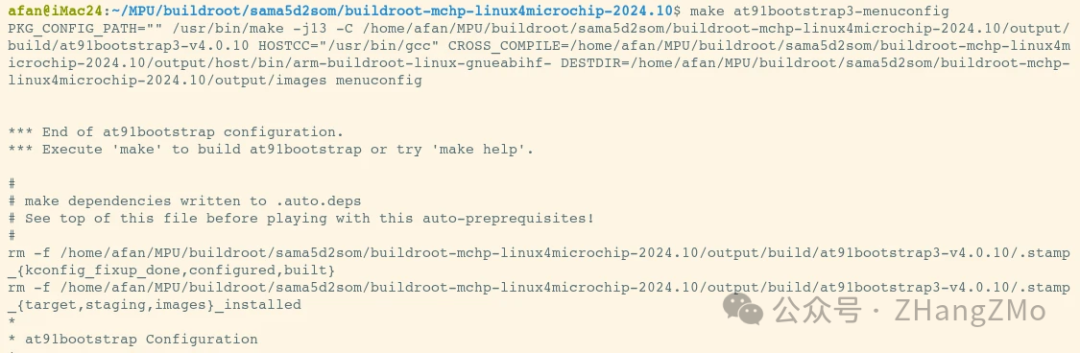
Detailed interface of AT91Bootstrap:
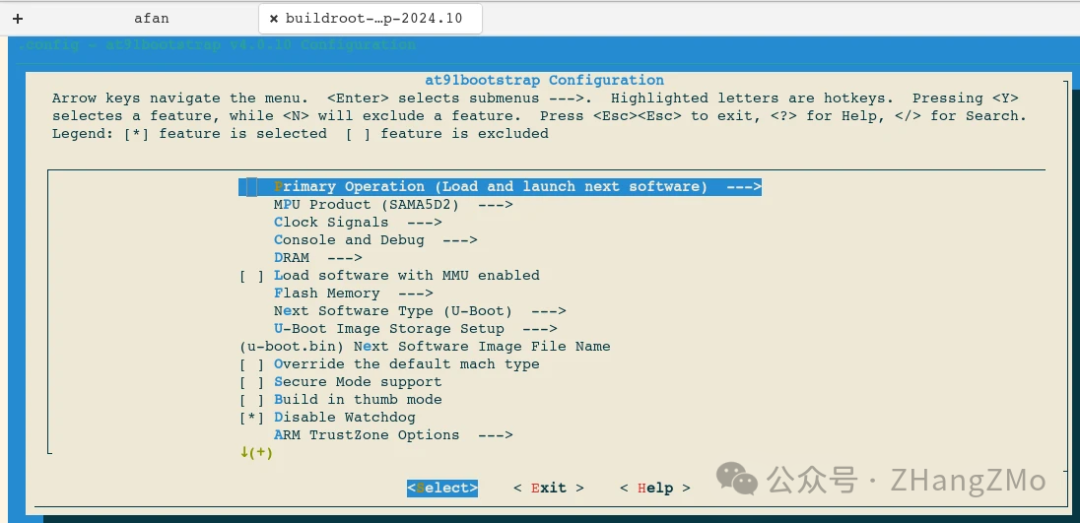
If running bare-metal or RTOS on Microchip MPU, you can modify the filename of u-boot.bin in the above image to match the name of the bare-metal program to be loaded, allowing AT91Bootstrap to load user-defined applications.
Recompile AT91Bootstrap
Operation command:
make at91bootstrap3-rebuild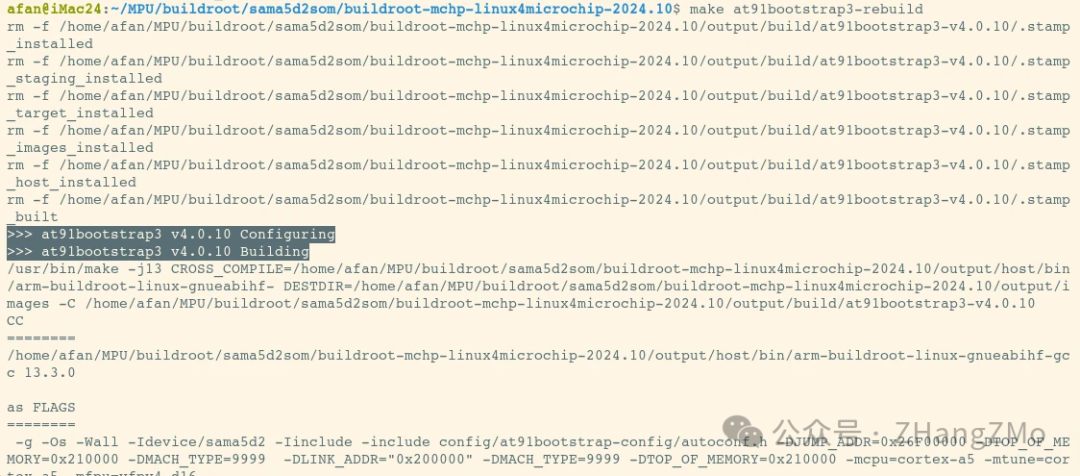
U-Boot Operation Tutorial
Modify U-Boot Specific Configuration
Operation command:
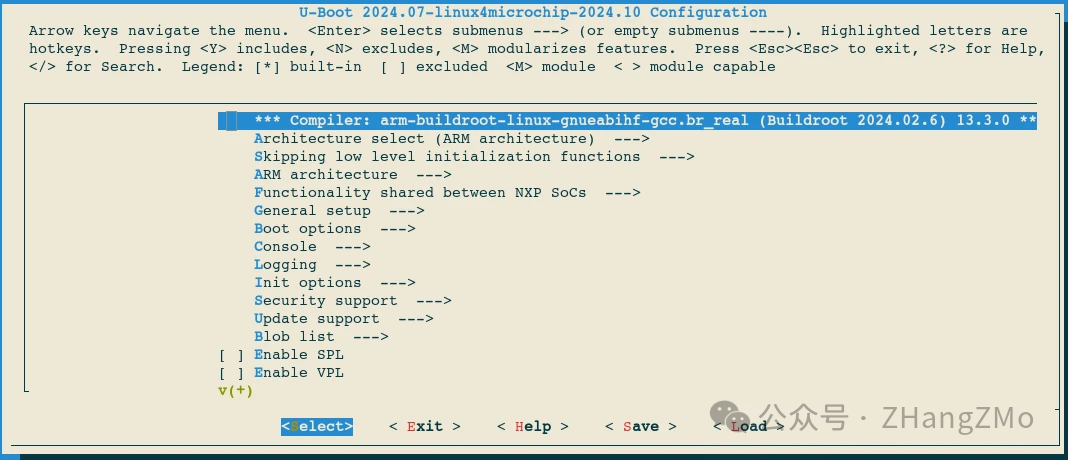
make uboot-menuconfig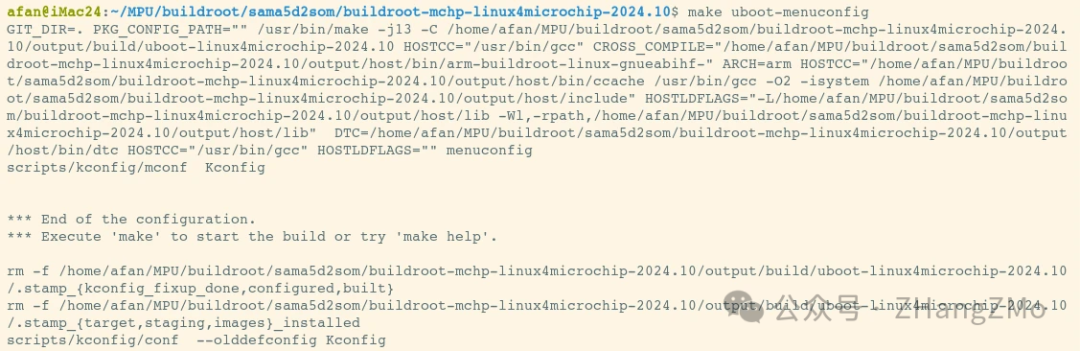
Detailed interface of U-Boot:
Recompile U-Boot
Operation command:
make uboot-rebuild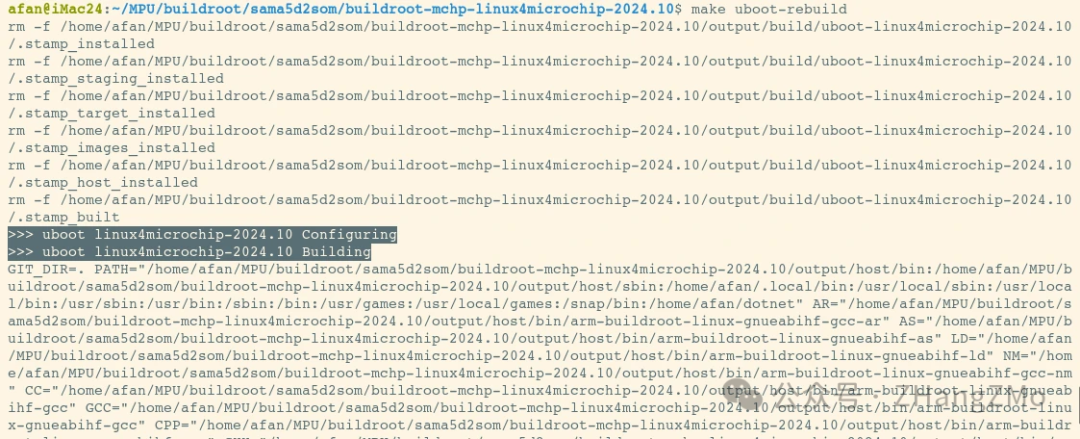
Linux Kernel Operation Tutorial
Modify Linux Kernel Specific Configuration
Operation command:
make linux-menuconfig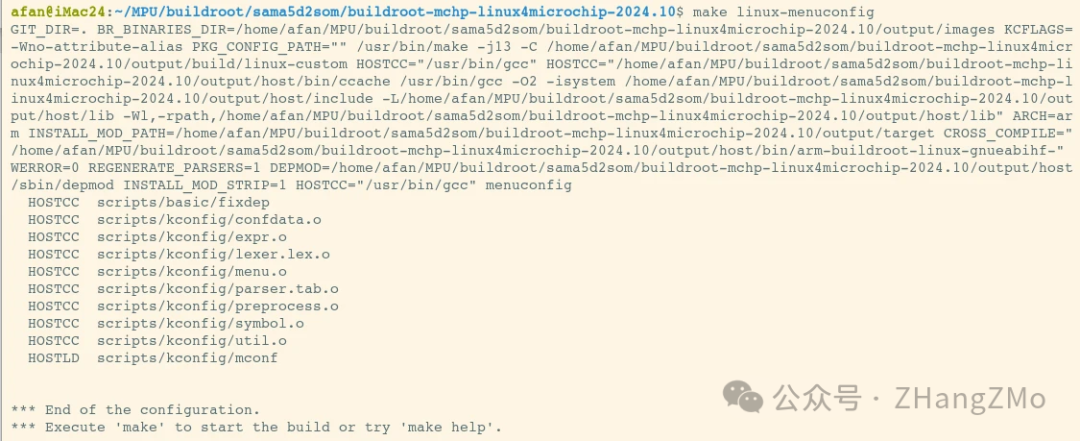
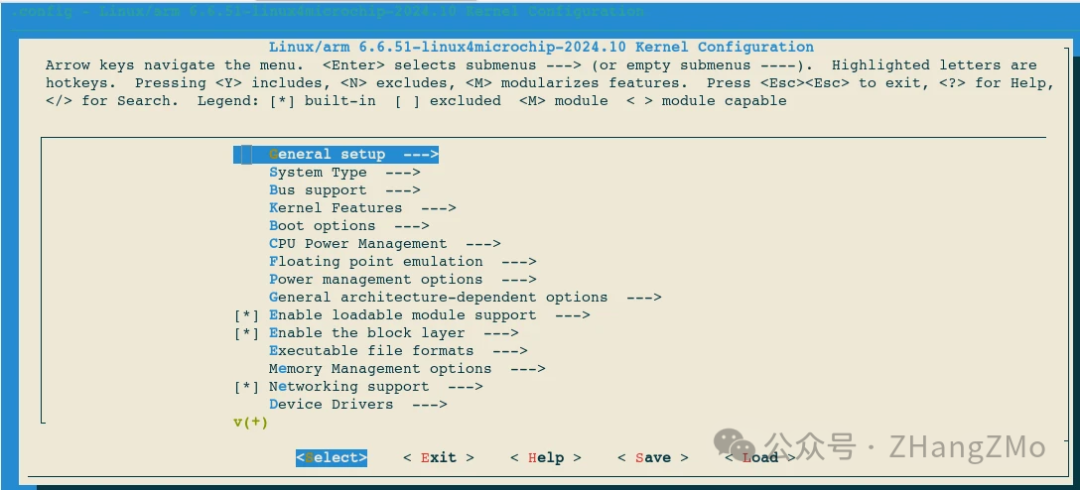
Detailed interface of Linux Kernel:
Recompile Linux Kernel
Operation command:
make linux-rebuildAdvanced Buildroot Operations
Generate Graphical Software Module Dependency
Operation command:
make graph-depends
If the above error occurs, you can do the following:
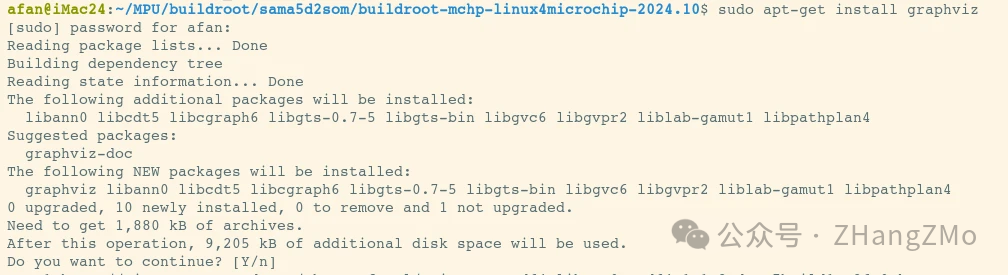
After installing the required software packages, re-execute the above command, and you can find files like graph-depends.pdf in the buildroot-mchp-linux4microchip-2024.10/output/graphs directory:
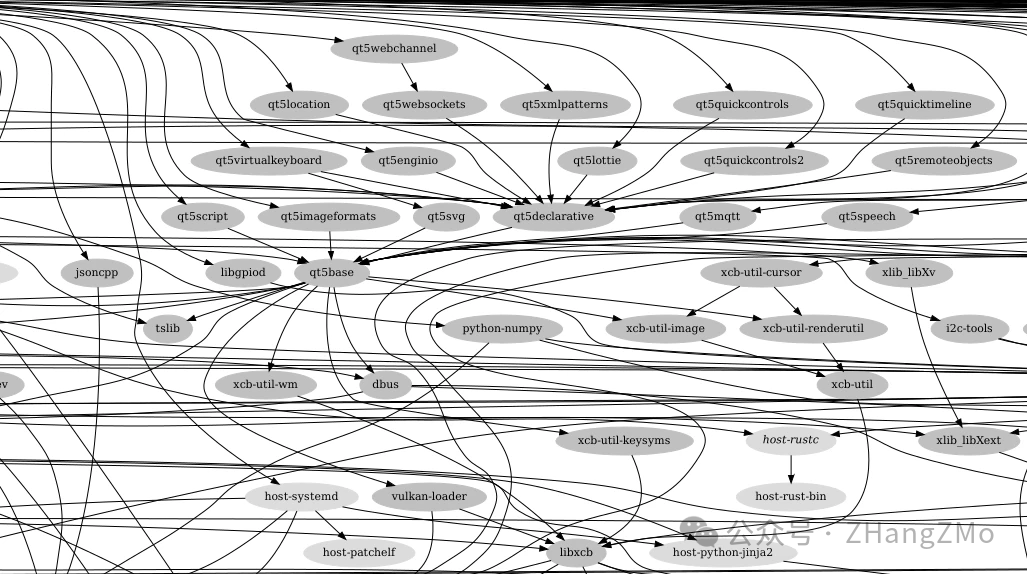
View Specific Software Module Dependencies
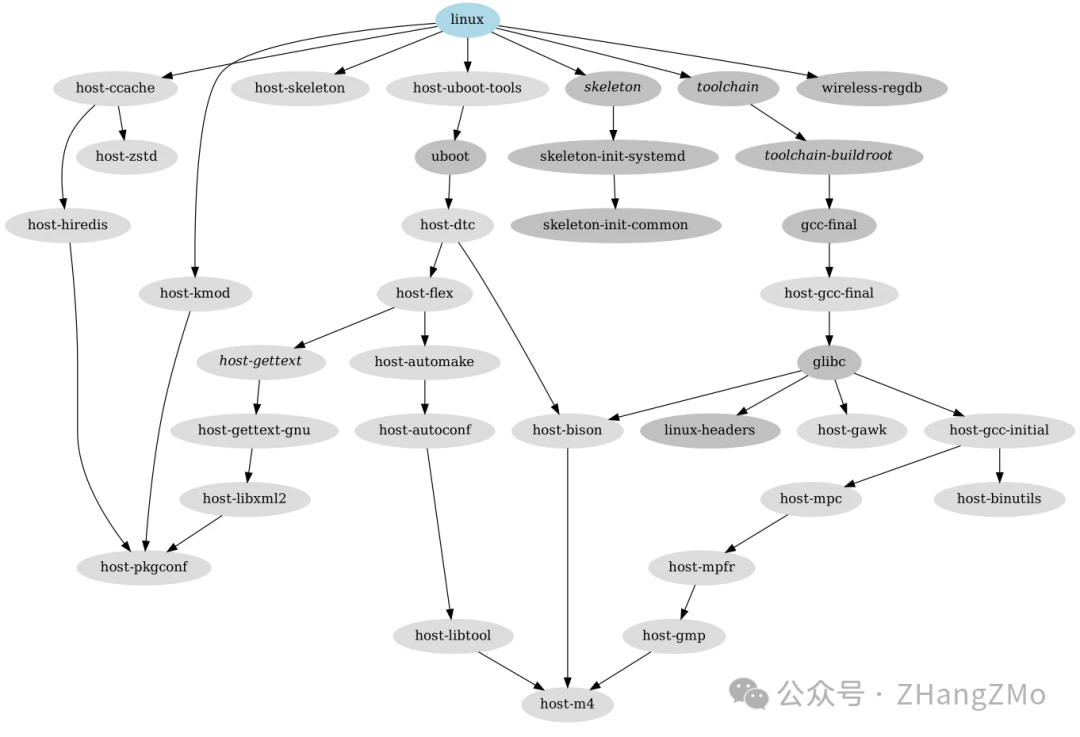
View Linux Kernel Module Dependencies Operation Command:
make linux-graph-depends
In the buildroot-mchp-linux4microchip-2024.10/output/graphs directory, you can find the linux-graph-depends.pdf file:
View QT5Base Module Dependency Operation Command:
make qt5base-graph-depends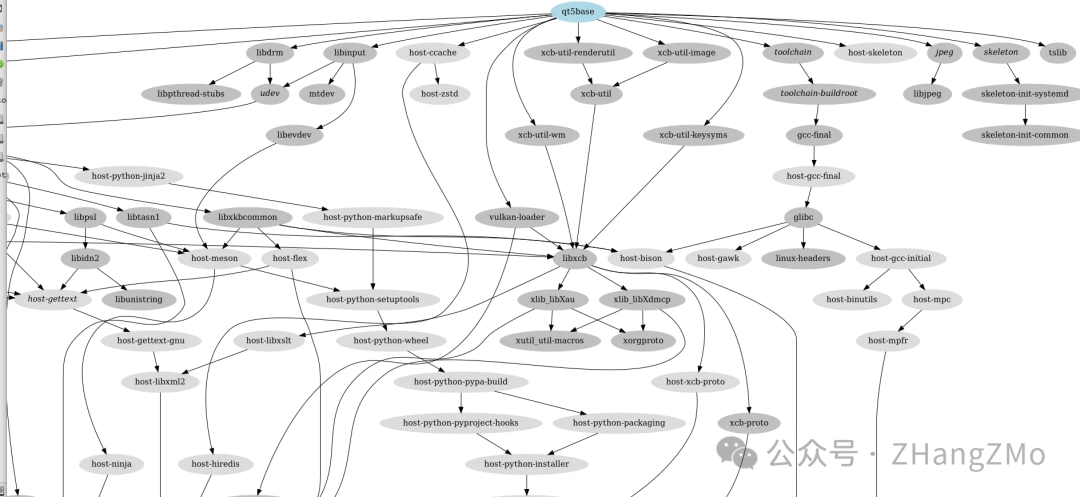
View Microchip EGT GUI Development Software Dependency Operation Command:
make egt-graph-depends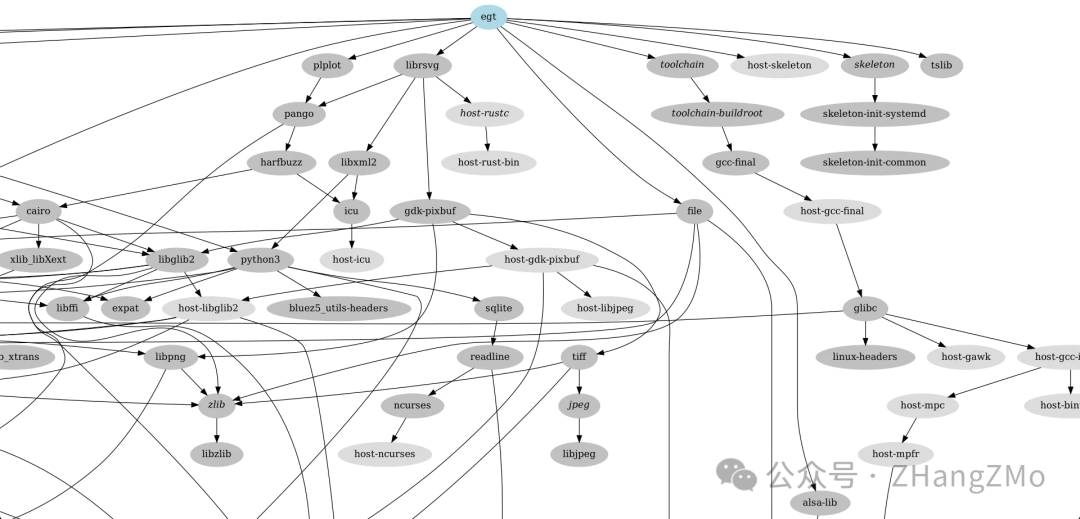
More Buildroot Operation Commands:
Refer to the Buildroot official user manual