Smart Home
Custom Solutions
—Let your home “understand” your needs—

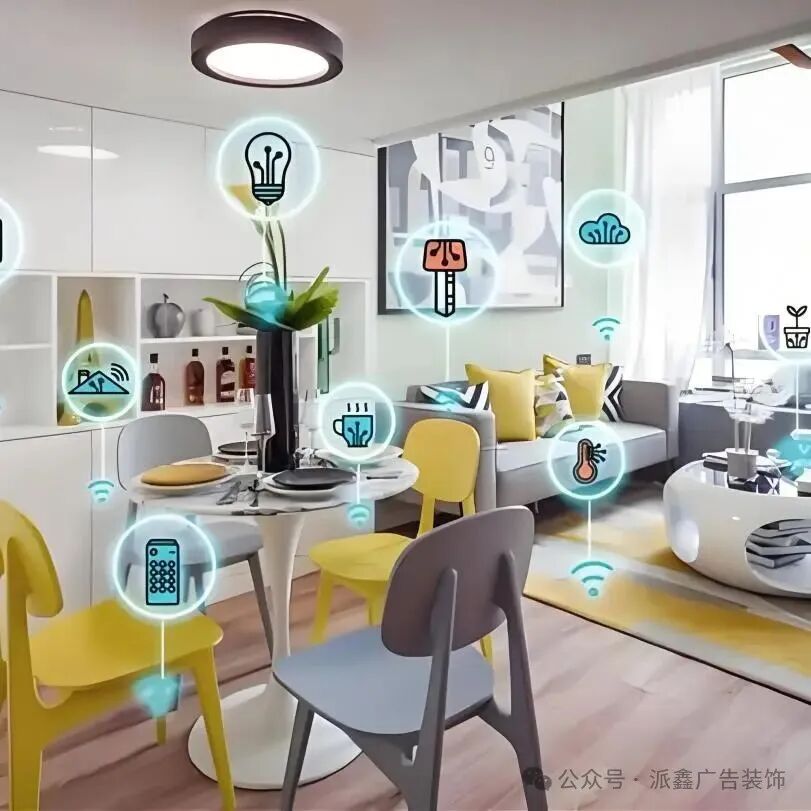
Imagine this: after work, as you walk downstairs, the door automatically “senses” you and unlocks with a “click”; you say “I’m home,” and the lights gradually turn on, the air conditioning adjusts to 26°C, and even the humidifier starts working; before bed, you say “good night,” and all the lights turn off in sequence, and the curtains quietly close—this is not a scene from a sci-fi movie, but the “daily operation” of a custom smart home. Don’t think this is just for the wealthy; now, with a small investment, you can turn your home into a “responsive little assistant.” Today, let’s explore how to make your home “understand” your words, transforming it from a “cold house” into a “responsive cozy nest.”

Click the blue text to follow us

Entry Level
First, make the “switch” responsive
Free your hands easily

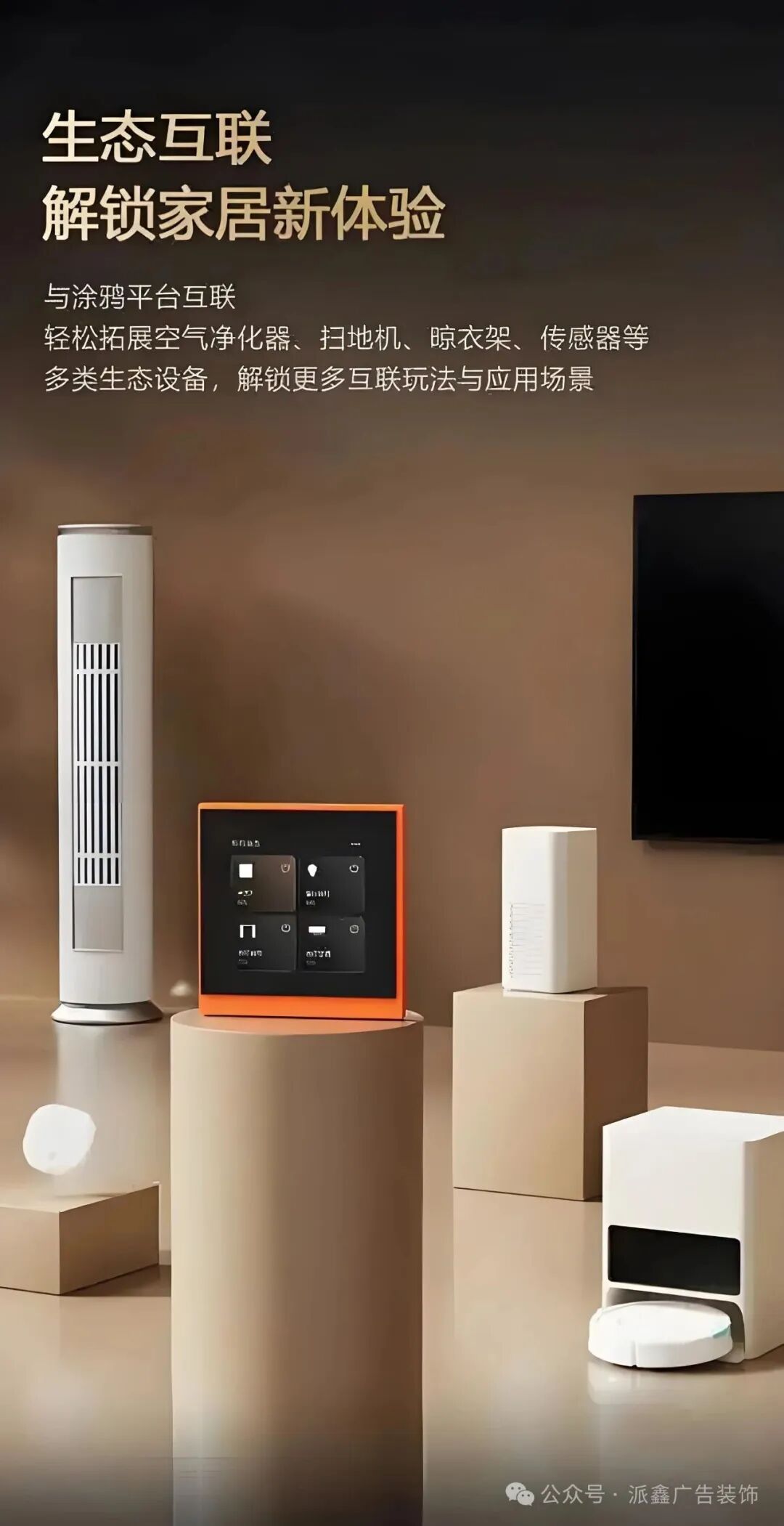
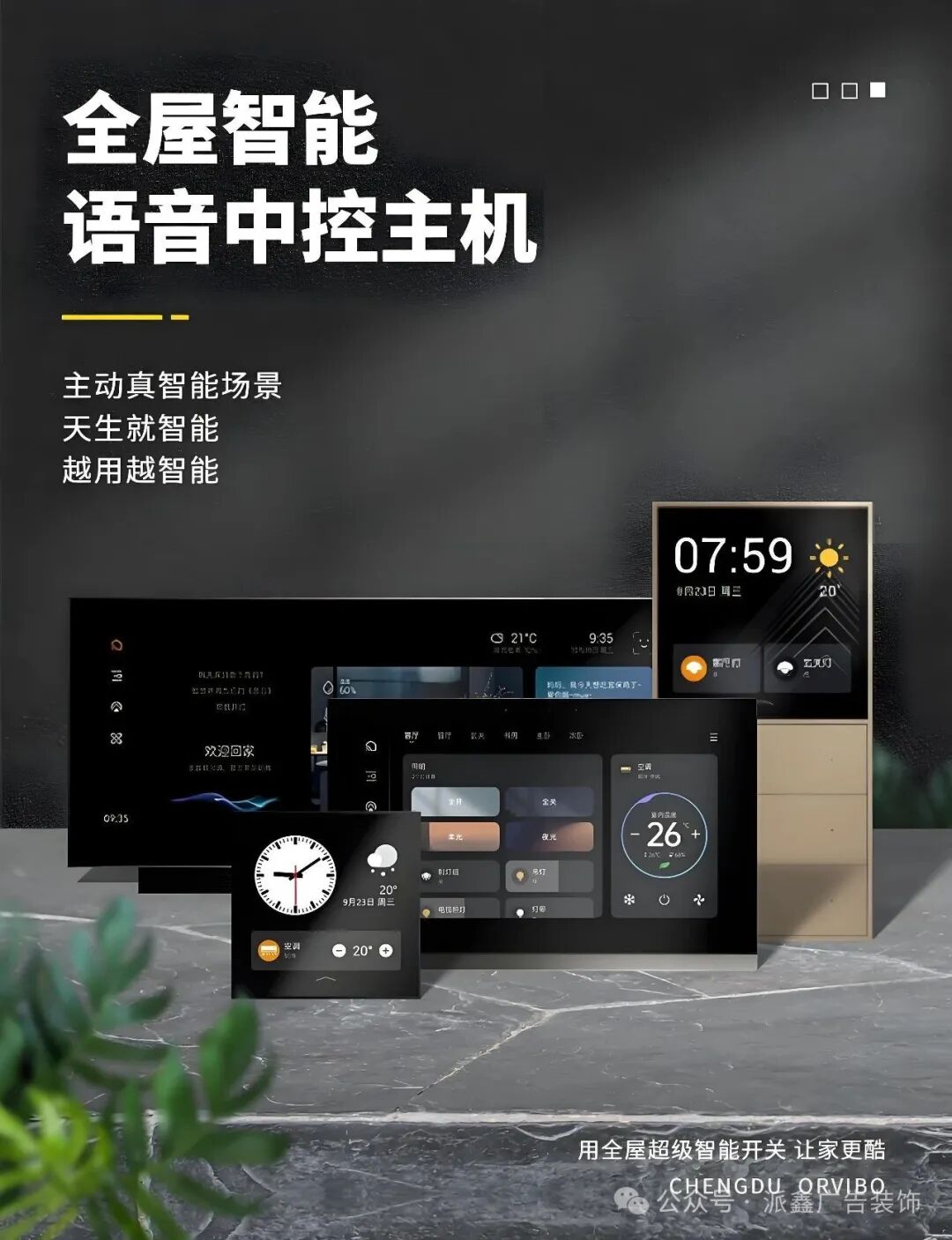

Just say it to turn on the lights
10 times more convenient than finding the switch
No more fumbling in the dark for the switch; install a “smart speaker partner” for the lights: connect the living room light to the internet, and say “Xiao Ai, turn on the lights,” and warm light instantly fills the room; lying in bed before sleep, say “turn off the lights,” and you can say goodnight to the world without getting up. This feature is loved by the elderly and children; grandma no longer has to squint to find the switch, and kids feel like they are “playing magic with the house.”
For those who want to take it a step further, you can play with “scene linkage”: set a “homecoming mode,” and as soon as you open the door, the entrance light, living room light, and dining room light turn on in sequence, as if they are “lining up to welcome you”; when “dinner mode” is activated, the kitchen light brightens (to facilitate cooking), the living room light dims (to create ambiance), and even background music automatically plays soft tunes. A mother said: “I used to forget to turn on the kitchen light while cooking; now, as soon as I enter the kitchen and say ‘I’m cooking,’ the light turns on by itself, so I don’t have to worry about pressing the switch with flour on my hands.”
Curtains that “move by themselves”
A blessing for the lazy curtain pullers
Install a “smart curtain motor” to turn your curtains into a “thoughtful little assistant”: at 7 AM, the curtains slowly open, and the sunlight gently calls you to wake up (100 times friendlier than an alarm clock); at night, say “pull the curtains,” and they obediently close without you having to get up. Renters can also install it by choosing the “rechargeable version” (no drilling required), which attaches to the curtain track and can be removed and taken with you when you move—super convenient.
Even more considerate is the “weather-responsive” feature: when it rains, the curtains automatically close (to prevent rain from coming in), and when the sun is out, they adjust to half-open (to let in light without direct sunlight). A working professional said: “I always forget to pull the curtains; in summer, the floor gets scorching hot when I come home. After installing smart curtains, I can remotely close them with a tap on my phone, and I no longer have to step on the ‘hot floor’ when I get home.”
Advanced Level
Make “home appliances” responsive
They work without you lifting a finger
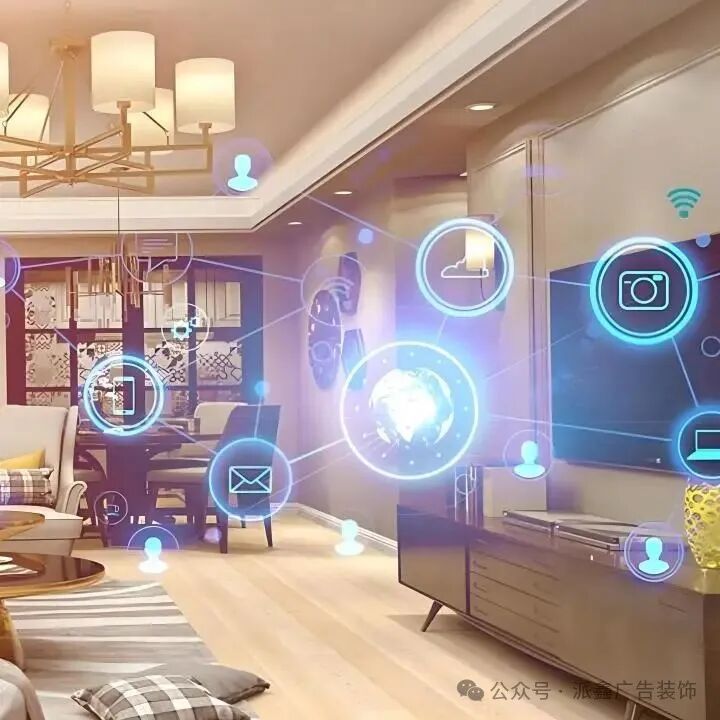
The air conditioner “anticipates” your needs
It understands you better than your partner
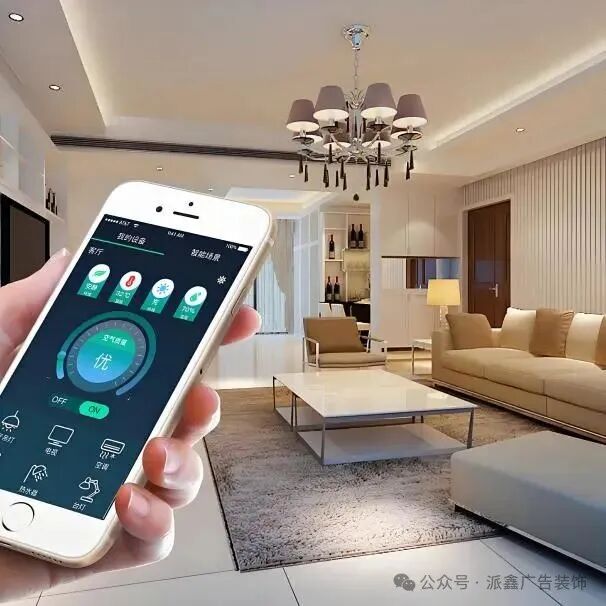
Before returning home in summer, command the air conditioner to start working in advance using your phone: when you finish work, open the app and tap “home mode,” and the air conditioner starts 10 minutes early, so you can step into a cool 26°C room without sighing at the “steaming hot room.” It even “remembers”—if you always set the temperature to 25°C, it will remember this “preference” and automatically operate at this temperature next time, understanding your “hot and cold preferences” better than your partner.
In winter, it’s even more practical; pair the air conditioner with a “temperature sensor”: if the bedroom temperature drops below 20°C, the air conditioner automatically turns on to heat; if it exceeds 24°C, it quietly shuts off, so you don’t wake up in the middle of the night to adjust the temperature. A cold-sensitive person said: “I always kick off the blanket while sleeping, and I used to wake up frozen in the middle of the night. Now the air conditioner acts like a ‘night watchman,’ warming me up when the temperature drops, allowing me to sleep more soundly.”
Humidifiers and purifiers “work on their own”
No need to keep an eye on them
No more worrying about “the humidifier is out of water” or “the purifier needs a filter change”; the smart versions will “report proactively”: when the humidifier is low on water, the mobile app sends a reminder (like saying “Master, I’m thirsty”); when the purifier’s filter is nearing expiration, it “reports” three days in advance, reminding you to buy a new one. You can even check the working status remotely, knowing whether the air at home is good while at work.
Setting up “linkage rules” is even more worry-free: if PM2.5 exceeds 50, the purifier automatically turns on; if humidity drops below 40%, the humidifier starts by itself. A person with rhinitis said: “I used to forget to turn on the purifier, and my nose would often feel uncomfortable. Now it takes care of itself, and the air at home is always good, keeping my nose clear.”
Expert Level
Make “safety” proactive
Your home becomes your “safe fortress”
The door lock “recognizes faces and voices”
No more worrying about forgetting your keys
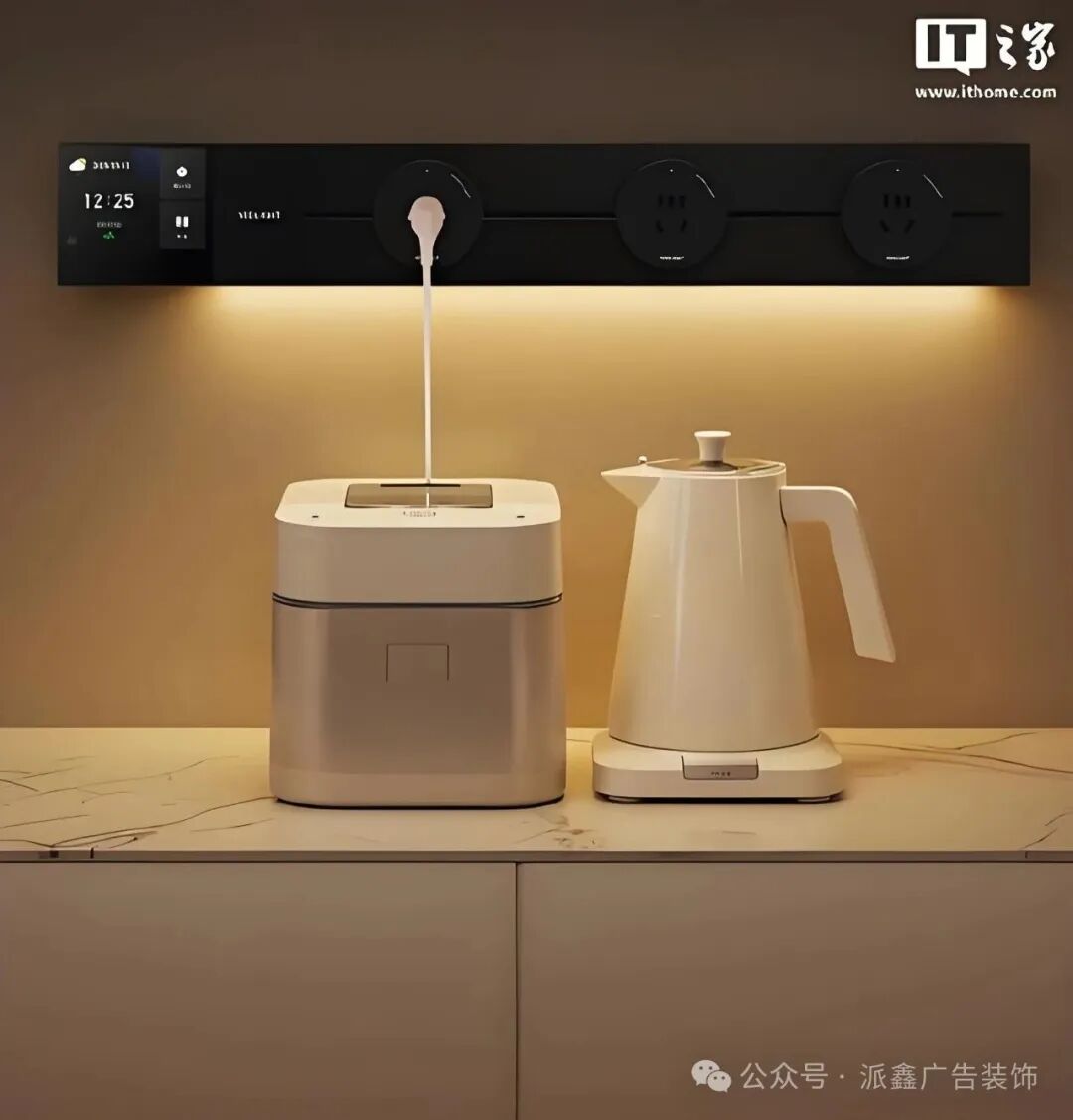
No more rummaging through your bag for keys; install a “smart door lock”: just press your fingerprint to unlock (your finger is the key). When bringing friends home, send a “temporary password” via your phone (for example, “123456,” valid for two hours), so you don’t have to run back home to open the door. The most considerate feature is the “anti-forget lock”; if you forget to lock the door after closing it, it will “beep” to remind you, and you can check on your phone whether the door is locked, giving you peace of mind while on business trips.
Single women can add a “security alarm feature”: if someone tries to tamper with the lock, the door lock will “scream” an alarm and send you a message on your phone (with the live sound); if someone rings the doorbell at night, you can see the outside view on your phone (like a “long-distance eye”), so you don’t have to walk to the door to ask, “Who are you?” A woman said: “I used to be afraid of forgetting to lock the door; I had to check three times before sleeping. Now I can just look at my phone to know, and my sense of security has skyrocketed.”
The camera “talks”
Watch your kids and pets even when you’re not home
Want to see what your cat is doing while at work? Install a “smart camera” and open your phone to “remotely supervise”: see the cat scratching the sofa, and shout “no scratching” into the phone; the camera’s built-in speaker will transmit your voice, startling the cat into stopping. If an elderly person is home alone, say “check on grandma,” and you can see her watching TV and even talk to her, asking “Have you eaten?”
It will also “proactively report safety”: when your child comes home from school, the camera “sees” him enter and automatically sends you a message saying “The little master is home!”; if your pet runs out of the living room, it will remind you “Your cat has escaped.” A working professional said: “I used to worry about my dog while at work; now I can check at noon, and if I see it sleeping, I feel at ease and don’t have to worry constantly.”
Pitfall Guide
Beginners Installing Smart Homes
Avoid these 3 pitfalls
Don’t be greedy; first solve the “most troublesome issues”
Thinking of going “fully smart” right away? It’s easy to waste money. Start with the “most troublesome issues” you face daily: if you always forget to turn off the lights, start with smart lights; if you’re too lazy to pull the curtains, start with smart curtains, and once you get used to it, gradually add more. A guy said: “I initially bought a bunch of smart devices, but many were unused. Later, I only kept the smart lights and door lock, and found it sufficient and convenient.”
Choose “the same brand” to avoid “miscommunication”
Don’t mix smart devices from different brands, for example, using “Xiao Ai” to control “Tmall Genie” lights, as they may not respond properly (like a conductor speaking Mandarin to an orchestra that speaks dialects, leading to misunderstandings). Choose an ecosystem from one brand (like Xiaomi or Huawei), where devices can communicate seamlessly and respond to your commands.
Don’t rely too much on “the internet”; keep a “manual backup”
Smart devices rely entirely on the internet; what if the internet goes down? Choose products with “manual switches”: smart lights should retain regular switch functionality (so you can manually press them if the internet is down), and smart door locks should allow key access; otherwise, if the network fails, you might “not be able to get into your home.” A homeowner learned this lesson: “Once the community lost internet, the smart curtains wouldn’t open, and I had to climb through the window to pull them manually, which was quite embarrassing.”
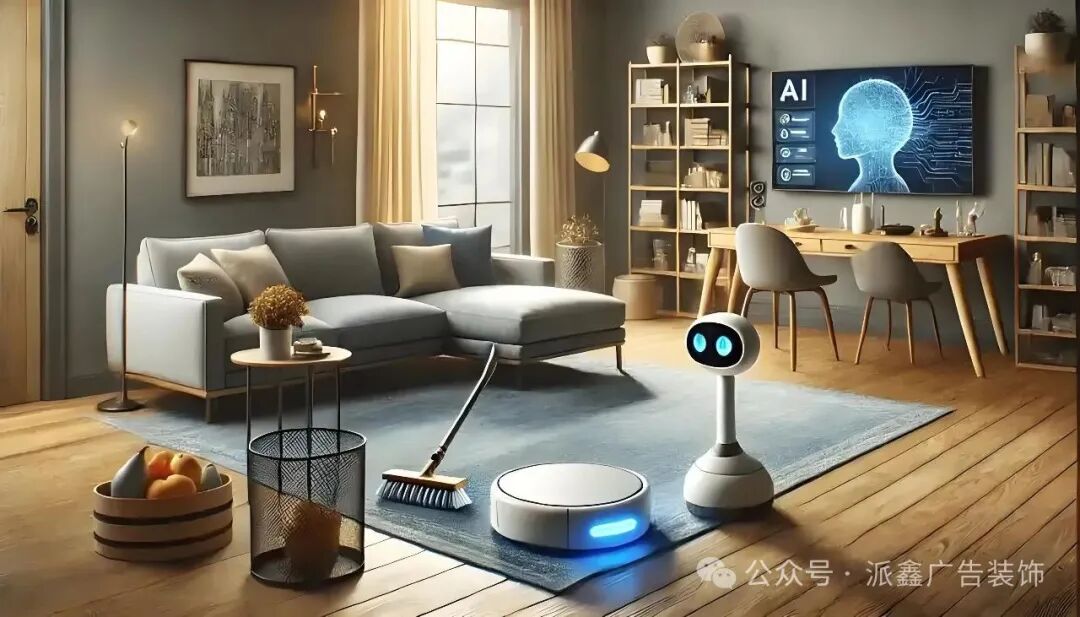
The core of smart home technology is not about “showing off skills” but about “making life easier”—turning on lights without lifting a finger, adjusting temperatures without worry, and keeping an eye on home without constant reminders. It acts like an “invisible butler,” quietly helping you with trivial matters, giving you more time to relax, binge-watch shows, or spend time with family. Don’t think this is “high-tech and hard to understand”; today’s smart devices are as easy to operate as “playing with a phone,” and even the elderly and children can learn quickly. Next time you renovate or upgrade your home, consider making your home “listen” to your words; you might fall in love with this “responsive happiness.”

WeChat ID|cool5551
Hotline|0451-5713-6333
Address|358 Tong’an Road, Fangzheng County
Follow us to learn more about design aesthetics!!