
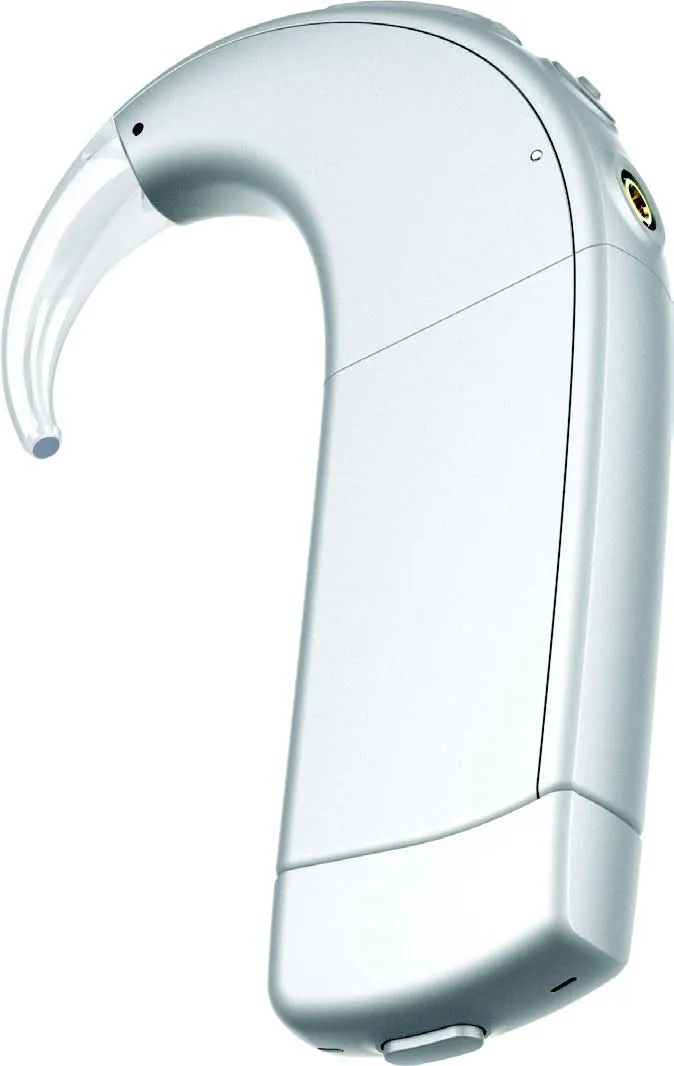
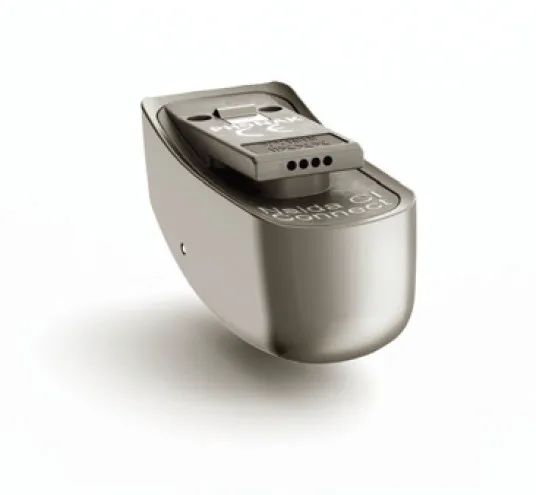
Naida CI Connect is an accessory for the Naida CI Q90 mermaid sound processor, developed by Phonak, a global leader in hearing solutions based in Zurich, Switzerland, and part of the Sonova Group along with AB. This exceptional product is the result of decades of research and proprietary technology, designed to enhance your listening experience.
Experience unprecedented seamless connectivity – the Naida CI Connect wireless Bluetooth receiver
Toenable cochlear implant users to listen to the world without barriers,AB collaborated with Phonak to develop the Naida CI Connect wireless Bluetooth receiver, allowing Naida CI mermaid Q90 cochlear users to enjoy unprecedented connectivity, whether for hands-free calls, online classes, or attending virtual meetings, it can help you achieve this effortlessly. Let’s take a closer look at it.

Product Overview
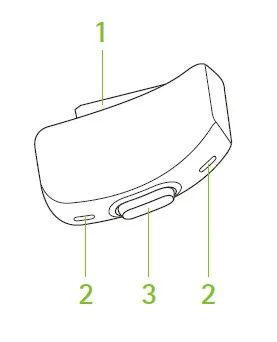
1)Connector for the sound processor
2)Microphone
3)Button

Connectivity Overview
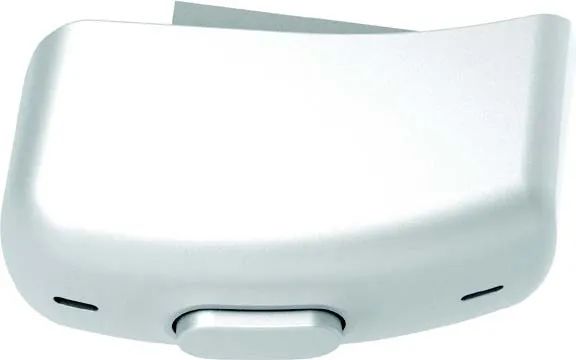
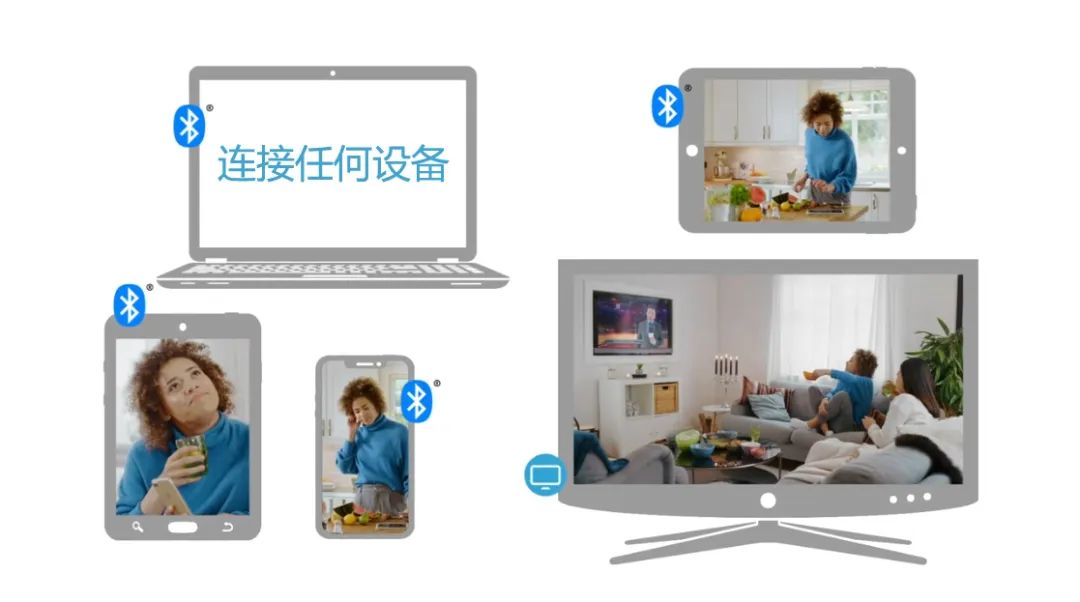
Your Naida CI Connect can connect to the following devices:1)Bluetooth-enabled mobile phones for calls, listening to music, or watching movies 2)Bluetooth-enabled computers or tablets for online calls, listening to music, or watching movies 3)USB Bluetooth adapters plugged into computers or tablets for online calls, listening to music, or watching movies 4)Phonak TV connector plugged into TVs or any other audio devices (like home audio systems)


Quick and Easy Connection
1)Remove the protective cover from the PowerCel170 battery
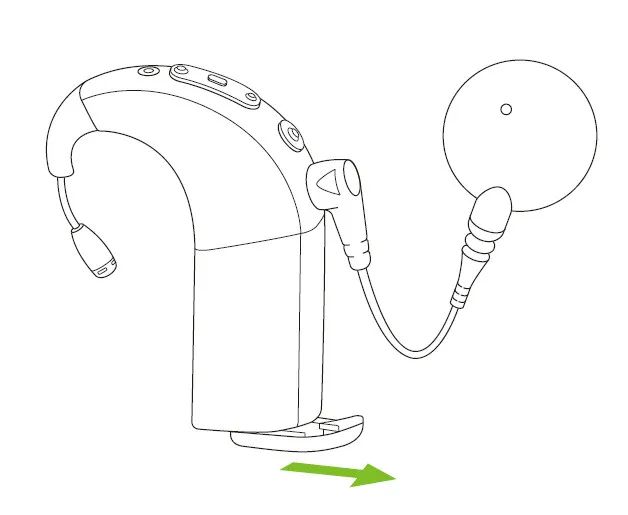
2)Connect Naida CI Connect to the PowerCel170 battery
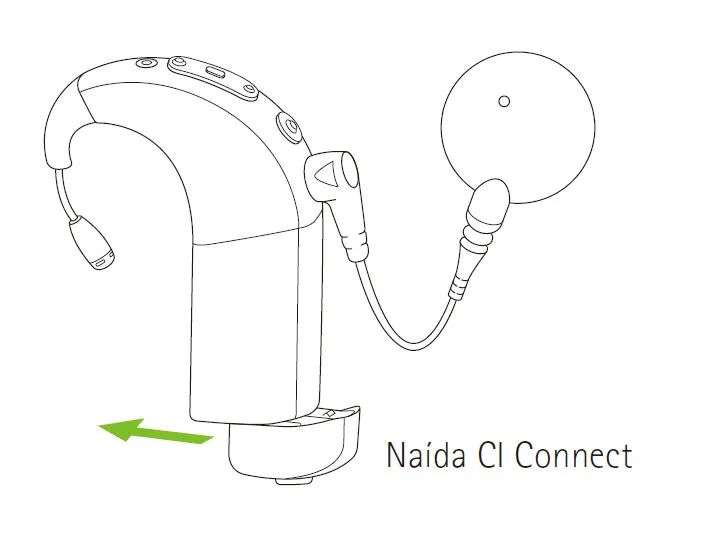
Each Bluetooth wireless device only needs to pair once. After the initial pairing, your Naida CI Connect will automatically connect to the device.
Once your Naida CI Connect is paired with your device, when it connects to the sound processor and the sound processor is powered on, it will automatically reconnect. As long as the device is powered on and within range, the connection will be maintained.

Quick Call Answering

Naida CI Connect connects directly to Bluetooth-enabled mobile phones. When paired and connected to your phone, you can hear the caller’s voice directly through your Naida CI sound processor. Naida CI Connect picks up your voice through its own microphone.
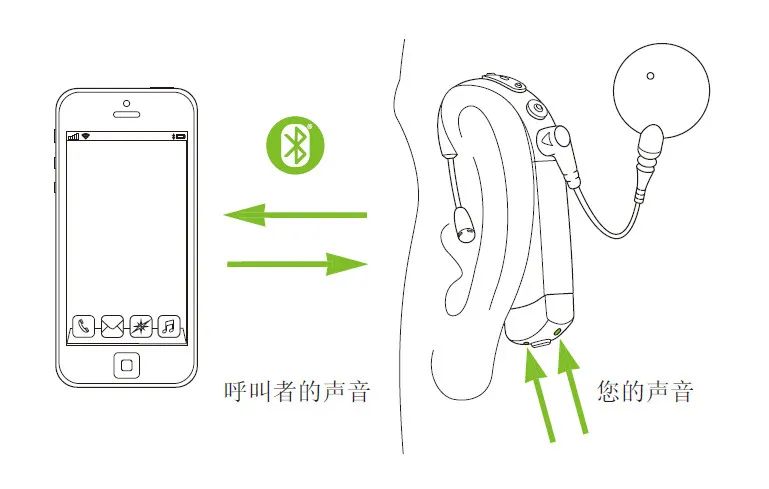
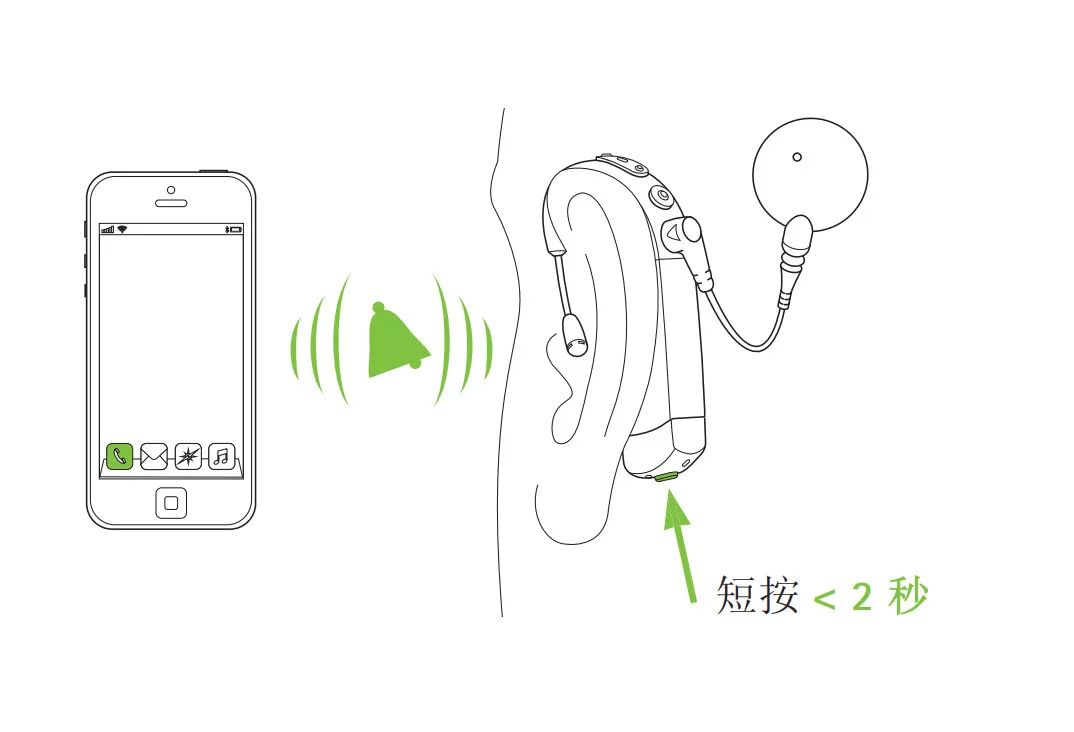
When your phone receives a call, you will hear the ringtone in your Naida CI sound processor. You can answer the call by briefly pressing the button on Naida CI Connect.
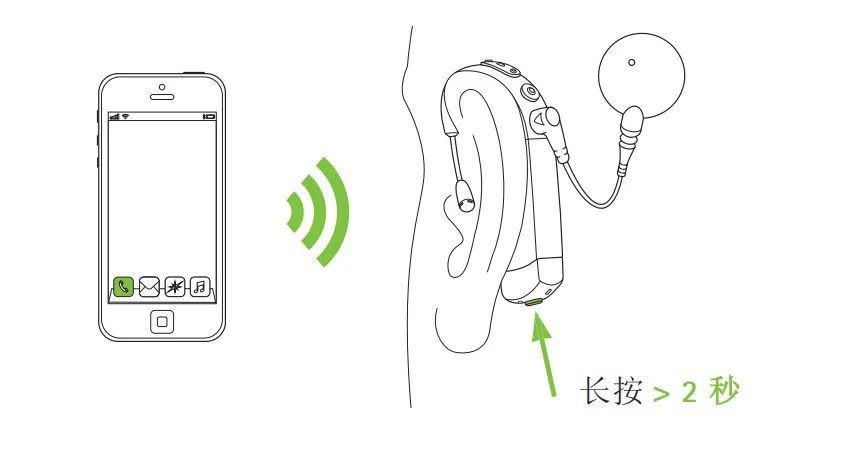
You can also use Naida CI Connect to hang up or reject calls by long-pressing the bottom button for more than 2 seconds.

Switching Between Multiple Audio Sources
When you are using Naida CI Connect to watch TV or listen to music, if your phone receives a call, the system will automatically mute the music or other audio streams, ensuring that the call always has the highest priority.

Conclusion

CI Connect is a small accessory that plugs into the bottom of the mermaid Q, enabling the mermaid Q to connect directly to multiple Bluetooth devices without the need for additional Bluetooth devices, allowing for direct calls or music listening. It can also transmit sound directly from the TV to the sound processor via the TV connector, allowing you to enjoy an unprecedented listening experience.