Follow the Embedded Learning Station for more fresh hot topics every day.

🤟Usage Tip: This article has a total of 3752 words and an estimated reading time of 10 minutes~
Ubuntu is the most popular desktop and server Linux distribution based on Debian. Manjaro is a Linux distribution custom-built based on Arch.
First, do you know the differences between Ubuntu and Manjaro?
Many people on Zhihu have compared the two different user experiences. Let’s see what friends on Zhihu have to say:
@宁笏藏本平:
Ubuntu is maintained by a company, and its content may be influenced by company decisions.
Manjaro is maintained by the community, and its content is built to meet user needs.
Ubuntu has added many small features.
Manjaro has not made any annoying small modifications except for stabilizing Arch’s components.
Ubuntu has predetermined implementations and versions for compilers, JDK, SSH, etc.
Manjaro allows customization of various components, such as whether to use GNU or BSD for tar.
Above are the disadvantages of Ubuntu compared to Manjaro, and below are the advantages of Ubuntu over Manjaro.
Ubuntu has mature commercial support.
Manjaro has a very small community, mostly consisting of beginners.
Ubuntu is at the level of being ready to use out of the box, even with pre-installed Chinese input methods.
Manjaro can be a bit challenging for pure beginners.
@梁鸿博:
Since Ubuntu is based on Debian and Manjaro is based on Arch, the shortcomings of the upstream affect the downstream. Both systems have commercialized; Ubuntu is suitable for beginners and situations where software version and functionality requirements are not high, such as office work where no tweaking is needed; if you have a certain level of expertise and have specific software functionality and version requirements, you should use Manjaro, such as for designers, because the software needed is not as good as Windows and is still on lower versions, making it difficult. Both are very stable and visually appealing, just depending on the needs, but Manjaro has slightly higher user requirements compared to Ubuntu.
@无法控制吃:
Manjaro is cool and new, but Ubuntu has more features and is more stable. Choosing Manjaro inevitably comes with some pain and is not suitable for work, but my first choice is still Manjaro, which is tricky.
@丁博:
The basics of using Linux involve learning to find information and solve problems on your own. This is the Arch Linux and Manjaro way.
If you’re just looking to use something ready-made, that’s Ubuntu and Mint.
@匿名用户:
Some software installations in Ubuntu are too cumbersome, especially in PPA form. If the PPA source is down, apt-get update will be interrupted. Some software may not install smoothly, leaving various remnants. The software in Ubuntu is older; for example, Manjaro defaults to 2.x, where the 2.x version does not enable compression by default. 3.x data of 2G in 2.x can become as large as 14G, and if you are not careful, you can fall into a pit. Haha, it’s ridiculous. After seeing the online reviews of Manjaro, life is short, I choose Manjaro!
@yuan88:
Manjaro usage experience
Advantages:Simply put, Manjaro has all the advantages that Ubuntu has! After all, it has long been the number one system on the Linux ranking list (not counting the MX Linux that cheats scores).
Software installation is really smooth, for example, NetEase Cloud Music and Sogou Input Method, which are cumbersome to install under Ubuntu and cannot be installed directly via apt-get. But under Manjaro, it can be easily handled with yay, and the experience is far superior to Ubuntu.Disadvantages:Manjaro’s update strategy is relatively aggressive compared to Ubuntu, and some have reported that they cannot enter BIOS after updates. I have been fine so far, but I haven’t used it for long, so there may be some pitfalls I haven’t encountered yet. (To be safe, I keep important data in Nutstore, and application data is backed up to Nutstore regularly using scripts + crontab.)Graphics card fan issue:Manjaro cannot correctly install the graphics card switching program and cannot turn off the discrete graphics, so the discrete graphics fan always runs, which is a bit annoying.Input method issue:FreeOffice cannot use Sogou Input Method in Chinese.gitk garbled:There is a garbled problem with gitk software (can be replaced with vscode + gitLens).
@谓自力:
For research and other purposes, I have kept many VirtualBox images of Linux distributions. I found that running Manjaro in a virtual machine is nearly as fast as running Ubuntu directly on my machine.
This is a very attractive factor because I often need to compile large codebases. The faster my computer finishes this task, the faster I can move on to the next task.
Manjaro can load applications faster, switch between applications, move to other workspaces, and start and shut down. All these accelerations can stack up.
In summary, the user experience and functionality of the two are vastly different.
However, when comparing the GNOME version of Manjaro and Ubuntu, one commonality is the desktop environment.
But what exactly are the differences? Is Manjaro’s package manager better? How is the software ecosystem on Ubuntu and Manjaro?
Next, let’s take a look at the differences between the two Linux distributions on some key issues.
Release Cycle
Ubuntu offers two release cycles depending on the version you choose. If you choose the Long Term Support (LTS) version, you will receive security maintenance updates for at least the next five years.
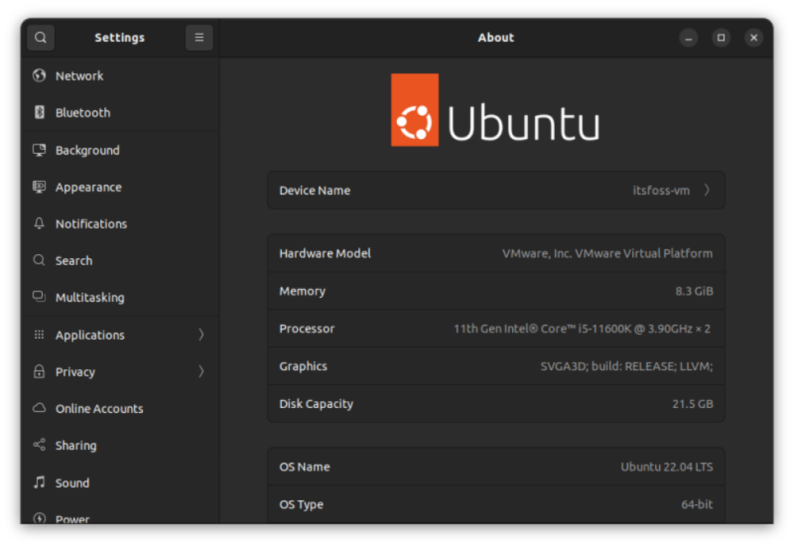
ubuntu22 04 lts about
Therefore, werecommend regular desktop users to use the LTS version.
If you want a better experience with updates, you can choose the non-LTS version that updates every nine months.
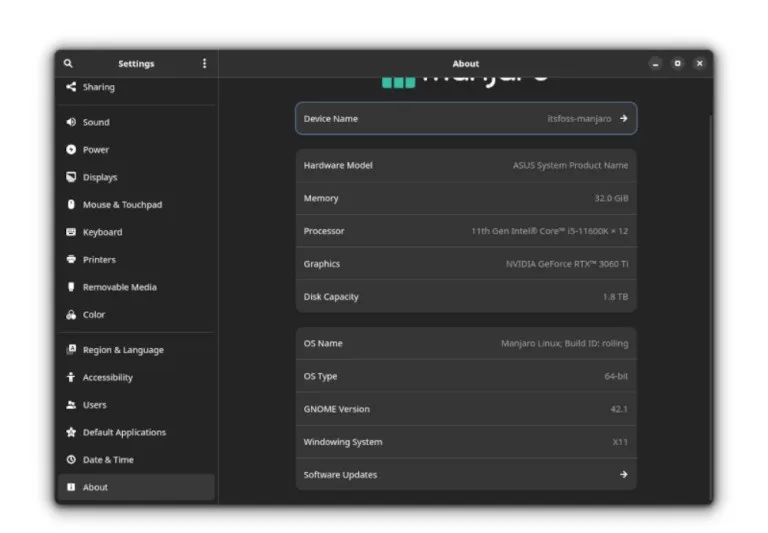
When you choose Manjaro Linux, you will receive rolling release updates, so you don’t have to worry about the support for your version expiring. It will upgrade to the latest available version through regular updates.
If you want to use a historical version of some software, Manjaro may not be suitable for you.
manjaro about
Desktop Environment
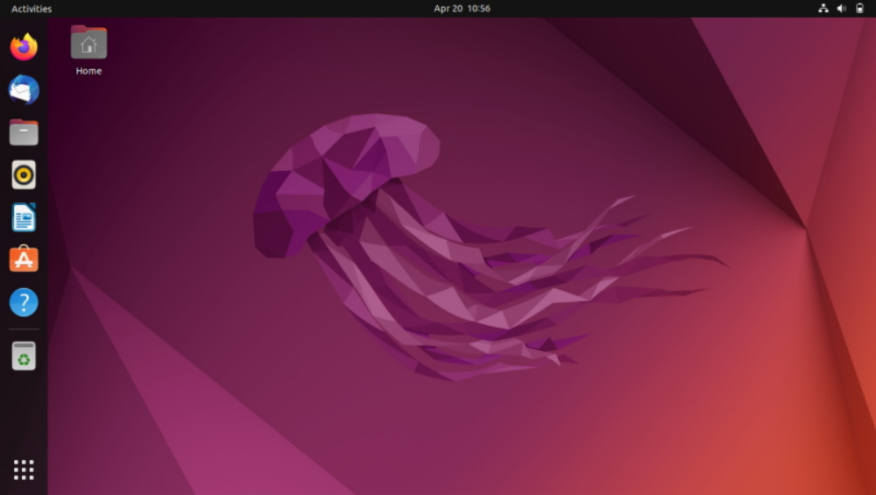
Ubuntu specifically provides a customized version of the GNOME desktop. It may not be the latest, but if you use a newer version of Ubuntu, it basically includes the latest GNOME desktop environment.
ubuntu 22 04 wallpaper
Canonical (the company behind Ubuntu) does not provide other desktop environments.
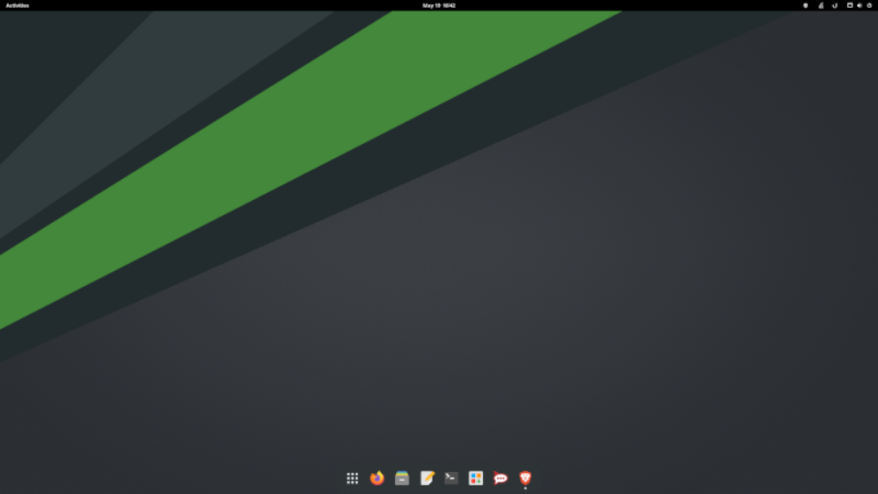
If you use Manjaro, you can choose from three official versions: XFCE, KDE, and GNOME. Regardless of the desktop environment, you will be using a rolling release model.
manjaro gnome 42
Of course, you can also use some community versions of Manjaro, such as Budgie, MATE, and LXQt.
Package Manager and Software Ecosystem
In both types of distributions, finding most necessary Linux applications is not a problem.
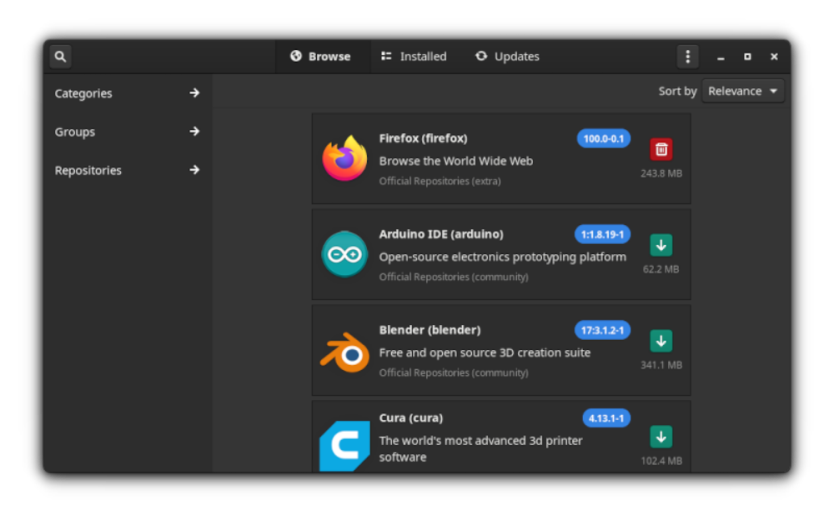
However, Manjaro Linux uses Pamac as its package manager to provide a faster experience.
manjaro package manager
Compared to the application store on Ubuntu, Manjaro Linux provides a better experience for quickly installing/updating software. It also supports out-of-the-box Flatpak/Snap, which you can enable with just one click.
When using Ubuntu, the Linux applications provided by its application store are not the best. Depending on your system configuration and usage duration, it will become slower over time.
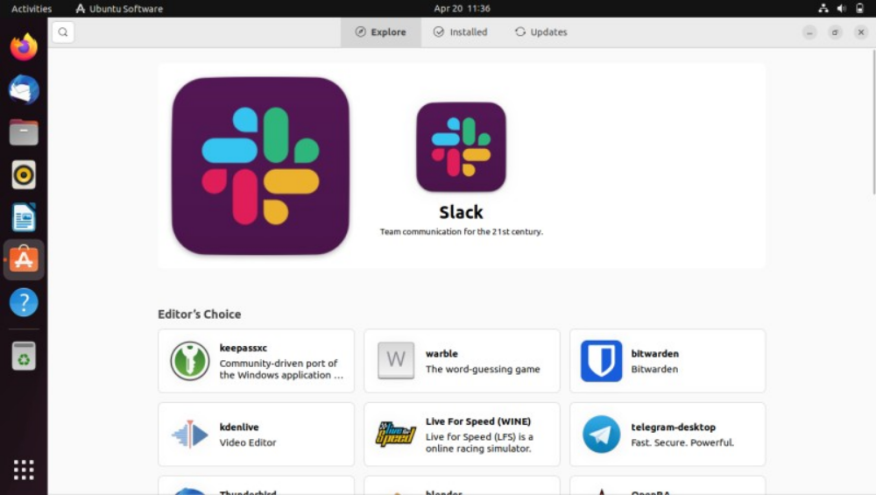
ubuntu 22 04 software center
In addition, Manjaro Linux can access AUR, which can get you almost all the software that you might not find in the Ubuntu app store.
Therefore, in terms of software ecosystem and package manager, Manjaro Linux indeed has more advantages over Ubuntu.
Usability and Target Users
Ubuntu desktop is primarily tailored for ease of use. It focuses on providing the best combination of software and hardware compatibility, allowing all computer users to use Ubuntu Linux without needing to understand most of the Linux world.
Manjaro Linux is also tailored for desktop users. However, it is not suitable for first-time Linux users.It is designed to simplify the operation of Arch Linux.Therefore, it is mainly aimed at Linux users who want to use Arch Linux but with added convenience.
Stability

stability tux
Ubuntu LTS versions primarily focus on stability and reliability, so you can also deploy them on servers.
In contrast, Manjaro Linux may not offer out-of-the-box stability. You need to be more careful when installing packages in Manjaro Linux and pay attention to your configuration to ensure that updates do not break your system.
Personalization
Ubuntu specifically provides a customized GNOME desktop set up by Canonical for end users. If you want a personalized desktop experience, you can only achieve it with tools like GNOME Tweak.
Compared to Manjaro GNOME, you can only use the same tools to customize the desktop.Manjaro also has some custom adjustments for appearance. However, it provides more components to change layouts and other options.
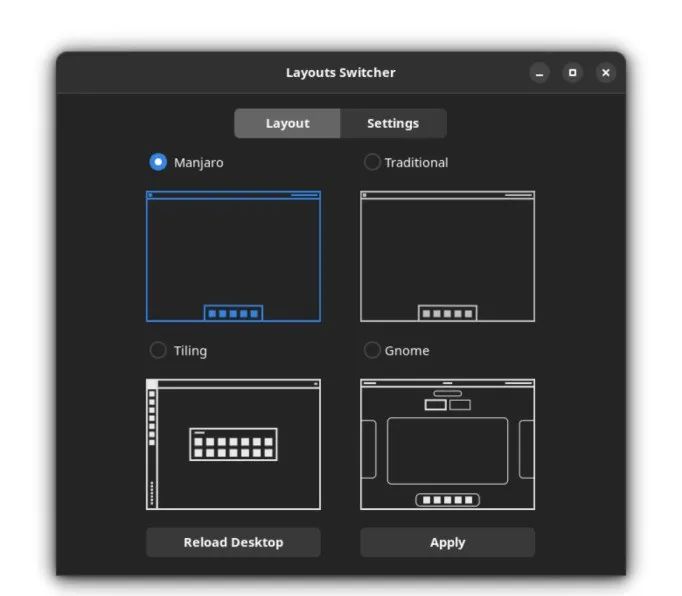
manjaro layout
Bloated Software
If you dislike having many pre-installed applications, Ubuntu may be troublesome for you.
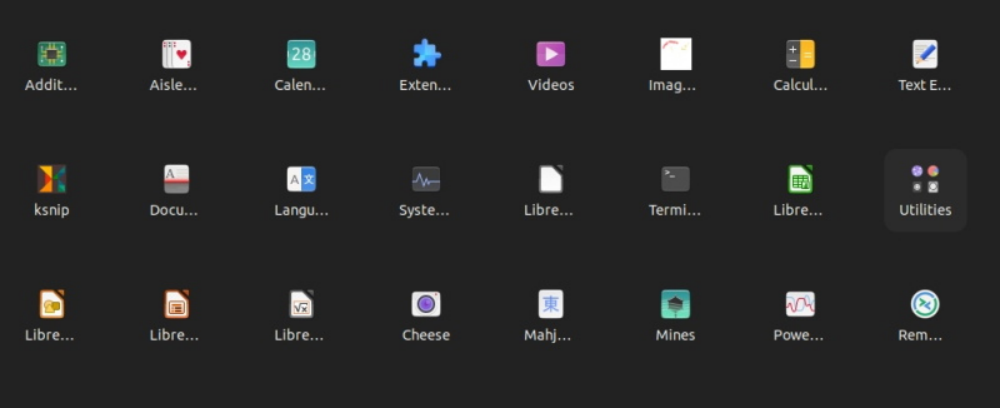
ubuntu 22 apps
When using Manjaro, you only need to install the most basic content during installation. They stick to using the most basic utilities, minimizing the number of pre-installed packages. Therefore, Manjaro is rarely associated with bloated software.
Documentation
Considering Ubuntu’s popularity, it is easier to use and may be more comfortable for new users.Ubuntu’s documentation, while not the best, is good enough.
When it comes to Manjaro Linux, they have a wiki that contains basic information and in-depth guides to help you get started.
Overall, Arch Linux’s documentation is very detailed, and almost everyone (even veterans) refers to it for help.
Arch Linux’s documentation largely applies to Manjaro Linux as well, so in terms of documentation, using Manjaro Linux has an advantage over Ubuntu.
As two completely different Linux distributions, they serve various types of users. You can choose either one that interests you and try to use it to determine if it suits you.
However, if you want to avoid making any changes to the system and focus on your work, Ubuntu should be a wise choice.
And if Ubuntu’s performance significantly affects your experience, you should try Manjaro.
END

Previous Recommendations