The Linux system has always been a great platform for tinkering, mainly because it is open-source and offers many customizable options.
When you’re bored, you can treat it like a toy, and when you need it, it is also a reliable operating system for professional use.
There are many fun things on Linux, including personalized configurations, unique themes, and various desktop experiences.
Today, I found a rather interesting Gnome extension in the Gnome desktop environment of Ubuntu. The effect is that when you close a window, it closes with a burning effect.
Come, let’s check out the effect.
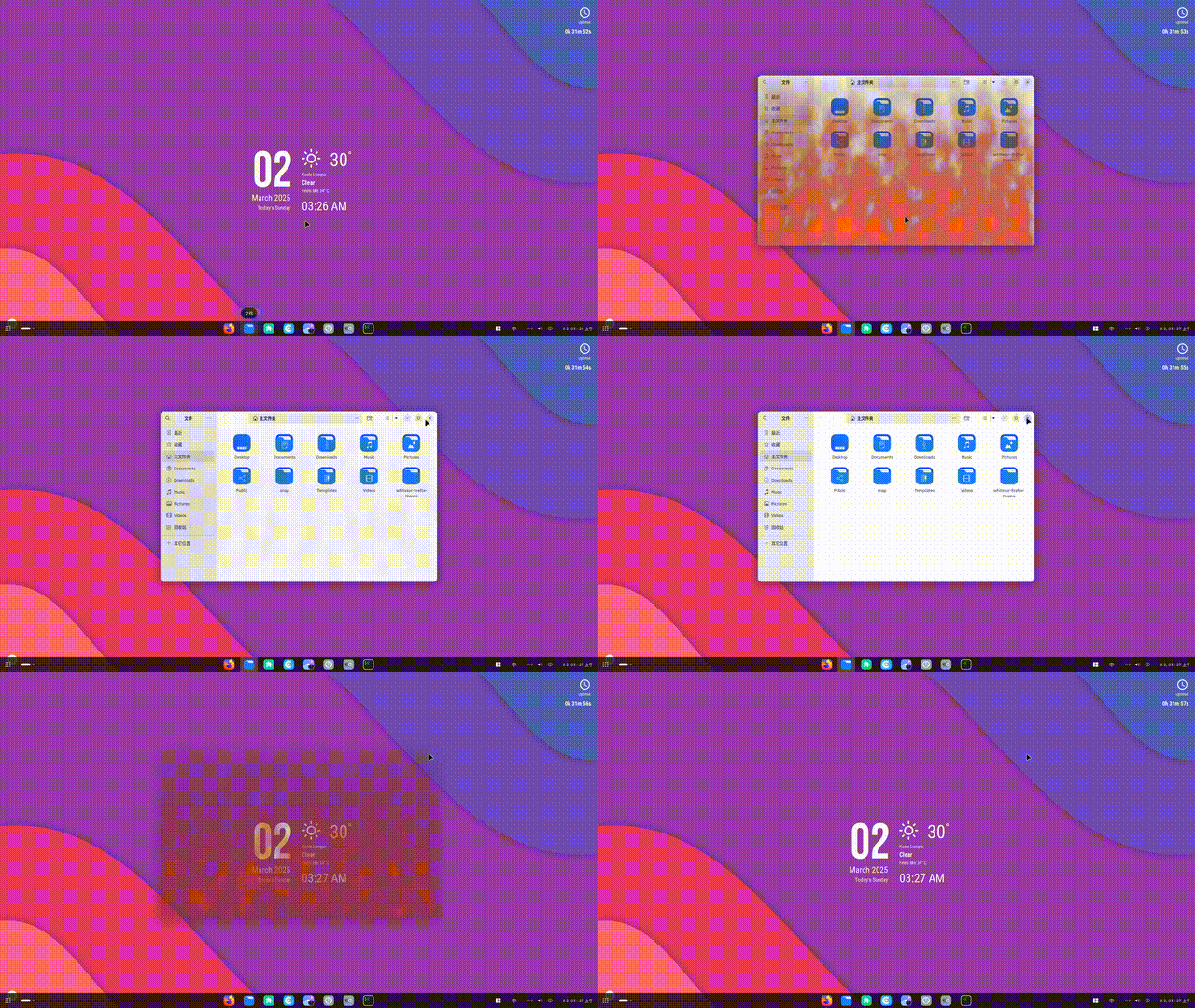
This extension doesn’t serve much practical purpose; it’s purely for entertainment, but it’s quite fun.
This is a Gnome extension, and installing it is very simple. If you are using the Gnome desktop environment, you usually open your browser and enter the following URL to access the Gnome extensions page.
https://extensions.gnome.org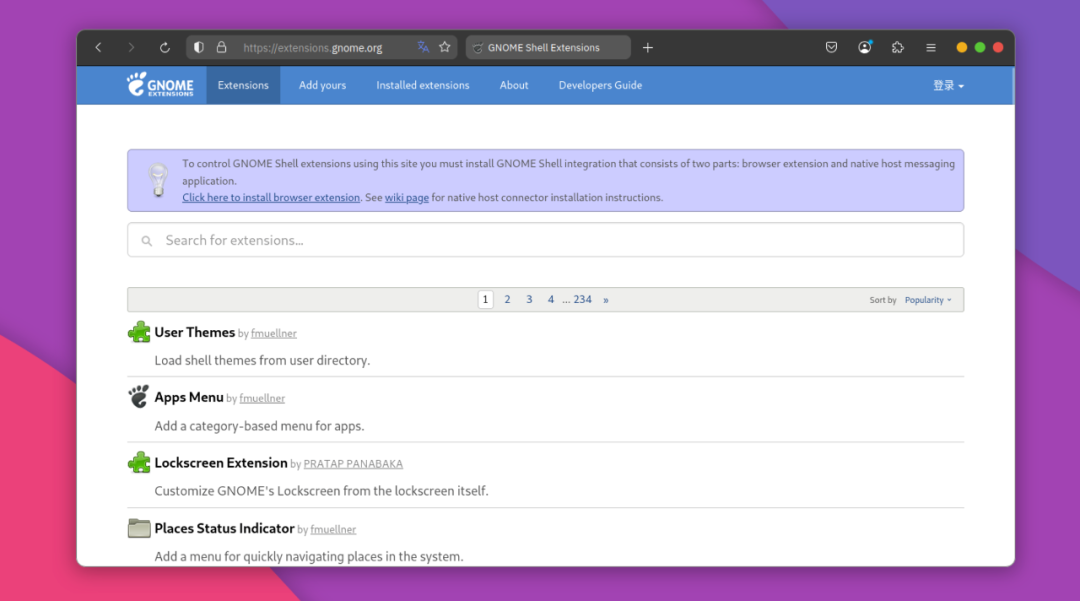
In the search box, type “Burn My Windows” to find this extension.
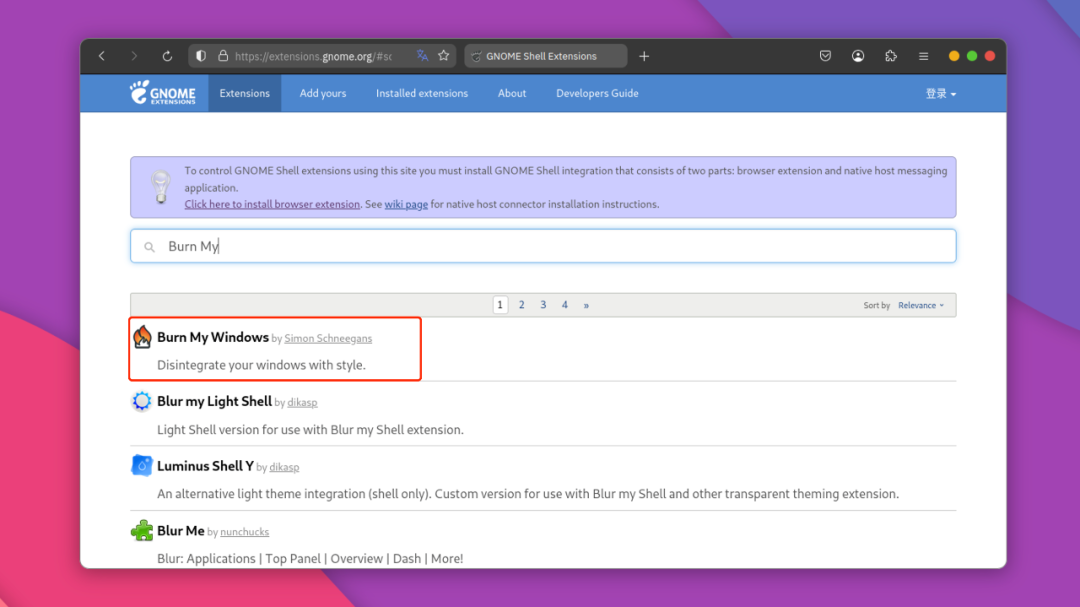
Click on the extension to enter the details page, as shown below:
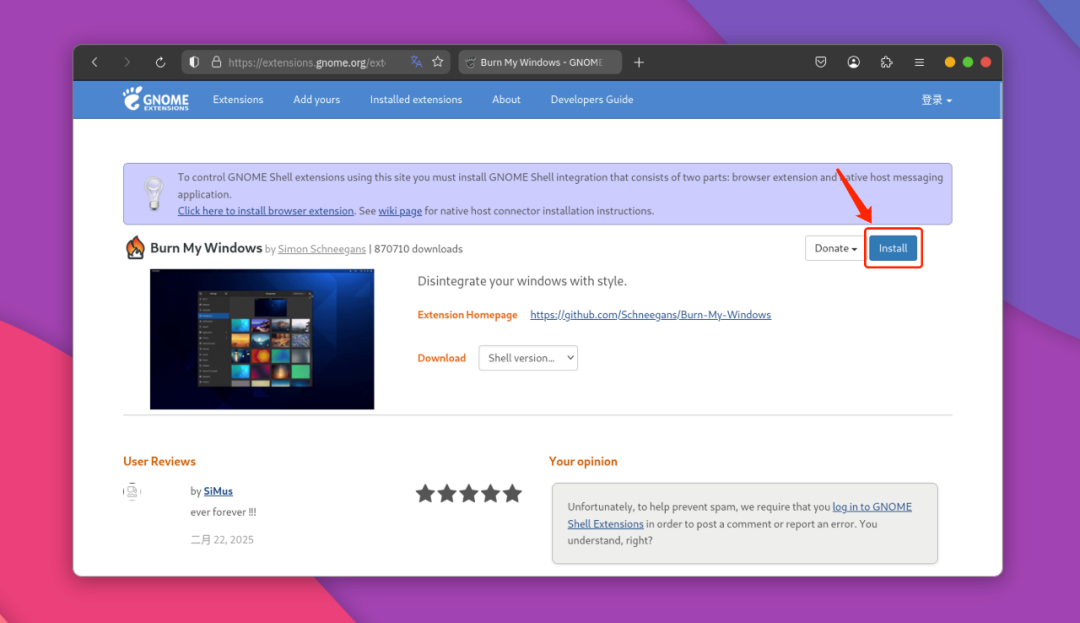
Just click “Install” to install it, and an installation interface will pop up. At this point, you just need to proceed with the installation.
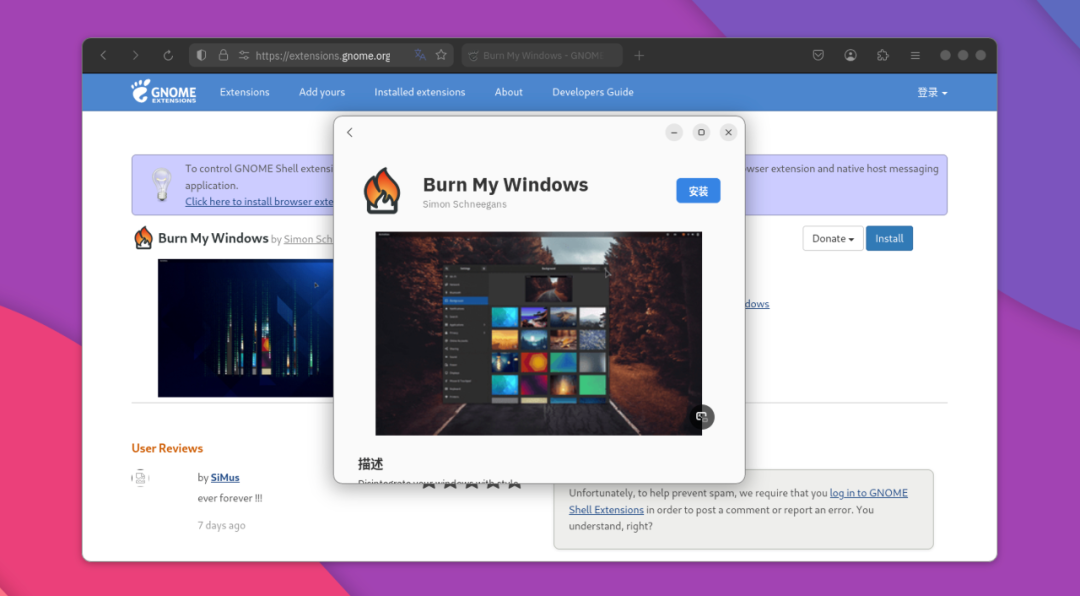
After the installation is complete, it will take effect immediately, and when you close or open a window, you will see the corresponding “burning” effect.
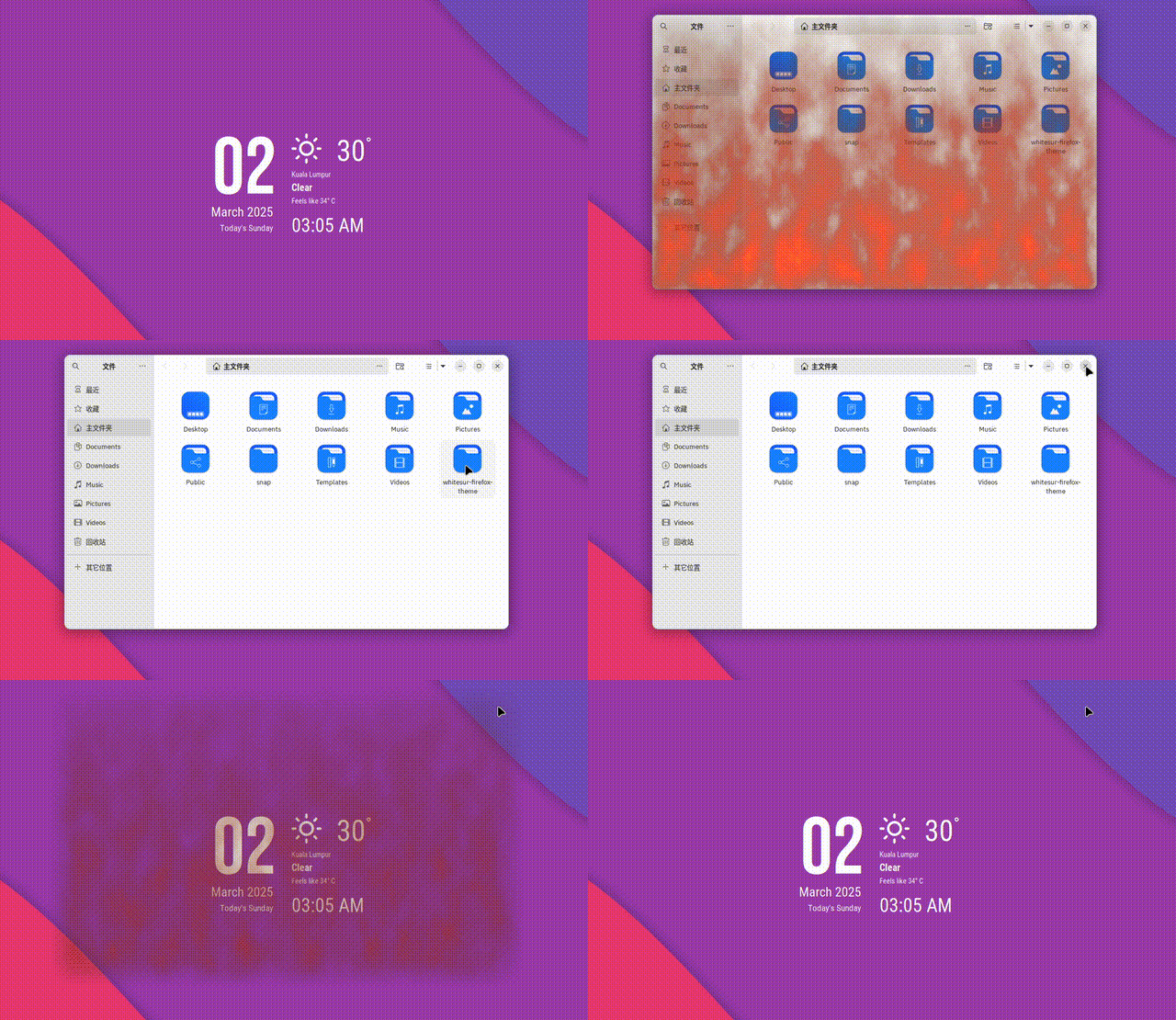
This window effect has no practical use, but it is particularly suitable for showing off, and the effect is impressive!
If you’re interested and using the Gnome desktop environment, you might as well install this Gnome extension on your Linux system to add a touch of fun to your computer operations!