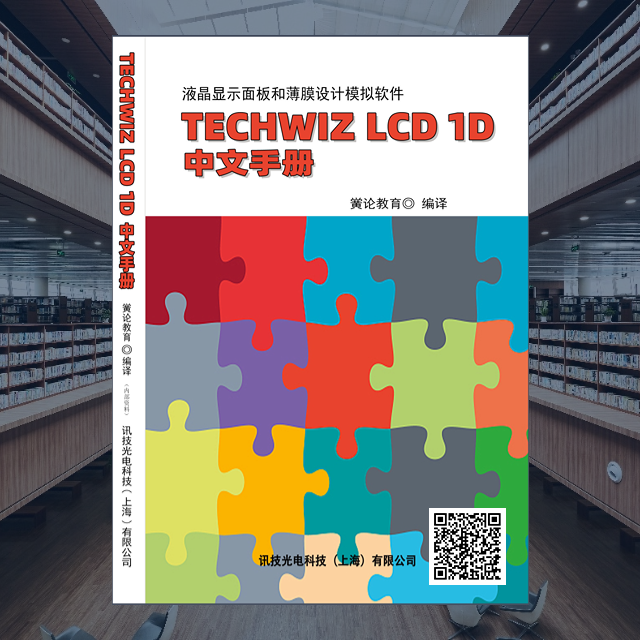
 Scan the QR code on the book to view the book details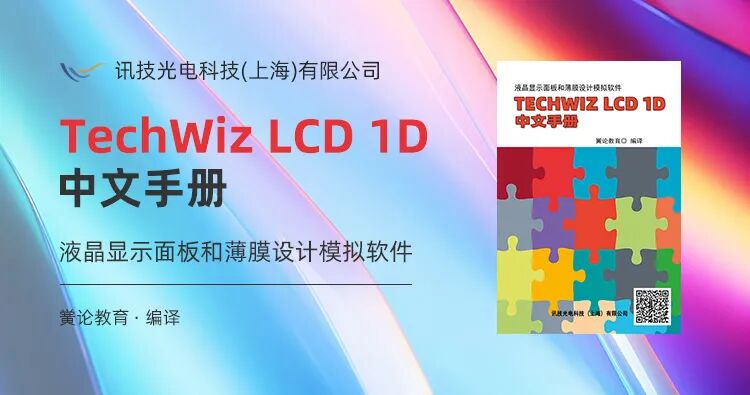
Table of Contents
Preface1
Overview1
Part One Installation Procedures2
1 Install TechWiz LCD 1D Program2
2 Install License Server Program4
3 Apply for License6
3.1 Using Host ID Program6
3.2 Using Imtools Program7
4 Install Hardlock Driver9
5 Set Up License12
5.1 Register License12
5.1.1 Evaluation License12
5.1.2 Floating License14
5.2 Check License Server Status21
6 Configure Firewall24
6.1 Windows 7, Windows 8, Windows 1024
6.2 Windows XP29
Part Two Using the Program32
1 TechWiz DB Module32
1.1 TechWiz DB Module Interface Configuration32
1.1.1 List32
1.1.2 Manage Items33
1.1.3 Item Types33
1.1.4 Information Window34
1.1.5 Options34
1.2 Material Database39
1.2.1 LC44
1.2.2 Insulator53
1.2.3 Metal55
1.2.4 Polarizer64
1.2.5 Retarder67
1.2.6 Color Filter70
1.3 Layer Database74
1.3.1 Single Layer76
1.3.2 Group Layer82
1.3.3 AxoScan Layer94
1.3.4 Multi-domain Analysis96
1.4 Light Source Database99
1.4.1 Luminance Tag104
1.4.2 Spectrum Tag106
1.5 Signal Database107
1.5.1 Signal Bar109
1.6 Gray Scale Database113
1.6.1 Gray Scale Bar115
1.7 TFT Model Database116
1.7.1 Model Parameter Bar119
1.7.2 Ids(Current) Bar119
1.7.3 Channel Capacitance Tab120
2 TechWiz LCD 1D122
2.1 Register License122
2.2 TechWiz LCD 1D Interface Layout124
2.2.1 Main Menu124
2.2.2 Toolbar139
2.2.3 DB Explorer139
2.2.4 Stack List140
2.2.5 Properties140
2.2.6 Output File [*.t1d]141
2.2.7 Output141
2.2.8 Status Bar141
3 Using TechWiz LCD 1D142
3.1 Create Project142
3.1.1 Create New Project142
3.1.2 Open143
3.2 Define TechWiz LCD 1D Structure143
3.2.1 Define Structure143
3.2.2 Set Layer Properties146
3.2.3 Input Layer Information Method147
3.3 Properties147
3.3.1 Light Source Properties147
3.3.2 Polarizer Properties152
3.3.3 Liquid Crystal Properties154
3.3.4 Insulator Properties159
3.3.5 Metal Properties161
3.3.6 Retarder Properties165
3.3.7 Color Filter Properties168
3.3.8 Layer Group Properties171
3.3.9 Multi-domain Layer Properties172
3.4 Variables173
3.4.1 Define Variable Method174
3.5 Run175
4 TechWiz LCD 1D Viewer176
4.1 Create a TechWiz LCD 1D File176
4.2 TechWiz LCD 1D Viewer Window Layout177
4.2.1 Main Menu177
4.2.2 Toolbar199
4.2.3 Result Panel200
4.2.4 Control Panel201
4.3 Results & Control Panel202
4.3.1 Graph202
4.3.2 Polar Chart217
4.3.3 Color226
4.3.4 Gamma236
4.3.5 Image242
4.3.6 3D Graph246
4.3.7 Director253
5 TechWiz Polar260
5.1 TechWiz Polar Screen Layout260
5.1.1 Main Menu261
5.1.2 Toolbar266
5.1.3 DB Explorer266
5.1.4 Project267
5.1.5 Stack List267
5.1.6 Input Light274
5.1.7 Output File275
5.1.8 Wavelength & Viewing Angle275
6 Polar Viewer277
6.1 Create TechWiz Polar File277
6.2 TechWiz Polar Viewer Screen Layout277
6.2.1 Main Menu278
6.2.2 Toolbar287
6.2.3 Control Panel288
6.3 TechWiz Polar Results Analysis289
6.3.1 Poincaré Sphere289
6.3.2 Electric Field Wave299
6.3.3 Retardance302
6.3.4 Transmittance314
7 Real-time315
7.1 Real-time Screen Interface315
7.1.1 Stack List316
7.1.2 Input Light319
7.1.3 Wavelength & Viewing Angle320
7.1.4 Selected Layer321
7.2 Real-time Viewer324
7.2.1 Variable325
7.2.2 Electric Field Wave325
7.2.3 Poincaré Sphere326
Part Three Frequently Asked Questions333
1 Installation333
2 Using TechWiz LCD 1D Program334
Part Four Appendix342
A Example of Creating TechWiz LCD 1D Structure342
A.1 Create Polarizer342
A.2 Create Glass Layer343
A.3 Create Pixels and Common Electrode344
A.4 Create LC Layer345
A.5 Define Backlight
B Multi-domain347
B.1 Create Multi-domain Structure347
B.1.1 Create Layer Group347
B.1.2 Create Multi-domain Layer349
B.1.3 Run350
C Color Analysis351
C.1 Create Structure Using Color Filter351
C.1.1 Define Color Filter Database351
C.1.2 Same Structure for R/G/B Color Filters352
C.1.3 Different Proportional Conditions for R/G/B Color Filters353
C.1.4 Different Structures for R/G/B Color Filters355
C.2 Color Analysis358
D 3D Display361
E Semi-transparent Reflection Simulation363
E.1 Define Reflective Materials363
E.2 Define Semi-transparent Structure364
E.3 Result Analysis366
F Refractive Index Window368
F.1 Use Cauchy Constants or Sellmeier Constants368
F.2 Fitting Function370