How to Create Function Blocks in Mitsubishi PLC GX Works2
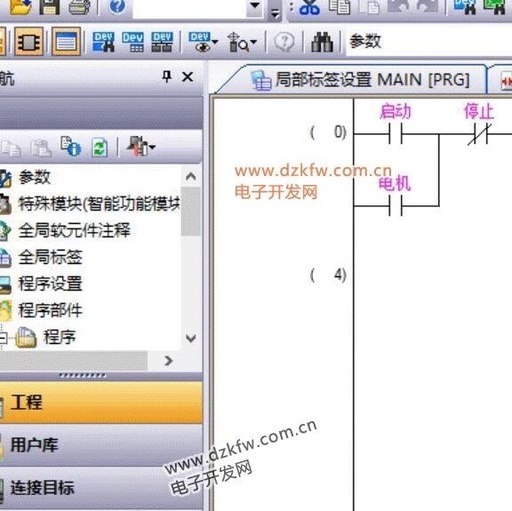
The steps to create function blocks in Mitsubishi PLC GX Works2 are as follows: Create a New Project Open GX Works2, select “Project” → “New Project”. Check “Use Tags” in the project type, and select the PLC model (e.g., FX3G/FX3U). Create FB Block In the left navigation bar under “Program Components”, find “FB Management”, right-click … Read more