As someone who is passionate about gathering information from the internet, I always want to download useful content I find online for study. For instance, I am particularly interested in technology, and I often convert excellent posts into my own use. Recently, I wanted to learn about plt in Python. I found an article online as follows: 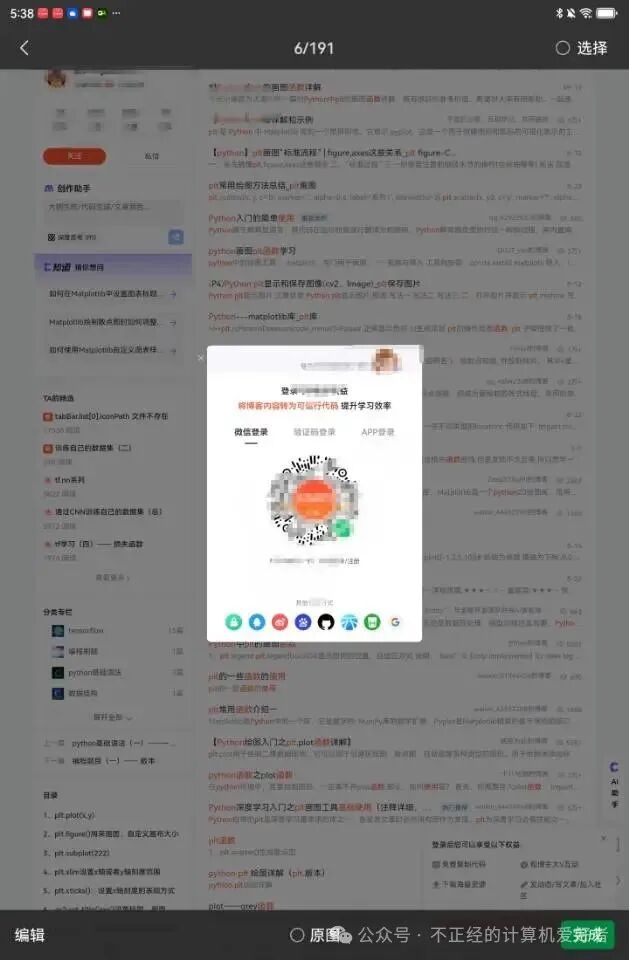 After closing this pop-up, it looks like this. However, I am quite averse to filling out personal information.
 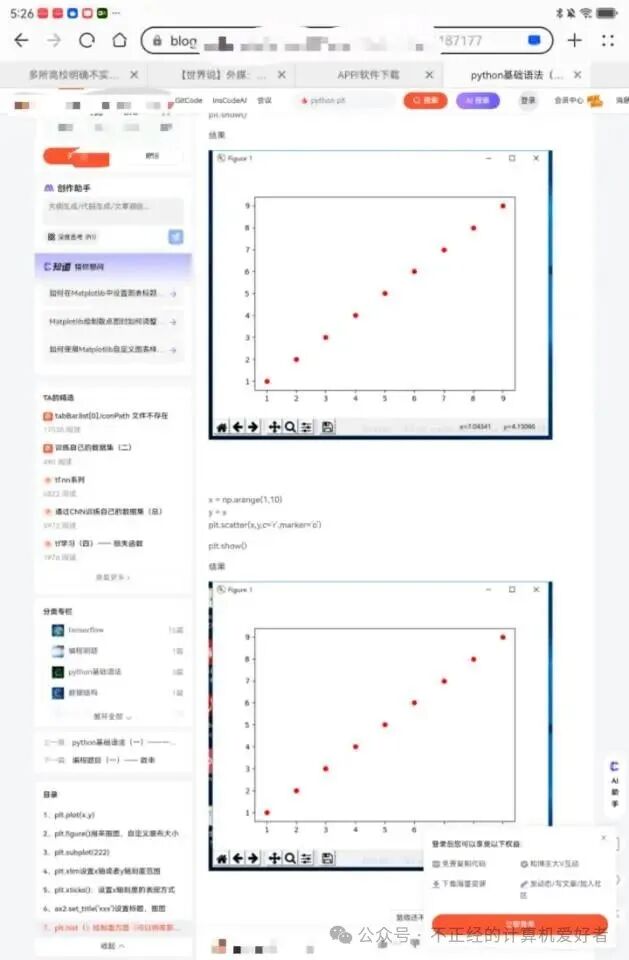 I can’t see everything, and it still requires us to register; right-clicking does not allow copying or pasting. Friends who have learned front-end development know that this is due to a language called JavaScript. When encountering such issues, there are two solutions: find a better browser or download the webpage and modify the source code. Before I discovered Lynx, I used to perform these operations. I would use wget or Python’s requests to download the source code, and then use a text editor (Windows uses txt files, while Linux uses vi or grep) to modify the source code. The simplest method is to replace the word script with a space. They are all system-provided text editing software that does not take up extra space on the phone. Then, I would open it in a browser, and there would be no pop-up. I will write more about this aspect when I have time.
 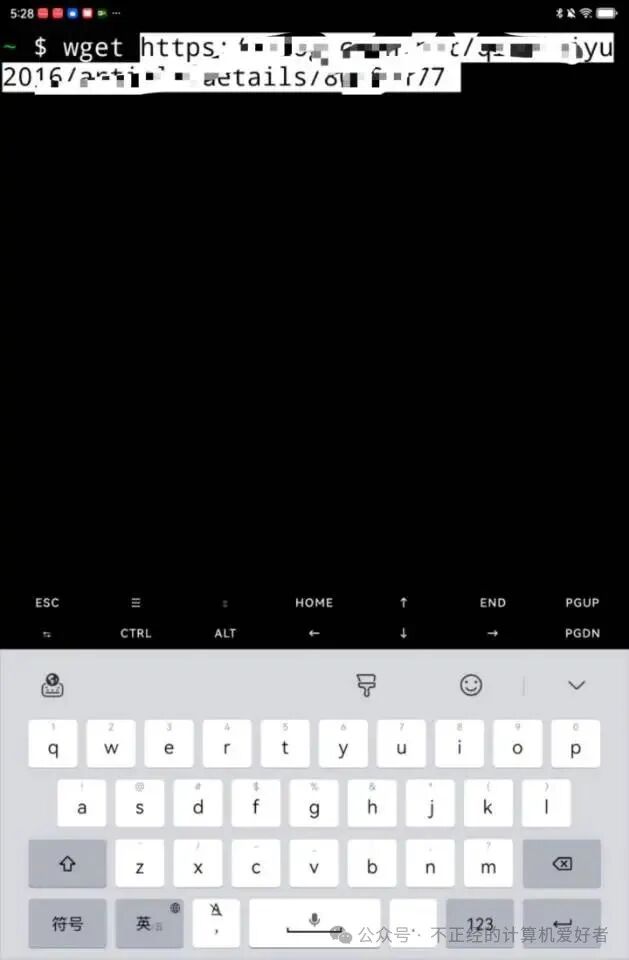 Below, I will show how to open it using Lynx. Lynx is a pure text browser that prevents JavaScript from running on the phone. When we open a file with Lynx, we find it looks like this.
 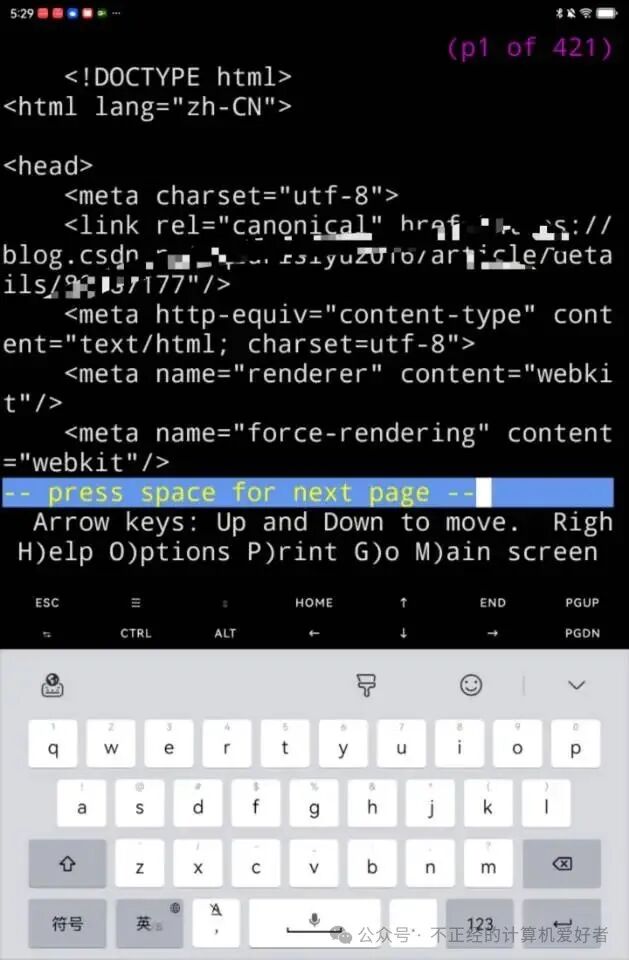 What opens is just a bunch of source code because the suffix is not html. We use mv to rename it to 80.html. Then we open it with Lynx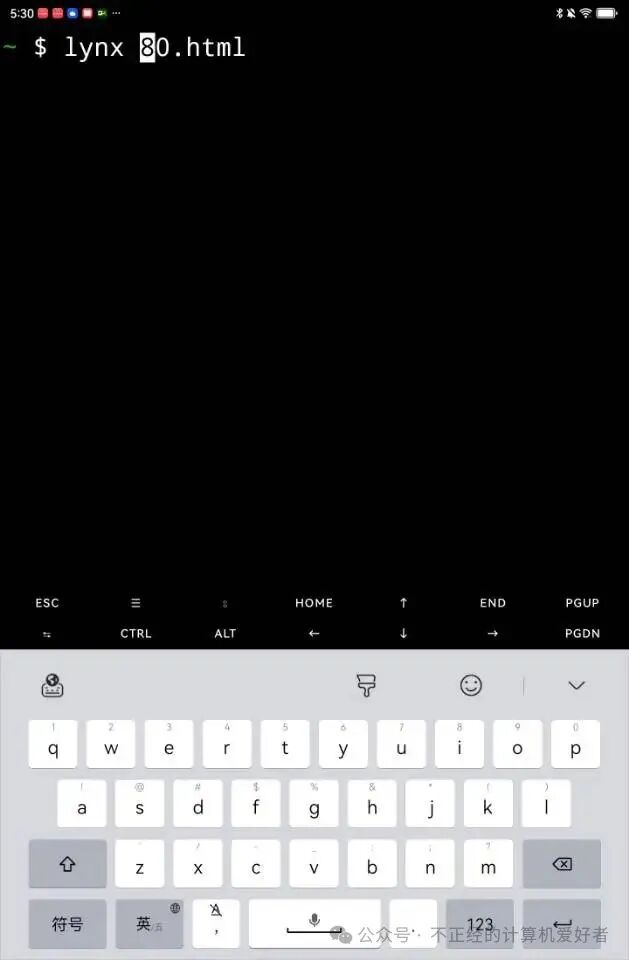
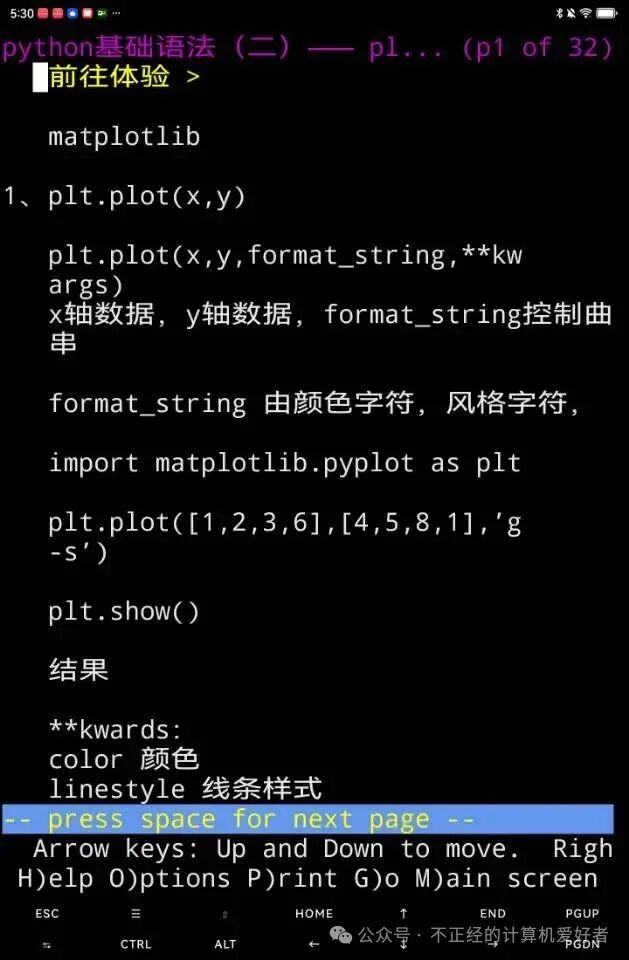 and we will find that it opens a text interface without pop-ups, and the rest is a pleasant viewing experience. Note that this does not include images. If you want to see images, learn more about front-end development and web scraping; batch downloading is not a problem. Of course, the above text can also be extracted using regular expressions (for example, using grep in Linux or re in Python). However, for those unfamiliar with regular expressions, it can be another challenge. Interested friends can look it up themselves. I have briefly written about this in my earlier articles; re is very important in web scraping. If written well, it can completely replace libraries like bf4. However, re is quite cumbersome and not very friendly for beginners, but it is built into Python and does not require pip. I often use it on my cloud PC. This is just a bit of my experience in removing pop-ups. These days, I have been slow to update because of harvesting crops at home. Just as a rainy season has come, I finally have time to write something for my learning fans. A special note: this tutorial is for communication purposes only and should not be used for illegal or commercial purposes. As always, if you find it useful, please consider giving a tip.