Click the above“Embedded and Linux Matters” Select“Pin/Star the Official Account” Benefits and valuable content delivered promptly
- Introduction
- BusyBox
- Buildroot
- Yocto Project
- Summary
- Conclusion
Introduction
<span>BusyBox</span>, <span>Buildroot</span>, and <span>Yocto</span> are tools used to build embedded Linux systems, but they differ in design goals, complexity, and applicable scenarios. Below, I will introduce the differences between these tools.
BusyBox
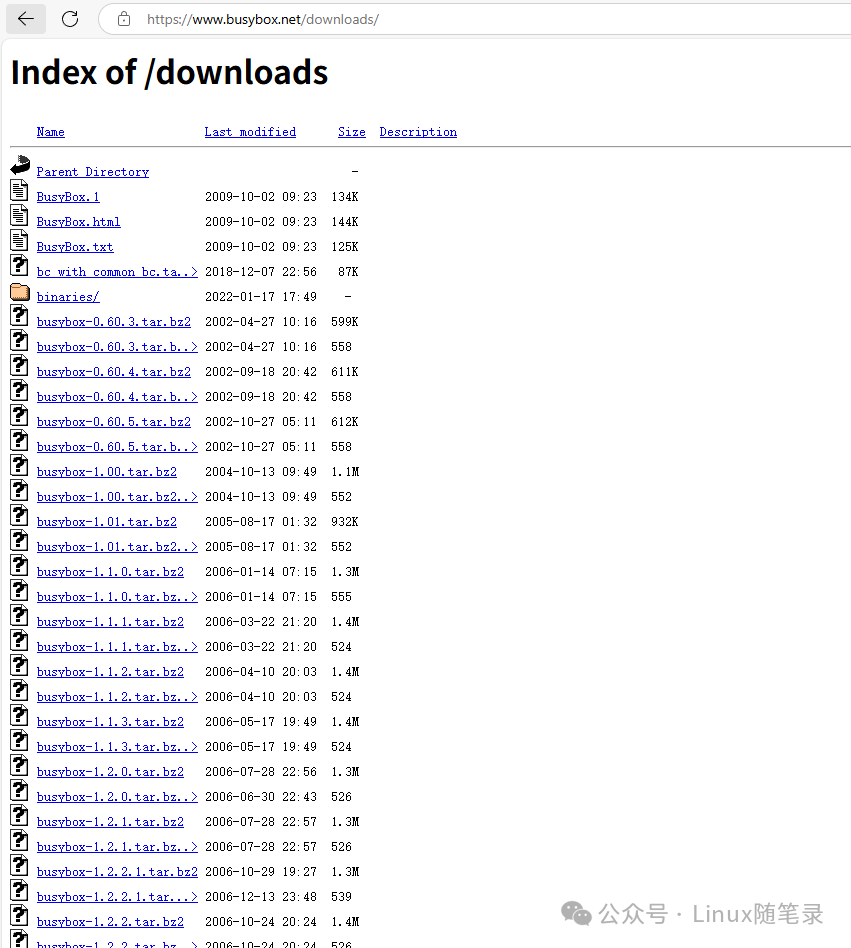
Download <span>Busybox</span> from the website: https://www.busybox.net/downloads/
Positioning
A lightweight toolkit designed to replace standard Linux commands.
Features
-
Single component: Provides only command-line tools without involving the kernel, libraries, or system builds.
-
Lightweight: Ranges from a few hundred KB to a few MB, suitable for extremely resource-constrained environments.
-
Few dependencies: Can run independently without relying on a complete Linux distribution.
Applicable Scenarios
- Building the simplest file systems.
For specific instructions on building BusyBox, refer to my previous article, which teaches you how to set up an ARM64 environment using QEMU step by step.
Disadvantages
-
The root file system created by
<span>busybox</span>cannot be used directly. -
Using
<span>busybox</span>to build the root file system is incomplete; it only helps us construct some commonly used commands and files. Subsequent files in directories like<span>/lib</span>and<span>/etc</span>need to be manually created and completed, requiring a lot of additional work. -
There are very few third-party libraries and software supported by
<span>busybox</span>, such as<span>tslib</span>,<span>alsa</span>,<span>bluez</span>, and<span>bluealsa</span>are not included. You need to download the source code, compile, and port it, and the issues with other third-party libraries it depends on are also quite serious and difficult to handle. It is not very suitable for beginners to work on projects. -
No package management (manual integration required).
Buildroot
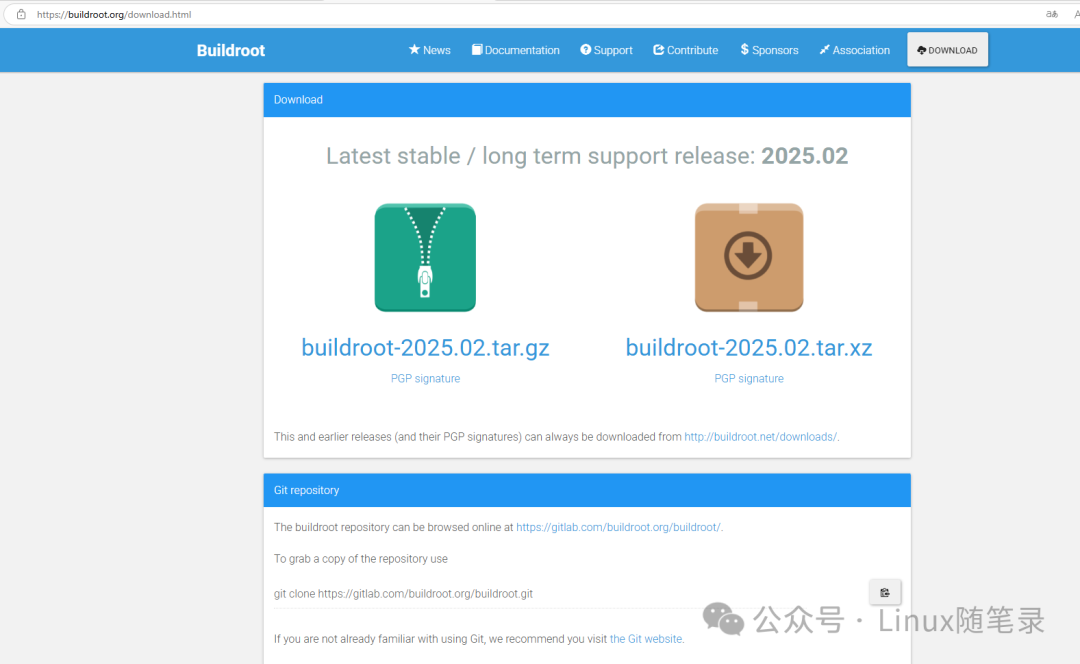
Download <span>buildroot</span> from the website: https://buildroot.org/download.html
Positioning
A complete build framework for embedded systems (automated compilation toolchain such as GCC, Linux kernel, root file system, <span>Bootloader</span> (such as <span>U-Boot</span>), etc.), used to generate customized Linux system images.
Features
-
Simplified build process:
<span>Buildroot</span>integrates and simplifies the build process, automatically downloading, compiling, and installing the required toolchain, kernel, user-space applications, and libraries, making it easier and faster to build a complete embedded Linux system in about half an hour. -
Highly customizable: Users can select the required toolchain, kernel version, applications, and libraries according to their needs.
<span>Buildroot</span>provides a configuration interface (similar to<span>make menuconfig</span>), allowing users to easily select, add, or remove packages and modules. -
Supports multiple hardware platforms:
<span>Buildroot</span>supports various architectures and hardware platforms, including<span>ARM</span>,<span>MIPS</span>,<span>x86</span>, and<span>PowerPC</span>, which can be used to generate root file systems for different embedded systems. -
Cross-compilation support:
<span>Buildroot</span>provides a cross-compilation toolchain, allowing developers to compile for target hardware architectures (such as<span>ARM</span>and<span>MIPS</span>) on the host system to generate executable files and libraries. -
Can generate complete embedded systems: Through
<span>Buildroot</span>, developers can generate complete embedded system images, including the Linux kernel, root file system, library files, user applications, etc. (such as<span>rootfs</span>images,<span>uImage</span>, etc.). -
Supports a variety of packages: Buildroot provides over 2500 packages, including common embedded applications and libraries, such as BusyBox, OpenSSL, SQLite, uClibc, etc.
-
Lightweight: Compared to some other tools (like
<span>Yocto</span>),<span>Buildroot</span>is lighter and suitable for quickly generating simple embedded Linux systems. It is typically used for resource-constrained devices or during the development phase of embedded systems, while<span>Yocto</span>is more suitable for large, long-term maintenance projects.
Applicable Scenarios
When you need to build an embedded system from scratch.
For specific instructions on building, refer to my previous article on setting up a QEMU + Buildroot development environment step by step.
Disadvantages
-
Lacks dynamic package management (runtime software installation), cannot install or update software at runtime like
<span>apt</span>,<span>opkg (OpenWRT)</span>, or<span>rpm</span>. -
Limited extensibility: Adding custom packages requires manually writing .mk files (similar to
<span>Makefile</span>), and complex dependency handling is difficult.
Yocto Project
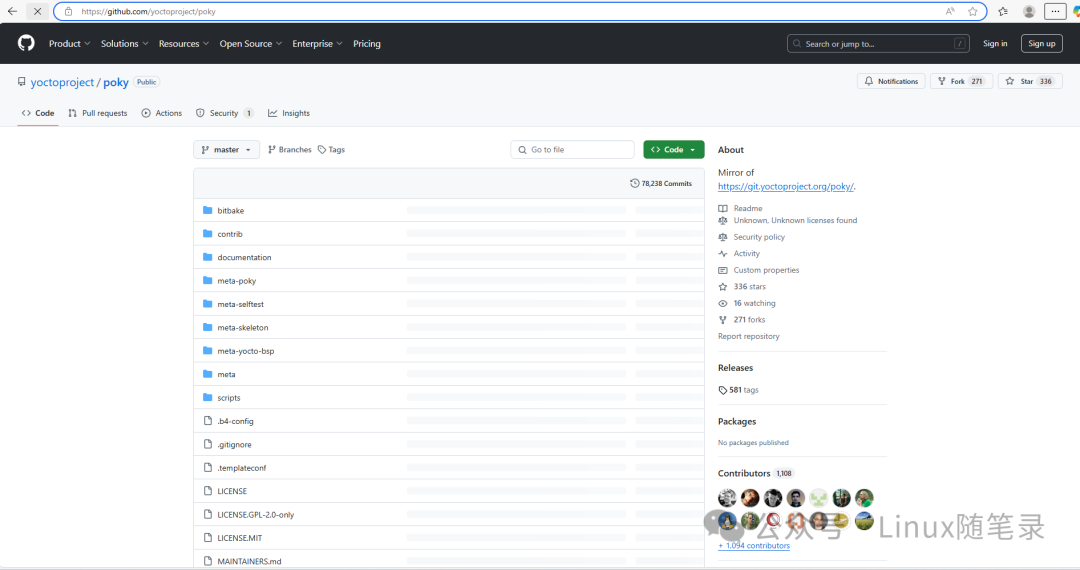
Download <span>Yocto Poky</span> from the website: git://git.yoctoproject.org/poky
Positioning
Provides an enterprise-level complete embedded Linux build solution.
Features
- Highly customizable
- Allows users to build a fully customized Linux system from source, including the kernel, drivers, libraries, applications, etc.
- Controls every component of the system through flexible configuration files (such as
<span>bitbake recipes</span>and<span>layer</span>), meeting specific hardware or functional requirements.
- Cross-platform and hardware support
-
Supports multiple architectures (
<span>ARM</span>,<span>x86</span>,<span>PowerPC</span>,<span>MIPS</span>, etc.) -
Provides
<span>BSP</span>(<span>Board Support Package</span>) layers to simplify porting to specific development boards or hardware.
- Based on the
<span>OpenEmbedded</span>build system
-
Uses
<span>OpenEmbedded Core</span>as a foundation, combined with the<span>BitBake</span>tool to manage the build process. -
<span>BitBake</span>automatically downloads source code, applies patches, compiles, and packages by parsing<span>recipes</span>(recipe files).
- Enterprise-level ecosystem
Supported by the Linux Foundation, suitable for mass production.
Applicable Scenarios
- Suitable for product-level development, supporting long-term maintenance (LTS versions), providing security updates and stability guarantees.
- Suitable for the complete lifecycle from prototype design to mass production.
Disadvantages
- High complexity
- Complex configuration system:
<span>Yocto</span>uses<span>BitBake</span>and<span>OpenEmbedded</span>build systems, requiring mastery of concepts such as<span>recipes</span>(recipe files),<span>layers</span>, and<span>conf</span>files.
- Long build times
-
Full compilation can take hours or even longer for the first build (especially for a complete Linux system), depending on hardware configuration and network speed.
-
Incremental build optimizations are limited: even modifying a small component may trigger a large amount of recompilation.
- High resource consumption
- Large disk space requirements: The build process will download a large amount of source code and temporary files, usually requiring over 50GB to 100GB of disk space.
- High memory and CPU requirements: Parallel compilation (such as
<span>-c populate_sysroot</span><code><span>) can consume a lot of memory, leading to poor performance on low-spec machines.</span>
- Difficult debugging
- Error messages are not intuitive:
<span>BitBake</span>errors may involve multiple layers of dependencies, making it complex to locate the root cause of the problem (e.g.,<span>TaskHash</span>conflicts or<span>Dependency Loop</span>). - Verbose logs: The logs for build failures can be thousands of lines long, requiring analysis with tools like
<span>devtool</span>or<span>bitbake -e</span>.
Summary
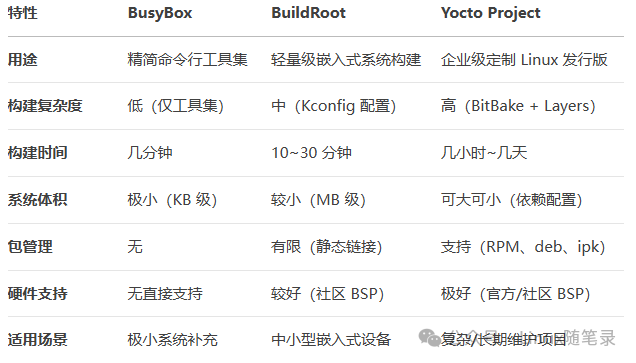
The table below summarizes the differences between the three tools.
Conclusion
This article has helped us learn about the differences in building embedded file systems using <span>busybox</span>, <span>buildroot</span>, and <span>yocto</span>. If you have any questions, feel free to leave a comment. For those who found this article helpful, please give it a thumbs up! Follow the official account [Linux Notes] for periodic sharing of Linux tips.
end
Previous Recommendations
Essential Classic Books for Embedded Linux
Recommended Learning Path for Embedded Systems
A reader’s clear and logical question
Successful transition from mechanical engineering to embedded systems
A reader’s experience of landing a job in the audio and video field during the autumn recruitment season


Scan to add me on WeChat
Join the technical discussion group


Share

Collect

Like

Looking