The TextBox control in VB is widely used, and as learners of VB, it is essential for us to master it seriously.
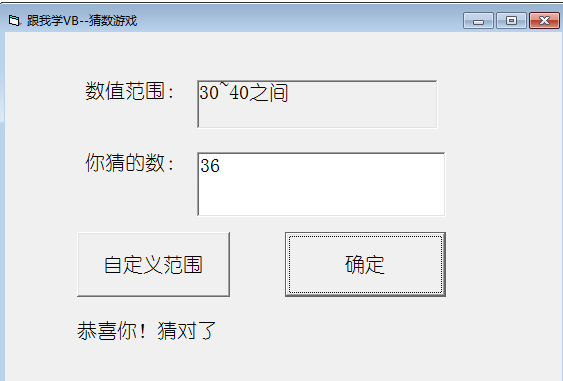
The TextBox control, also known as the text box control, is used to display information entered by the user and is a commonly used control for human-computer interaction.
Below is a summary of the most commonly used properties of the TextBox.
|
Text: Sets the text within the control. MultiLine: Determines whether the control can accept multiple lines of text. ScrollBars: Sets whether the control has horizontal or vertical scroll bars. (However, this does not take effect when the MultiLine property is False.) Alignment: Sets the alignment of the text within the control. PasswordChar: Replaces the text characters in the control with a specific character, which is suitable for setting up password dialogs. Locked: Determines whether the content of the text box can be edited by the user at runtime. When set to True, it cannot be edited. ToolTipText: Sets the text that appears when the user hovers the mouse over the control. |