-
Open the folder where you want to run the program, and type cmd in the current folder.
-
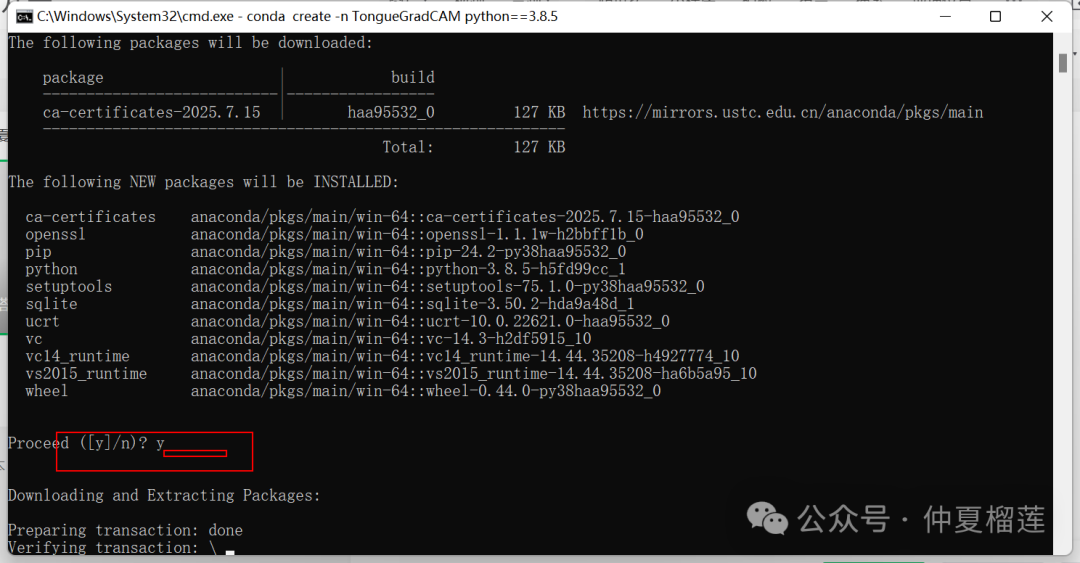
In the cmd, type:
- Create a virtual environment
- cls is the name you give to the virtual environment
conda create -n cls python==3.8.5
- Activate the virtual environment
conda activate cls - Install various libraries from the requirements folder
pip install -r requirements.txt