1. Implementation of Obtaining File Paths
1. Getting the Current File Path

The __file__ variable has a problem: when the file is called by another file, __file__ is always the absolute path of the file; however, when the file is executed directly, __file__ is not always the absolute path of the file, but rather the path passed to Python when executing the file. For example, if you execute it as python xxx/yyy.py, then the value of __file__ will be xxx/yyy.py.
You can use the following more unified method to obtain the file path:

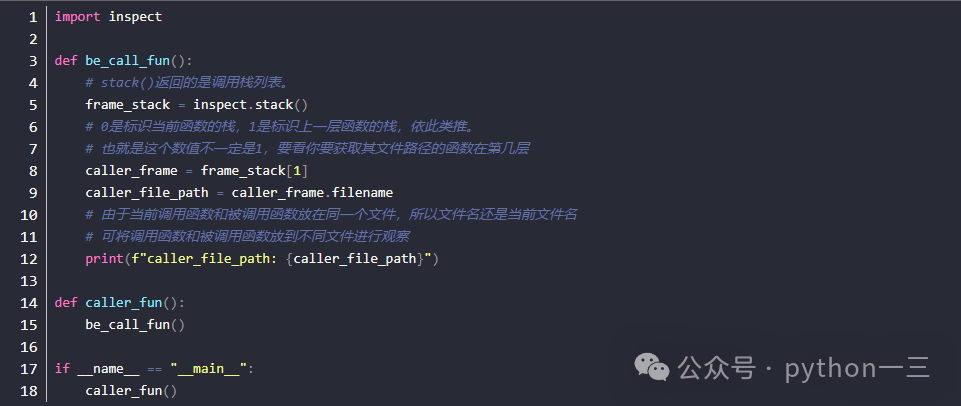
2. Getting the Path of the Calling File
Sometimes we want to obtain the path of the parent file that calls the current file. This can be achieved with the following code:
2. Obtaining Directories
1. Getting the Current Working Directory
The current working directory is the folder where the shell is located when you execute the Python command to run the Python file.

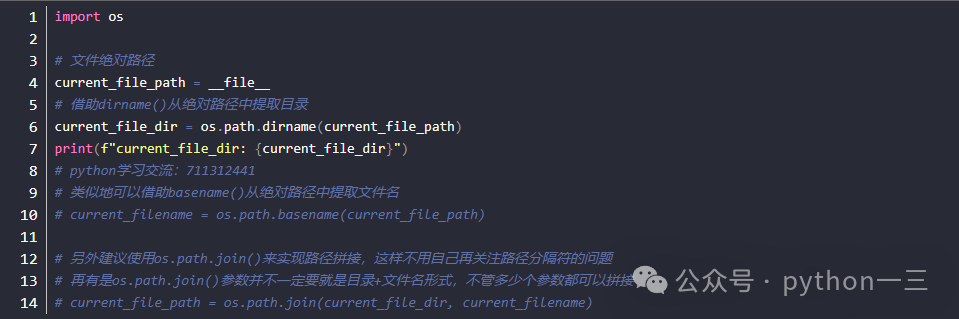
2. Using Paths to Get Directories
In the first section, we introduced several methods to obtain file paths. To get the folder where the corresponding file is located, you can directly use these paths with os.path.dirname().
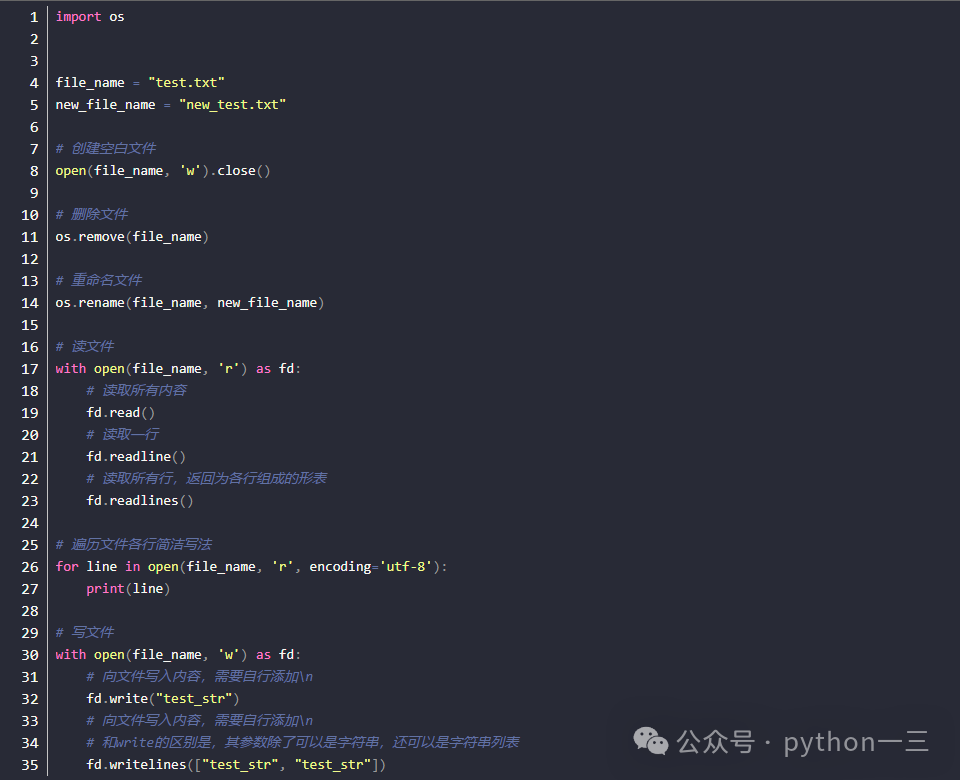
3. Other Operations on Files and Directories
r – Open file in read mode; an error will be raised if the file does not exist.
r+ – Open file in read/write mode; an error will be raised if the file does not exist. Existing content will not be cleared but will be replaced.
w – Open file in write mode; if the file does not exist, it will be created. Existing content will be cleared.
w+ – Open file in read/write mode; if the file does not exist, it will be created. Existing content will be cleared.
a – Open file in append mode; if the file does not exist, it will be created.
a+ – Open file in read/append mode; if the file does not exist, it will be created.
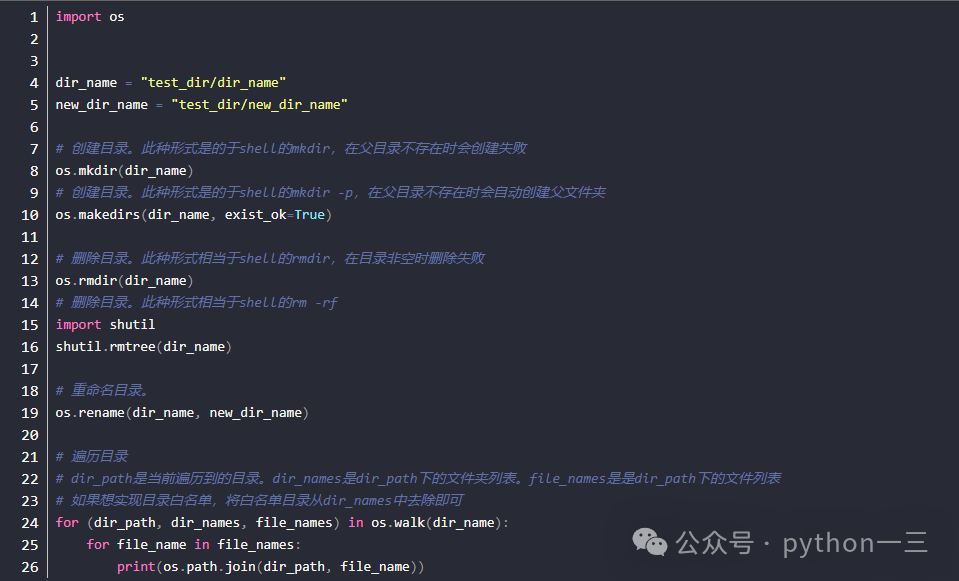
2. Common Operations on Directories
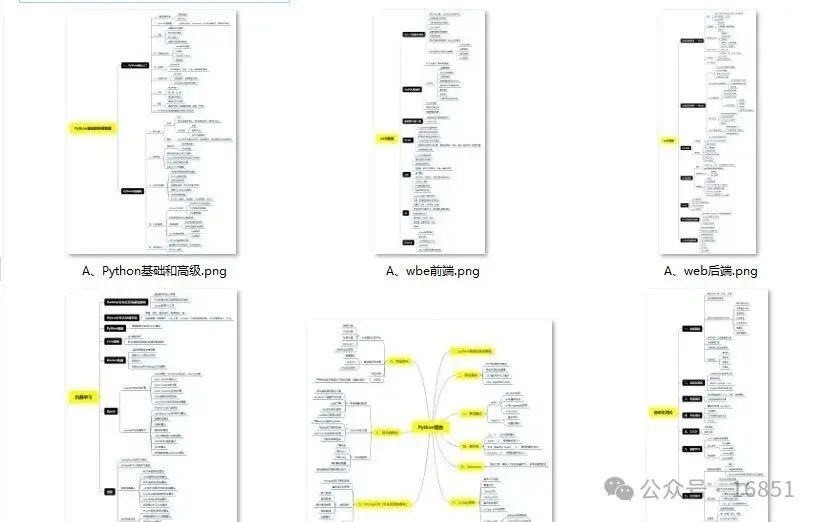
Finally, I have compiled a Python learning roadmap and resource code, hoping to help friends who are learning Python break through information barriers and progress together:
A compilation of technical points in all directions of Python, forming a summary of knowledge points in various fields. Its usefulness lies in that you can find corresponding learning resources based on the knowledge points above, ensuring a more comprehensive learning experience.
Essential Development Tools
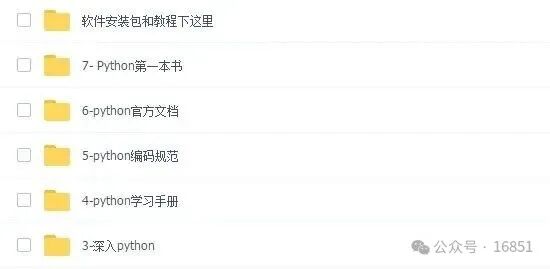
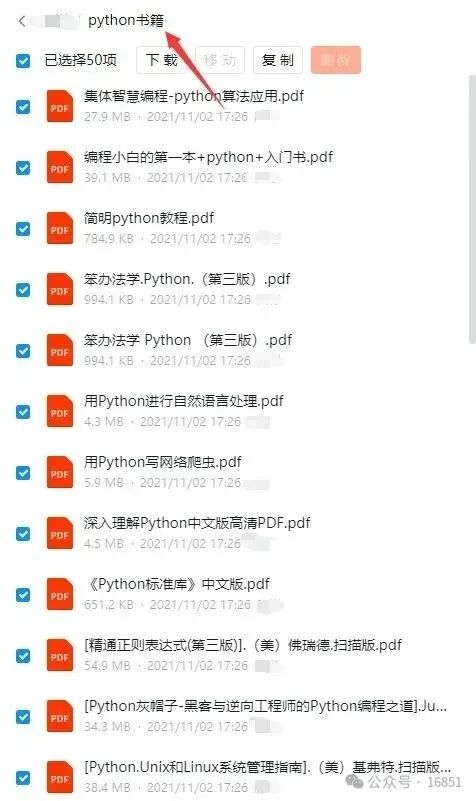
After having a certain foundation and independent understanding ability, I will read books by predecessors or take handwritten notes. These materials detail their unique understanding of technical points, allowing me to learn different ideas and broaden my horizons.
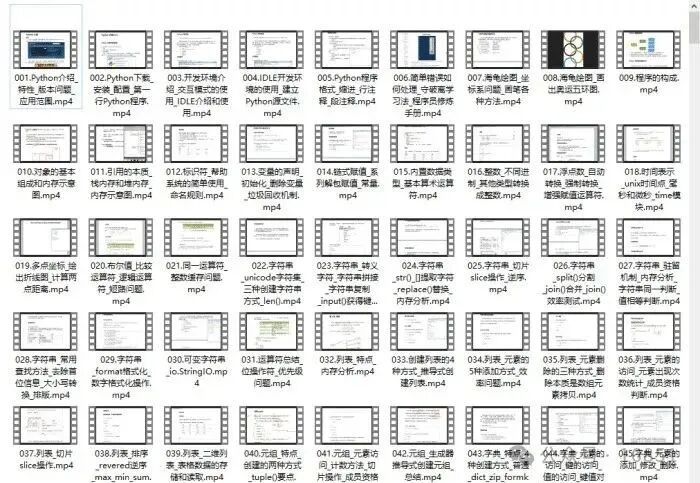
Watching learning videos is an efficient way to get started from scratch. Following the teacher’s thought process from the basics to deeper levels can help easily grasp the introductory knowledge.
Optical theory is far from enough; it is essential to practice coding hands-on. Only through practical case exercises can what has been learned be truly transformed into practical application skills.
How to Obtain:
1. Follow the public account
2. Forward + reply with the keyword “materials” to get it