Technical Consultation| Collaboration| Course Booking| Online Guidance— 186 3636 9649
ESP32 Development Based on Arduino
This development is based on the Arduino framework, but we are not simply using Arduino boards; instead, we leverage the friendliness and maturity of the Arduino ecosystem to fully utilize the hardware potential of the ESP32, a high-performance Wi-Fi/Bluetooth dual-core chip.
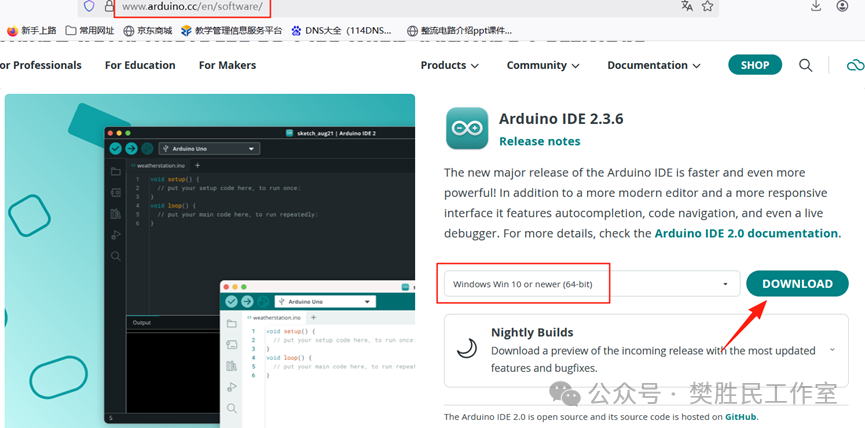
1、Log in to the Arduino official website to download. As of 2025.08.31, the latest version is Arduino IDE 2.3.6
2、Installation steps are ignored
3、 Arduino-IDE is just a development environment, and it defaults to supporting the AVR-Arduino hardware platform. If you want to use Arduino on the ESP32, you need to install the ESP32 library in the Arduino-IDE.
Method1:(Due to network conditions, relevant information may not be accessible)
Open Arduino IDE, click on “File” in the menu bar→“Preferences”;
In the “Additional Board Manager URLs“ field, enter the following URL:
https://github.com/espressif/arduino-esp32/releases/download/2.0.4/package_esp32_index.json
Method2:Install the ESP32 offline installation package
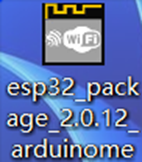
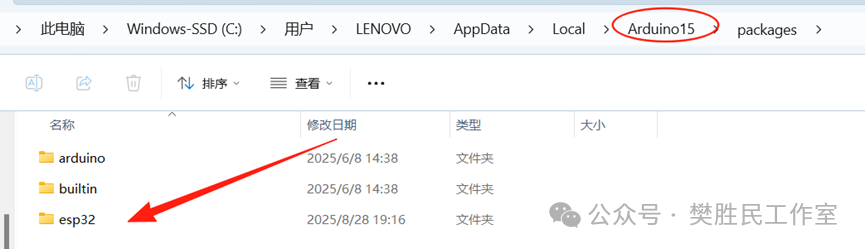
Double-click the offline package to install automatically. The installation path will be in Arduino15.
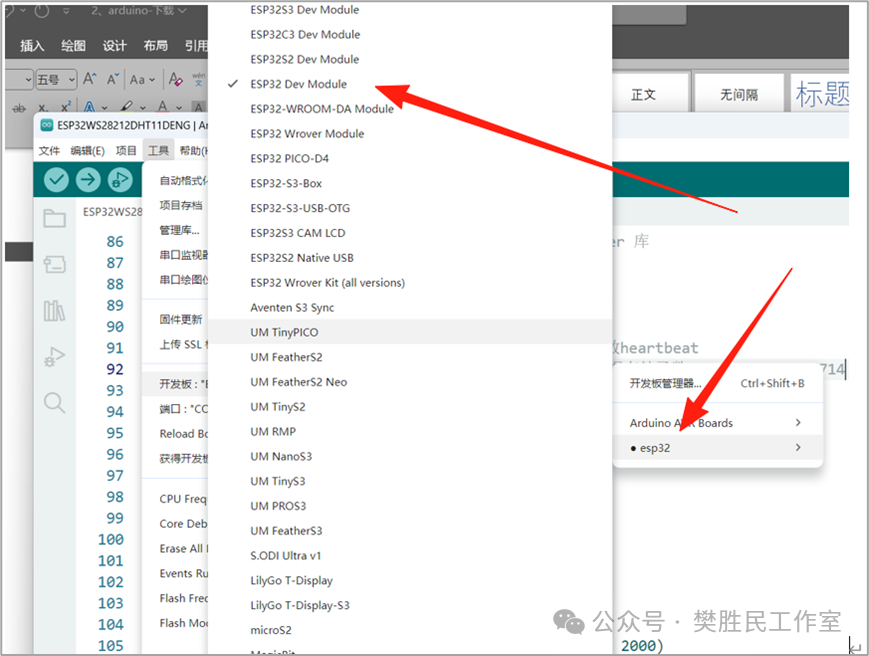
The development board will have the information of the ESP32 mainboard.
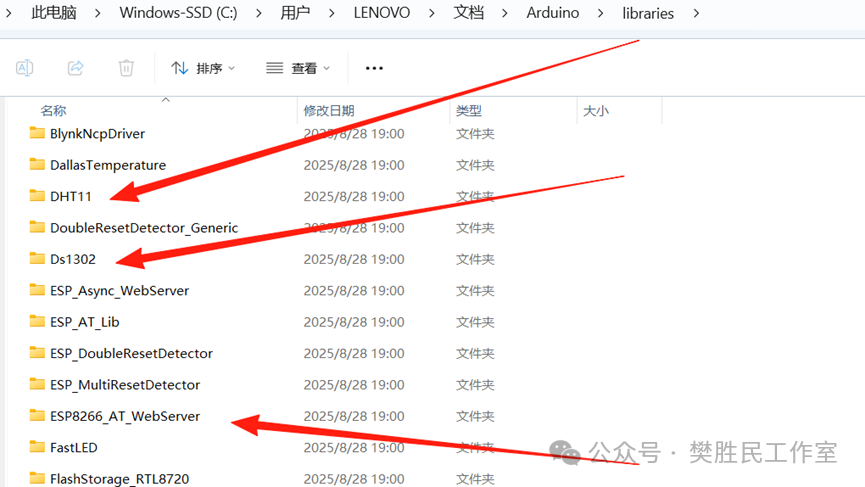
4、Install the DHT11 and WS2812 library files
Follow the steps below to install
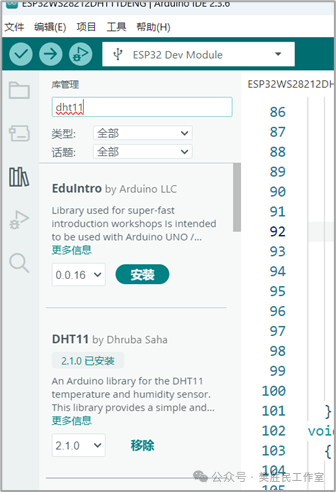
You can also copy the various library files that the teacher has already packaged and downloaded to the following path.
c:\Users\LENOVO\Documents\Arduino