In the past two years, I have shared many articles about Renesas MCUs, and I have received a lot of attention from friends. Some beginners have also inquired about the development tools for Renesas MCUs.
Today, I would like to share:Common development tools for Renesas MCUs!
Integrated Development Environment (IDE)Types
1. e2 studio
e2 studio is a one-stop service tool that integrates various types of editors, compilers, downloaders, and smart configurators.
e2 studio is Renesas’s own integrated development environment (IDE) and is recommended by Renesas for developing Renesas MCUs..
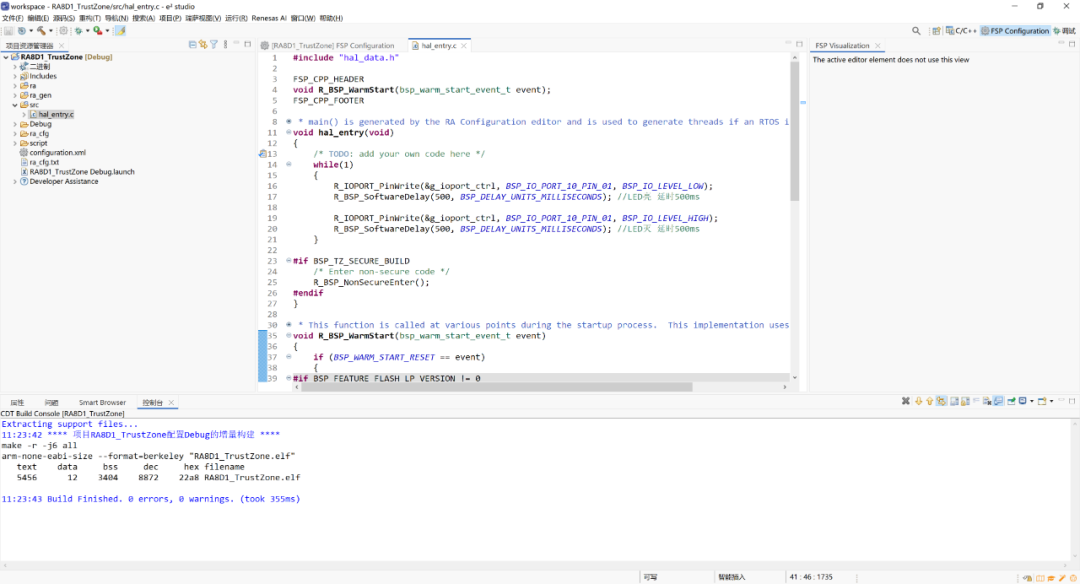
Renesas official download address:
https://www.renesas.com/en/software-tool/e-studio
Renesas GitHub download address:
https://github.com/renesas/fsp/releases
2. Keil MDK
If you are not accustomed to using the officiale2 studio tool, you can also use the third-party Keil.
Keil is basically the first tool to install when learning about microcontrollers, so I won’t go into too much detail here,just want to mention one thing:Keil only supports Windows operating systems..
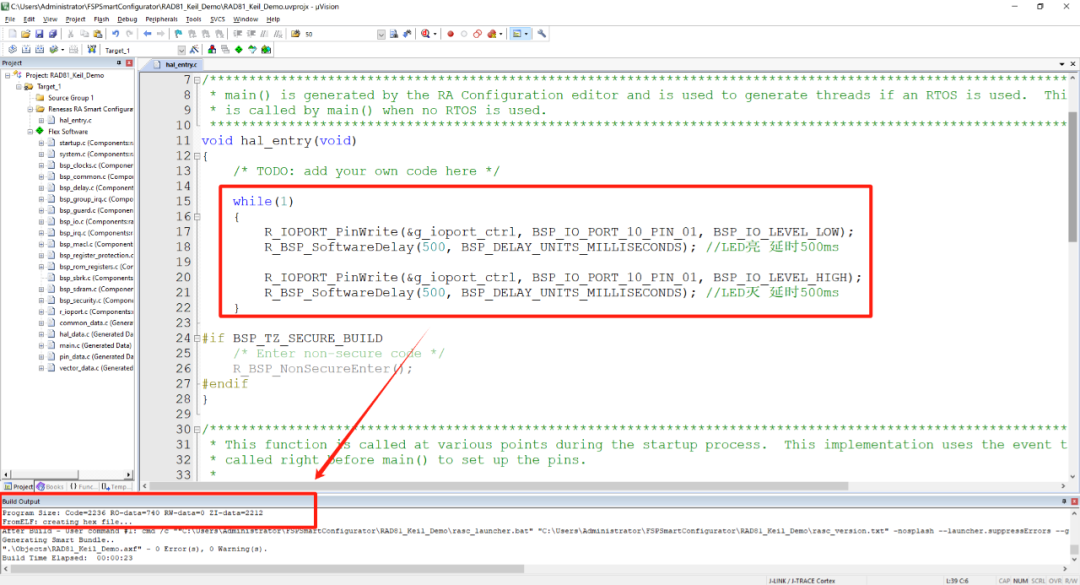
Keil official download address
https://www.keil.com/demo/eval/arm.htm
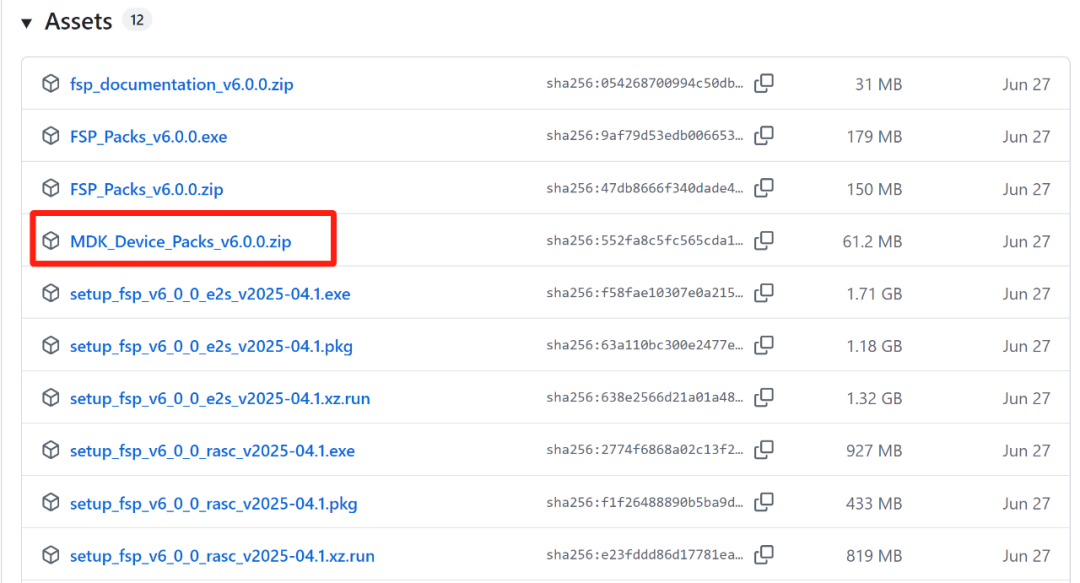
If you use Keil to develop Renesas MCUs, you also need to install the corresponding software package:
MDK_Device_Packs download address
https://github.com/renesas/fsp/releases
3. IAR EWARM
If you are not accustomed to using the officiale2 studio tool, you can also use the third-party IAR.
IAR is similar to Keil and is a general-purpose integrated development environment that supports most MCUs on the market.
Of course, IAR is divided into multiple models based on different MCU architectures, such as: IAR EWARM, MSP430, STM8, EW8051, etc.
IAR official download address
IAR version 9.70.1
https://netstorage.iar.com/FileStore/STANDARD/001/003/718/ewarm-9.70.1.13552.exe
IAR version 8.50.9
http://files.iar.com/ftp/pub/box/EWARM-CD-8509-33462.exe
IAR version 7.80.4
http://files.iar.com/ftp/pub/box/EWARM-CD-7804-12495.exe
RASC Smart Configurator
RASC: Release RA Smart Configurator, Renesas RA Smart Configurator.
You can think of it as: a code initialization tool and generator for Renesas RA series microcontrollers.
It can generate projects for Keil MDK, IAR EWARM, and CMake.
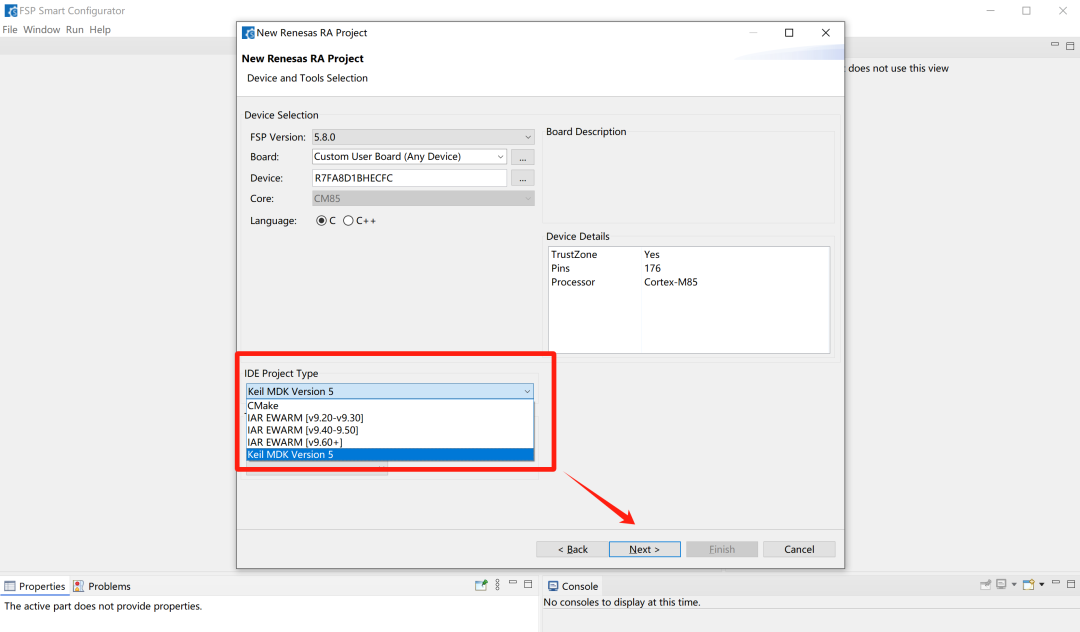
RASC download address:
https://github.com/renesas/fsp/releases
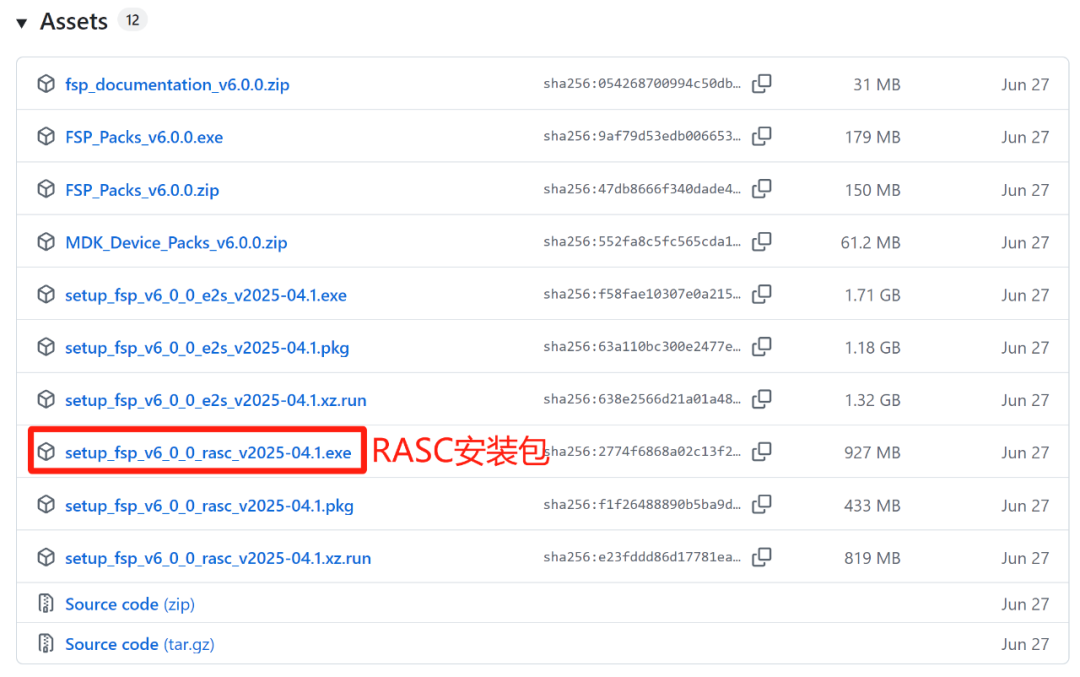
RASC is already integrated into e2 studio. If you use a third-party IDE (Keil, IAR, etc.), you can install RASC to generate software projects for Keil and IAR.
RFP Programming Tool
RFP: Renesas Flash Programmer, Renesas Flash programming tool.
RFP is a software developed by Renesas for its own MCUs/MPUs that supports writing to Flash during development and mass production phases, referred to as the RFP programming tool.
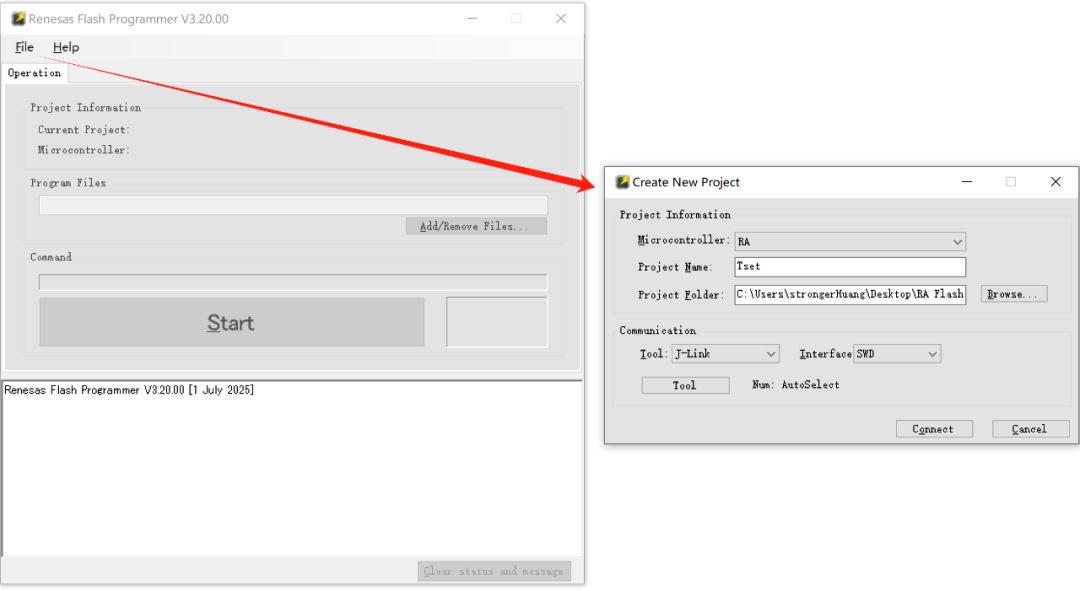
RFP supports three major operating systems: Windows, Linux, macOS.
Main features:
-
Supported programming file formats: Intel HEX, Motorola S, BIN, RPI, etc.
-
Communication interface supports USB, CSI, UART, FINE, SWD.
-
Checksum calculation.
-
Blank check, erase, write, verify, read, checksum, flash option settings and retrieval.
-
Sequential execution of multiple commands (for erase, programming, verification, etc.).
-
Select multiple programming files simultaneously.
RFP programming tool download address:
https://www.renesas.cn/zh/software-tool/renesas-flash-programmer-programming-gui
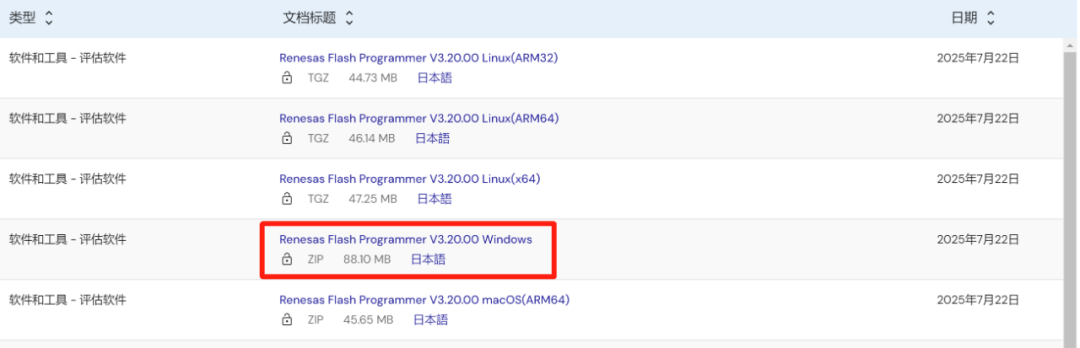
For beginners, installing these few tools is basically sufficient for developing Renesas MCUs.
For more tools related to Renesas embedded development, you can check the official website for more information.
https://www.renesas.cn/zh/design-support/development-tools

END
Source:strongerHuang
Copyright belongs to the original author. If there is any infringement, please contact for removal..▍Recommended ReadingWhy is C++ rarely used in microcontroller development?Recommended 5 lightweight microcontroller file systemsCrash! Encountered another microcontroller crash case→ Follow for updates ←