01
Overview
1.1 Introduction
In this lesson, we will create a rotating chair similar to those found in amusement parks, controlled by buttons on the micro:bit to start and stop the rotation.
1.2 Course Objectives
- 【Scientific Knowledge】Understand the structure of the chair: seat board, backrest, chair legs; how to maintain the structural stability of the chair, extending to the properties of quadrilaterals and triangles. Recognize that vertical drive can change the direction of transmission.
- 【Programming Knowledge】Master the use of functions.
- 【Hardware Knowledge】Master the control methods of motors, including: rotation, stopping.
- 【English Knowledge】run: operate; stop: halt.
02
Parts List
|
Small particle building blocks |
Several |
|
micro:bit mainboard |
x 1 |
|
micro:bit expansion board |
x 1 |
|
Motor driver module |
x 1 |
|
LEGO L motor |
x 1 |
|
5V power box |
x 1 |
|
Power cable |
x 1 |
|
4P-PH2.0 to Dupont wire |
x 1 |
03
Assembly Process
04
Program Explanation
4.1 Wiring
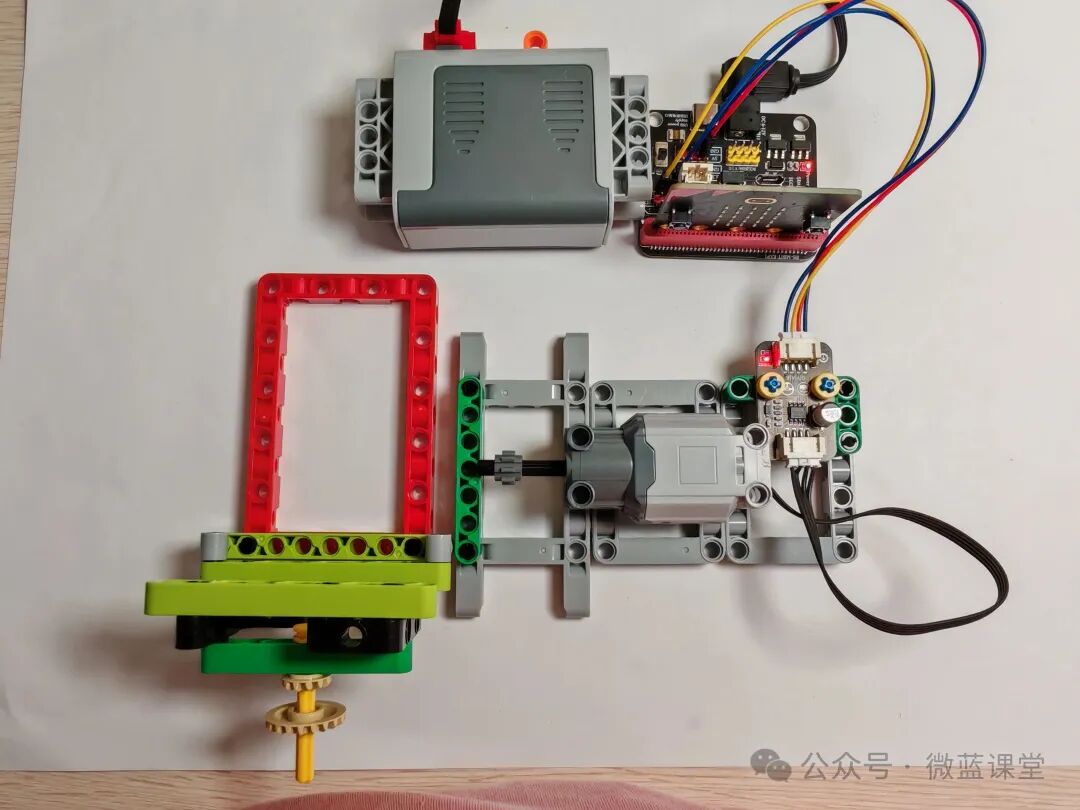
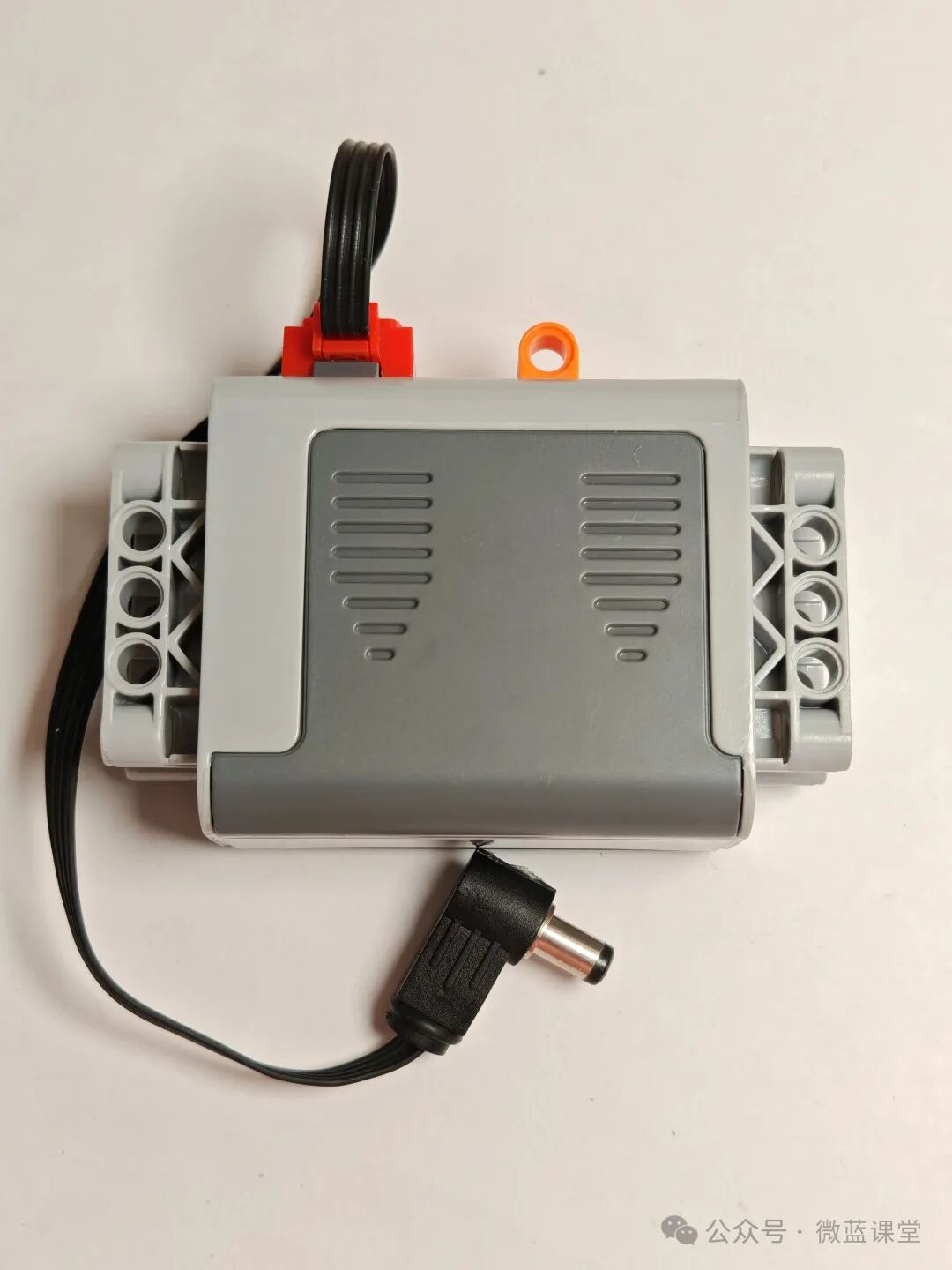
- LEGO power cable: one end is a LEGO quick connector, connected to the power box; the other end is a DC connector, plugged into the DC port of the expansion board.
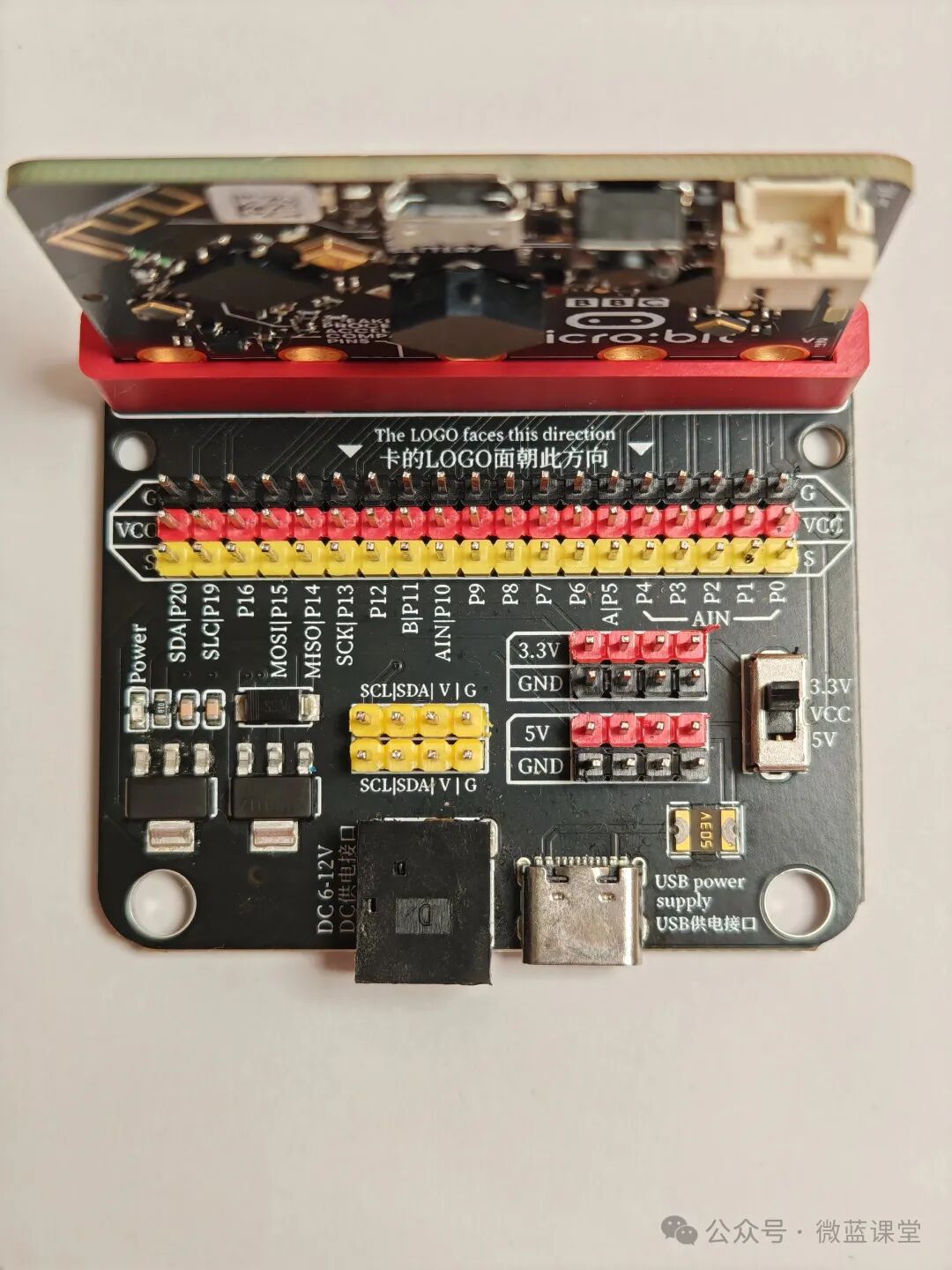
- 4P-PH2.0 to Dupont wire: PH2.0 end connects to the motor driver module, Dupont end red connects to 5V, black connects to GND, the other two ends connect to P0 and P1 respectively.
- Motor plug: Insert into the motor interface of the motor driver module.
Note: Red connects to positive, black connects to negative; do not reverse, as it may damage the mainboard. If it feels hot, quickly cut off the power.
4.2 Program
Program Explanation:
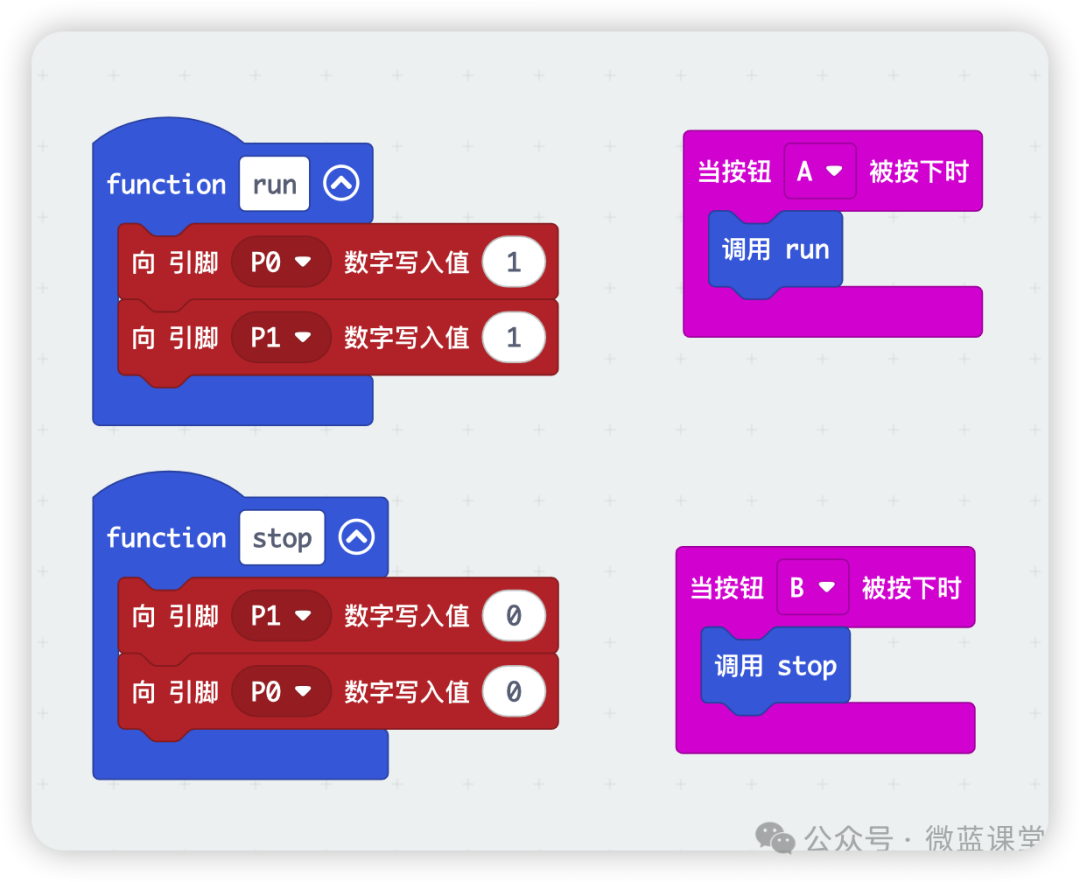
By sending corresponding signals to P0 and P1, the motor will rotate accordingly.
Start rotation: Write digital signal 1 to P0, write digital signal 1 to P1.
Stop rotation: Write digital signal 0 to P0, write digital signal 0 to P1.
05
Product Display
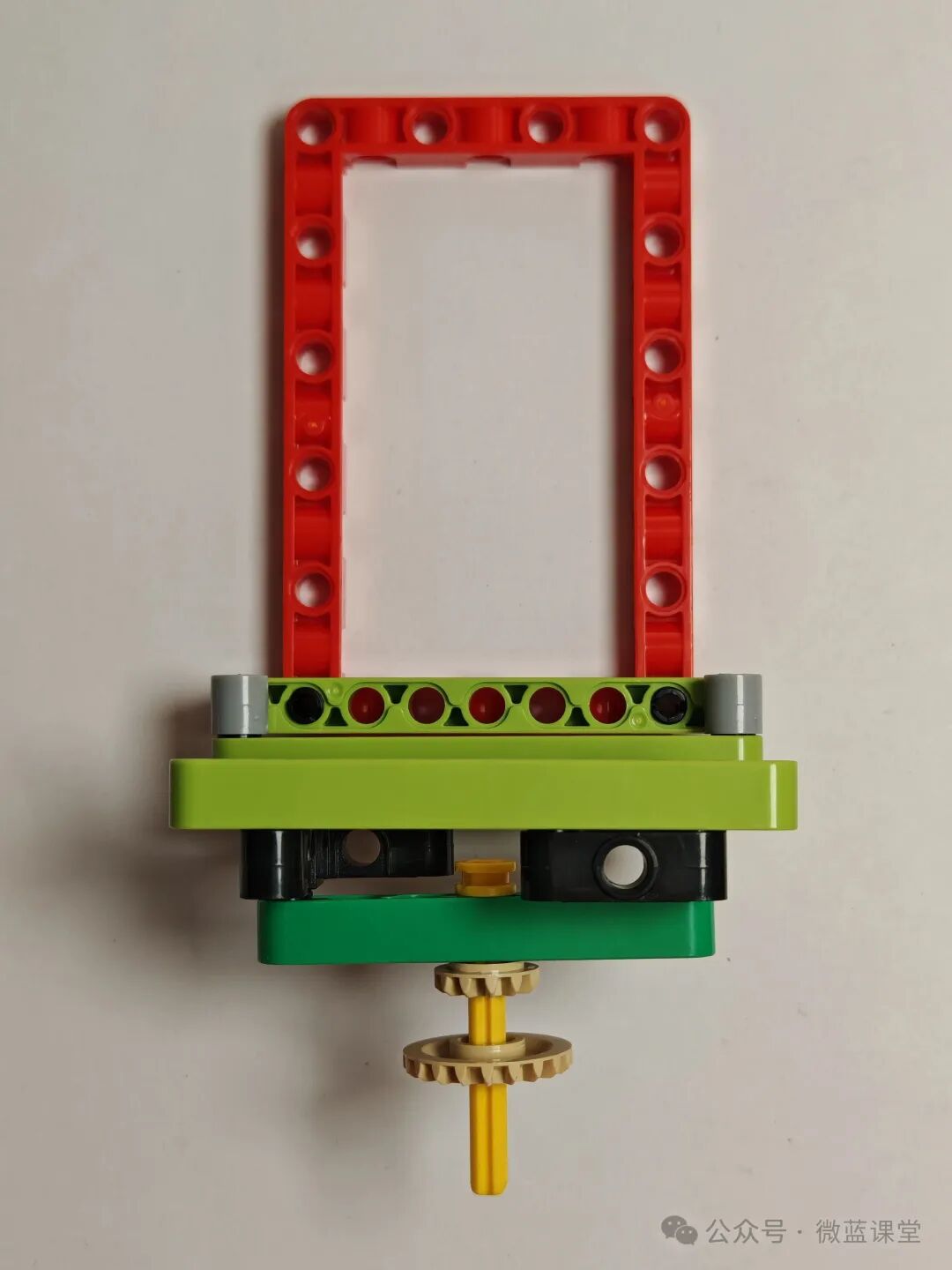
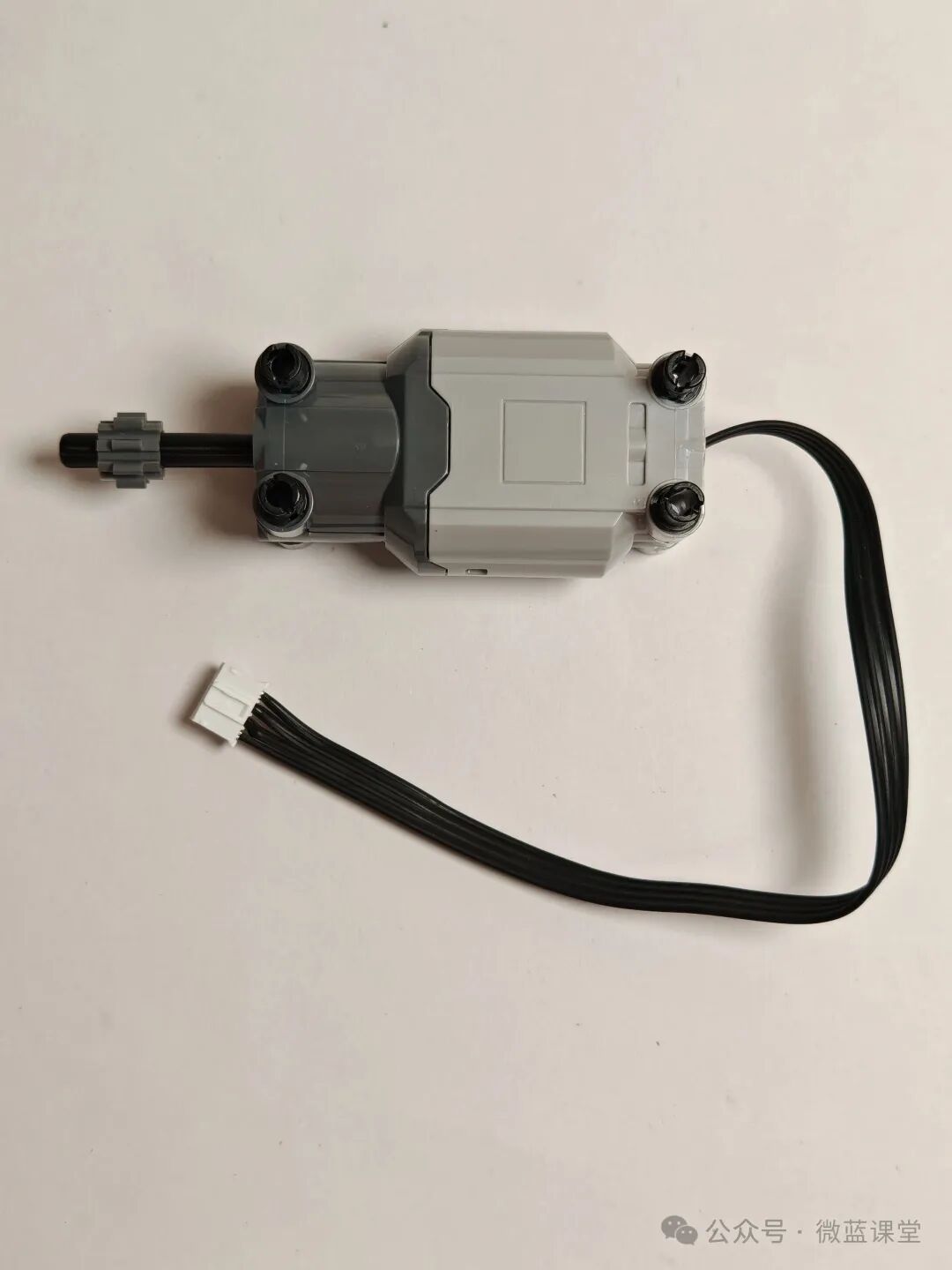
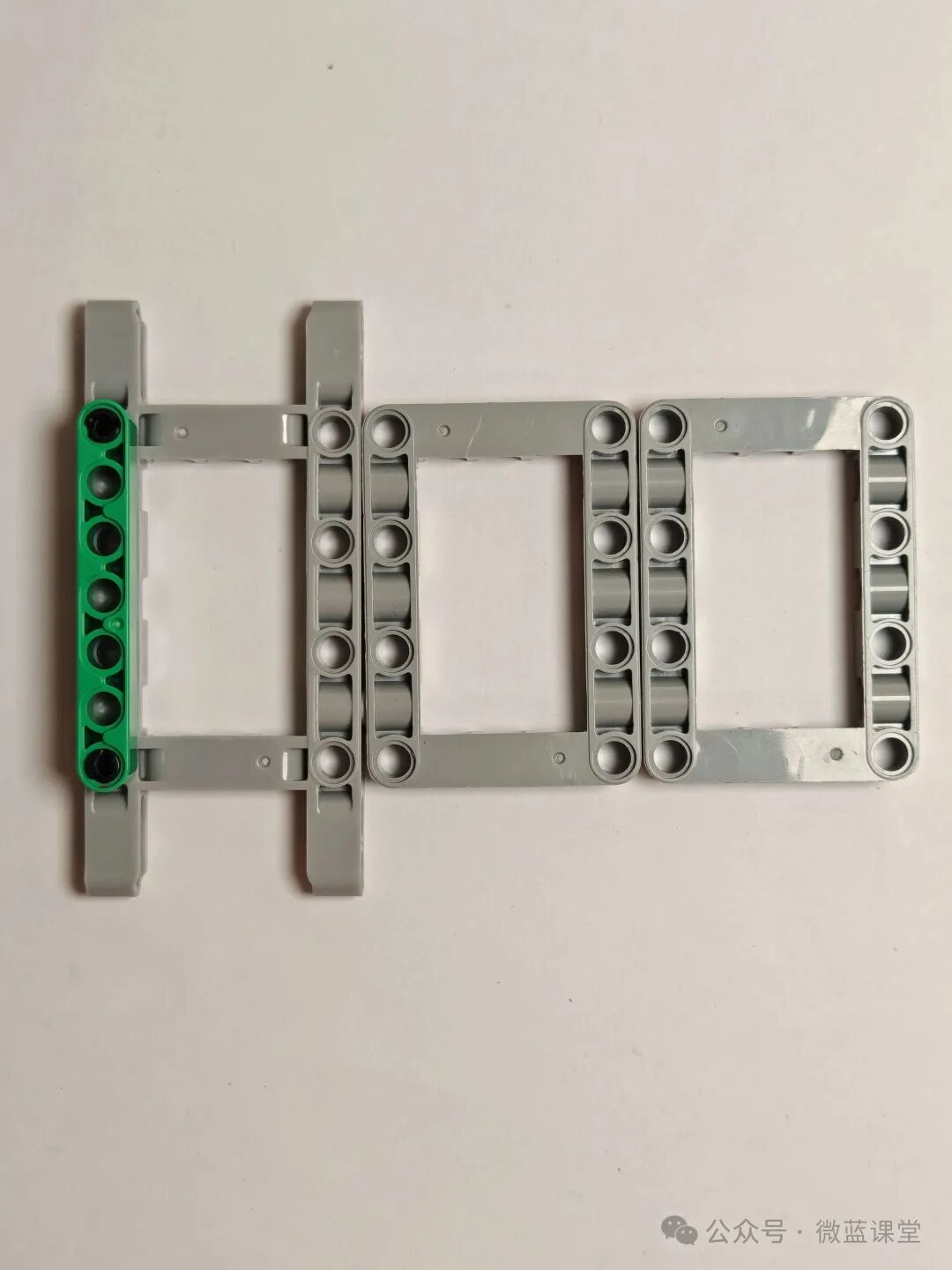
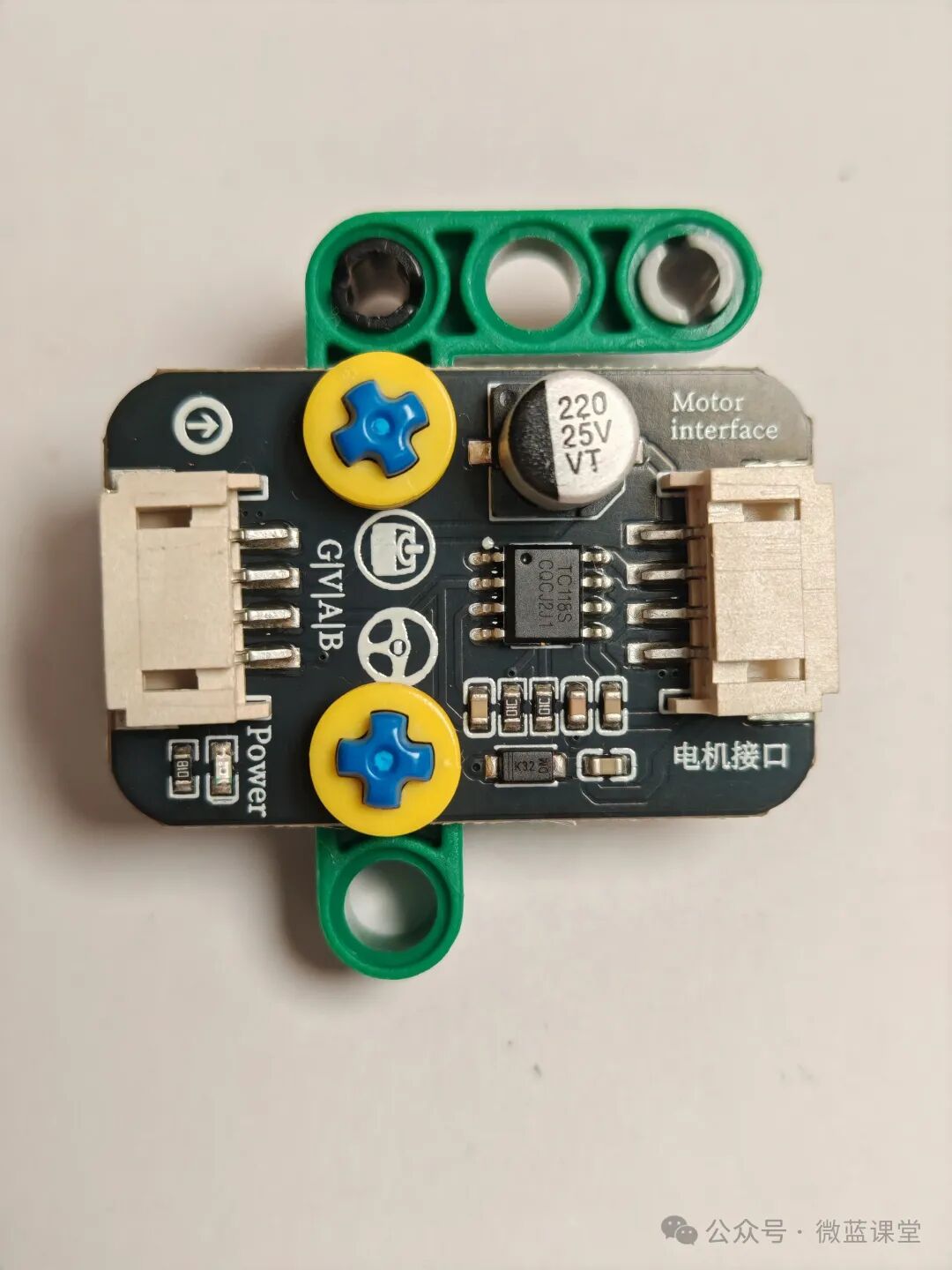
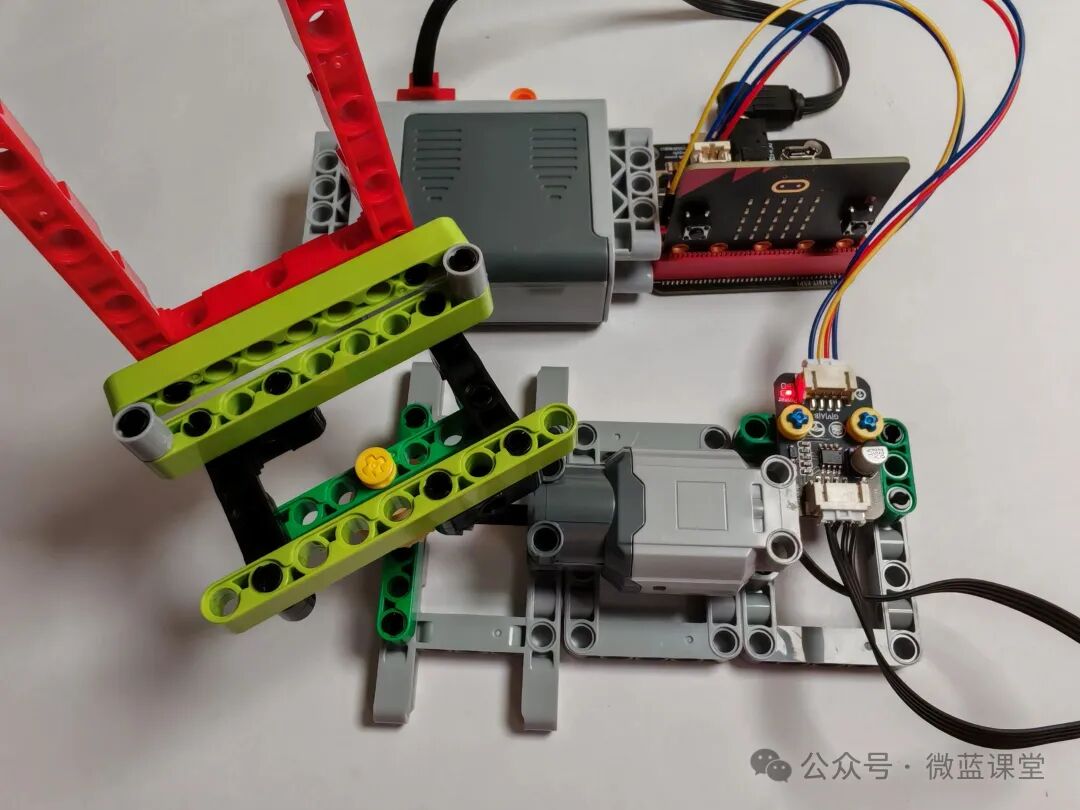
Students who need accessories can purchase them from my Taobao store under the same name.
 Follow me for more shares|Weilan Classroom