View Master Status
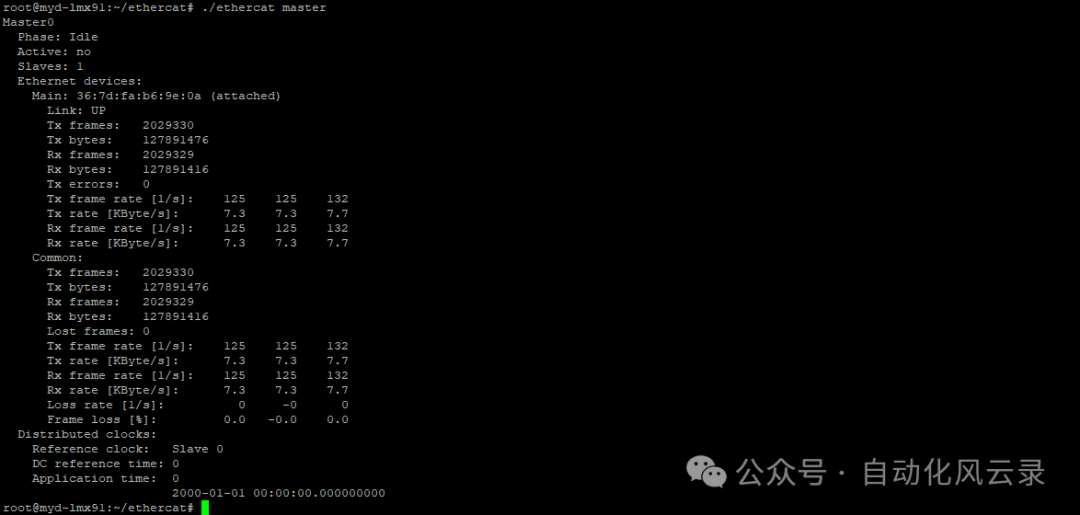
Obtain the master status and the number of slave device nodes
./ethercat masterExample Usage: The master is in idle state, the communication domain is not activated, master data statistics
View Slave Information
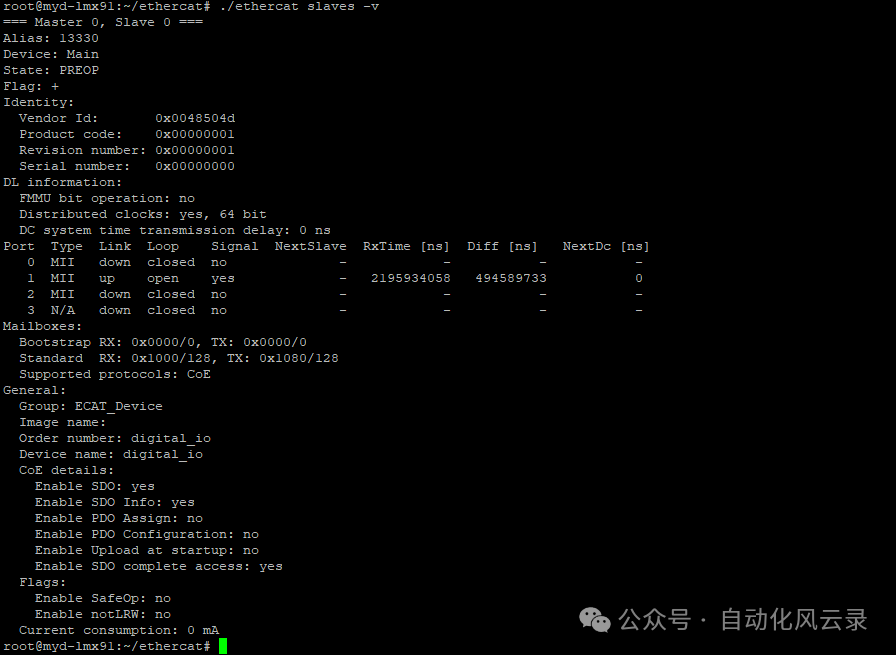
The slaves command is used to view the information of slave device nodes (ESC) mounted on the EtherCAT bus
./ethercat slaves -vExample Usage: Vendor ID, Product code, slave status, SDO && PDO enable status
Switch Slave Status
Switch the slave status toSAFEOP mode
./ethercat states SAFEOPExample Usage: Switch the ESC status toSAFEOP

View PDO Registers
List all PDO registers
./ethercat pdosExample Usage: Display rxPDO && txPDO configuration status

Generate PDO Configuration Code
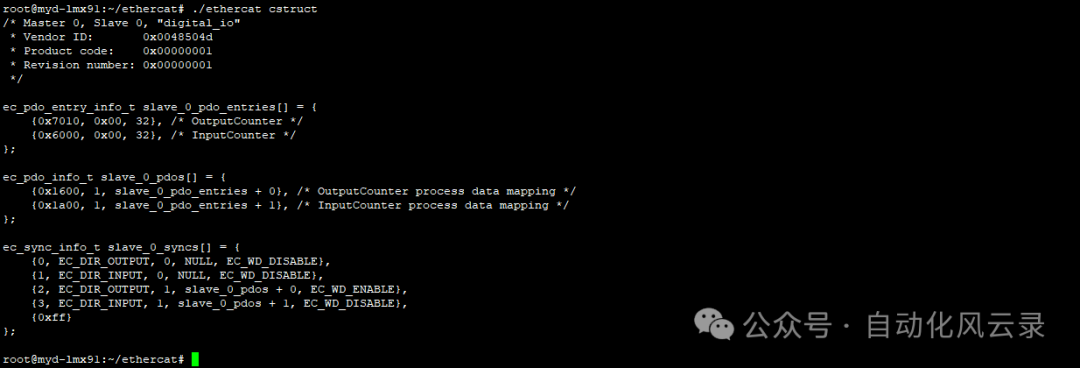
The cstruct command can be used to quickly generate PDO configurations
./ethercat cstructExample Usage: Generates the corresponding Vendor ID, Product code, and PDO entry list for the slave
Slave PDO Read/Write
PDO register read/write example: Slave –> Master, Slave <– Master, note: places that can be read may not be writable, and vice versa
 # Read 2 bytes from output area
 ./ethercat reg_read -p0 0x130 2
 # Write 4 bytes to input area
 ./ethercat reg_write -p0 0x1100 -t uint32 0x12345678
Example Usage: Read 2 bytes of data from address 0x130, write uint32 data to 0x1100

View SDO Registers
List all SDO register addresses and information under ESC
./ethercat sdosExample Usage: SDO register grouping and permission allocation, register type size
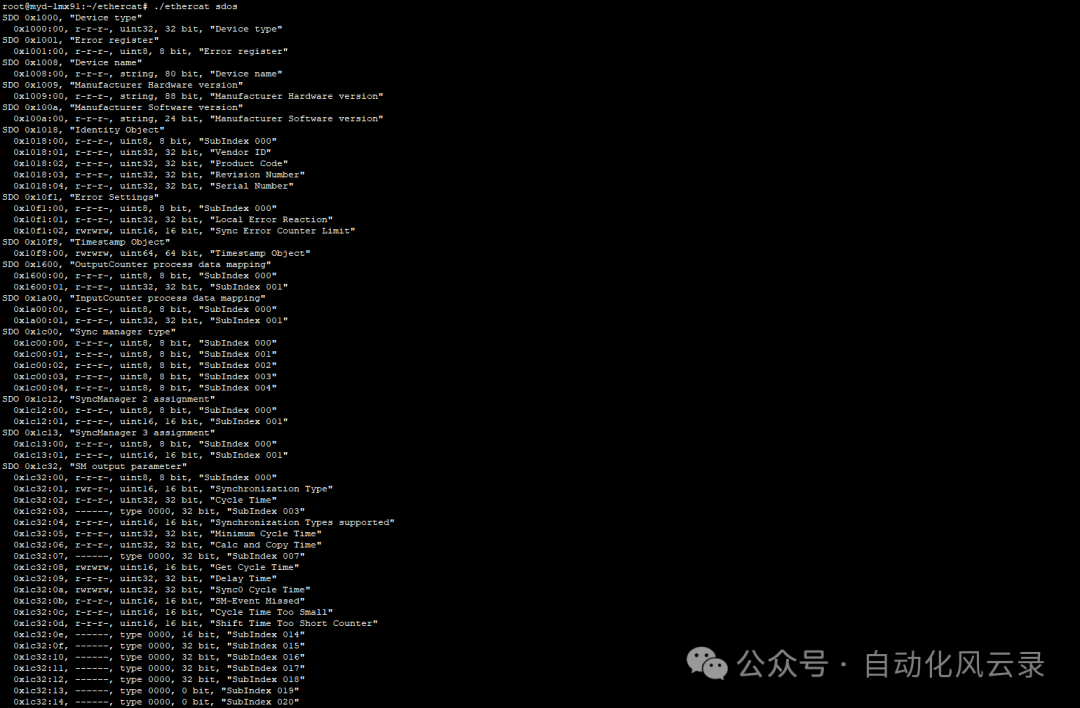
0x7010:00 The register permission is read/write, register size is uint32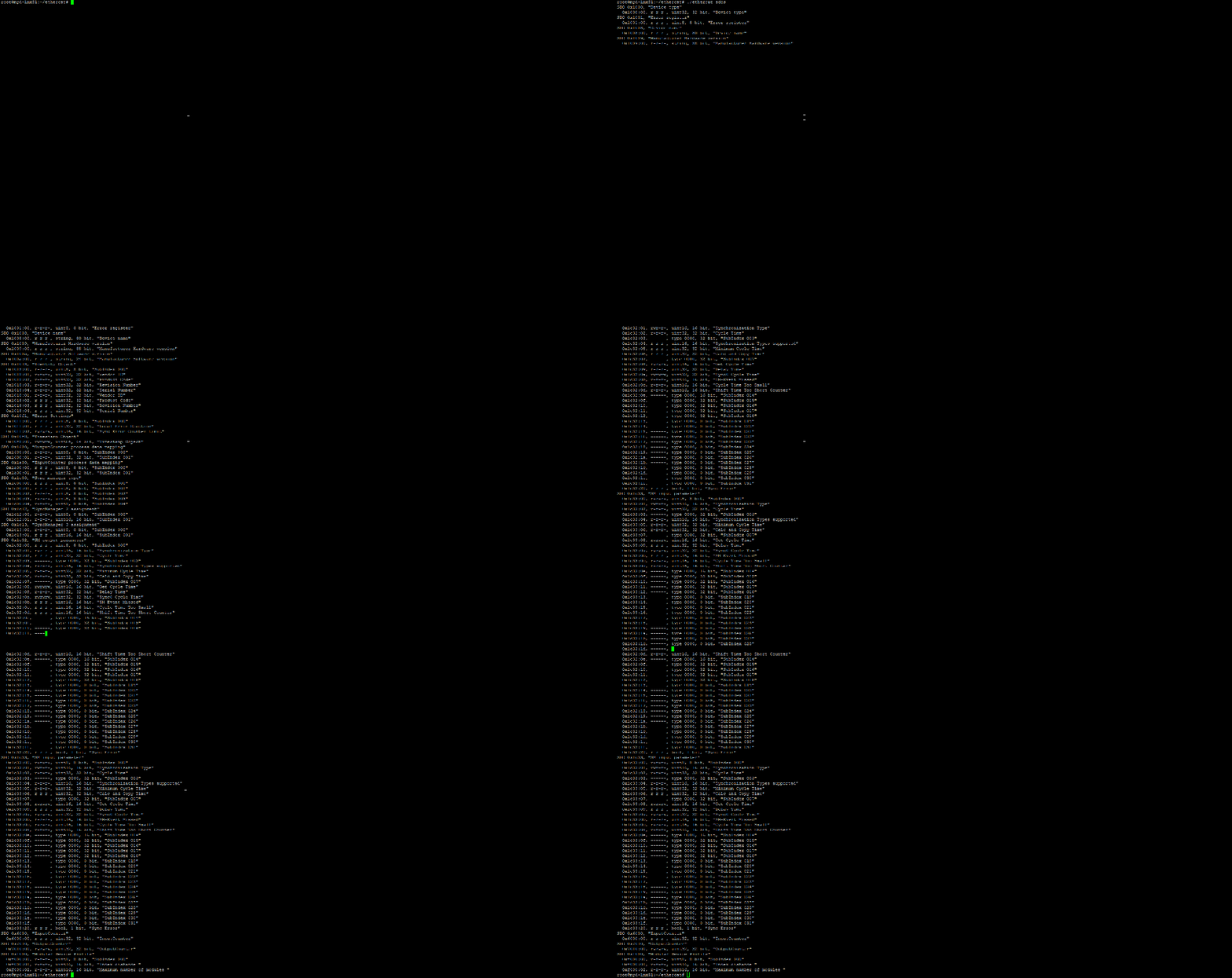
Slave SDO Read/Write
Use upload to read register values
./ethercat upload 0x7010 0Use download to write to registers (followed by value)
./ethercat download 0x7010 0 0x03Example Usage: Read/write the register value at address 0x7010 offset 0, indicating that this register is a 4-byte data
