
Mobile Air Conditioner Remote Control
Remember those scorching summer days when every time I walked from the cool bedroom to the living room, I had to get up to adjust the air conditioning temperature? It was both troublesome and unbearably hot. Similarly, in winter, frequently getting up to adjust the temperature made me shiver. But ever since I discovered that my smartphone could serve as a universal remote control, everything changed. Life became much easier. Today, I want to share how I control the air conditioner with my phone; it’s incredibly convenient.
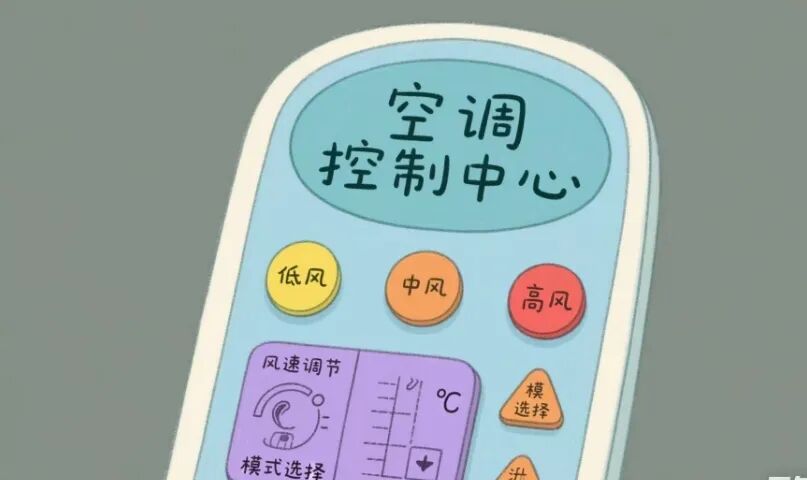
At first, I needed to find a suitable remote control app. I searched the app store and found that ‘Smart Remote’ and ‘Universal Remote Control’ were quite popular. I downloaded ‘Smart Remote’ and found that it supports many air conditioner brands, including my old Midea model. When choosing the app, I paid special attention to compatibility, user reviews, and advertising. This app has a clean interface and minimal ads, making it quite pleasant to use.
After installation, I opened the app and granted it infrared transmission permissions. Then, I started configuring the air conditioner remote control. On the main interface of the app, I clicked ‘Add Device’ and selected ‘Air Conditioner’. From the list, I immediately spotted Midea, selected it, and followed the app’s prompts to point my phone at the air conditioner’s infrared receiver. After a few operations, the connection was successful. I tried turning it on and off, adjusting the temperature, and changing the fan speed, all without issues. Finally, I set up a shortcut for easy access next time.
But that’s not all. I discovered that this app has many advanced features. For example, I can set a timer to turn off the air conditioner automatically half an hour after I go to bed, which saves energy and prevents it from blowing all night. There’s also a smart scene linkage feature. I set up a ‘Home Mode’ so that when I open the door, the air conditioner automatically adjusts to 26 degrees, the lights turn on, and the curtains open. That feeling is just fantastic! Plus, my phone supports voice assistants, so when my hands are greasy while cooking, I can simply say, ‘Turn on the air conditioner and set it to 26 degrees,’ and it understands.
Of course, I encountered some minor issues while using it. Once, when my phone was too far from the air conditioner, the remote didn’t respond. I later realized that I needed to maintain an appropriate distance and angle. Another time, the app couldn’t connect to the air conditioner. I tried restarting the app and my phone, and the problem was resolved. If I encounter issues in the future, I plan to check the app’s help documentation or contact customer service.
Overall, controlling the air conditioner with my phone is incredibly convenient. Now, I can control the air conditioner from anywhere without having to get up frequently. In this era of smart homes, mastering this skill truly makes life more convenient and comfortable. You should give it a try!
This article is for learning and communication purposes only. All information is sourced from public materials and personal understanding and does not represent any official position. If there is any infringement, please contact us promptly, and we will verify and delete the relevant infringing content to ensure that no personal or organizational legal rights are violated. This statement is made for your awareness.