Part.1
Give Your Data a Home


Are you still worried about running out of hard drive space or facing bandwidth limits on cloud storage? A home server can centralize the management of photos, videos, music, and documents, and allows for remote access. You don’t need a high technical threshold; even beginners can set it up step by step.
Part2
Preparing Hardware – From Old Computers to Mini Hosts
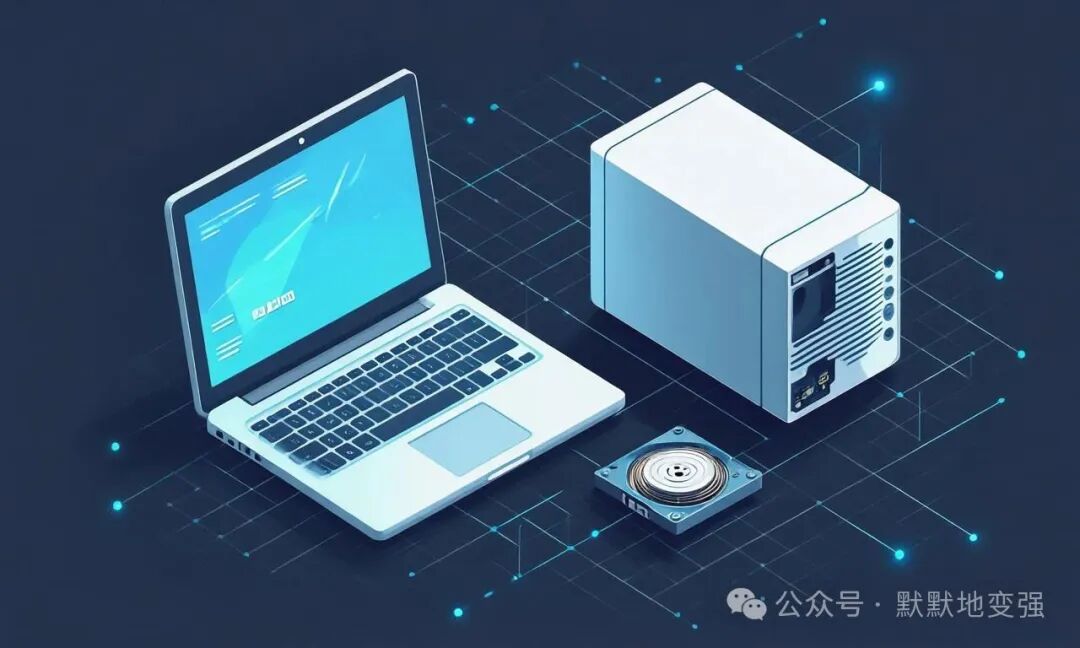
● Repurposing old desktops or laptops;
● Purchasing a low-power mini host;
● Essentials: At least 1 large-capacity hard drive (starting from 4TB).
Part.3
Installing the System – The Best Choice for NAS Beginners
● Synology DSM (suitable for beginners);
● OpenMediaVault (free and open-source);
● Unraid (suitable for those wanting to expand functionality).
Part.4
Configuring Services – Making Access Easier
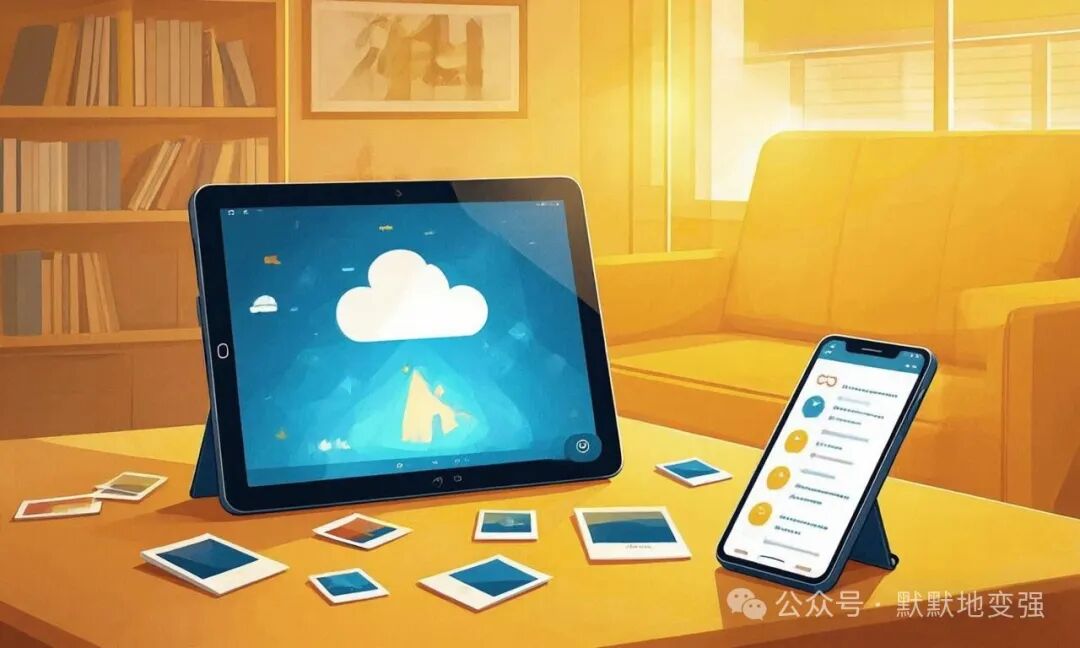
● Media Center (Plex, Jellyfin);
● Private Cloud Storage (Nextcloud);
● Photo Gallery (PhotoPrism).
Part.5
Remote Access – Use It Even When You’re Out
● Configuring Dynamic Domain Name (DDNS);
● Enabling HTTPS Encryption;
● Setting Up Multi-User Permissions.
Part.6
From Storage to Life Center
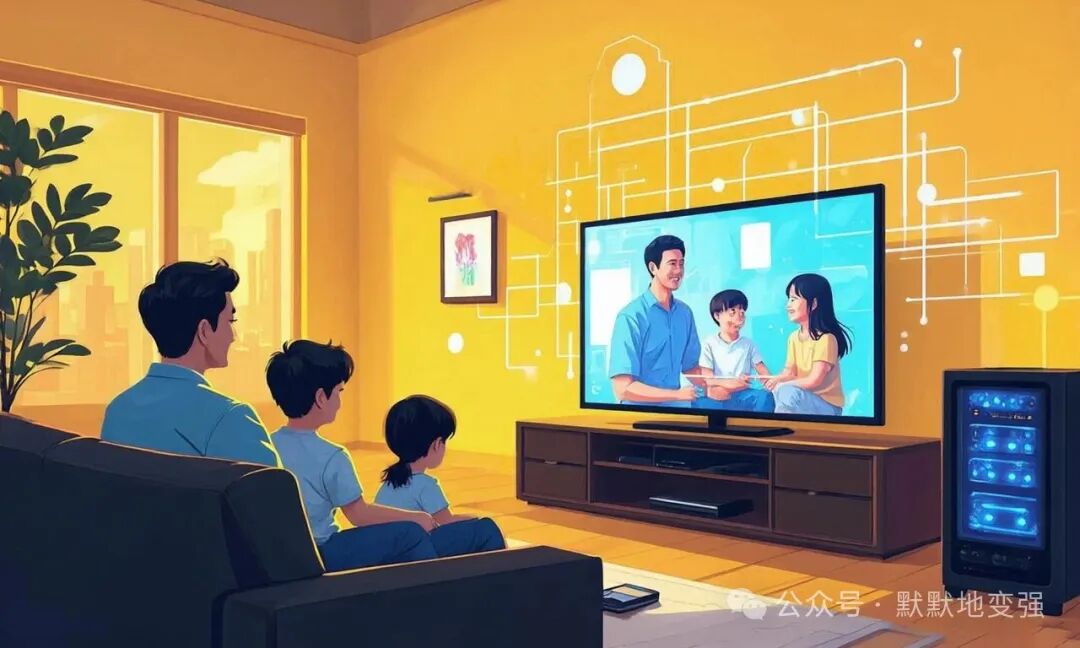
When your home server is up and running, you’ll find that it is not just a replacement for hard drives, but a “command center” for your life data, making entertainment, backup, and collaboration efficient and secure.

Long press to follow