Click on the above “Embedded Mixed Bag“, select “Pin to Top” to view programming notes at the first time!
Introduction to RT-Thread Studio
Recently, RT-Thread Studio is an IDE recently released by RT-Thread, let’s give it a try.
First of all, the software interface color scheme is great and looks very comfortable. The Welcome interface is as follows:
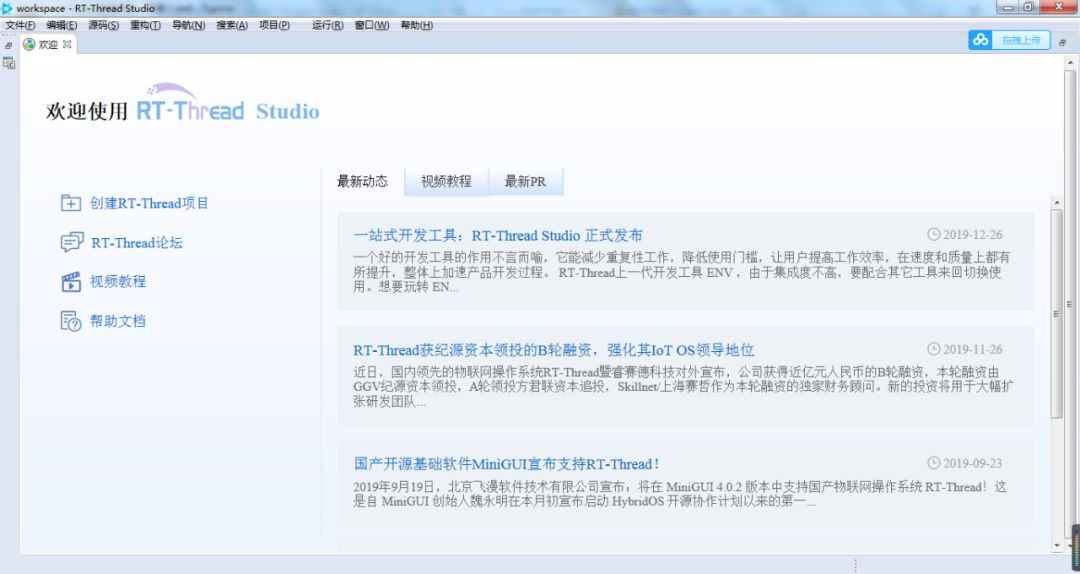
We can see that the Welcome interface contains a lot of useful information: latest updates, software trial video tutorials, latest PR, etc. RT-Thread Studio is developed based on the eclipse platform, and the interface design and style inherit from eclipse. For example:
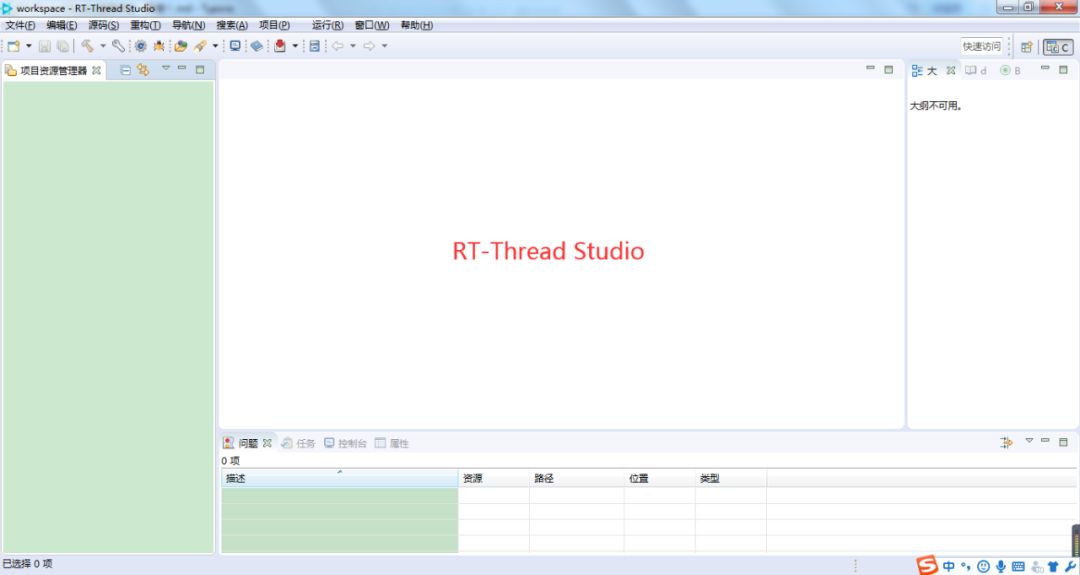
Since IDEs developed based on the eclipse platform are very similar, such as TI‘s CCS (Code Composer Studio) software:
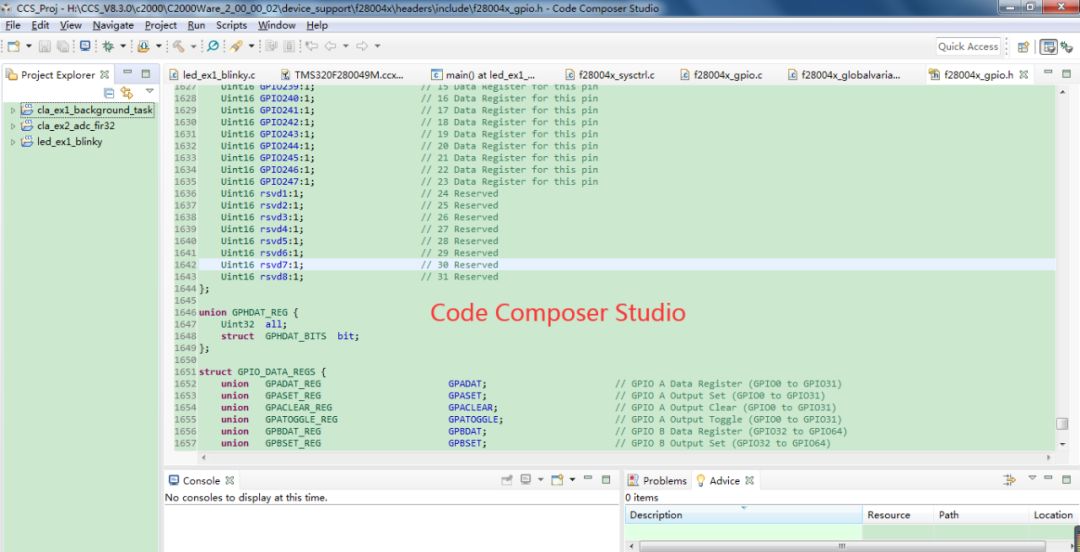
It can be found that RT-Thread Studio is very similar to CCS, the main difference is that CCS is in English, while RT-Thread Studio is in Chinese. As expected from a domestic operating system, the developed IDE is in Chinese (it is estimated that an English version will also be released in the future), which can well accommodate developers like me who are not good at English.
Using RT-Thread Studio
Let’s try RT-Thread Studio and create an RT-Thread project. First, create a new project:
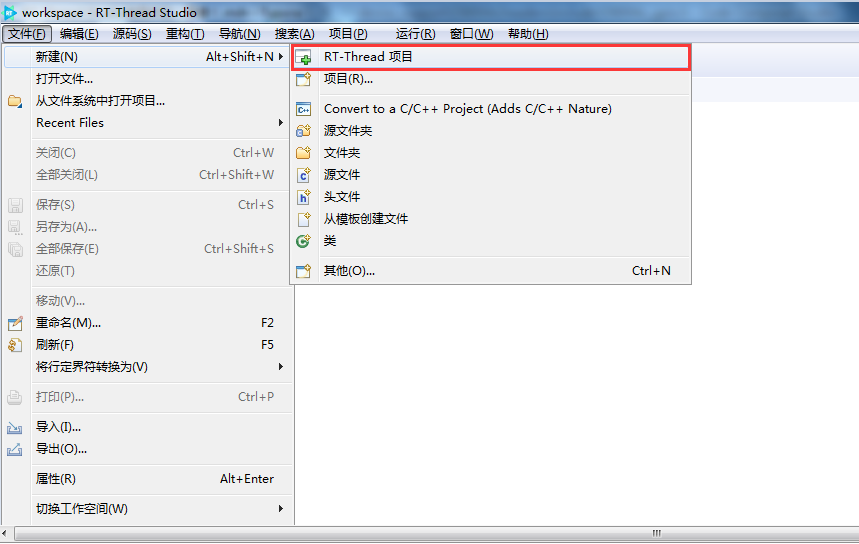
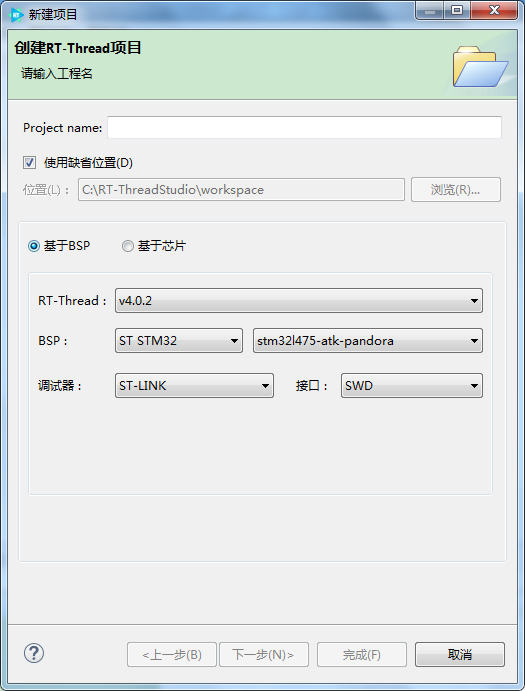
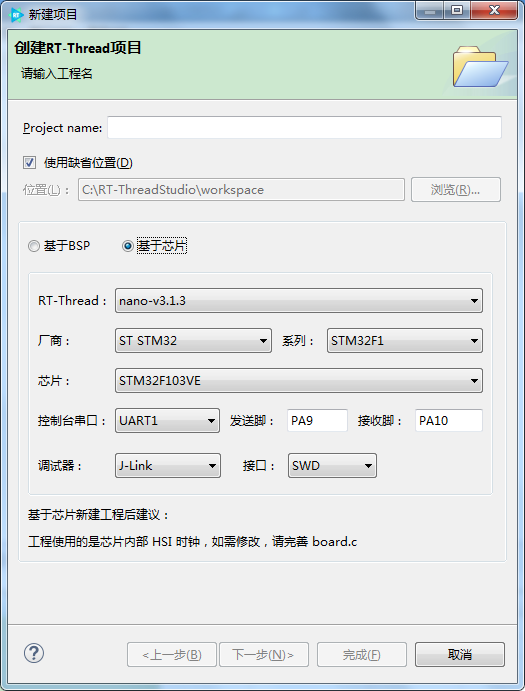
You can choose to create a project based on BSP or based on the chip. Here we choose to create a BSP project based on the Pandora IOT Development Board:
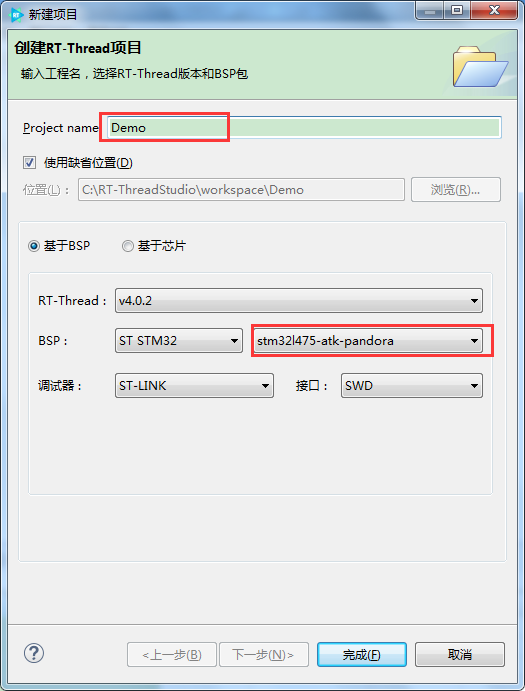
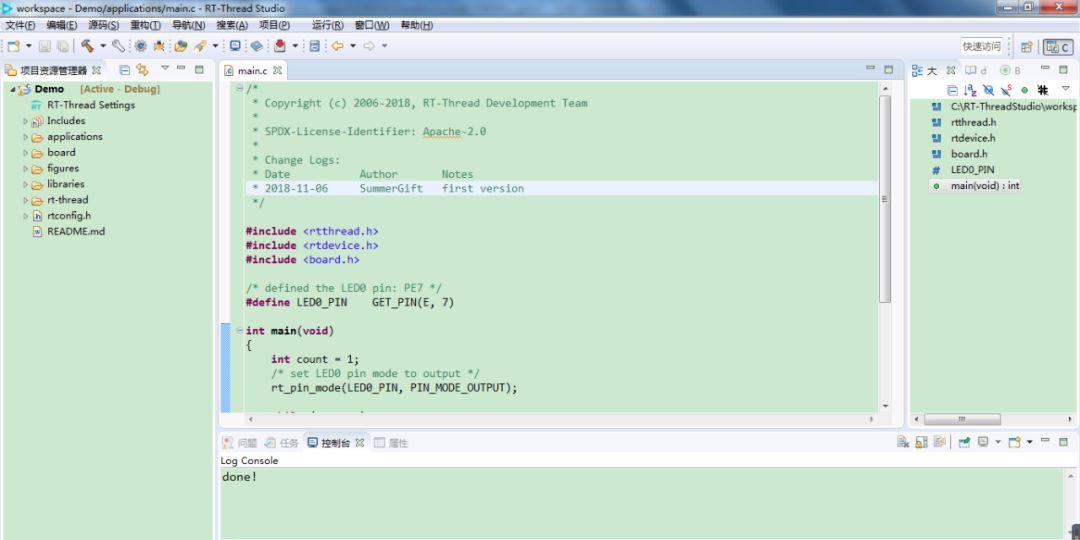
It can be seen that there is a RT-Thread Settings file under the project, which allows graphical configuration of RT-Thread. Double-clicking the RT-Thread Settings file will enter the configuration interface, as shown below:
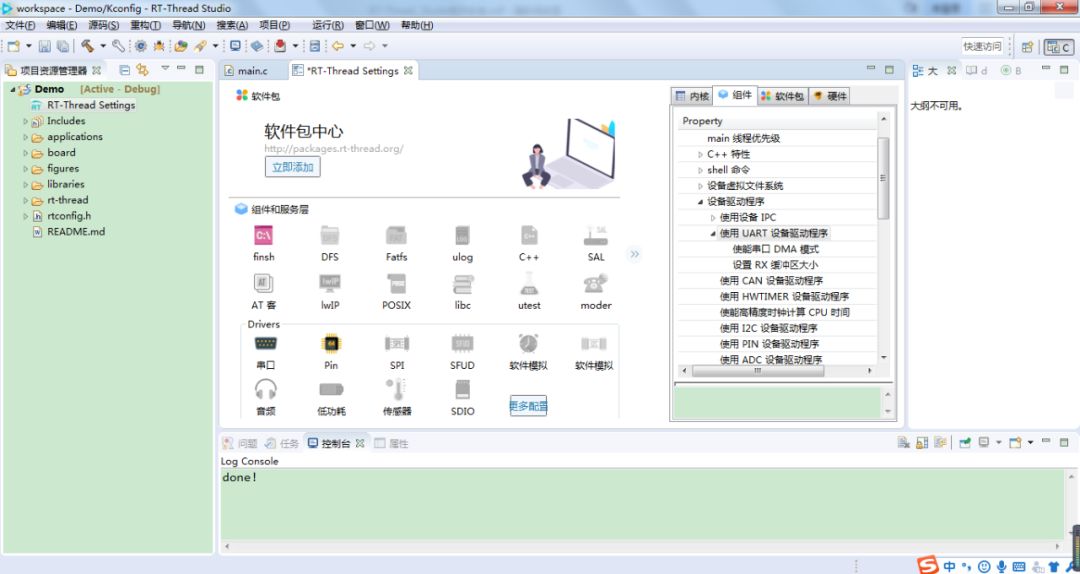
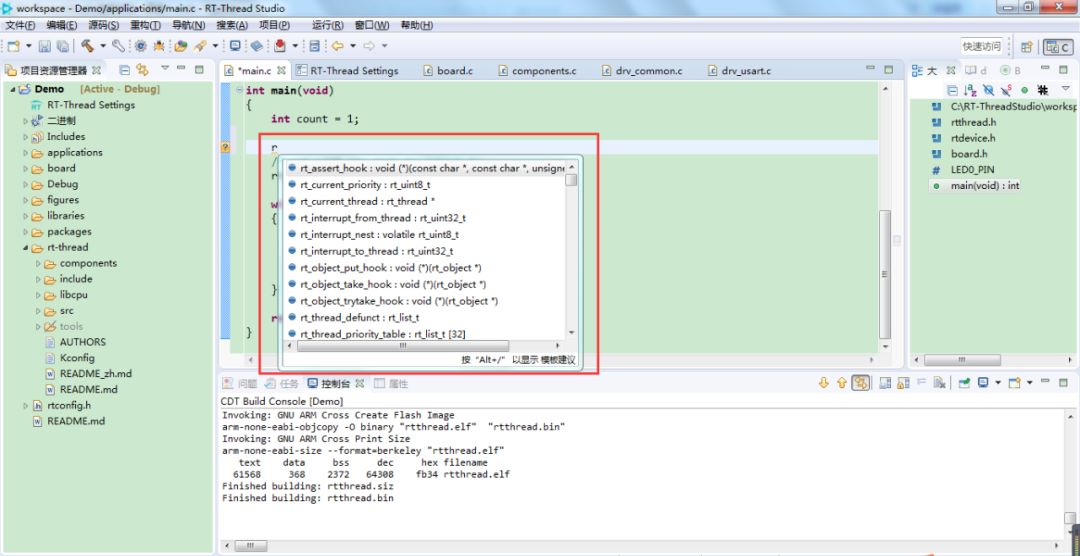
It can be seen that this configuration interface allows easy configuration of the kernel, components, software packages, and hardware. After the configuration is complete, press ctrl+s to save the configuration. Using RT-Thread Studio to edit code is also very comfortable, with excellent auto-completion; just entering one character provides relevant suggestions:
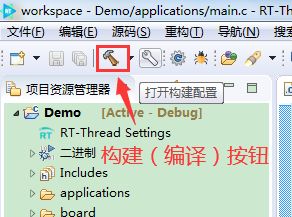
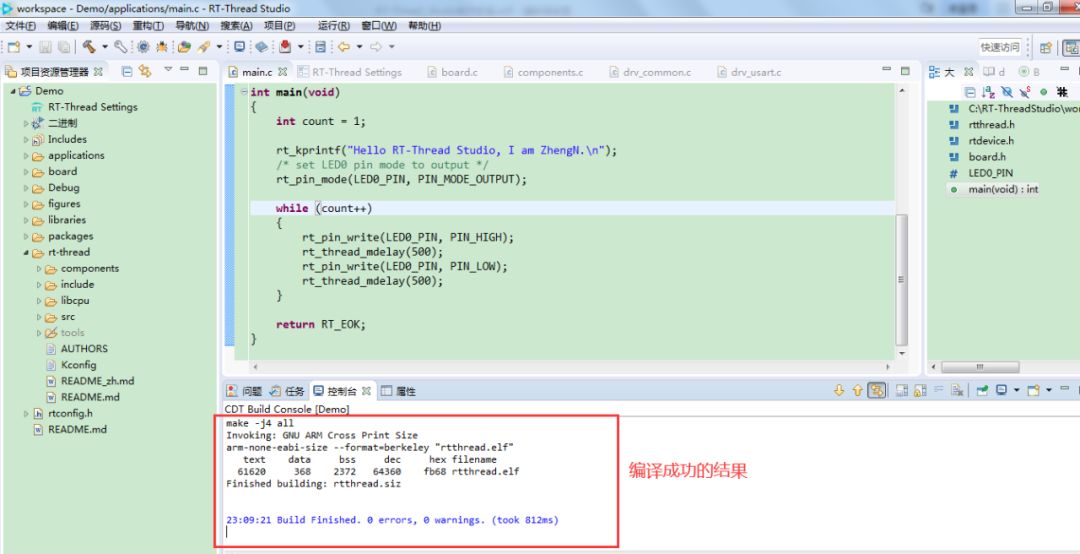
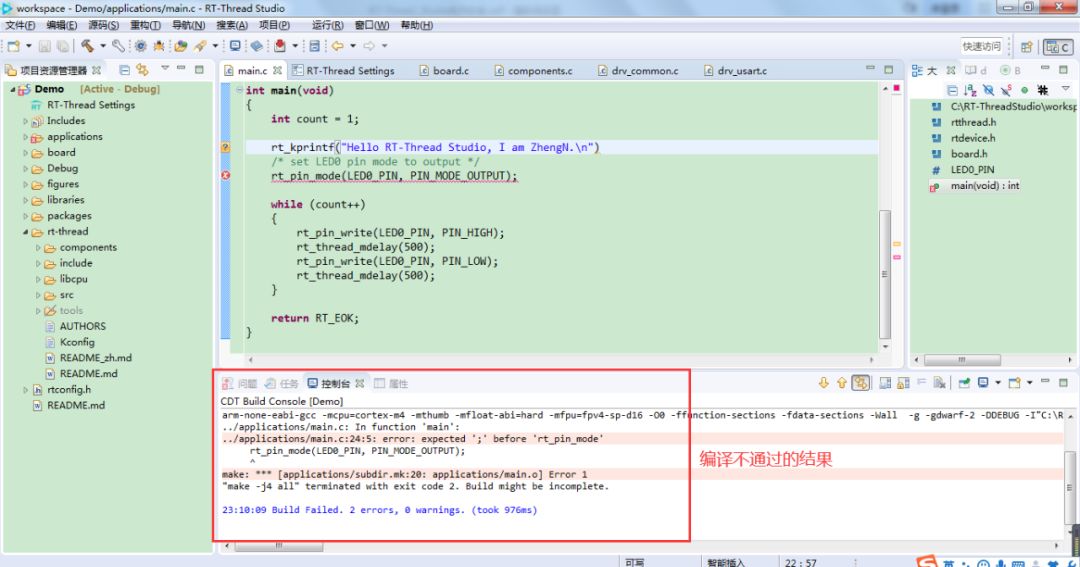
Next, we will compile:
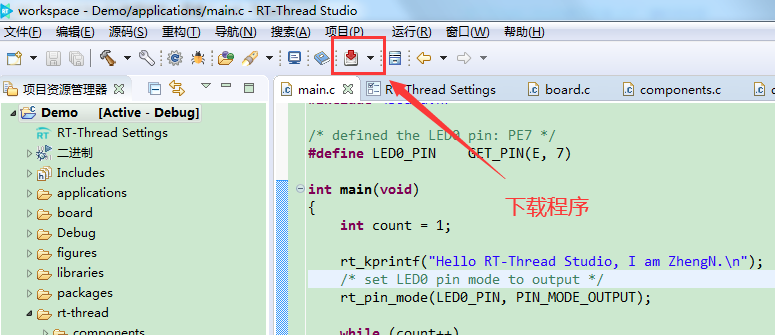
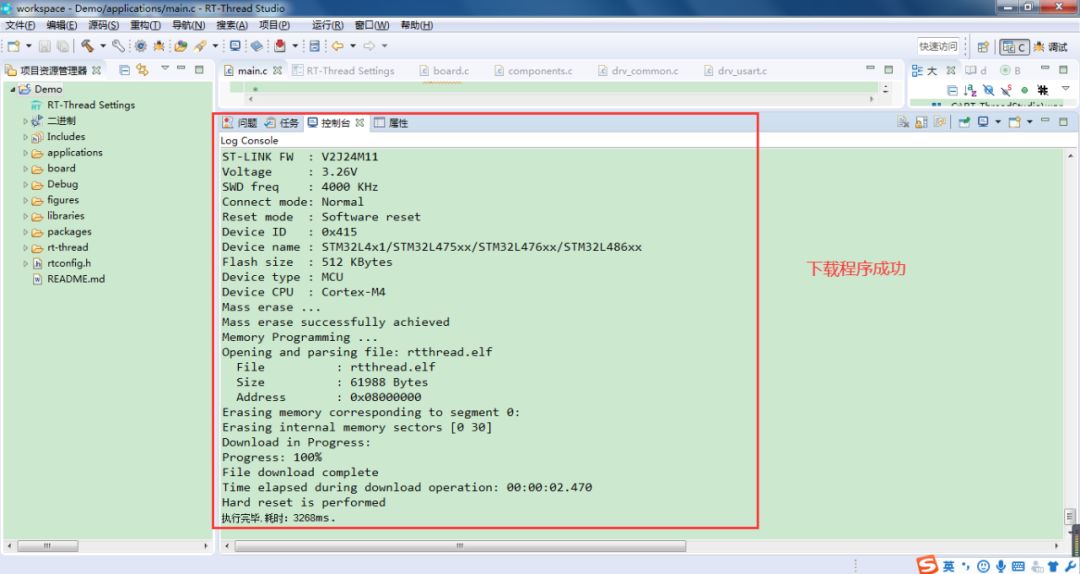
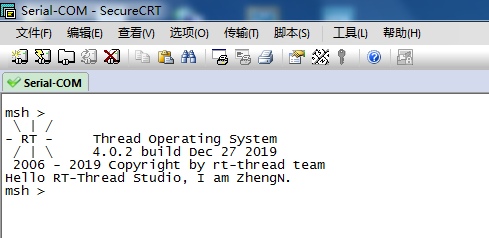
Download and run the program:
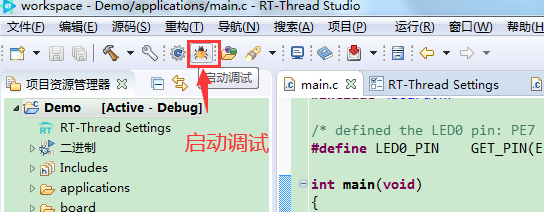
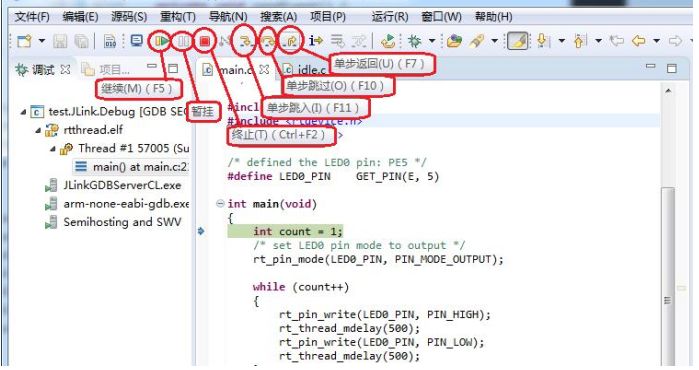
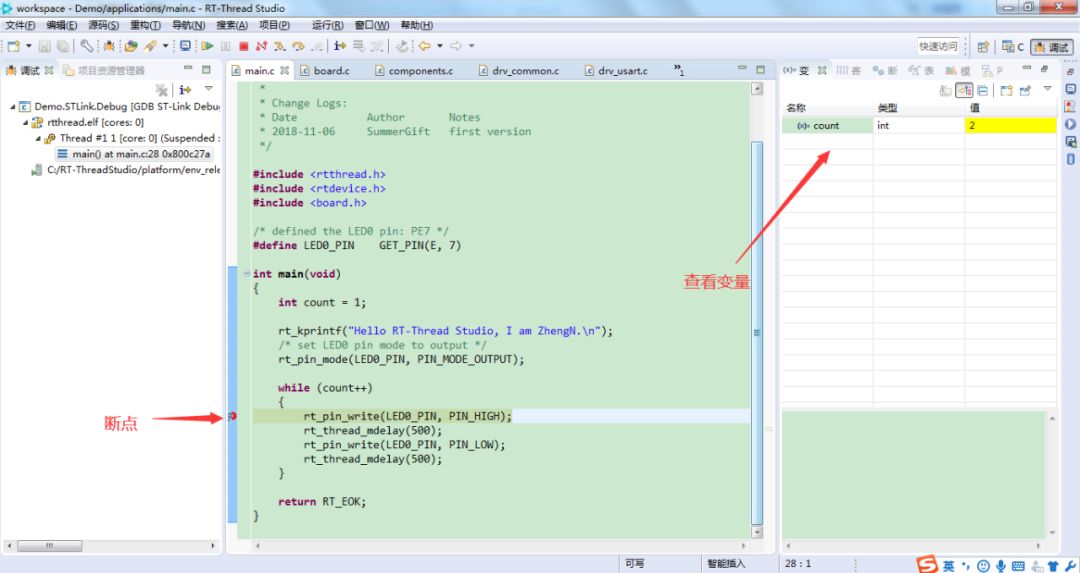
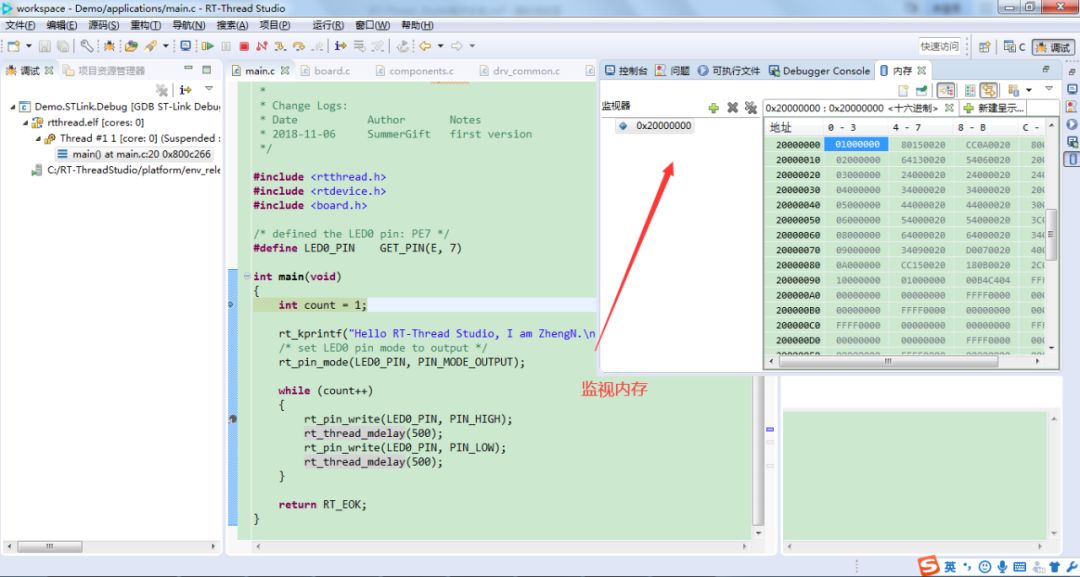
Start debugging:
Finally, what I like most about RT-Thread Studio is its integrated MarkDown editor:
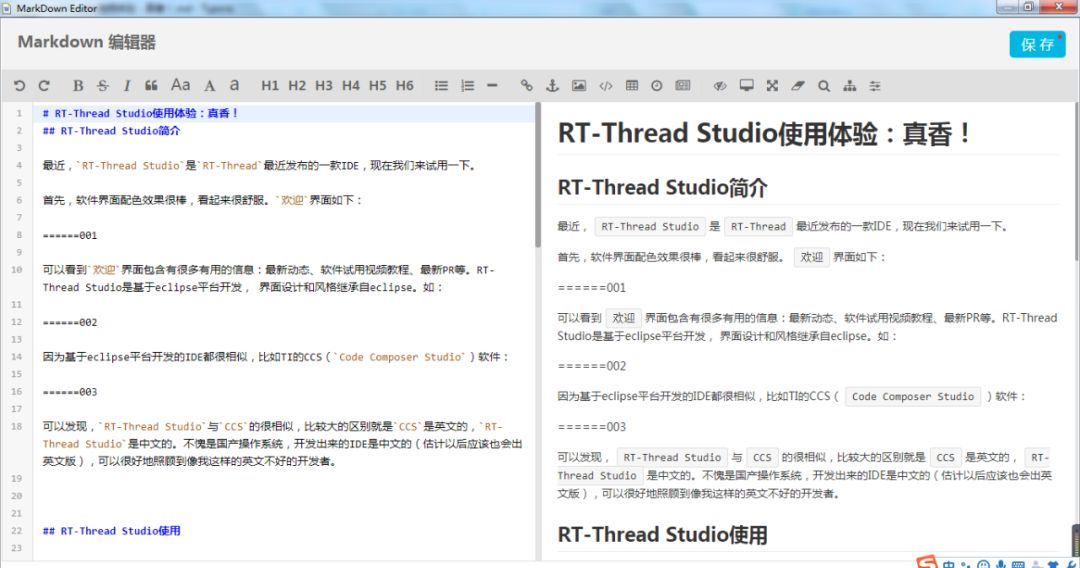
With this, we can write the README file clearly and in detail, such as inserting images, unlike when using keil where we could only write some text notes.
Conclusion
RT-Thread Studio is a very powerful and easy-to-use IDE. When using RT-Thread, there is no need to transplant step by step as before; with this software, you can quickly create projects that include RT-Thread.
In addition, even for bare-metal development, projects can be established very quickly, and it can even replace keil. Although currently, the only supported MCU is STM32, I believe it will gradually improve and update in the future. Let’s look forward to it. Friends who haven’t used it yet should hurry up and try it; it is truly impressive!
This concludes my note sharing! I hope everyone likes it. For more details about RT-Thread Studio, you can check its help manual.
Original content is not easy; feel free to share, bookmark, or check it out. Thank you.
You May Also Like:
Do You Know These Typical Examples of Custom Protocols?
Manage FLASH Partitioning for Better Data Storage~
SFUD | A Simple and Practical Open Source Project to Easily Handle SPI Flash