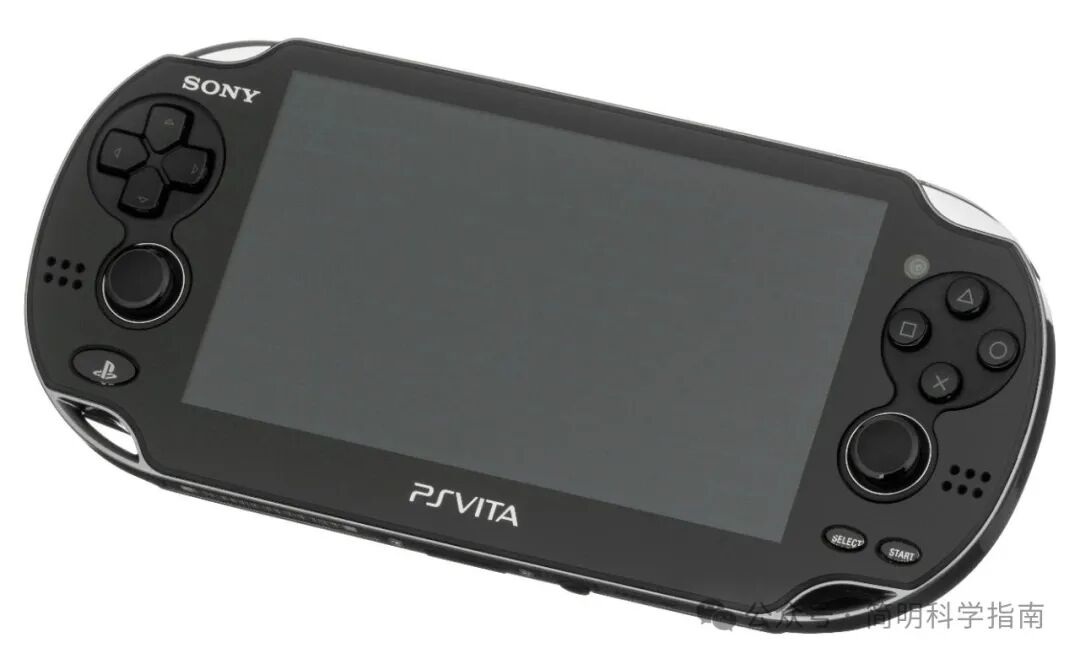
To be honest, handheld game consoles were almost“abandoned by the times a few years ago— in a sense, since Sony’s PS Vita failed and exited the handheld market, and Nintendo sacrificed a generation of handhelds for the success of the 2-in-1 Switch, the concept of traditional handheld consoles has basically ceased to exist.
With the rise of the Steam Deck in recent years, Windows handhelds, and the emergence of open-source (cloned) handhelds designed for emulation, these devices have quickly evolved into an interesting new hobby for gamers. Strictly speaking, my first modern handheld was the ASUS ROG Ally based on Windows, but it wasn’t until I tried Linux and Android handhelds focused on emulation that I truly developed a desire to own more handhelds.
If you are also planning to dive into this hobby, the first decision you need to make is to choose an operating system. So, which system is more suitable for handhelds? Linux or Android? Both have their advantages, but depending on your needs, it is not difficult to make a clear choice.
Don’t remind me, I know that Android is also developed based on Linux, but that is not relevant to our current discussion. They cannot run the same software, and handhelds running these two systems are vastly different.
Comparison of Linux and Android Handhelds
· Linux handhelds are generally cheaper than Android handhelds.
· Linux handhelds are easier to set up and more user-friendly for beginners.
· Android handhelds usually have stronger performance and can emulate newer console games.
· Both support customization, but operating Linux handhelds is simpler.
· Android handhelds can also run modern mobile games that support controllers.
· Linux handhelds can run some light PC ported games through PortMaster.
· Linux handhelds dominate the low-end market.
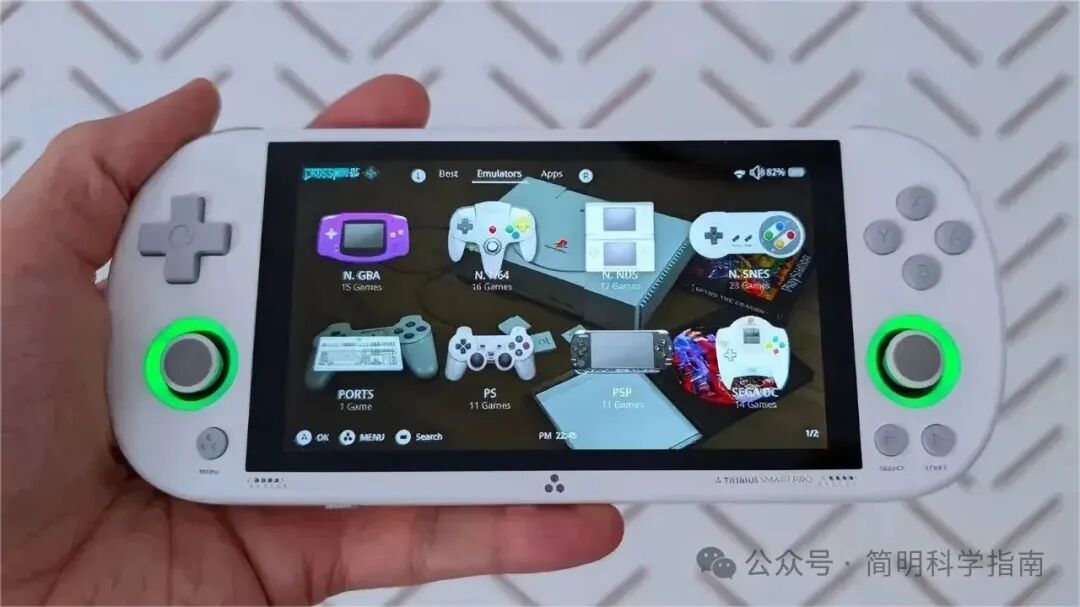
If you want an affordable emulation device, then a Linux handheld is the best choice. My first Linux handheld was the Blow Mi SmartPro, and I also considered the Retroid Pocket and ANBERNIC products. The low-end models cost less than a AAA game, yet can emulate all the retro games from my childhood. Most Linux handhelds are like this; they are equipped with low-performance, low-power chips (UNISOC, Allwinner, MediaTek) and are priced between 200 to 700 yuan. These chips have been around for many years, so they have been highly optimized in terms of performance and compatibility.
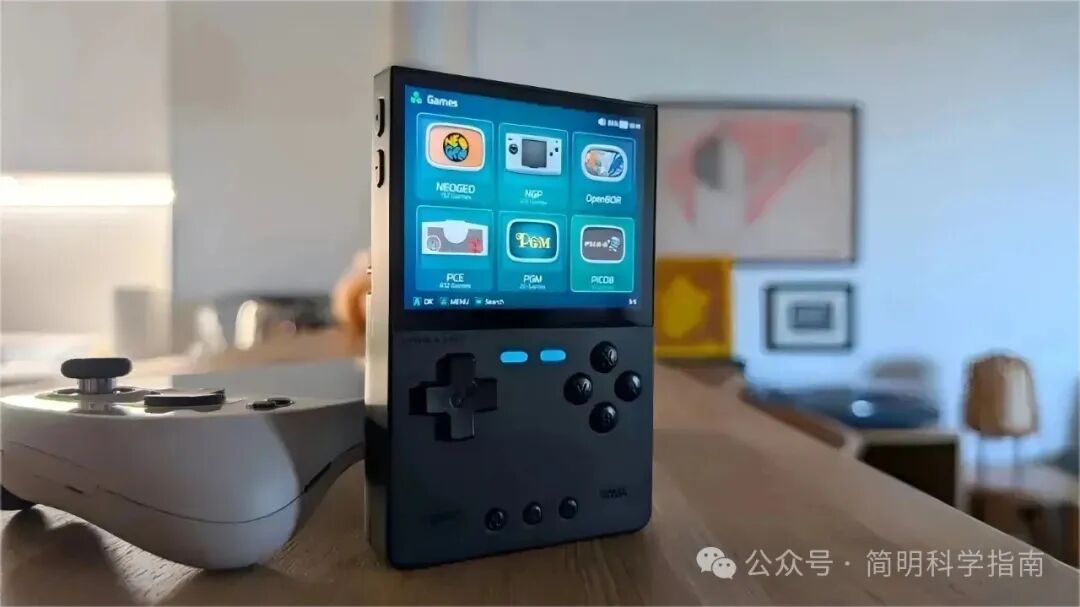
The combination of cheap chips and open-source operating systems allows these devices to perform far beyond their price level, making them very suitable as your first handheld. They usually come pre-installed with emulators (and even games and BIOS files) on a microSD card, so you can start playing right away without any setup.
However, to achieve the best performance, it is advisable to choose a reliable brand of microSD card and load your own ROM game library.
For those who enjoy tinkering, Linux handhelds also offer great freedom. There are many third-party Linux distributions available for popular devices, usually requiring just dragging files onto a pre-formatted microSD card to install. From simple MinUI and KNULLI to more customizable Batocera, you can create a unique device. Alternatively, you can think of it as a “Raspberry Pi” with a screen.
The biggest drawback of Linux handhelds is their insufficient performance. You cannot play Nintendo Switch games on Linux handhelds, and most models struggle even with PlayStation 2 emulation. However, they somewhat compensate for this limitation through compatibility with PortMaster, allowing them to run Linux ports of modern PC games like Stardew Valley and Celeste.
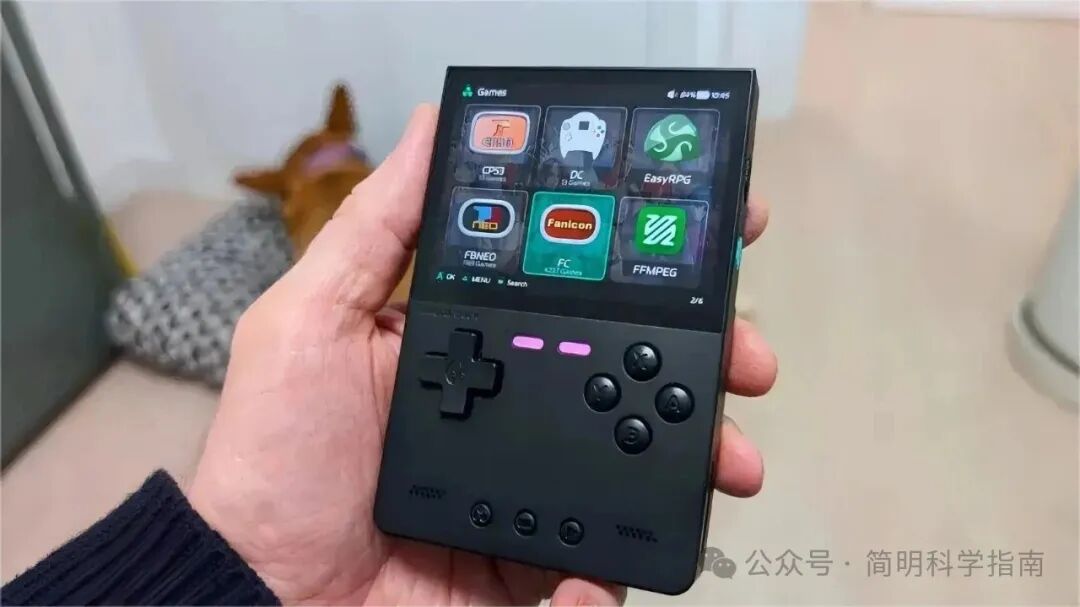
Another huge advantage of Linux handhelds is their excellent sleep and resume functionality. You can pick up the device and continue playing from where you left off, and you don’t have to worry about losing progress when you put it down; this experience is fantastic and is considered the best way to play mobile games.
Linux handhelds are affordable, easy to use, and require almost no additional setup.
Of course, there is another presence that cannot be ignored— the Steam Deck, which runs on Linux-based SteamOS. Although it has stronger performance and is a great device, it should be seen as a class of its own (we won’t discuss piracy or compatibility here; at least from an architecture standpoint, the Steam Deck belongs to the x64 architecture). As more handhelds running SteamOS are released, the situation may change, but currently, it is clearly larger and more expensive than other Linux handhelds.
It is worth mentioning that through front-end tools like Bazzite, Windows handhelds can also install Linux systems. However, these systems mainly focus on emulation, so most of the extra performance of Windows handhelds will be wasted. I recommend a dual-boot system to take advantage of both, but the cost of purchasing a Windows handheld is still much higher.
Android Handhelds Have Stronger Performance but More Complex Setup
If you want a more powerful emulation handheld, then you should choose the Android system. The starting price for Android handhelds is around 500 yuan, with the most expensive ones exceeding four to five thousand yuan. The price range just over a thousand yuan offers great value, where you can get models with Snapdragon 865, such as the Retroid Pocket 5—don’t rush to criticize; the performance is sufficient to run PlayStation 2 era games smoothly at over double the resolution.
You might also consider the combination of an Android phone and a clip-on controller, but to be fair, the size of the controller is not small, and it offers no advantage in portability, so why add battery anxiety to your phone?
High-end Android handhelds, such as AYN Odin 2 and AYANEO Pocket EVO, come equipped with OLED screens, Hall effect joysticks, the latest chips (Snapdragon 8 Gen 2 or even Snapdragon G3X Gen 2), and higher quality casing materials. To be honest, these specifications are not necessary, but if you have a sufficient budget and demand, they are also good choices.
However, stronger hardware does not always lead to better performance. Drivers and software are the real bottlenecks for Android handhelds. Although emulators on the Android platform are very popular, the variety of devices and chipsets makes development very challenging. Additionally, the Android community is often not very friendly, which is one of the reasons why the PS3 emulator RPCS3 will not be landing on Android anytime soon (although there are already cloned versions available domestically, they seem to be half-finished products).
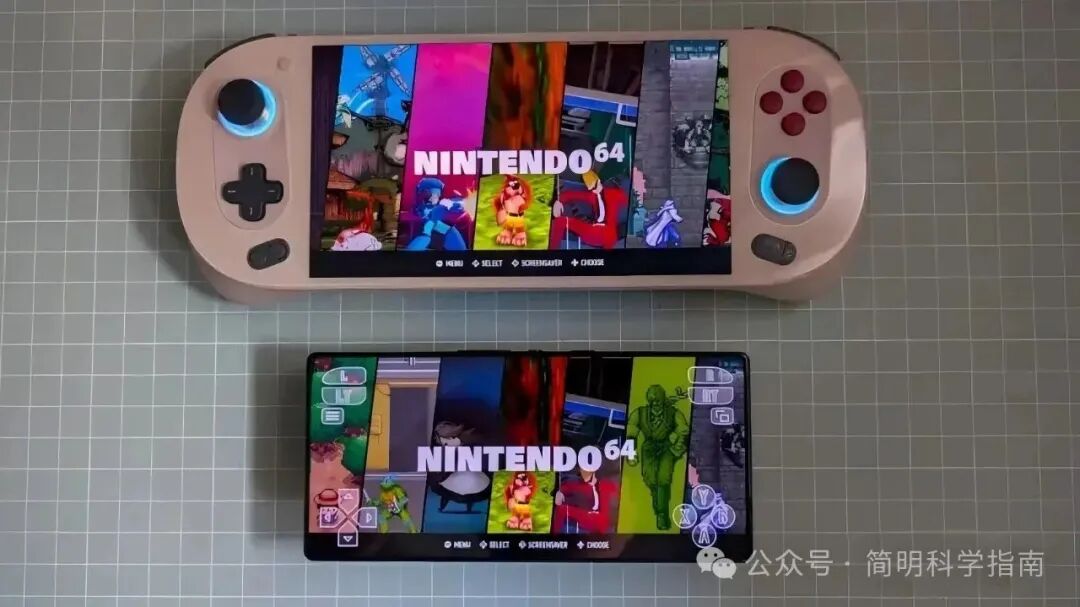
The fragmentation of development also makes the setup process for Android handhelds very cumbersome. All the high-end Android retro handhelds I have tested require emulator setup before you can start gaming. This process usually involves sideloading the latest emulators, installing drivers, and adjusting performance settings for each emulator.
Of course, if you have already experienced emulation games on your phone, you may be familiar with this process. Many players have been using Android phones for over a decade and are well-versed in these operations, so it may not be a problem for you. Of course, low-end Android handhelds from brands like Anbernic may come pre-installed with emulators and ROMs, allowing you to play right out of the box.
Android handhelds are powerful, usually more high-end, but setting them up can be time-consuming.
Once you complete all the setup, you will find that Android handhelds feel just like a phone. For dedicated handhelds, I strongly recommend installing emulation front-end tools like Tianma G, ES-DE, or Beacon Game Launcher. I used them to replace the default launcher, transforming the handheld from an Android phone into a true retro gaming machine for middle-aged gamers.
On the other hand, these handhelds can easily run the latest Android games. Obviously, I only play games that support controllers, but the number of such games is constantly increasing every month. This adds a touch of modernity to my retro gaming experience.
Linux Handhelds vs. Android Handhelds: How to Choose?
If you are considering purchasing a handheld for the first time, I recommend starting with a Linux handheld. They are cheaper, easier to set up, and come in various designs to meet your gaming needs.
For seasoned players with a sufficient budget, Android handhelds are among the most powerful and aesthetically pleasing devices on the market. Although setup takes some time, they can run a much wider variety of games.

No matter which handheld you choose, be aware that this hobby can easily lead to obsession, especially for middle-aged gamers—there are many things to get obsessed with—even being obsessed with charging heads can become a hobby, let alone handhelds. Six months later, if you find yourself owning three or four different handhelds, don’t be surprised. I am in that situation, but honestly, I don’t regret it.