Follow+Star Public Account, don’t miss the wonderful content

Author | strongerHuang
WeChat Public Account | Embedded Column
IDE:Integrated Development Environment.IDE refers to tools used for software development, typically including an editor, compiler, debugger, graphical user interface, and various integrated tools.There are many integrated development environment tools (IDE) for microcontroller development. Below are some commonly used IDEs:
-
“General” IDE
-
“Dedicated” IDE
-
“Custom” IDE
“General” IDE
A general IDE is a tool that supports multiple chips, such as: STM32xx, GD32xx, LPC18xx, PIC32xx and various microcontrollers from different manufacturers.
1. Keil
For microcontroller development, the classic integrated development environment is none other than Keil, which supports the development of most commonly used microcontrollers on the market.
Website:https://www.keil.com/(Public account does not support external links, please copy the link to your browser to open)
Keil is divided into four different types of IDE based on different cores:
-
Keil C51
-
Keil C166
-
Keil C251
-
Keil MDK-Arm
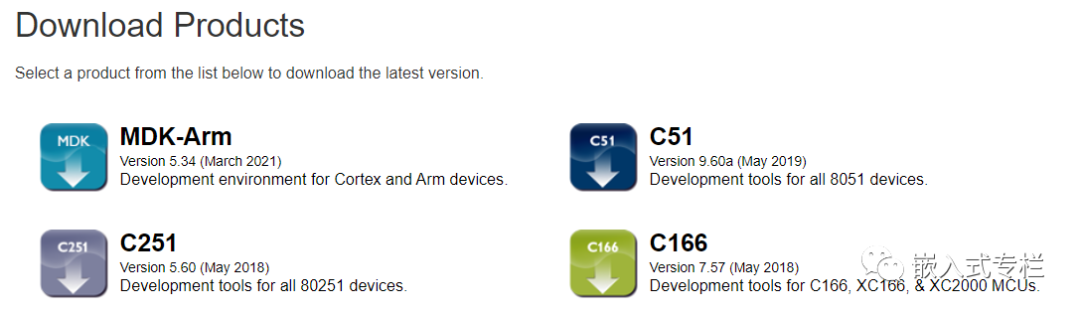
Recently, Keil Studio was released, or upgrading Keil MDK to Keil Studio.For more information, you can follow the public account and reply with the keyword: Keil Series Tutorial
2. IAR
IAR is also a classic development tool, similar to Keil, supporting the development of most microcontrollers on the market.
Website:https://www.iar.com/(Public account does not support external links, please copy the link to your browser to open)
Similarly, IAR is divided into various types of IDE for different types of microcontrollers:
-
IAR EWARM
-
IAR EW8051
-
IAR EWSTM8
-
IAR EWAVR32
-
IAR EWMSP430
-
IAR EWRH850
-
······
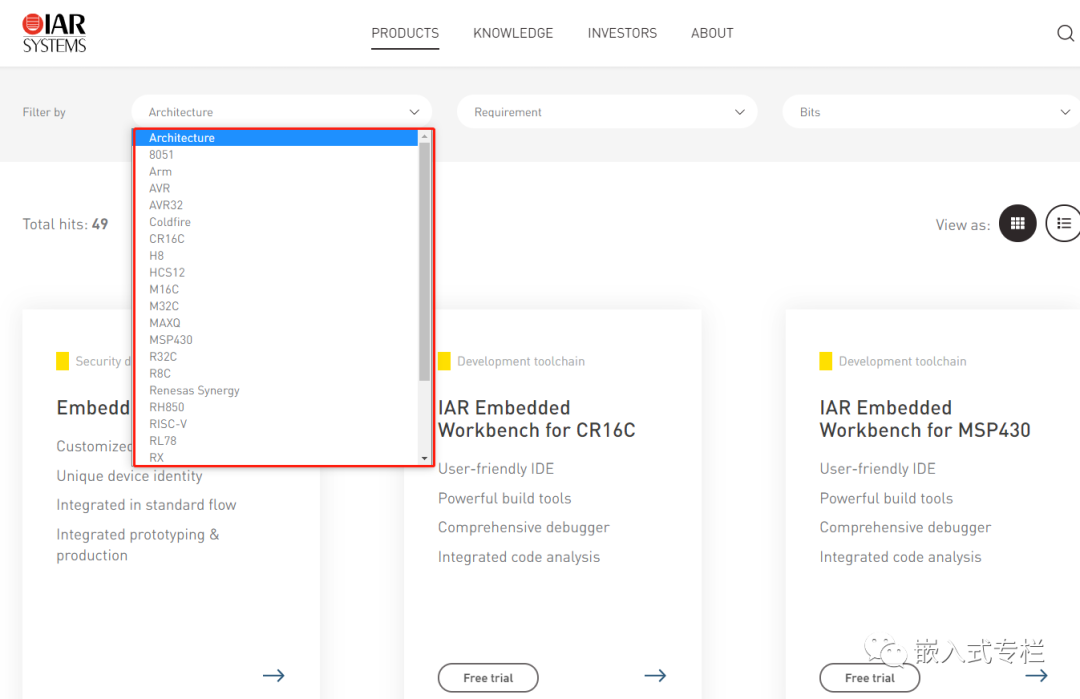
For more information, you can follow the public account and reply with the keyword: IAR Series Tutorial
3. Embedded Studio
Embedded Studio is a development environment mainly for ARM and RISC-V processors.
Website:https://www.segger.com/products/development-tools/embedded-studio/(Public account does not support external links, please copy the link to your browser to open)
Similarly, for ARM and RISC-V processors, it is divided into two types of IDE:
-
Embedded Studio for ARM
-
Embedded Studio for RISC-V
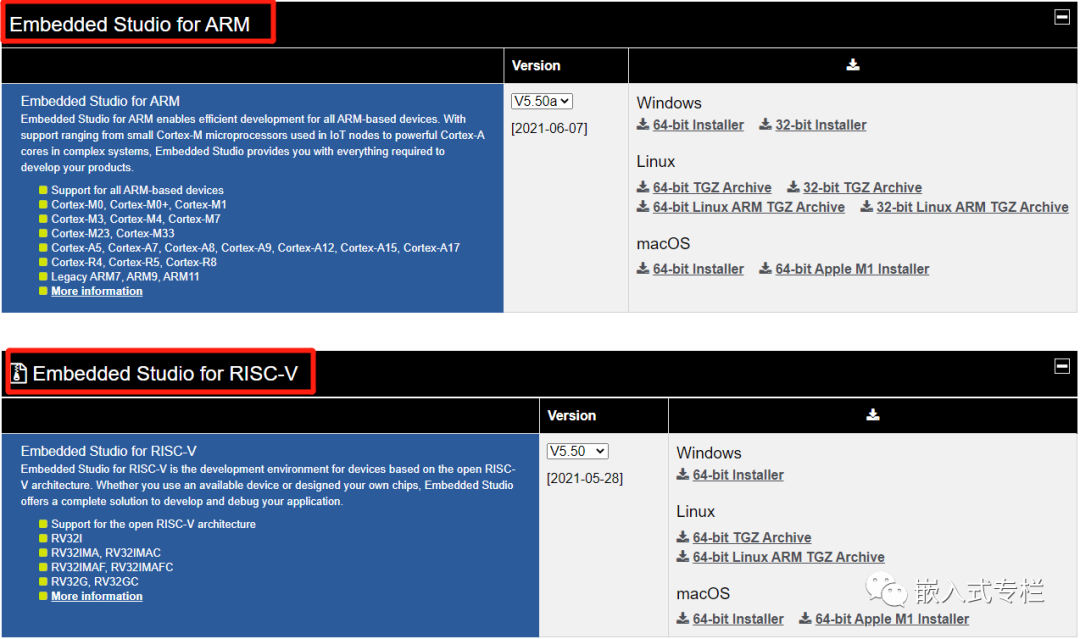
4. Others
Most general IDEs are paid tools (of course, there are some free ones, like Keil which is free for certain microcontrollers).
There are many other general development tools, such as Arm Development Studio, CrossWorks, TASKING, etc.
“Dedicated” IDE
A dedicated IDE is a tool that supports a specific model chip/specific environment, for example: only supports the STM32xx series of microcontrollers and does not support other microcontrollers outside of STM32xx.
1. STM32CubeIDE
STM32CubeIDE is an integrated development environment that supports STM32 (various series).
Website:https://www.st.com/en/development-tools/stm32cubeide.html(Public account does not support external links, please copy the link to your browser to open)
As early as 2017, ST acquired Atollic’s TrueSTUDIO tool and launched the STM32CubeIDE integrated development environment in 2019(which can be said to be an “upgraded version” of TrueSTUDIO + STM32CubeMX).
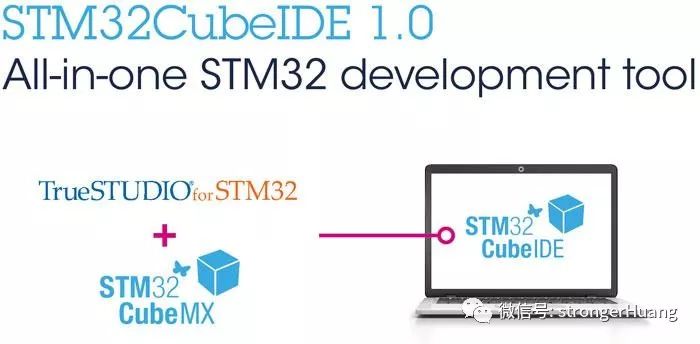
Please refer to the article: Installing and Configuring STM32CubeIDE to Generate Code and Debug Online
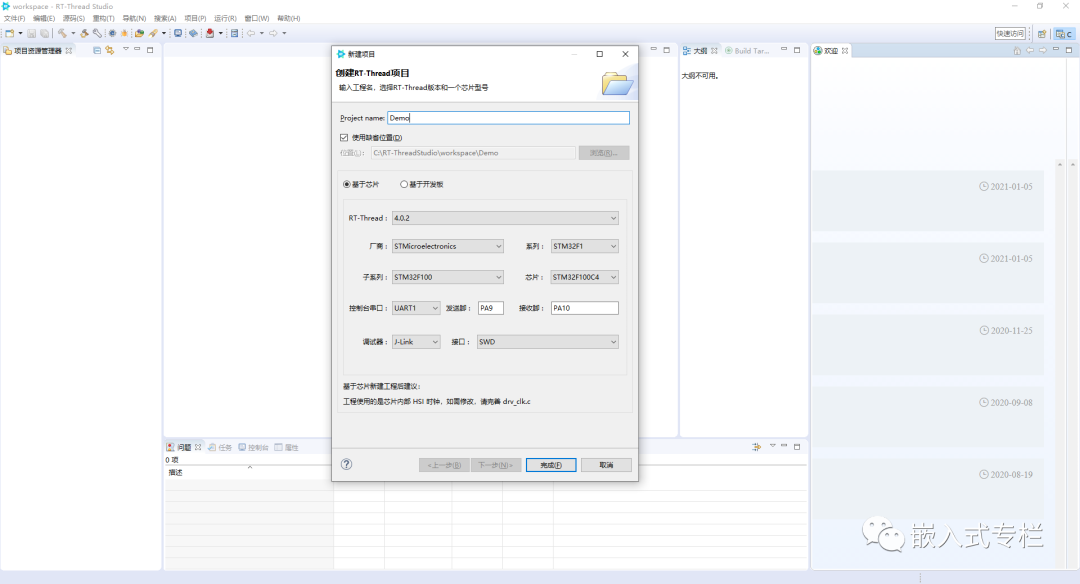
2. RT-Thread Studio
RT-Thread Studio is similar to STM32CubeIDE, integrating the RT-Thread RTOS.
Website:https://www.rt-thread.org/page/studio.htmlRT-Thread Studio mainly supports STM32, AT32, ES32 microcontrollers, and will likely add (adapt) more microcontroller models in the future.
3. Arduino IDE
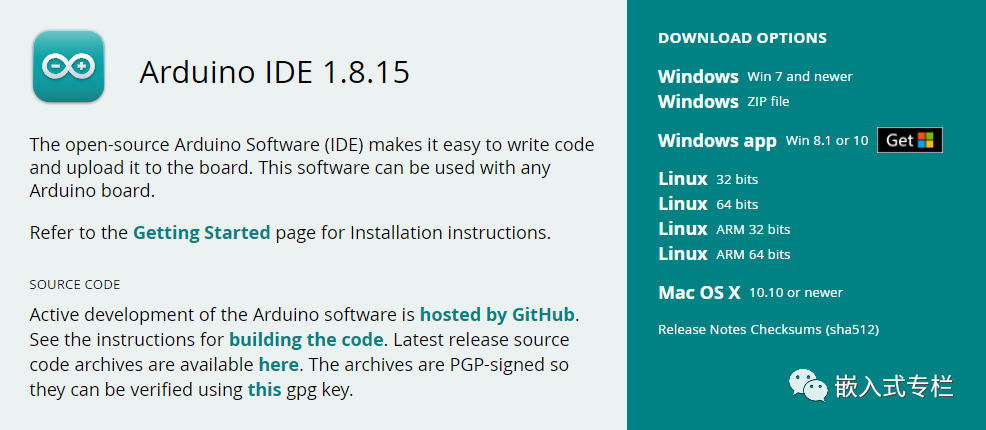
Arduino IDE is an integrated development environment mainly for the Arduino series development kits.
Website:https://www.arduino.cc/en/softwareArduino is actually a core microcontroller(Atmel’s ATmega**, see Differences Between Arduino and Microcontrollers), but this IDE is a tool for higher-level (application layer) development.Arduino IDE supports three major operating systems (Windows, Linux, Mac):
4. MPLAB IDE
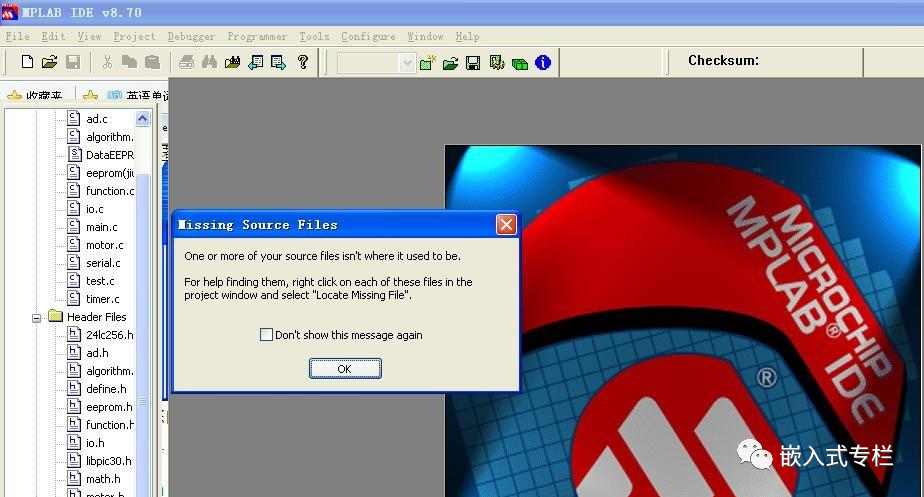
MPLAB IDE is a development environment designed by Microchip for its own microcontrollers.
Website:https://www.microchip.com/en-us/development-tools-tools-and-software/mplab-x-ideHonestly, MPLAB is much more difficult to use than general IDEs. A few years ago, I developed several products using multiple series of PIC16, 24 microcontrollers, and after using this tool for almost 3 years, I still find it difficult to use(at that time, I mainly focused on PIC microcontrollers).
5. Others
There are actually many dedicated IDEs, more than general IDEs, such as SW4STM32, Atmel Studio, e² studio, etc.
Dedicated IDE materials are less available, requiring more time and effort to learn. Usually, if your microcontroller supports general IDEs, it is recommended to choose a general IDE.
“Custom” IDE
If you feel that the general and dedicated IDEs on the market are not to your liking, there is another way, which is to build your own development environment.
To build your own development environment, you first need to understand what is included in the development environment (editor, compiler, linker, etc.), and then integrate several tools together.
Building a development environment still requires some foundation, so it is not recommended for beginners to build a development environment (it is recommended to first use a general IDE, and after understanding the IDE, try to build it yourself).
Below are several common tools for building environments:
Eclipsehttps://www.eclipse.org/VS Codehttps://code.visualstudio.com/GCChttp://gcc.gnu.org/
Due to space limitations, the specific building process will not be described here. I hope to take time later to organize related articles.
Finally, I recommend several excellent and commonly used code editors.
———— END ————
Reply in the background with 『Software Tools』『Editor』『Compiler』 to read more related articles.
Welcome to follow my public account, reply “Join Group” to join the technical exchange group according to the rules, reply “1024” to see more content.Welcome to follow my video account:

Click “Read the Original” to see more shares. Welcome to share, collect, like, and view.