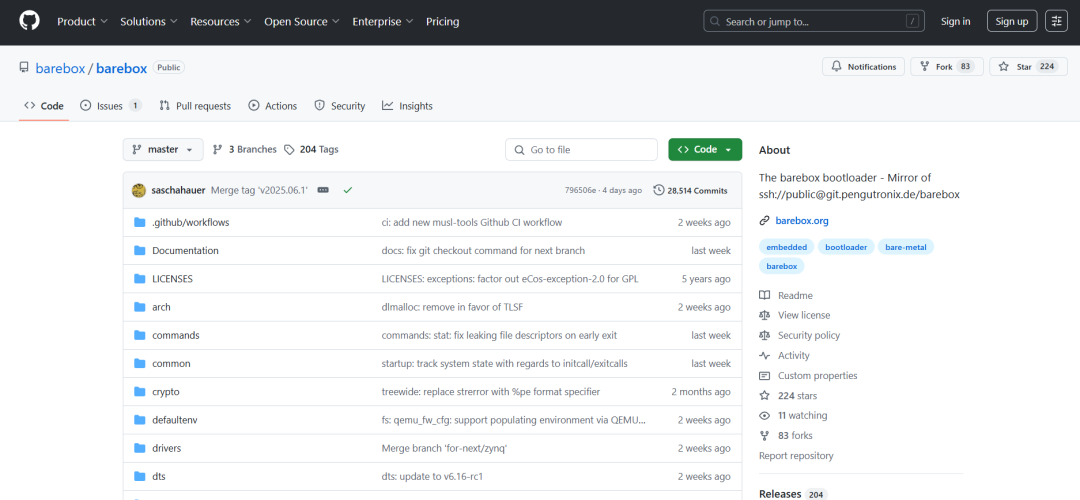
First Encounter with bareboxHey, I’ve been experimenting with embedded booting recently, and I was captivated by a project called barebox. It is not just a simple follower of U-Boot; it inherits the spirit of U-Boot while also drawing on the design philosophy of the Linux kernel. Written in C and managed with kbuild/Kconfig for configuration, it supports POSIX-style file APIs, comes with its own shell environment and common commands, making it feel more modern and fun compared to traditional bootloaders.
Focusing on Pain Points, No More Hair LossThink about using U-Boot; you often have to write dedicated initialization for various boards, rely on the environment partition for script storage, and endure various inconsistent interfaces. barebox is here to rescue you from this pain.
| Pain Point | Traditional U-Boot | barebox |
| Chaotic File Interfaces | Custom commands, APIs | POSIX open/read/write can directly reuse code |
| Limited Shell Functionality | Few commands, weak scripting | All essential commands like ls/cd/cat/mount are available |
| Scattered Board Support | Write boot code for each board | Multi-platform Defconfig shares barebox binary |
| Unsafe Environment Storage | Rudimentary partition for variables | File system + power-fail-safe optional |
| Unfriendly Debugging | No address checking, calling symbols | Supports KASAN, kallsyms, super fast localization |
Hands-On: Quick Build and ExperienceWe can run it in the lightest “user mode” (sandbox) without needing real hardware. First, let’s pull down the source code:
git clone https://github.com/barebox/barebox
cd barebox
# Select architecture, use built-in demo configuration
export ARCH=sandbox
make sandbox_defconfig
# Enter graphical menu (optional)
make menuconfig
# Compile
make
Once compiled, you can run it:
# Package a directory into a squashfs image
mksquashfs somedir/ squashfs.bin
# Start barebox and use squashfs.bin as /dev/fd0
./barebox -i squashfs.bin
As soon as it starts, the bare metal shell is right in front of you:
barebox@Sandbox:/  ls
dev  env  mnt  ...
barebox@Sandbox:/  mount fd0
mounted /dev/fd0 on /mnt/fd0
barebox@Sandbox:/  cd /mnt/fd0
barebox@Sandbox:/mnt/fd0  echo "Hello barebox" > hi.txt
You can even use ifconfig to get a tap device online; tftpboot and ping work without issues. If you want to be even “cooler”, it can even run DOOM!
Performance Features & Pros and Cons OverviewAlthough the project is young, it has many highlights. Of course, nothing is perfect, so let’s compare:
| Advantages | Disadvantages |
| POSIX file API, making Linux driver porting super easy | Ecology is still growing, limited third-party script packages |
| Rich shell commands, easy script writing | Some SoC initializations still require a small amount of board-level code |
| Unified multi-platform image, one-click Defconfig for all | Compilation depends on kbuild/Kconfig, which can be a barrier for beginners |
| Supports KASAN, kallsyms, excellent debugging experience | Sandbox mode is easy to run, but real hardware may have some differences |
| Environment storage becomes a folder, with optional encryption and authentication for security | GPLv2 license, not very friendly for closed-source projects |
Practical Scenarios: You Can Use It Like This
- • Network Boot: barebox images come with network boot capabilities, making it easier for operations personnel to flash boards.
- • Scripting Tests: Run sandbox in CI, test new features, and measure stability without needing hardware.
- • Online Device Tree Patching: Dynamically tweak DT in boot scripts, no need to recompile the entire package.
- • Embedded Applications: Add a management command line to products, relying on it for file writing and system rollback.
- • Security Scenarios: Use power-fail-safe to store critical variables, ensuring no data loss during power outages.
ConclusionIf you are tired of the rigid U-Boot and want a more POSIX, modern, and debuggable embedded boot solution, barebox is definitely worth a try. Although its ecosystem is not as mature as Linux, its design philosophy and development experience are very appealing. Give it a hands-on try, and you will surely fall in love with this “Linux kernel flavor” technology integrated into the bootloader.
Project Address:https://github.com/barebox/barebox