2024
Windows
Shanghai Station
Advanced Software Debugging Workshop 2024 Shanghai Station

Windows Kernel
and Advanced Debugging
To this day, Windows remains the most complex operating system in software history, and gaining a deep understanding of this operating system is a significant challenge for any software engineer. This training utilizes the debugger as a sharp sword, delving into the inner workings of the Windows system in a vivid and engaging manner, interpreting many difficult concepts such as IRQL, IRP, device stack, and appreciating the profound depth of the NT kernel, grasping the essence of software.
In response to the rapid development trend of ARM chips in recent years, this training will specifically add content on Windows on ARM (WoA), with hands-on experiments using the debugging hardware for the WoA system based on the RK3588 SOC.
THIS IS | Windows Kernel and Advanced Debugging
TIME
2024/01/19 – 01/21
ADDRESS
Shanghai

Course Format
-
Lectures
-
Hands-on experiments
-
Real case demonstrations
01 (1.5 hours)
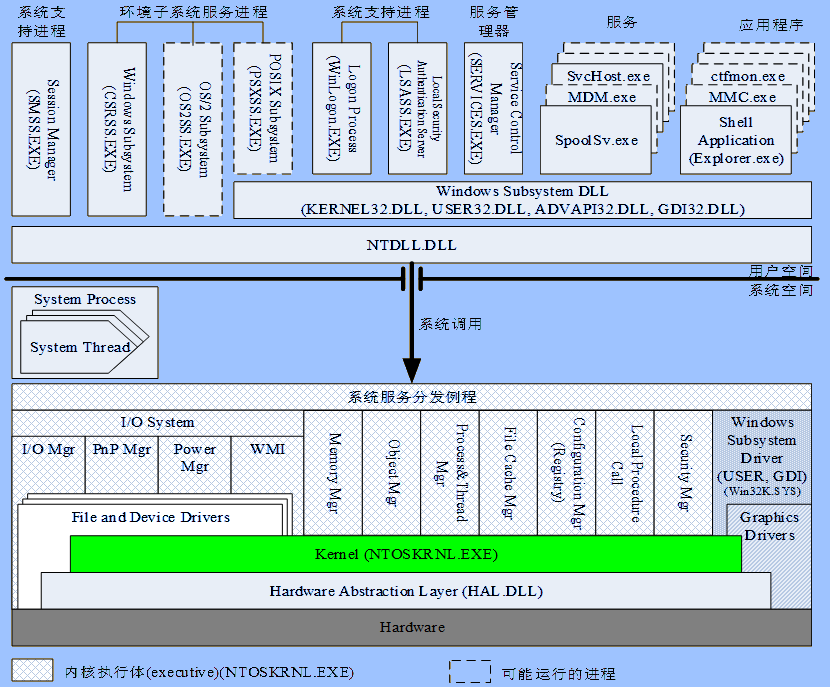
Core Features of Windows NT



Course Highlights/ KEY POINTS
Special FS segments, TEB, PCR, address space, virtual memory principles, system calls, system components, HAL, kernel, execution body, system processes (IDLE, SMSS.EXE, WinLogon.EXE), subsystems, Linux subsystem, sessions, Windows on ARM.
02 (1.5 hours)
Essentials of WinDBG
Course Highlights/ KEY POINTS
Types of WinDBG commands, commonly used commands, command syntax, debugging symbols, types of symbol files, symbol servers, methods for customizing debugging events, and important debugging commands, software breakpoints, hardware breakpoints, complex breakpoint commands, x86 registers, and disassembly techniques.
03 (1 hour)
Kernel Debugging Engine
Course Highlights/ KEY POINTS
Two software philosophies, kernel debugging engine (structure, important function global variables, working principles), five connection methods, enabling methods, PCR, dual machine user-mode debugging (Debug WinLogon and CSRSS), using debugging hardware to debug the NT kernel, EXDI interface.
04 (1 hour)
Debugging the Boot Process
Course Highlights/ KEY POINTS
On-site tracking of the Windows system boot process; analyzing important steps and key details: kernel initialization, CPU initialization, phases 0 and 1 initialization of the execution body, SMSS, CSRSS, and WinLogon, UserInit, and Shell.
05 (1.5 hours)
Memory Manager

Course Highlights/ KEY POINTS
Multi-level architecture of memory management, memory manager, large memory pages and their usage, six major worker threads, kernel pool, paged and non-paged kernel pools, PFN database, management of virtual address space (VAD).
06 (1 hour)
Kernel-Mode Stack
Course Highlights/ KEY POINTS
Creation of stacks, organization methods of stack frames, user-mode stack vs. kernel-mode stack, WoW stack, demonstration of stack overflow attack principles, introduction to cookie-based overflow detection mechanisms through real cases from Windows 7, kernel-mode stack overflow, and double fault crashes.
07 (1.5 hours)
I/O Subsystem and Kernel-Mode Drivers
Course Highlights/ KEY POINTS
I/O subsystem architecture, I/O manager, types of drivers, device tree, ACPI, understanding ACPI scripts, PCI bus overview, PnP, establishment process of I/O subsystem, device stack, PDO, FDO, IRP, commonly used debugging commands; driver verifier: verification principles, verification projects, enabling methods, using WinDBG to analyze verification failures, WHCK testing, case analysis.
Experiment (0.5 hour)
Analyze system crash dump files caused by double faults
08 (1 hour)
Storage and File Systems
Course Highlights/ KEY POINTS
Disk port drivers, partition management, volumes, disk filter drivers, Smart Card Reader device stack, file systems, file system filter drivers, Mini Filter, real case analysis: system deadlocks caused by file filter drivers.
09 (1.5 hours)
Networking
Course Highlights/ KEY POINTS
Background, NT’s network architecture, WinSock API, LSP (Layered Service Provider), AFD, Kernel Socket, TCP/IP, NDIS, hardware vendor drivers, Windows Filter Platform (WFP).
10 (1.5 hours)
Hyper-V
Course Highlights/ KEY POINTS
Origins, architecture, key components, enabling, configuring, and managing virtual machines, debugging hypervisors, debugging root partitions, VBS in Windows 10, the importance of Hyper-V from the Microsoft bounty program’s perspective.
11 (1.5 hours)
System Crashes and Dumps
Course Highlights/ KEY POINTS
Overview of system crashes, the process of Windows blue screen crashes (BSOD), system dumps, the generation process of dump files, causes of dump failures, methods for analyzing system dumps, automatic analysis, limitations of automatic analysis; real case analysis: crashes caused by double faults, hangs in DPC, methods for rolling back to error sites, finding clues from the stack.
12 (1.5 hours)
System Deadlocks and System Tuning

Course Highlights/ KEY POINTS
System hangs, typical causes, solutions, window subsystem hangs, resource locks, !locks, IRQL, hangs at high IRQL, interrupt storms. Overview of WPT, tuning basics, sampling and Instrumentation, WPR and WPA, instance discussion: high CPU usage.
Instructor Introduction
ABOUT INSTRUCTOR
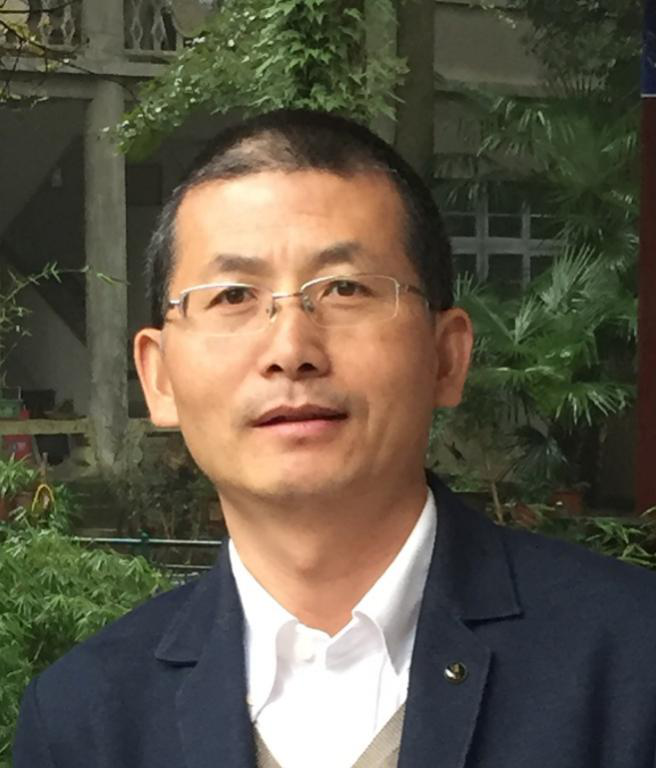
Raymond Zhang
Founder of GeDa Technology, Microsoft MVP (Most Valuable Professional), invited lecturer at Tongji University School of Electronics and Information Engineering, former software architect at Intel Asia Pacific R&D Ltd. Author of “Software Debugging” and “GeDa Assembly”, co-author of the new edition of “Hundred Thousand Whys” electronic volume, and author of the “Sword of Debugging” column in Programmer magazine. Graduated from Shanghai Jiao Tong University in 1996 with a degree in Information and Control Engineering, has worked in the software industry for 20 years, holding positions as development engineer, software architect, development manager, project manager in several multinational companies, with in-depth research on IA-32 architecture, operating system kernels, drivers, virtualization technology, cloud computing, software optimization, especially software debugging. Since 2005, he has been publicly teaching the course “Windows Kernel and Advanced Debugging”, having presented on topics such as “Evolution of the Windows Vista Kernel”, “Sword of Debugging” (Global Software Warfare Research Summit), “Understanding and Reflecting on the Power of Debuggers” (CSDN SD2.0 Conference), “Windows Boot Process”, “How to Diagnose and Debug Blue Screen Errors”, and “Windows Architecture – From the Perspective of Operating Systems” (the last three lectures are part of Microsoft’s “In-depth Study of Windows Internal Principles Series”). He has translated (co-translated) works such as “Modern x86 Assembly Language Programming”, “21st Century Robotics”, “The Creation of NT by Microsoft and the Future of the Death Race”, “Principles of Data Mining”, “Machine Learning”, and “Artificial Intelligence: Structure and Strategy for Solving Complex Problems”.
Appendix 1
Photos from Previous Workshops
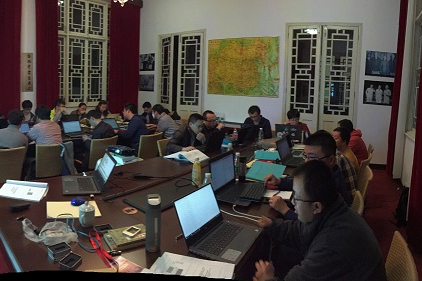
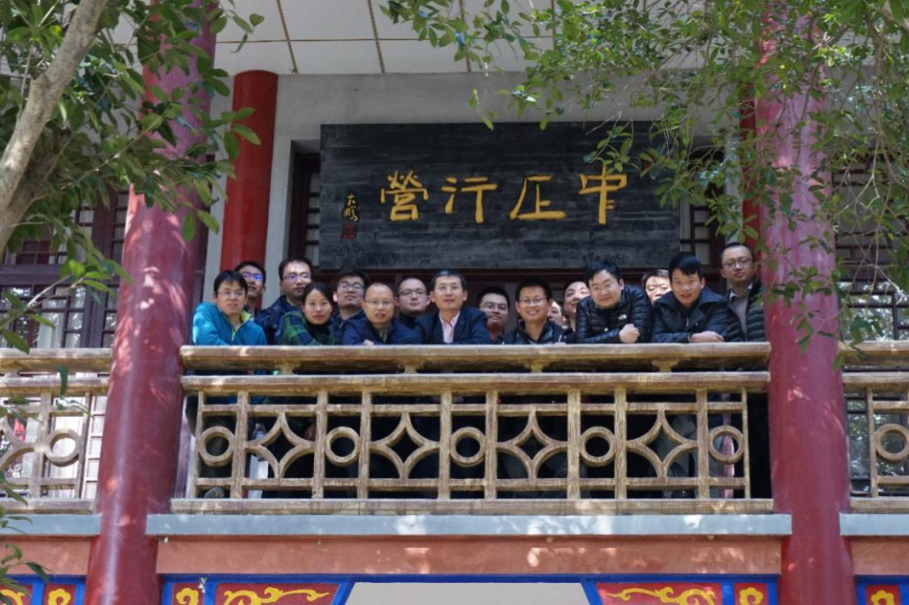
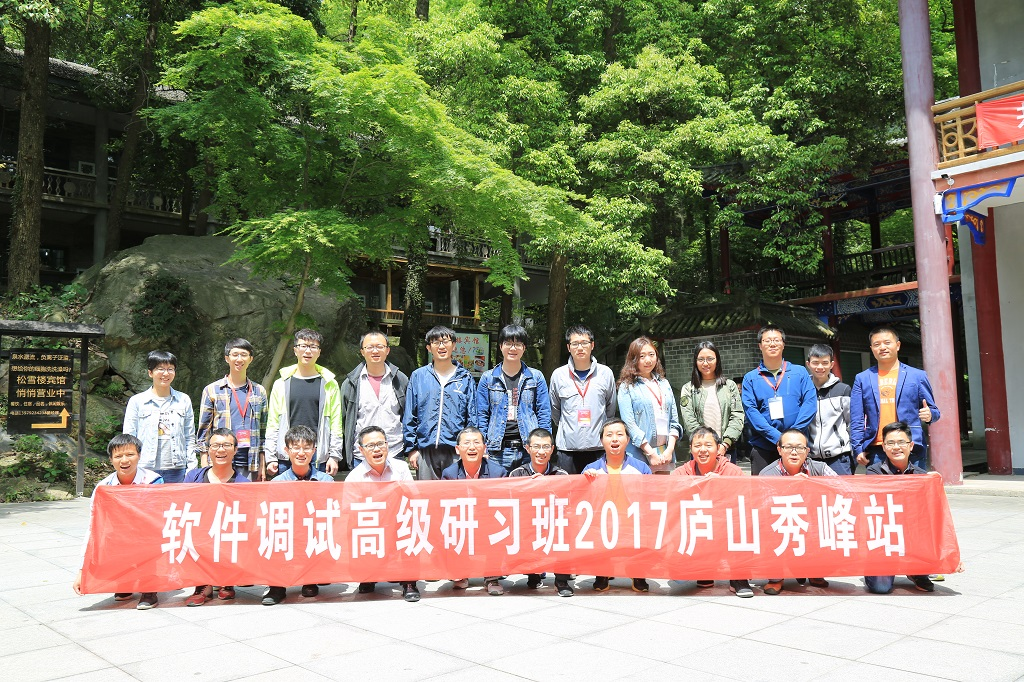

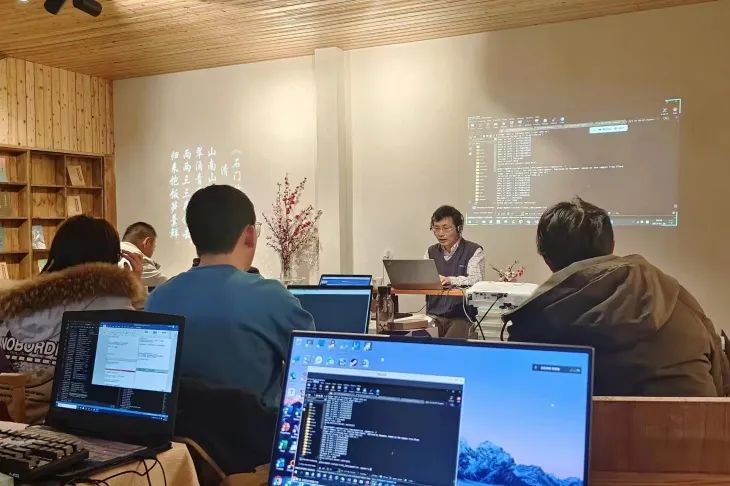
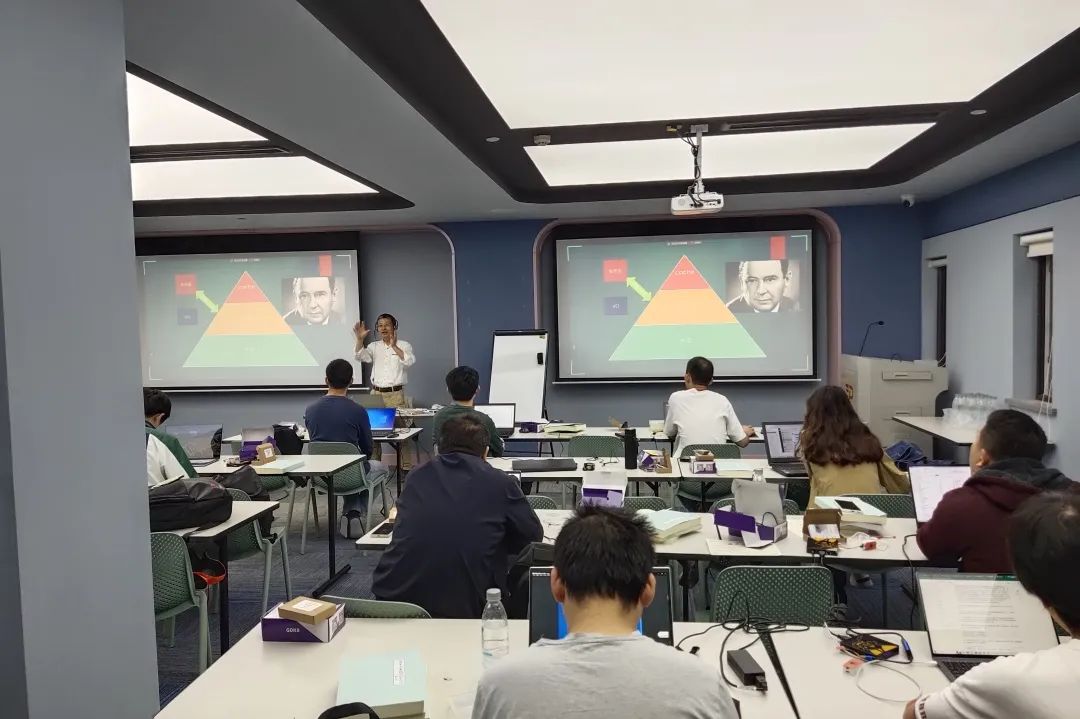
Swipe left and right to see more
Appendix 2
Registration or Inquiry
Standard Fee
Standard Fee: 6800 Yuan / Person
Includes:
-
A set of hardware debugger based on ARM CoreSight technology
-
Printed course materials
-
Lunch and refreshments
Course Consultant
Lisa
Email: [email protected]
WeChat: 13801874134
QQ: 545417515
Company Payment Information
Account Name: GeDa Information Technology (Shanghai) Co., Ltd.
Bank: China Merchants Bank Co., Ltd. Shanghai Pujiang Town Sub-branch
Account Number: 1219 3085 8010 501
-END-
[Shengge Academy]
Sincere and dedicated, seeking knowledge through investigation
Viewing software through a humanistic lens, changing lives through software technology

GeFriends Official Account

Shengge Academy Mini Program
Scan the QR code above or search for “Shengge Academy” mini program in WeChat
to read more articles and audiobooks
Previous Recommendations
Problems harder to debug than sound stuttering
Viewing WeChat under the debugger [How to consume power]
When GDB Meets STL
Application First