Introduction: The “Last Mile” Challenge of Data Acquisition
A certain automotive production line suffered a quality traceability failure due to data acquisition delays, resulting in a loss of 200,000 yuan — this case reveals the core challenges of PLC data acquisition. Today, I will share three industrial-grade storage solutions, from standalone devices to cloud monitoring, each method includes configuration steps and practical code!
1. Local Storage: Real-time Recording with SD Card (Lowest Cost)
Technical Implementation
- Configuration Steps (See Figure 1):
- Open TIA Portal → Project Tree → PLC → Data Logging → Create New Log
- Set storage path to SD card (e.g.,
<span>/SD_Card/Production_Data.csv</span>), sampling period 1s
- :scl // Write DB1 data to CSV file
<span>WRIT_DBL DB_NO := "DB1", </span><span> START_ADDR := 0, </span><span> LEN := 4, </span><span> FILE := "/SD_Card/Production_Data.csv";</span>
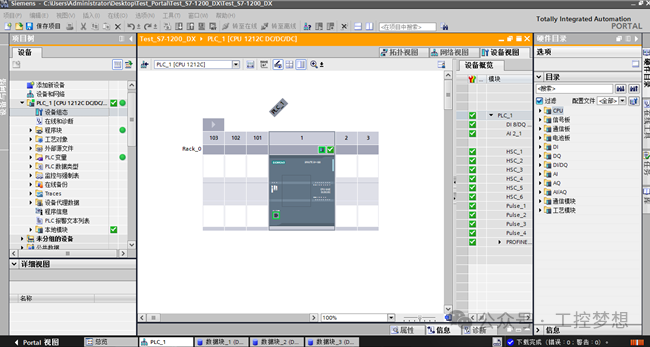
Figure 1: TIA Portal Data Logging Configuration Interface (Red box indicates SD card path and sampling period settings)
Experience Summary
- “Local storage should prioritize SD cards, and regular backups are necessary to avoid data loss”
- Applicable scenarios: Standalone devices (e.g., injection molding machine production counting, packaging machine parameter recording)
2. Host Computer Storage: Real-time Upload via OPC Server (Centralized Monitoring of Multiple Devices)
Technical Implementation
- KEPServerEX Configuration (See Figure 2):
- Create a new channel → Select Siemens S7-1200 driver → Map PLC variables (e.g., DB1.DBD0 = Temperature)
- :import
<span> win32com</span><span><span>.</span></span><span>client</span><span>opc </span><span><span>=</span></span><span> win32com</span><span><span>.</span></span><span>client</span><span><span>.</span></span><span>Dispatch</span><span><span>(</span></span><span><span>"KepServerEX.V6"</span></span><span><span>)</span></span><span><span># Read PLC temperature data and write to SQL Server</span></span><span>temp </span><span><span>=</span></span><span> opc</span><span><span>.</span></span><span>ConnectToGroup</span><span><span>(</span></span><span><span>"PLC1"</span></span><span><span>)</span></span><span><span>.</span></span><span>ReadTag</span><span><span>(</span></span><span><span>"DB1.DBD0"</span></span><span><span>)</span></span>
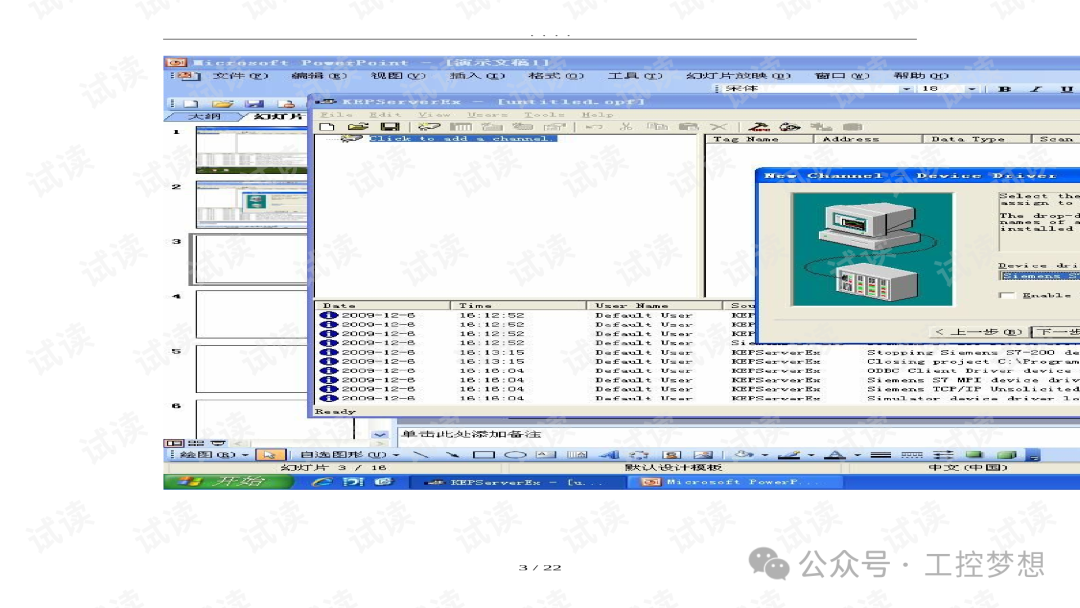
Figure 2: KEPServerEX Variable Mapping Interface (Blue box indicates Siemens S7-1200 driver configuration)
Experience Summary
- “OPC Server must set data update frequency ≤ 100ms to avoid communication delays”
- Applicable scenarios: Workshop-level monitoring (e.g., integration of MES system with automotive welding line)
3. Cloud Storage: Industrial IoT Platform (Remote Monitoring + AI Analysis)
Technical Implementation
- MindSphere Configuration (See Figure 3):
- Deploy IoT2050 gateway → Configure PLC data points (temperature, pressure)
- Invoke
<span>HTTP_Client</span>command to send JSON data:json
{
<span><span>"deviceId"</span></span><span><span>:</span></span><span><span>"PLC_001"</span></span><span><span>,</span></span><span><span>"data"</span></span><span><span>:</span></span><span><span>{</span></span><span><span>"temp"</span></span><span><span>:</span></span><span><span>25.6</span></span><span><span>,</span></span><span><span>"pressure"</span></span><span><span>:</span></span><span><span>10.2</span></span><span><span>}</span></span><span><span>}</span></span>
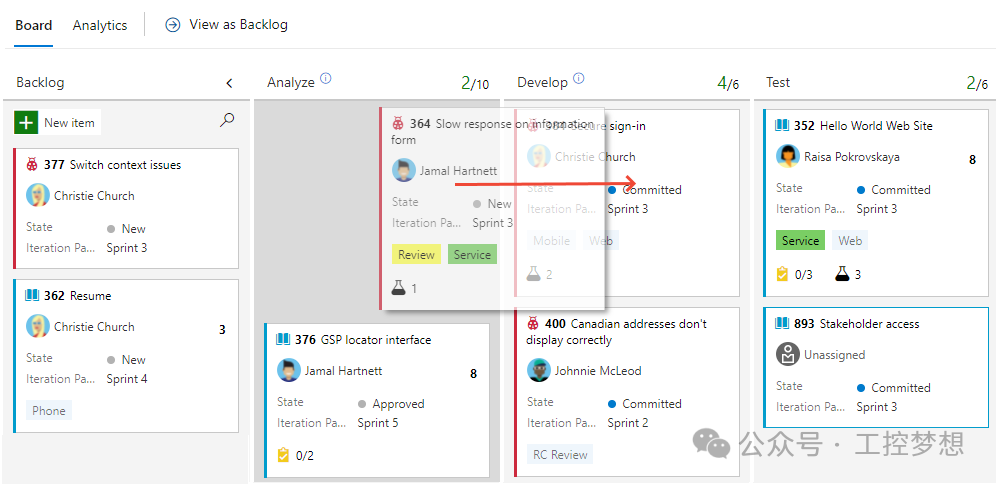
Figure 3: MindSphere Data Dashboard (Real-time display of device operating status and anomaly alerts)
Experience Summary
- “Compress data before uploading to the cloud (e.g., JSON → binary) to save bandwidth costs”
- Applicable scenarios: Cross-plant monitoring (e.g., remote operation and maintenance of wind power / photovoltaic equipment)
4. Comparison and Selection Guide for the Three Methods
Comparison Flowchart
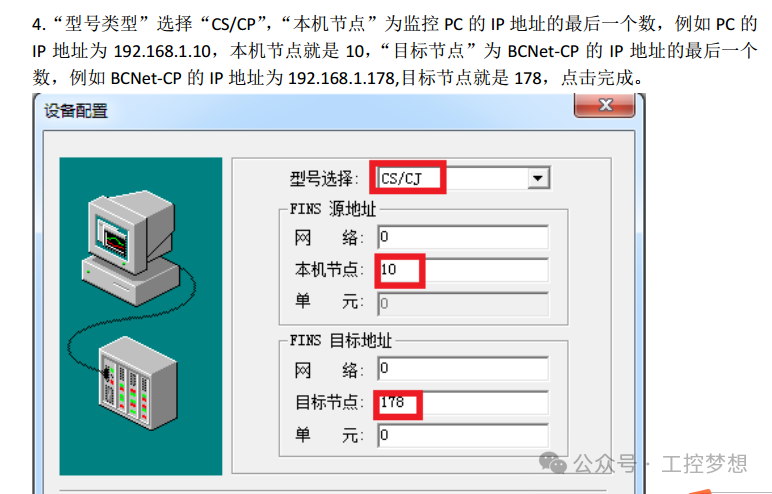
Figure 4: Data flow comparison from local → host computer → cloud
Selection Recommendations
| Scenario | Recommended Solution | Key Indicators |
|---|---|---|
| Standalone Device | SD Card Storage | Sampling Period ≤ 1s |
| Centralized Monitoring of Multiple Devices | OPC + SQL | Communication Delay ≤ 100ms |
| Remote Operation / AI Analysis | Cloud Platform | Data Compression Rate ≥ 50% |
Conclusion:
Leave a message in the comments section to tell us what industrial control knowledge you want to learn~ The editor will definitely speed up to deliver it to you~~
(End of article)
Previous Recommendations
Detailed Explanation of Absolute Encoders: Principles, Selection, and Industrial Application Guide!
Must-Know Issues for Learning Siemens S7-1200 PLC Programming: A Practical Guide from Basics to Advanced!
Beginner’s Guide for Electricians: The Transformation Journey from “Electric Blind” to “Electrician”!
Three Major Fatal Errors in PLC Programming! 90% of Engineers Have Fallen for Them!
What Zhang Xuefeng Said Is True! Automation PLC Is Really Attractive! — Revealing the Four Core Advantages of the Industry in the Next Decade
From Principles to Practice: A Development Guide for Valve Control Programs with Feedback Mechanisms!
2025 Industrial Control Manual Collection: One-stop Collection of Electrician/PLC/Variable Frequency Drive/Servo/Touch Screen Materials!
Golden Benefits Are Here!!
Industrial People Quickly Store: Analysis of Core Characteristics and Working Principles of 19 Types of Pumps (with Selection Application Guide)
Several Control Modes of Servo Motors, If You Don’t Know, You’re OUT!
Introduction to Jicheng — About Us!
PLC Programming: The Technical Evolution from Origin to Widespread Application
Achieving Efficient PLC Programming? First, Tackle These Core Issues!
Jicheng Training’s New August Session Is Now Open!
Five Fatal Pits in Learning PLC! The 3rd One Made Me Waste 3 Months [Beginner’s Must-Read Pitfall Guide]
“Industrial Control Audio” — From Multimeter to Programming Screen: The PLC Comeback Story of Old Electrician Wang!
Lessons Learned from a 10,000 Yuan Loss: Siemens PLC Wiring Is No Small Matter! Input and Output Pitfall Guide, Essential for Engineers!
Welcome to Discuss Cooperation with Major Colleges!
Complete Installation Tutorial for TIA Portal Software V19 (with Pitfall Guide)
Computer Configuration Guide for Learning PLC Programming (From Beginner to Advanced)