Course Details:
This course demonstrates the process through practical operation videos. We first introduce the MSP430 development environment, then guide everyone through the installation of IAR EW430. After installation, we create a project, configure it, compile, and link it. Finally, we explain the commonly used debugging commands and the debugging window in IAR EW430. After covering these major parts, we believe you will be able to integrate this software and build your own microcontroller software development platform and create your own microcontroller project.
Mastering the setup of the microcontroller software development platform is essential for enthusiasts using the MSP430 series microcontrollers. If you are still unfamiliar with microcontroller software operations or do not understand certain aspects, quickly follow along with the practical operation videos in this course to create your microcontroller software project and simulate the desired experimental phenomena!
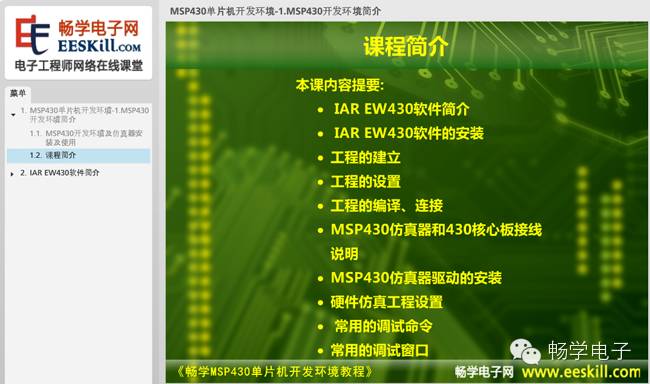
Course Outline:
In this course, we mainly explain the installation process of the MSP430 development environment software IAR EW430, as well as how to create project files, compile programs, and debug simulation programs.
The detailed content covered in this class includes:
1. Overview of the MSP430 Development Environment
2. Installation of IAR EW430
3. Creating an IAR EW430 Project
4. Configuring and Compiling the IAR EW430 Project
5. Connecting the IAR EW430 Emulator for Online Simulation
6. Common Debugging Commands in IAR EW430
7. Common Debugging Windows in IAR EW430
8. Explanation of the IAR Environment and Conclusion
Course Details:
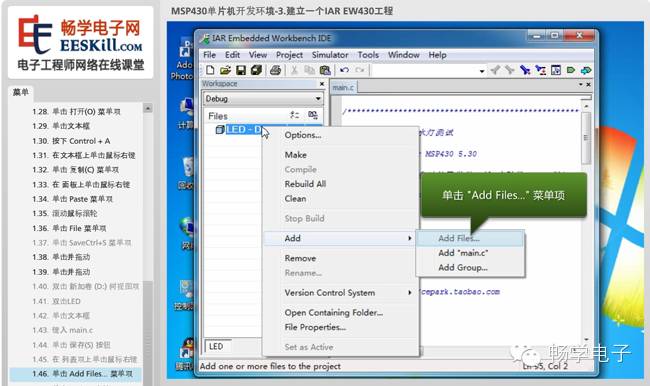
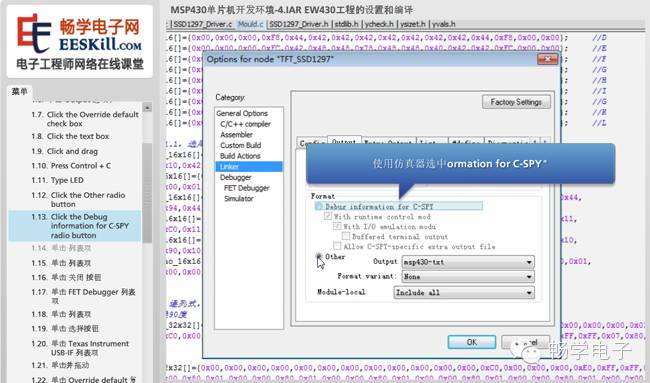
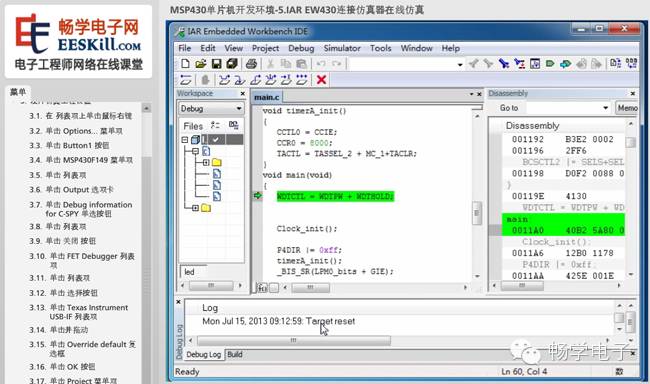
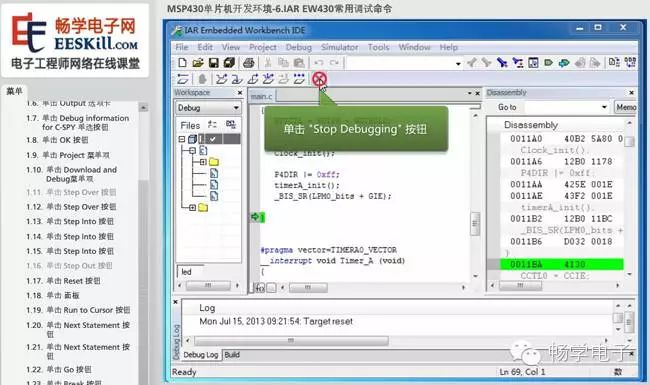
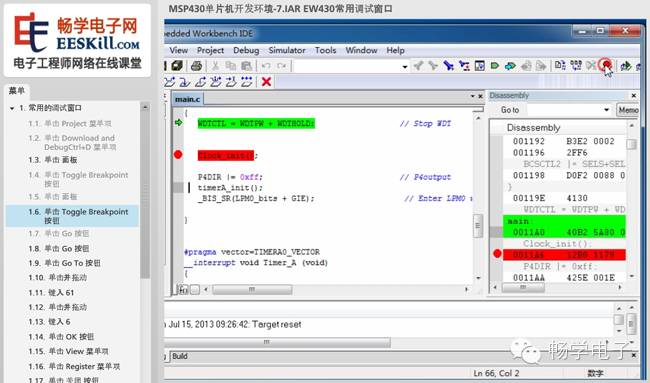
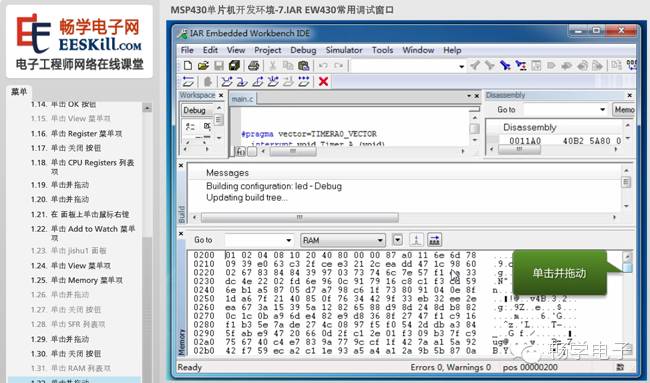
This course provides a detailed explanation of the setup of the MSP430 microcontroller development environment platform through practical operation video demonstrations, combining theory with practice, and providing detailed explanations based on real examples. This course’s videos are high-definition, with a clear directory structure and detailed graphical explanations. Below are some screenshots from the video pages.