Rust Embedded Development with ESP32 Microcontroller

Learn Rust embedded development with the ESP32 microcontroller, starting with printing “hello world”.
Setting Up the Environment:
Relevant link: https://docs.espressif.com/projects/rust/book/
Install <span>rust</span> https://www.rust-lang.org/zh-CN/tools/install Verify successful installation:
cargo -V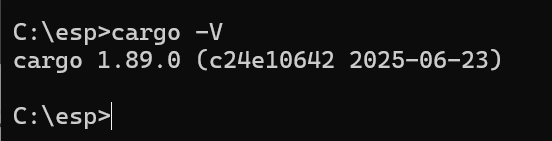
Install <span>espup</span>
cargo install espup --locked<span>espup</span> Install related dependencies
espup installInstall <span>ldproxy</span> related configuration
cargo install ldproxyInstall <span>esp-generate</span> project generation tool:
cargo install esp-generateRunning the Project:
Build project code (your-project) with a custom project name
esp-generate --chip=esp32c6 your-projectProject Structure
├── build.rs
├── .cargo
│   └── config.toml
├── Cargo.toml
├── .gitignore
├── rust-toolchain.toml
├── src
│   ├── bin
│   │   └── main.rs
│   └── lib.rs
└── .vscode
    └── settings.json
Modify the code in <span>src/bin/main.rs</span> file
#![no_std]
#![no_main]
#![deny(
    clippy::mem_forget,
    reason = "mem::forget is generally not safe to do with esp_hal types, especially those \
    holding buffers for the duration of a data transfer."
)]

use esp_hal::{
    clock::CpuClock,
    main,
    time::{Duration, Instant},
};
use esp_println::println;

#[panic_handler]
fn panic(_: &core::panic::PanicInfo) -> ! {
    loop {
        println!("111 world!");
        println!("Panic!");
    }
}

// This creates a default app-descriptor required by the esp-idf bootloader.
// For more information see: <https://docs.espressif.com/projects/esp-idf/en/stable/esp32/api-reference/system/app_image_format.html#application-description>
esp_bootloader_esp_idf::esp_app_desc!();

#[main]
fn main() -> ! {
    // generator version: 0.5.0
    let config = esp_hal::Config::default().with_cpu_clock(CpuClock::max());
    let _peripherals = esp_hal::init(config);

    loop {
        println!("hello world!");
        let delay_start = Instant::now();
        while delay_start.elapsed() < Duration::from_millis(500) {}
    }

    // for inspiration have a look at the examples at https://github.com/esp-rs/esp-hal/tree/esp-hal-v1.0.0-rc.0/examples/src/bin
}
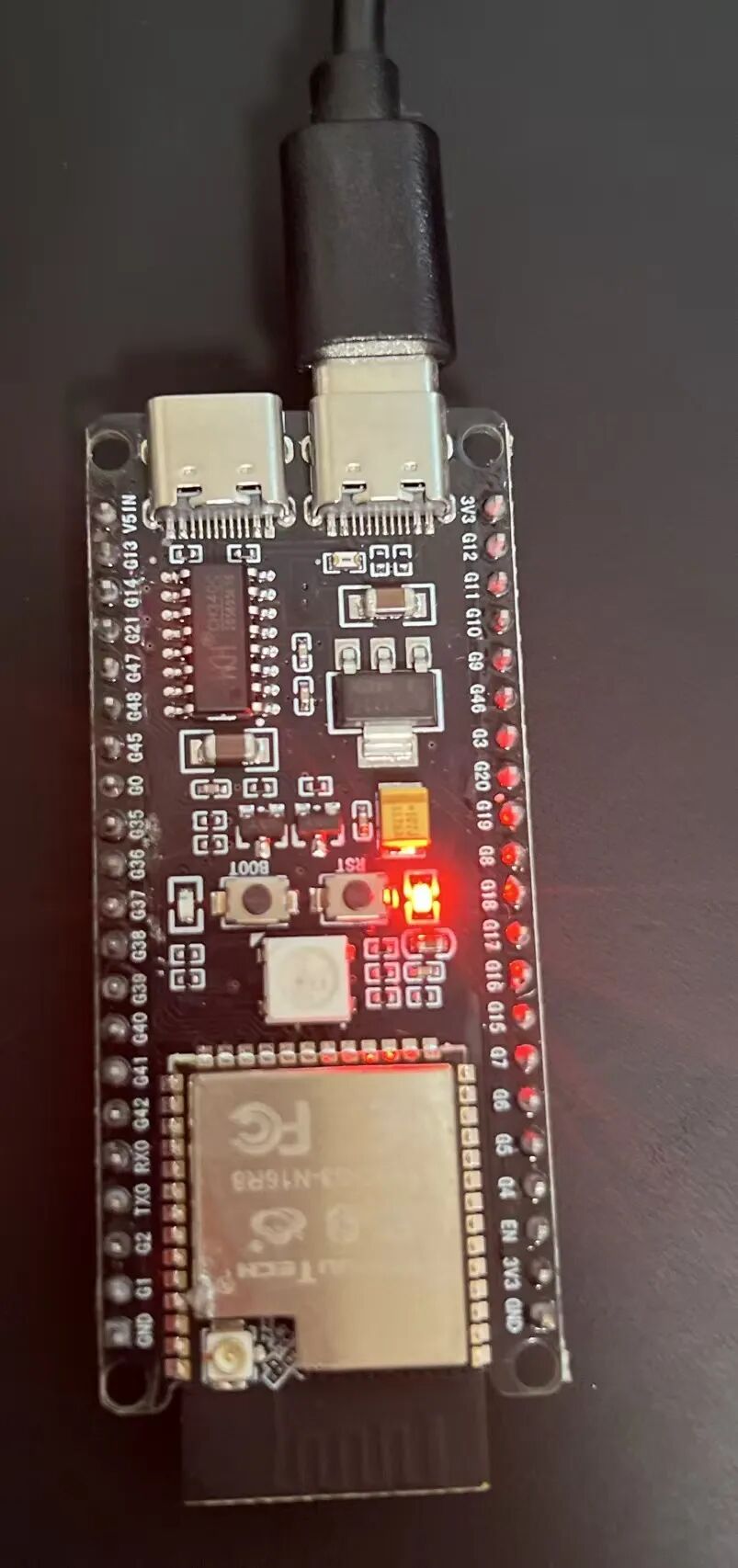
Connect the ESP32 device to the computer via USB
Run the project
cargo runResult successful
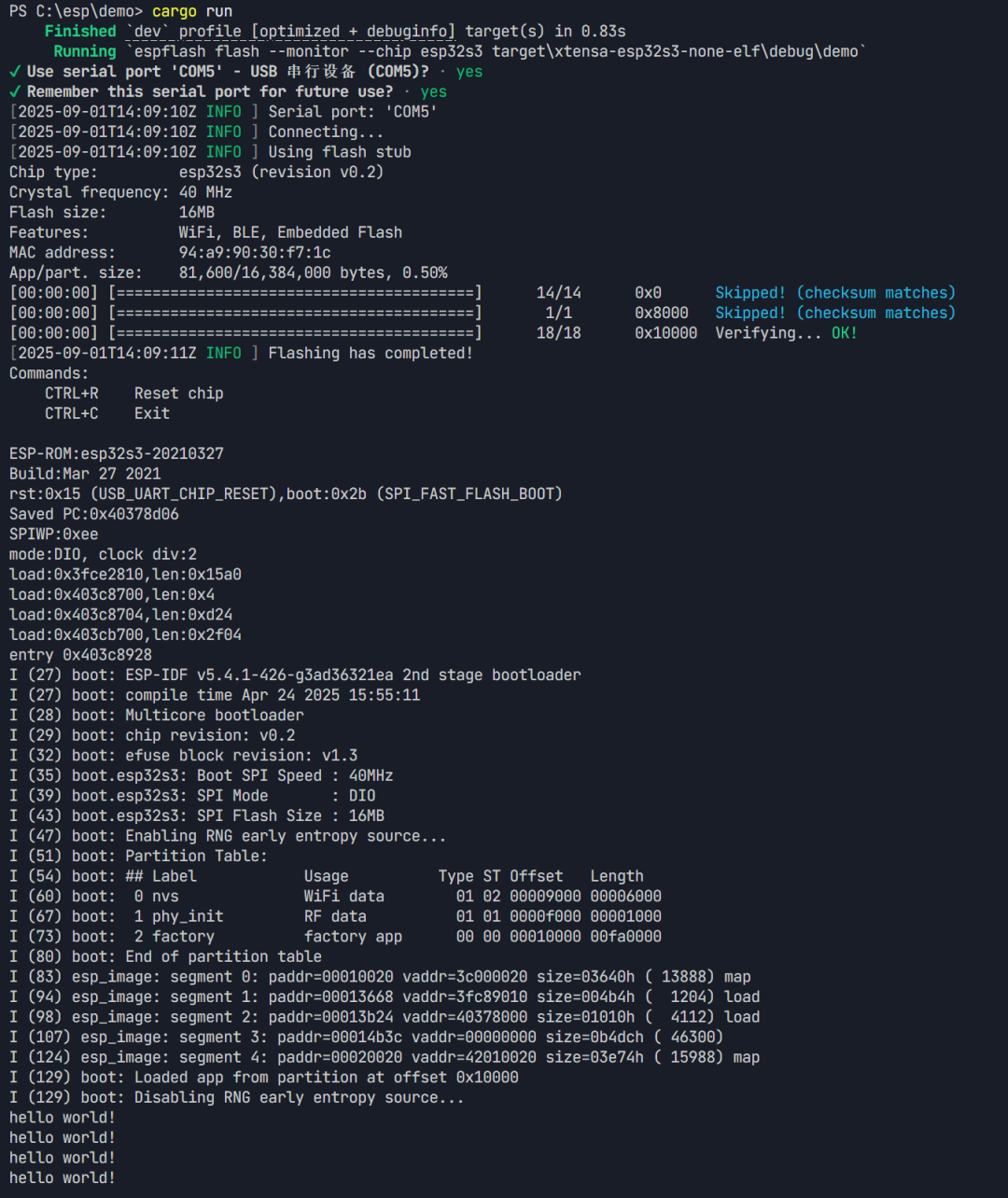
! If the device is not connected, it will indicate success but will not flash
