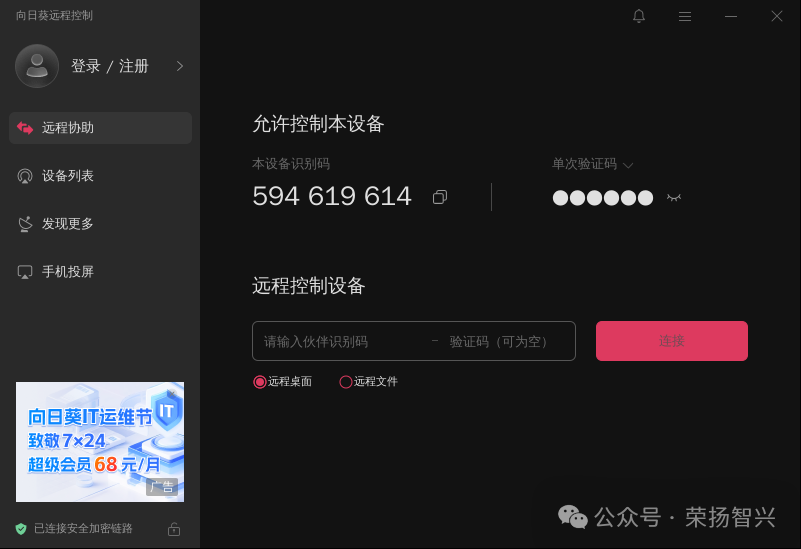
1. Encountered Issues:
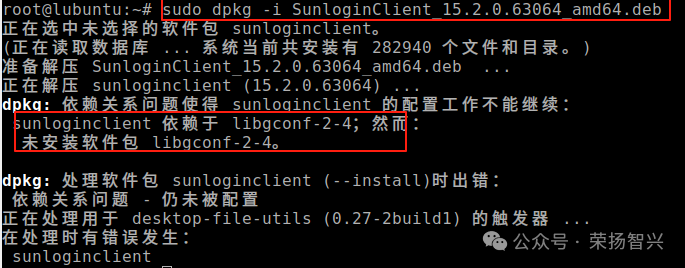
- When installing SunloginClient (Sunlogin Remote Control Software) via .deb package on Ubuntu 22.04 or Debian 12.10 and higher, there is currently a dependency issue with the libgconf-2-4 package.
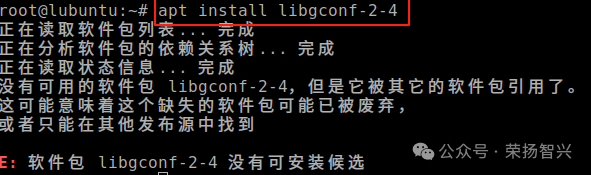
 2.When installing libgconf-2-4, the system prompts: the libgconf-2-4 package belongs to a relatively old library
 2. Solution: Choose to manually install libgconf-2-4 and its dependency gconf2-common
- Download gconf2-common (dependency of libgconf-2-4)
wget http://archive.ubuntu.com/ubuntu/pool/universe/g/gconf/gconf2-common_3.2.6-6ubuntu1_all.deb
sudo dpkg -i gconf2-common_3.2.6-6ubuntu1_all.deb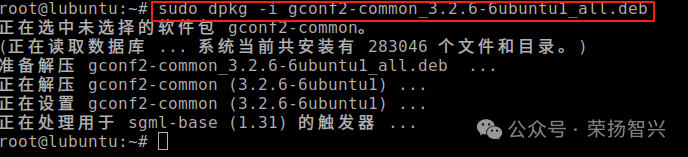
<span><span>3. Download libgconf-2-4</span></span>
wget http://archive.ubuntu.com/ubuntu/pool/universe/g/gconf/libgconf-2-4_3.2.6-6ubuntu1_amd64.deb4. Install libgconf-2-4
sudo dpkg -i libgconf-2-4_3.2.6-6ubuntu1_amd64.deb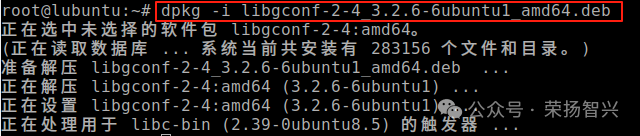 5. Before installing the main package of SunloginClient, you cantry to fix dependencies and configure installed packages
sudo apt --fix-broken install3: Complete the installation of SunloginClient1. Install SunloginClient via .deb package
sudo dpkg -i SunloginClient_15.2.0.63064_amd64.deb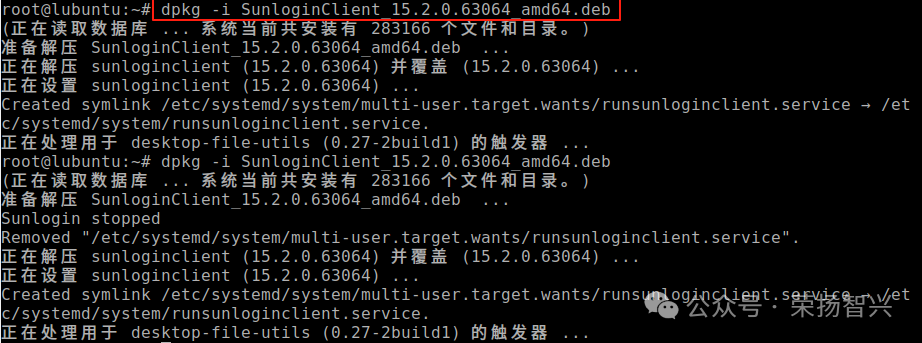 2. The default installation path should be /usr/local/sunlogin, and you can set the environment variable to start: