1. Project Overview
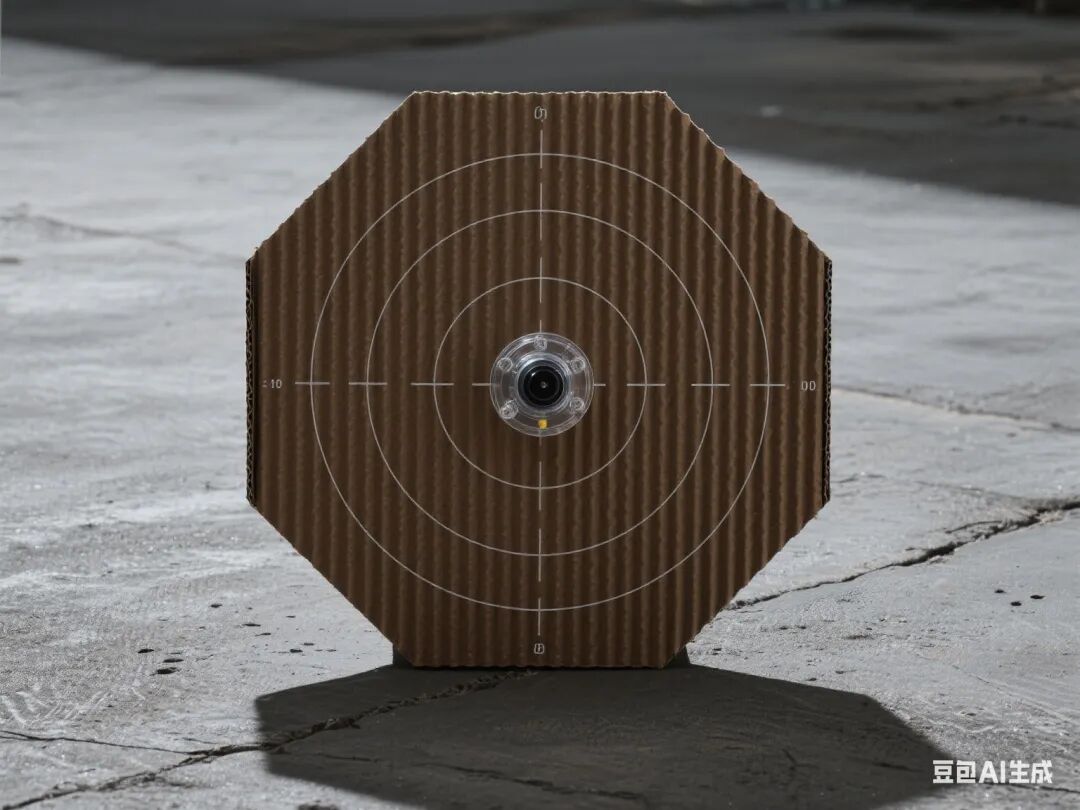
This project focuses on designing an interactive shooting trainer. Students will comprehensively utilize Mind+ graphical programming, the Arduino hardware platform, and various sensor/actuator modules to achieve functions such as laser emission, target detection, and dynamic target position control through phased tasks. The project deeply integrates the Doubao Classroom Assistant agent, providing students with real-time learning support and personalized guidance, fostering interdisciplinary engineering practice skills and innovative thinking.
2. Overall Project Goals
1. Knowledge and Skills Objectives
◦ Master the safe use and circuit control of the laser module
◦ Understand the analog signal acquisition and threshold calibration of the light sensor
◦ Learn servo angle control and PWM signal output
◦ Implement programming logic for multi-module collaborative control
2. Process and Method Objectives
◦ Cultivate systematic thinking through the engineering process of “prototype design – functional iteration – system testing”
◦ Learn to use the serial monitor and agent-assisted fault diagnosis
3. Emotional Attitude and Values Objectives
◦ Appreciate the application value of optoelectronic technology in military training and security fields
◦ Cultivate safety awareness and competitive spirit
3. Required Hardware
1. Arduino Nano + Expansion Board
2. Laser Module
3. Light Sensor (Photoresistor)
4. 9g Servo (with angle code)
5. Active Buzzer
6. Tactile Switch Module
7. Corrugated cardboard box and auxiliary materials (wood sticks, zip ties, etc.)
8. Battery Holder (4 AA batteries)
9. Dupont Wires, Hot Glue Gun, and other tools
4. Class Schedule and Lesson Design
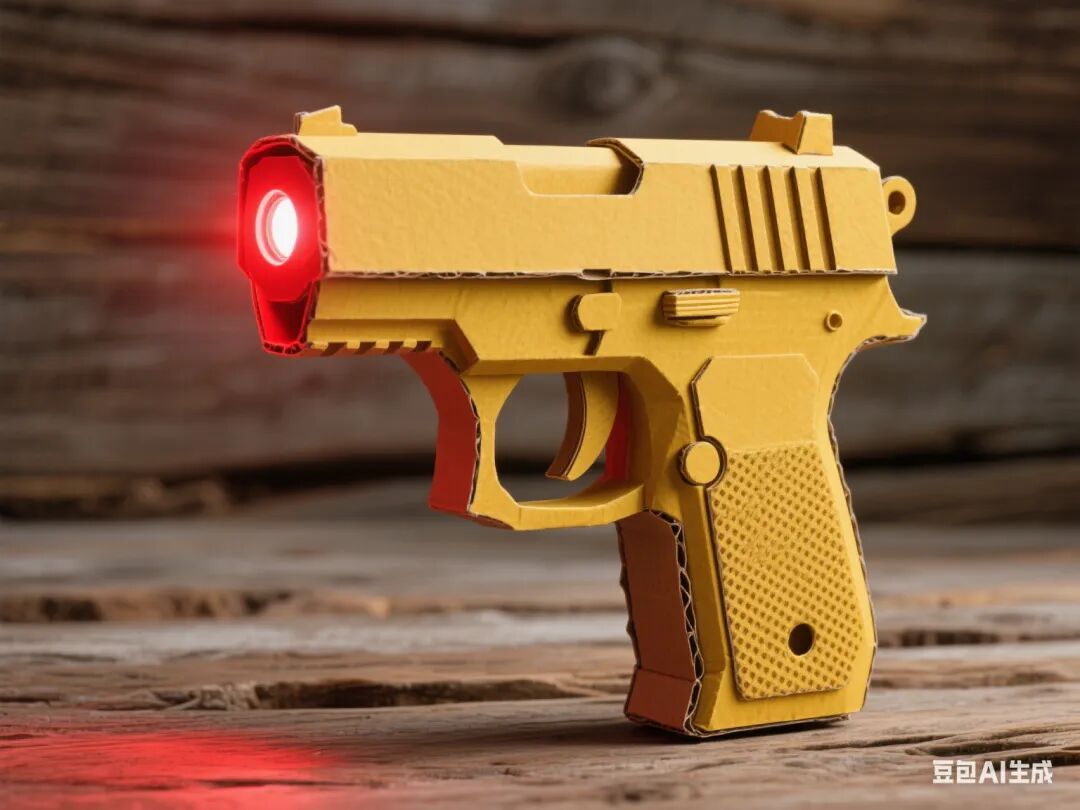
First Lesson: Building the Laser Emission System
1. Learning Objectives
◦ Master the safety operation specifications of the laser module
◦ Achieve control and modulation of the laser switch
2. Teaching Key Points and Difficulties
◦ Key Point: Digital signal connection between the laser module and Arduino
◦ Difficulty: Frequency setting of the modulation signal and optimization of visual effects
3. Teaching Steps
◦ Introduction (5 minutes): Show a video of military laser sights to introduce the functional requirements of the shooting trainer
◦ Knowledge Explanation (15 minutes):
◦ Pin functions of the laser module (VCC/GND/SIG)
◦ Digital pin control and PWM modulation in Mind+
◦ Hardware Practice (20 minutes):
◦ Connect the laser module to pin D2
◦ Write code: Tactile switch controls laser emission
◦ Safety Testing (10 minutes):
◦ Test effective range (recommended ≤ 3 meters)
◦ Add timeout auto-off function (to prevent prolonged activation)
◦ Agent Interaction: Doubao provides laser safety operation guidelines and real-time circuit error detection
Second Lesson: Target Position Detection System
1. Learning Objectives
◦ Master signal acquisition and threshold calibration of the light sensor
◦ Achieve hit detection and buzzer feedback
2. Teaching Key Points and Difficulties
◦ Key Point: Reading analog signals and threshold judgment
◦ Difficulty: Adjusting detection sensitivity under different lighting conditions
3. Teaching Steps
◦ Review Introduction (5 minutes): Review laser control functions and introduce target position detection requirements
◦ Knowledge Explanation (15 minutes):
◦ Working characteristics of the photoresistor (resistance changes with light)
◦ analogRead() and threshold judgment blocks in Mind+
◦ Hardware Practice (20 minutes):
◦ Connect the sensor to pin A0 and the buzzer to D3
◦ Write code: Trigger buzzer when strong light is detected
◦ Calibration Experiment (10 minutes):
◦ Test threshold range under different lighting conditions
◦ Set dynamic threshold (max-min)/2 + offset
◦ Agent Interaction: Doubao provides calibration parameter suggestions and analyzes abnormal environmental light data
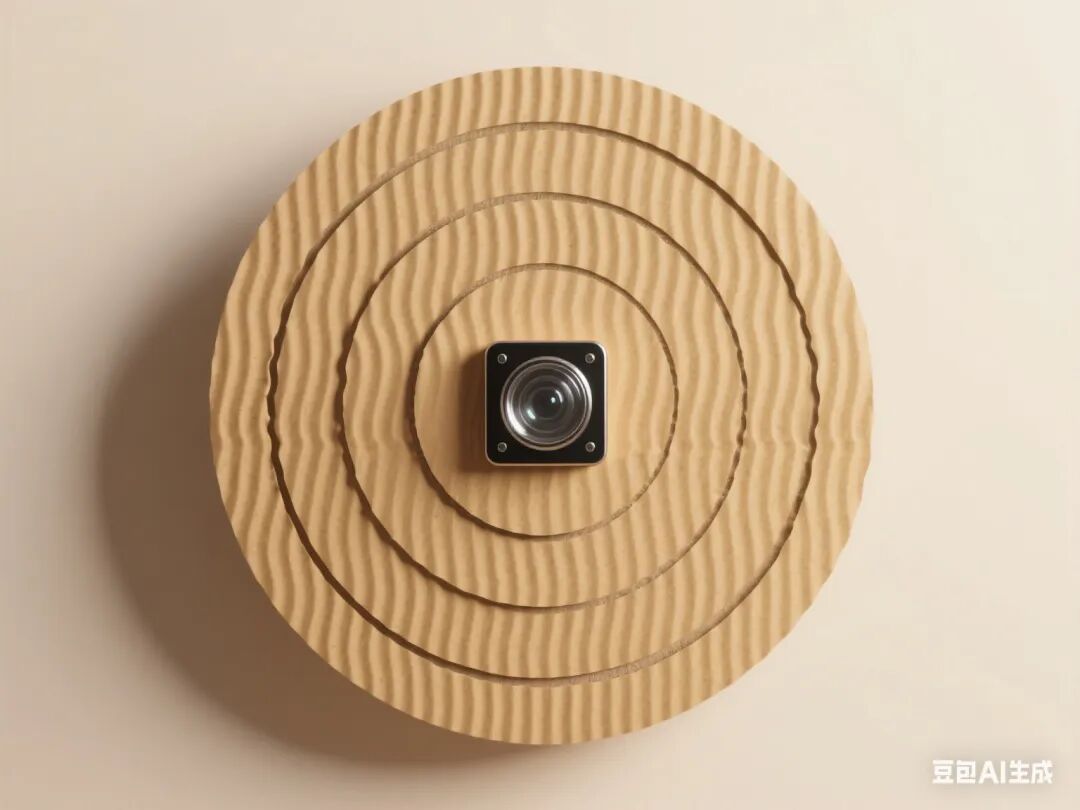
Third Lesson: Dynamic Target Position System
1. Learning Objectives
◦ Master servo angle control and timing coordination
◦ Achieve random movement and reset of the target position
2. Teaching Key Points and Difficulties
◦ Key Point: Servo initialization and angle adjustment
◦ Difficulty: Coordination of random movement and hit detection
3. Teaching Steps
◦ Task Introduction (5 minutes): Show a diagram of the dynamic shooting range and clarify action requirements
◦ Knowledge Explanation (15 minutes):
◦ Working principle of the servo and control signal (50Hz PWM)
◦ Using the servo library in Mind+
◦ Hardware Practice (20 minutes):
◦ Connect the servo to pin D9
◦ Write code: Randomly rotate the target position (30°-150°)
◦ Mechanical Integration (10 minutes):
◦ Use wood sticks to create a linkage structure for the target position
◦ Adjust servo torque and rotation speed
◦ Agent Interaction: Doubao provides angle calibration guidelines and demonstrates mechanical structure optimization
Fourth Lesson: System Debugging and Game Rules Design
1. Learning Objectives
◦ Master programming logic for multi-module collaborative work
◦ Achieve design of shooting game rules
2. Teaching Key Points and Difficulties
◦ Key Point: Logic integration of laser triggering and servo resetting
◦ Difficulty: Implementation of non-blocking delays and score statistics
3. Teaching Steps
◦ Task Introduction (5 minutes): Clarify complete functional requirements (shooting → detection → feedback → reset)
◦ Programming Practice (30 minutes):
◦ Write code: Record score on hit and reset target position
◦ Add countdown and remaining attempts display
◦ Debugging Optimization (15 minutes):
◦ Test hit rate at different distances
◦ Adjust reset time and buzzer duration
◦ Fault Diagnosis (10 minutes):
◦ Address common issues (false positives, servo blockage)
◦ Learn to use serial logs for debugging assistance
◦ Agent Interaction: Doubao provides game algorithm suggestions and analyzes causes of loss of control
Fifth Lesson: System Integration and Function Expansion
1. Learning Objectives
◦ Achieve programming logic for multi-module collaborative work
◦ Enhance the innovation and practicality of engineering design
2. Teaching Key Points and Difficulties
◦ Key Point: Multi-task processing and resource management
◦ Difficulty: Code optimization for complex functions
3. Teaching Steps
◦ Task Introduction (5 minutes): Clarify complete functional requirements (manual/automatic mode switching)
◦ Programming Practice (30 minutes):
◦ Integrate distance measurement, steering, and motor control code
◦ Add low battery alarm and automatic return function
◦ Debugging Optimization (15 minutes):
◦ Test response under different lighting conditions
◦ Adjust parameters for smooth transitions
◦ Fault Diagnosis (10 minutes):
◦ Address common issues (remote control delay, motor noise)
◦ Learn to use serial logs for debugging assistance
◦ Agent Interaction: Doubao provides code optimization plans and generates performance analysis reports
5. Assessment Methods
1. Process Evaluation (40%)
◦ Hardware connection standardization (10%)
◦ Code logic rationality (15%)
◦ Problem-solving ability (15%)
2. Summative Evaluation (60%)
◦ Completeness of function implementation (30%)
◦ Innovation of the game (20%)
◦ Presentation of the work (10%)
6. Safety Tips
1. Do not direct the laser module at eyes or reflective surfaces
2. Ensure correct connection of the battery holder’s positive and negative terminals to avoid short circuits
3. Exercise caution with high temperatures when using a hot glue gun
7. Doubao Agent Application Design
1. Real-time Guidance: Provide step-by-step voice prompts during hardware connections, code writing, and other stages
2. Error Diagnosis: Automatically identify circuit errors and code logic errors and provide modification suggestions
3. Resource Expansion: Push materials on the principles of optoelectronic sensors and military training cases
4. Learning Archives: Record student debugging data and generate personalized ability analysis reports
8. Teaching Resources
1. Mind+ software and extension libraries
2. Technical documentation for each module
3. Engineering log templates
4. Photoresistor light intensity comparison table