Brother Niu’s Java Kitchen: OpenFeign, The Remote Messenger for Java HTTP Clients!
Introduction: From “Kitchen Novice” to “Master of Remote Delivery”
Today, my friends, let’s talk about something interesting—OpenFeign! What is OpenFeign? In simple terms, it’s our “remote messenger” in Java, helping us easily handle HTTP requests between services.
Speaking of this, I remember when I first switched to Java, and we needed to implement service calls in a project. Back then, I wrote a bunch of code using HttpURLConnection, and I crashed several times just parsing the response! Later, I used RestTemplate, which was a bit better, but I found the configuration and handling weren’t elegant enough. It wasn’t until one day when a senior in the team recommended OpenFeign that I realized: wow, this thing is really great!
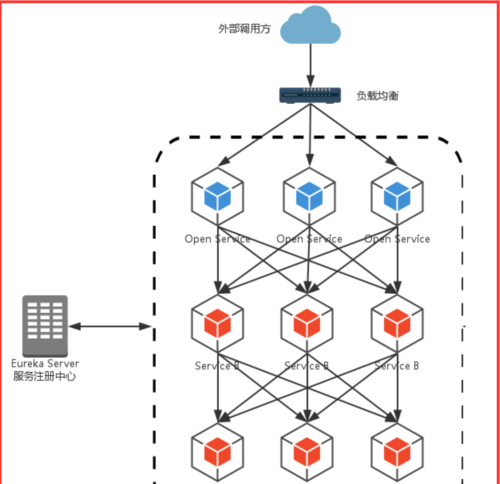
Today, let’s take a look at how this “remote messenger” helps us easily achieve communication between services! We will learn the following content:
- Basic Concepts of OpenFeign: What is it and how to use it?
- Environment Setup and Basic Code: Starting from scratch, we’ll teach you how to use it!
- Error Demonstrations and Pitfall Cases: Brother Niu’s personal pitfalls, helping you avoid detours!
- Practical Project Experience: Insights on using OpenFeign in real projects.
By the end, you’ll find that using OpenFeign is as simple as cooking; we just need to prepare the “ingredients” and write the “recipe”, and the rest is taken care of by it! Are you ready? Let’s get started!
Main Content
1. What is OpenFeign? (Kitchen Analogy: Delivery Staff)
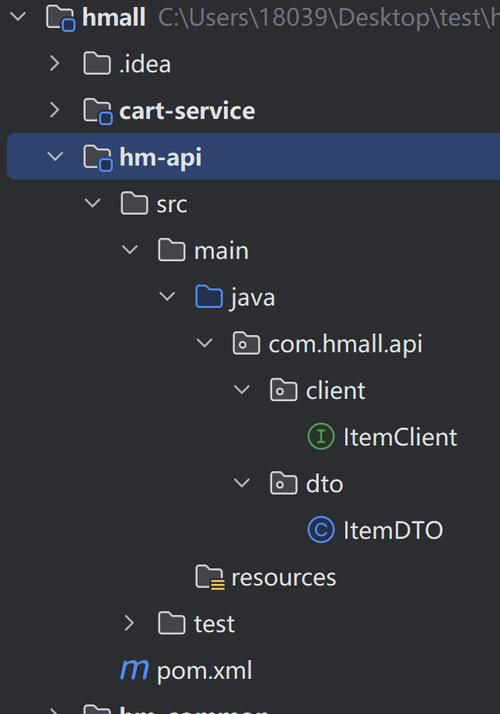
Let’s first talk about what OpenFeign is.
Imagine that in our kitchen, there are many dishes that need to be delivered to the dining table; don’t we need delivery staff? The job of the delivery staff is to go to the kitchen to get the dishes and accurately deliver them to the corresponding guest’s table.
In the world of microservices, each service is like a kitchen, and OpenFeign is the delivery staff responsible for “delivering dishes” (service calls between services). It helps us encapsulate complex HTTP requests into simple Java interface calls; we just need to define the “recipe” (interface), and it will automatically complete the entire process from “delivery” to “serving”!
In simple terms:
- OpenFeign is a declarative HTTP client tool that easily calls remote services.
- It defines requests based on interfaces, so we don’t have to manually write a bunch of HTTP request code, saving time and effort!
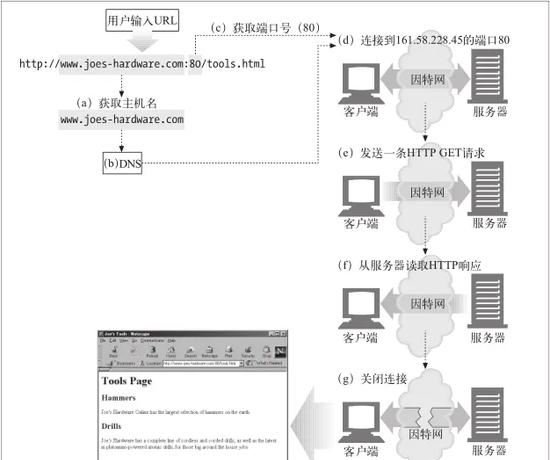
2. Environment Setup (Preparation Before Cooking)
Before cooking, we need to prepare the ingredients, right? The same goes for using OpenFeign; we need the following “ingredients”:
- Spring Boot: We use Spring Boot to build the basic project framework.
- Feign Dependency: This is the core toolkit for OpenFeign.
First, let’s create a Spring Boot project, and then add the following dependency in pom.xml:
xml copy
<dependency>
<groupId>org.springframework.cloud</groupId>
<artifactId>spring-cloud-starter-openfeign</artifactId>
</dependency>

Next, add the following configuration in application.properties or application.yml to enable Feign:
properties copy
feign.client.config.default.connect-timeout=5000
feign.client.config.default.read-timeout=5000
Finally, add @EnableFeignClients to the main class to tell Spring that we want to use Feign:
java copy
@SpringBootApplication
@EnableFeignClients
public class FeignDemoApplication {
public static void main(String[] args) {
SpringApplication.run(FeignDemoApplication.class, args);
}
}

Alright, the environment setup is complete!
3. Basic Code Example (The First Dish in the Kitchen)
Let’s write the simplest Feign client to call a weather service interface to get weather information:
- Define the Feign Interface (our “recipe”):
java copy
@FeignClient(name = "weatherClient", url = "https://api.weatherapi.com/v1")
public interface WeatherClient {
@GetMapping("/current.json")
String getCurrentWeather(@RequestParam("key") String apiKey,
@RequestParam("q") String location);
}

- Call the Interface (our “delivery staff” starts working):
java copy
@RestController
@RequestMapping("/weather")
public class WeatherController {
@Autowired
private WeatherClient weatherClient;
@GetMapping("/current")
public String getWeather(@RequestParam String location) {
String apiKey = "your API key"; // Replace with the actual key
return weatherClient.getCurrentWeather(apiKey, location);
}
}

After starting the project, visit http://localhost:8080/weather/current?location=Beijing, and you will see the weather information returned!
4. Error Demonstrations and Analysis (Brother Niu’s Pitfall Diary)
Pitfall 1: Forgot to Add @EnableFeignClients
At the beginning, we might forget to add this annotation, resulting in an error after the project starts, indicating that the Feign Client cannot be found!
Pitfall 2: Interface Parameter Mismatch
Once, when I wrote the interface, I forgot to use the @RequestParam annotation, resulting in the service returning a 400 error!
Pitfall 3: Incorrect URL Configuration
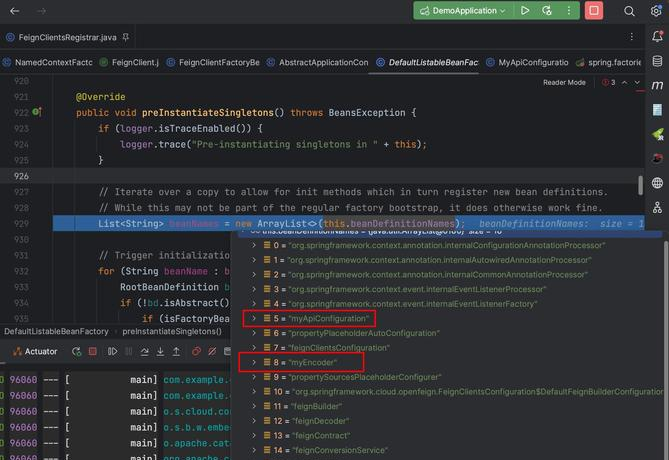
If the @FeignClient URL configuration is wrong, for example, missing https, it will also lead to service call failure.
5. Practical Project Experience Sharing: OpenFeign + Circuit Breaker
In real projects, we often encounter situations where services are unavailable. For example, if the weather service is down, our system shouldn’t crash directly, right? At this point, we can elegantly handle errors by combining OpenFeign and a circuit breaker.
java copy
@FeignClient(name = "weatherClient", url = "https://api.weatherapi.com/v1", fallback = WeatherClientFallback.class)
public interface WeatherClient {
    @GetMapping("/current.json")
    String getCurrentWeather(@RequestParam("key") String apiKey,
                             @RequestParam("q") String location);
}

@Component
public class WeatherClientFallback implements WeatherClient {
    @Override
    public String getCurrentWeather(String apiKey, String location) {
        return "Weather service is temporarily unavailable, please try again later!";
    }
}
6. Tips: Performance Optimization
- Enable Compressed Transmission: Turn on GZIP in the configuration to reduce data transmission size.
- Connection Pool Optimization: Use a connection pool to manage HTTP connections, enhancing performance.
Conclusion
Summary of Knowledge Points
Today, we learned the following:
- Basic concepts and usage scenarios of OpenFeign.
- Basic environment configuration and simple examples.
- Common error demonstrations and solutions.
- Sharing practical experience and performance optimization suggestions.
Project Practical Assignment
Try using OpenFeign to call a free API, such as the GitHub user information interface, to retrieve basic information about a certain user!
Phase Challenge Task
Research the combination of OpenFeign and Spring Cloud Gateway, and try to implement a simple gateway service!
Suggestions for Extended Learning
- Read the official documentation of OpenFeign to learn more advanced usage.
- Learn about the combination of Feign and Hystrix to enhance service fault tolerance.
A Warm Message
Friends, today’s Java learning ends here! Remember to practice the project assignments given today, and feel free to ask Brother Niu any questions in the comments section. Don’t forget to complete our challenge tasks! I’ll be waiting in the comments to see your wonderful shares. Wishing everyone a happy learning journey, and may your Java path continue to flourish!