SoftwareIntroduction
Multisim 14.0 is a leading SPICE simulation design software in the industry. It features 3D simulation circuits, virtual instruments, analysis functions, and graphical display windows. Multisim combines intuitive schematic building with powerful simulation capabilities, helping users design and validate circuits quickly, easily, and efficiently. It integrates industry-standard SPICE simulation with an interactive circuit diagram environment, allowing for instant visualization and analysis of electronic circuit behavior. Its intuitive interface aids educators in reinforcing students’ understanding of circuit theory and efficiently memorizing engineering course theories.
InstallationRequirements[Software Name]:Multisim 14.0[Software Size]:685MB[Software Language]:Simplified Chinese[Installation Environment]:Windows 7 and above[Download Link]:Reply in the public account:Multisim[Unlimited Speed Download]:Get a free Baidu Netdisk unlimited speed download tool.Reply in the public account: Unlimited Speed[Notes]:Pleaseturn off the network, antivirus software, and firewall before installation to avoid installation failure.Reply in the public account: 1[Decompression Software]:The decompression software used by the editor is Bandizip, get the Bandizip software installation package.Reply in the public account: 2InstallationTutorial1. Download the Multisim 14.0 software installation package to your computer, right-click and select 【Extract to Multisim 14.0】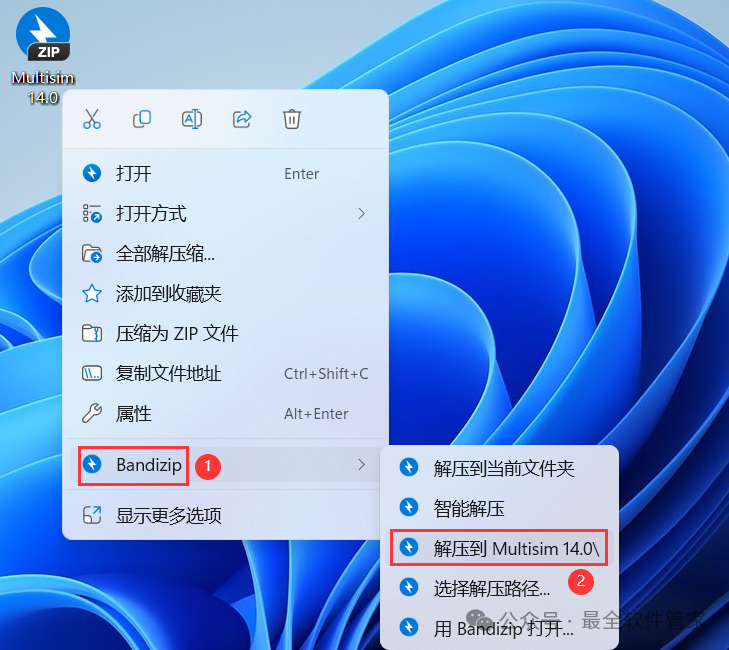 2. Right-click 【Open】 the extracted folder
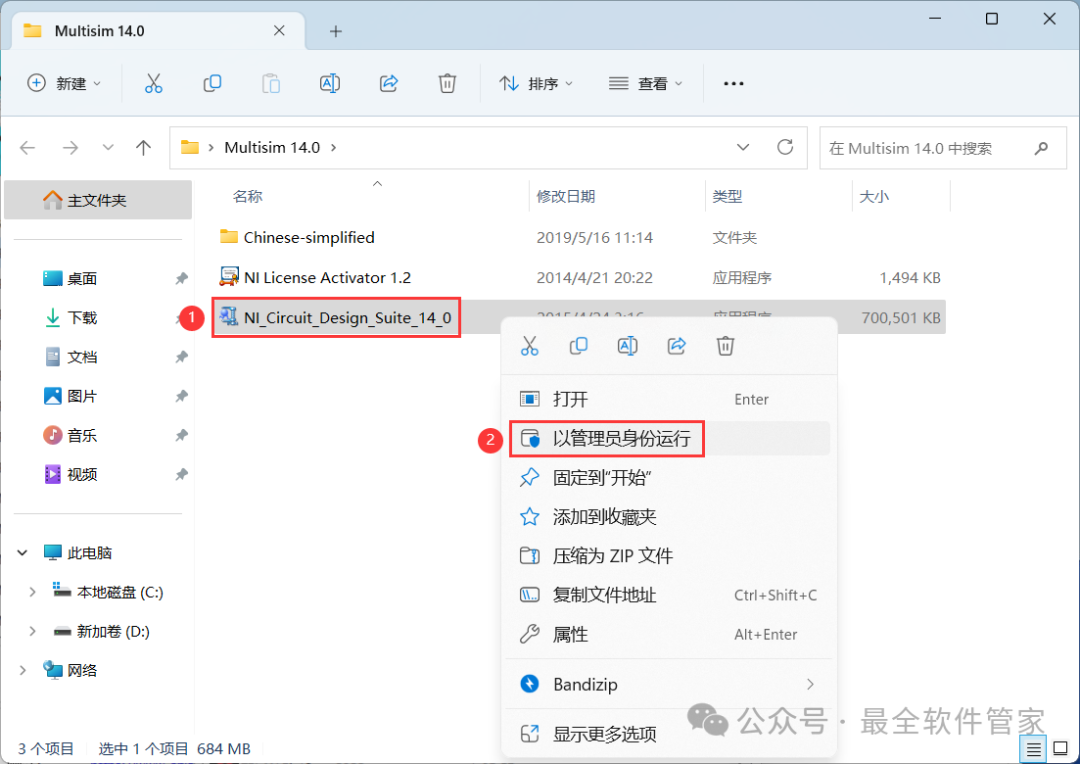
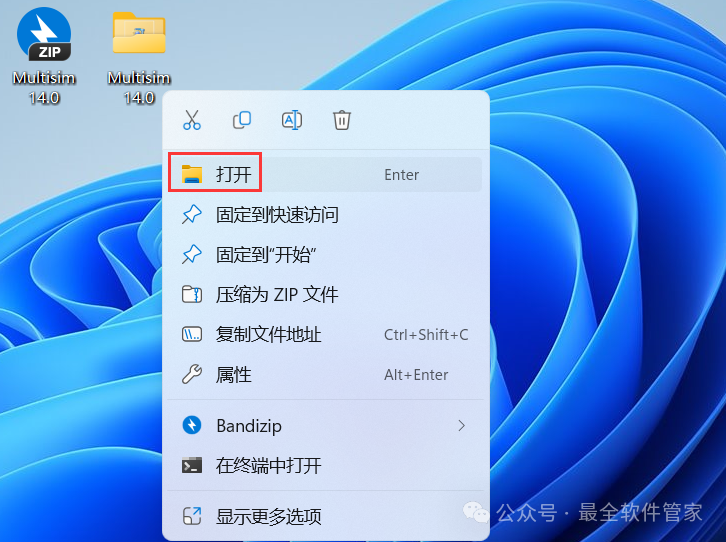 3. Find the 【NI_Circuit_Design_Suite_14.0】 application, right-click and select 【Run as administrator】
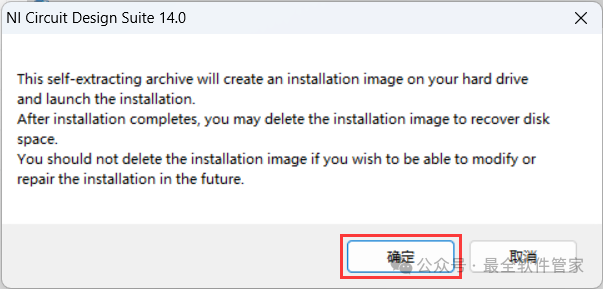
 4. Click 【OK】
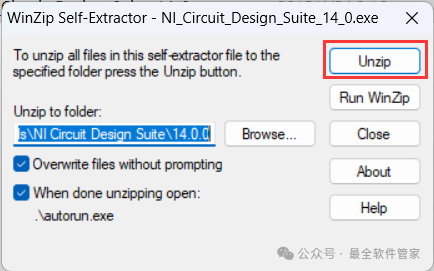
 5. Click 【Unzip】
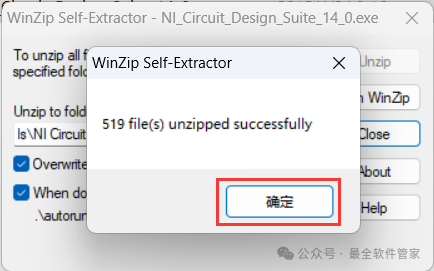
 6. Click 【OK】
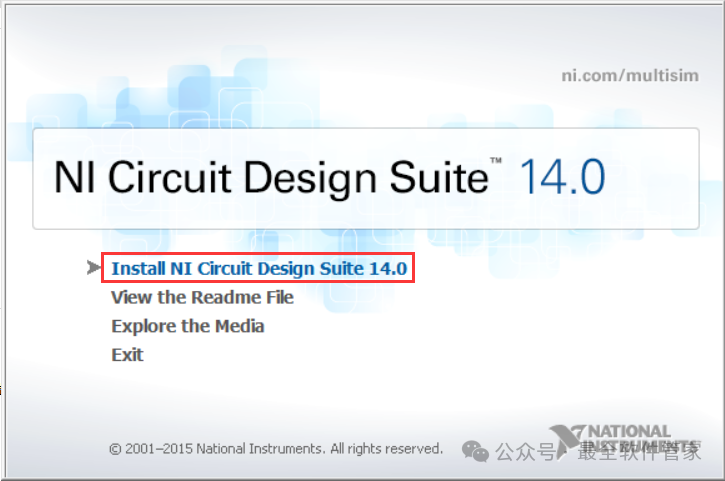
 7. Click 【Install NI Circuit Design Suite 14.0】
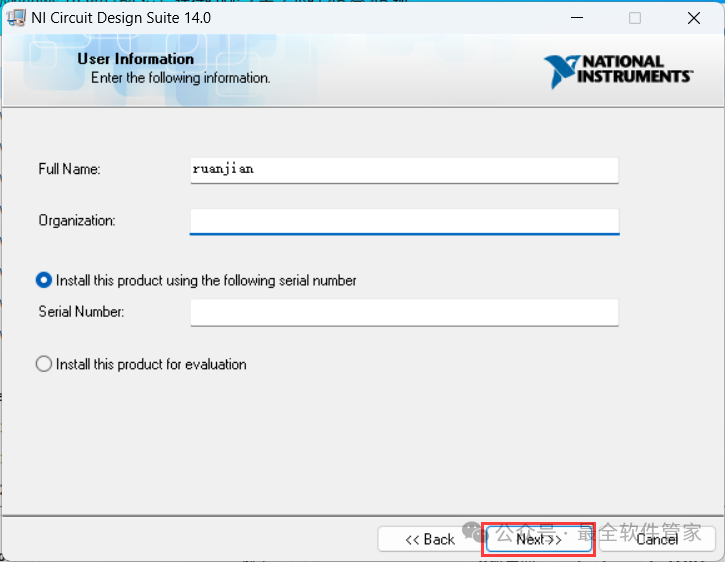
 8. Click 【Next】
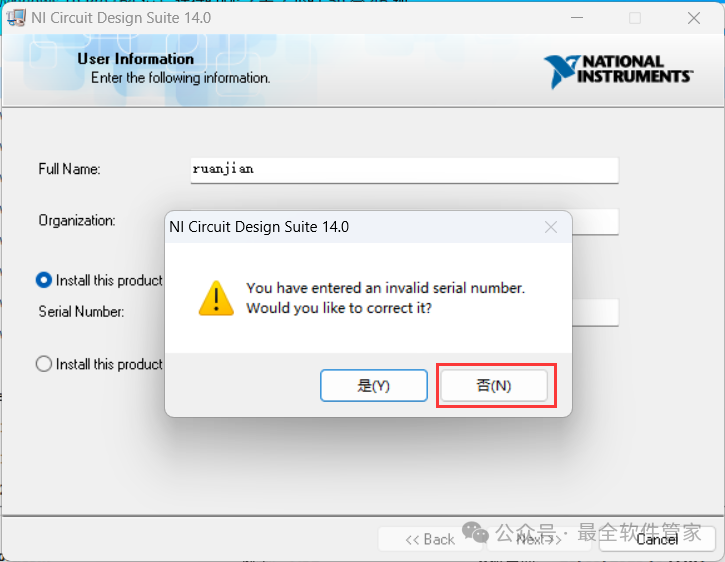
 9. Click 【No】
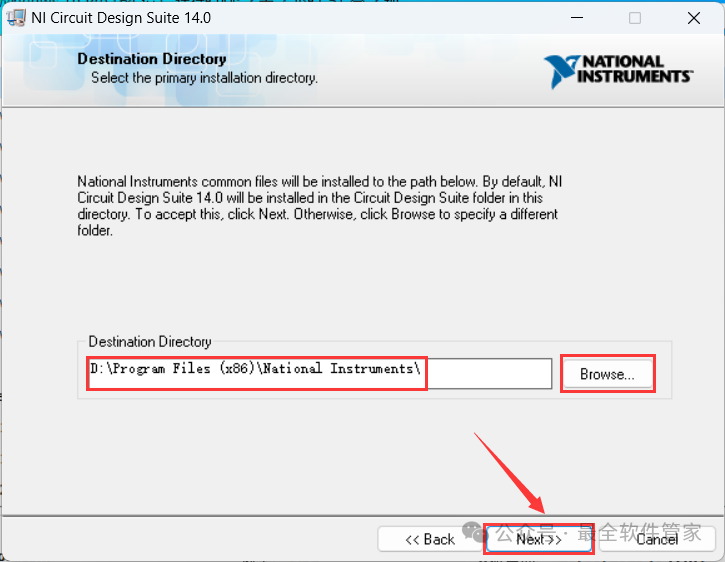
 10. The software is installed by default on the C drive, you can customize the installation location; here the editor chooses to install on the D drive; click 【Next】
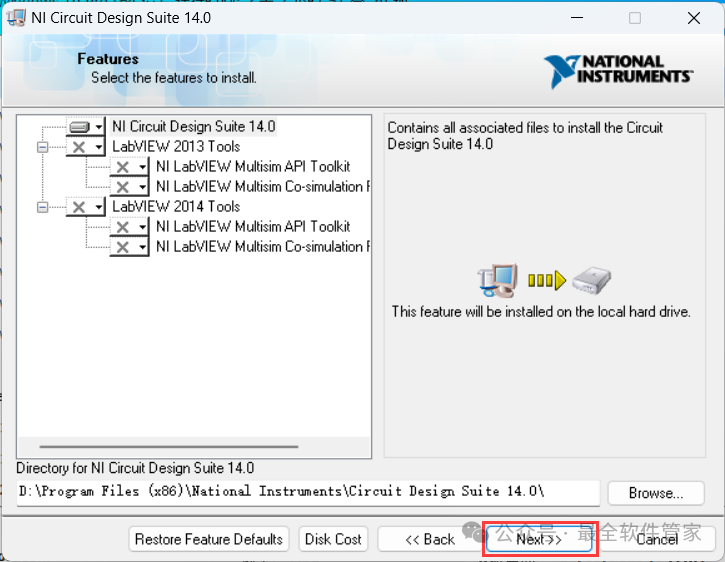
 11. Click 【Next】
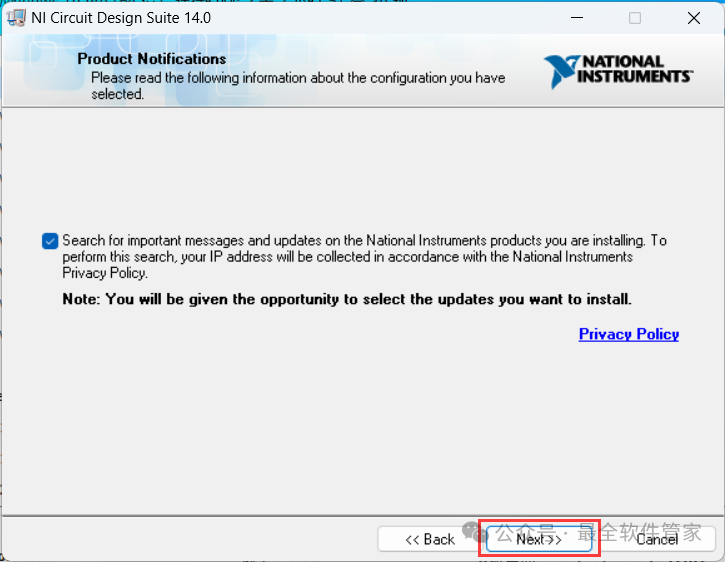
 12. Click 【Next】
 13. The software is installing, please wait a moment
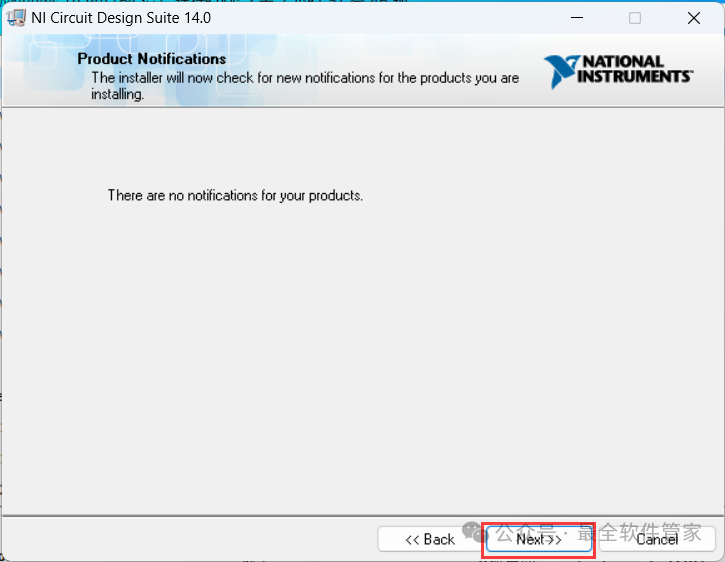
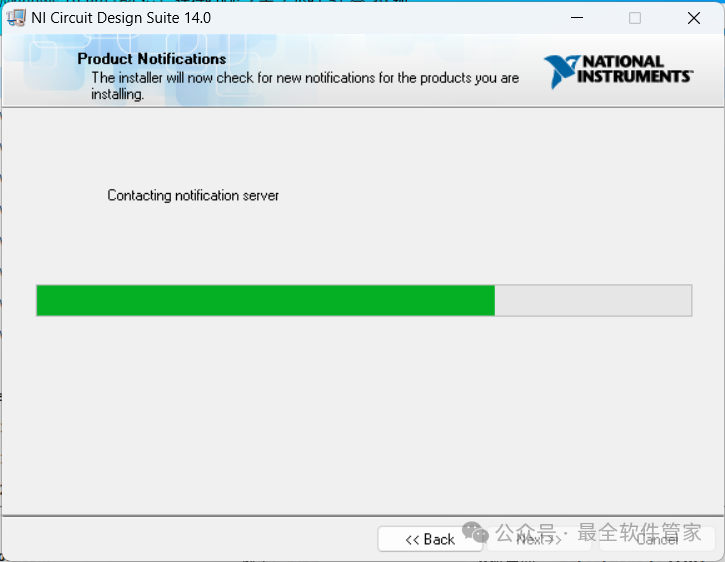 14. Click 【Next】
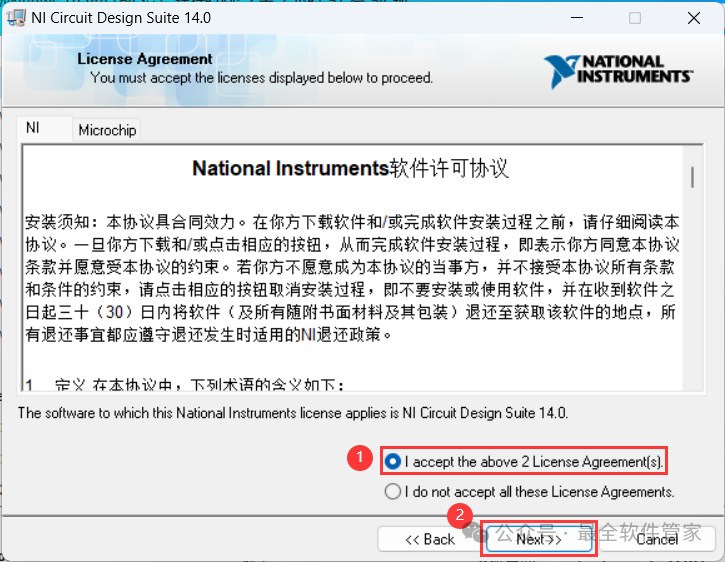
 15. Check 【I accept】, then click 【Next】
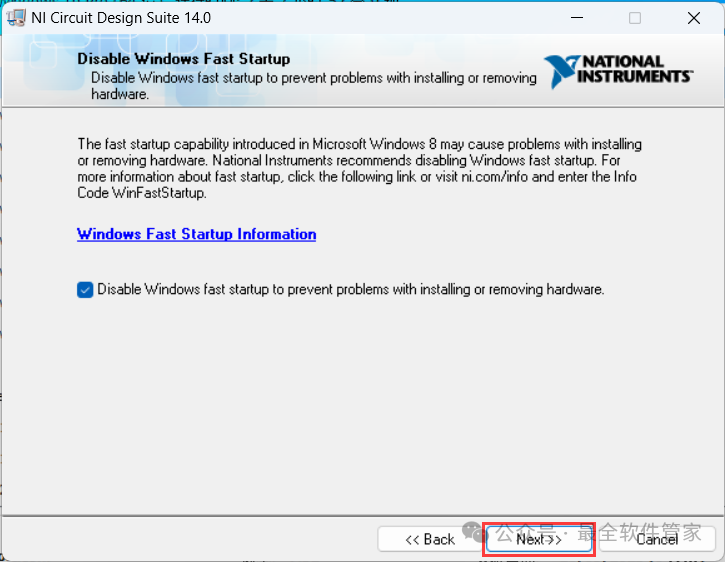
 16. Click 【Next】
 17. Click 【Next】
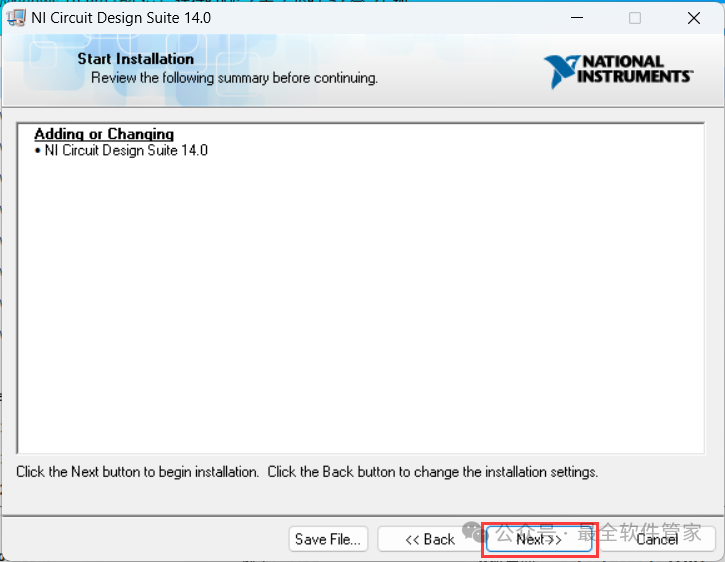 18. The software is installing, please wait a moment
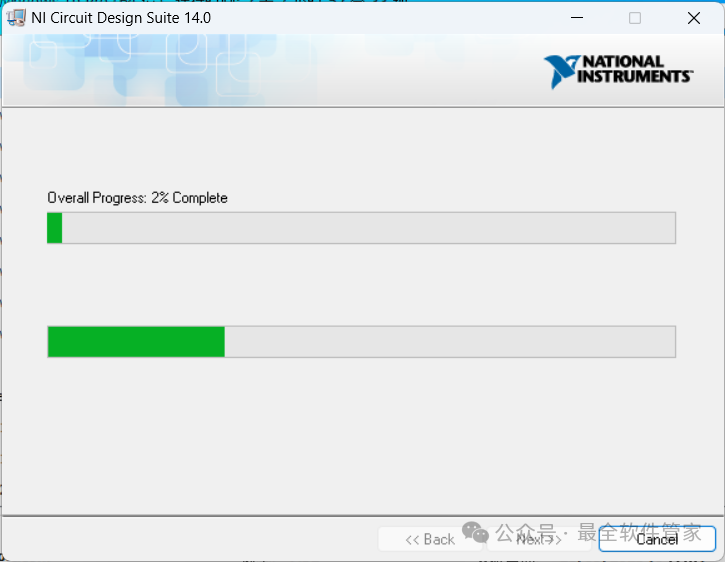 19. Click 【Next】
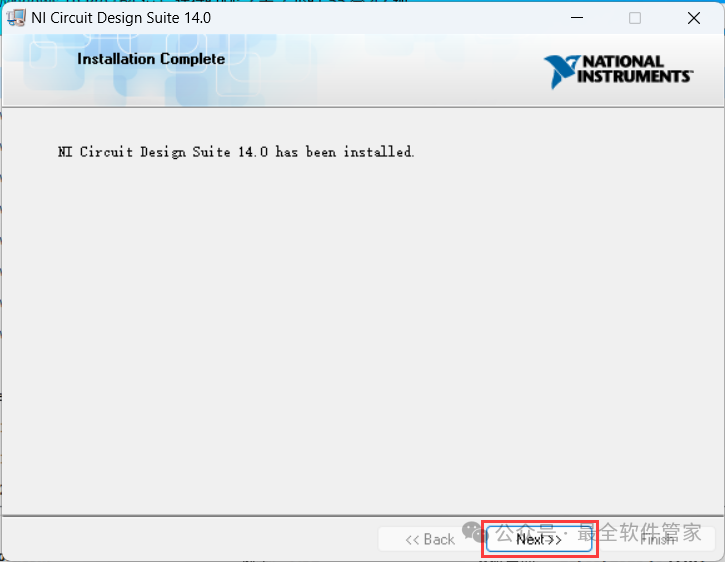 20. Click 【No】
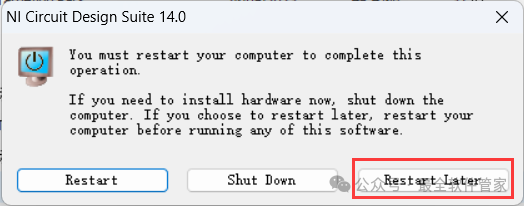
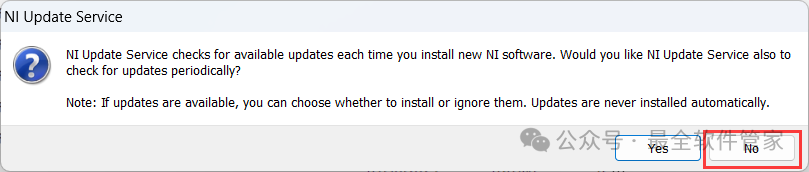 21. Click 【Restart Later】
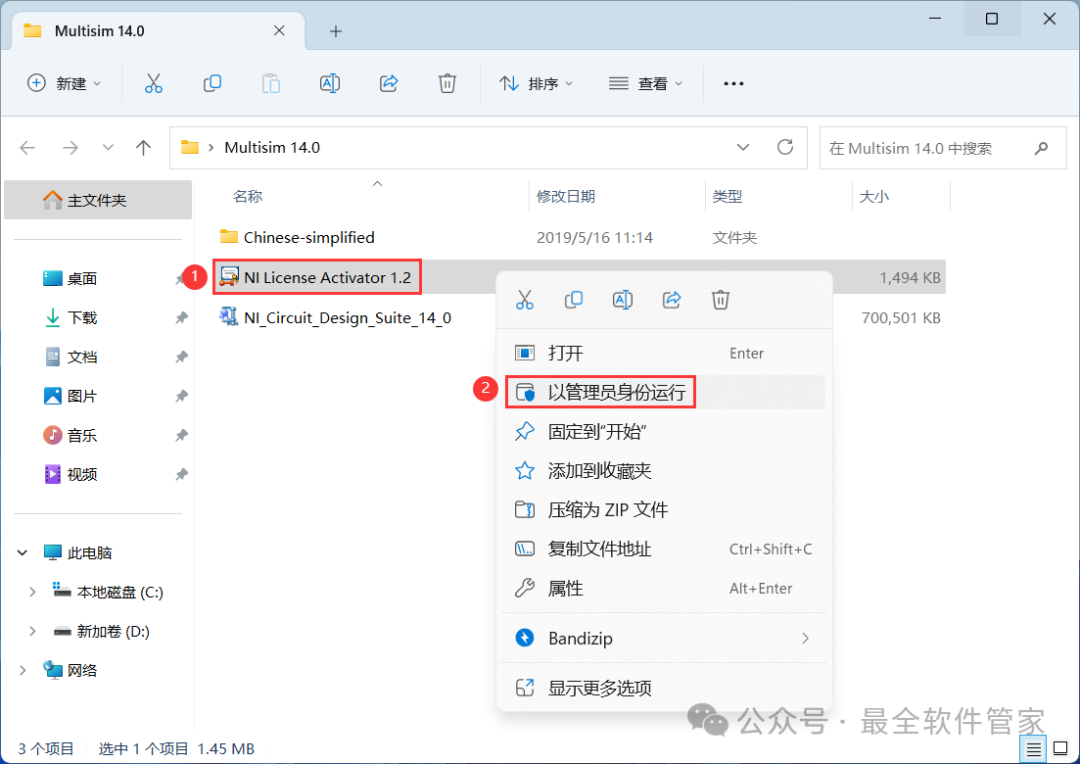
 22. Go back to the Multisim 14.0 folder, find the 【NI License Activator 1.2】 application, right-click and select 【Run as administrator】
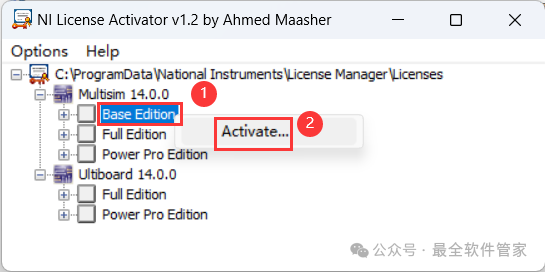
 23. Right-click all options and click 【Activate…】
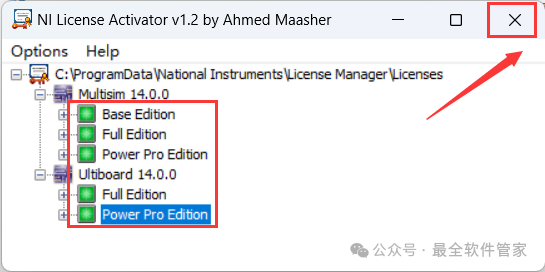
 24. After selecting all, click the 【Close button】 in the upper right corner
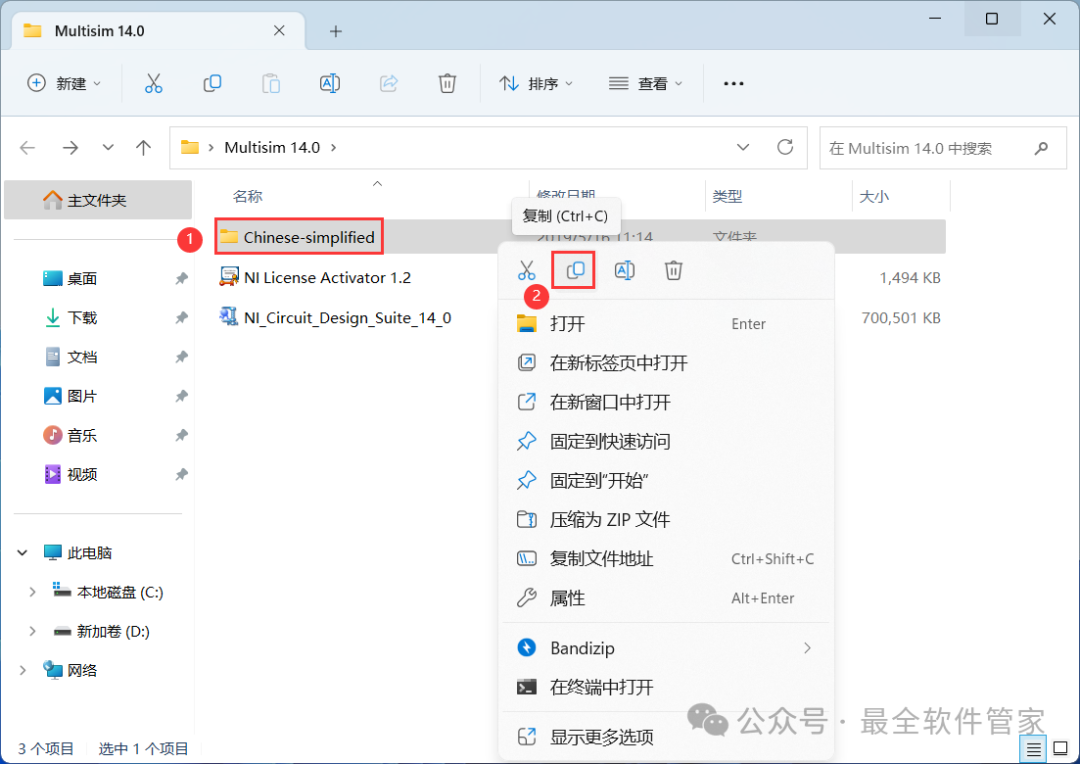
 25. Go back to the Multisim 14.0 folder, find the 【Chinese-simplified】 folder, right-click and click 【Copy】
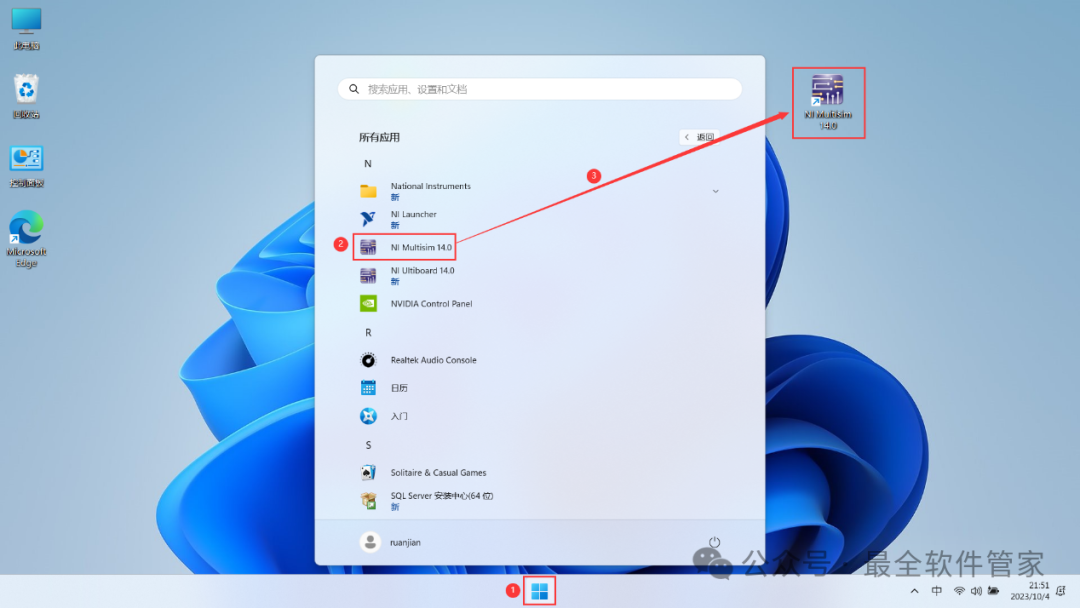
 26. Go back to the desktop, click the 【Start Menu】 in the taskbar, find the 【NI Multisim 14.0 software icon】 in 【All Apps】, and drag the software icon to the desktop to create a desktop shortcut.
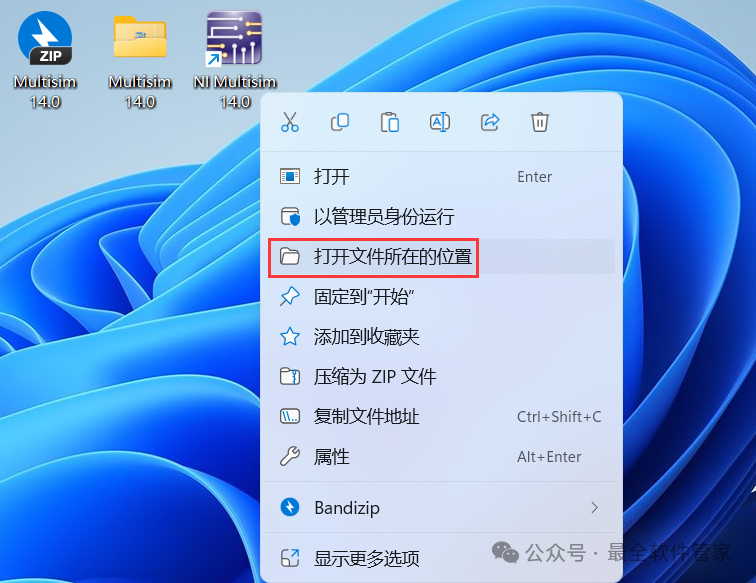
 27. Right-click the 【NI Multisim 14.0 software icon】 on the desktop, click 【Open file location】
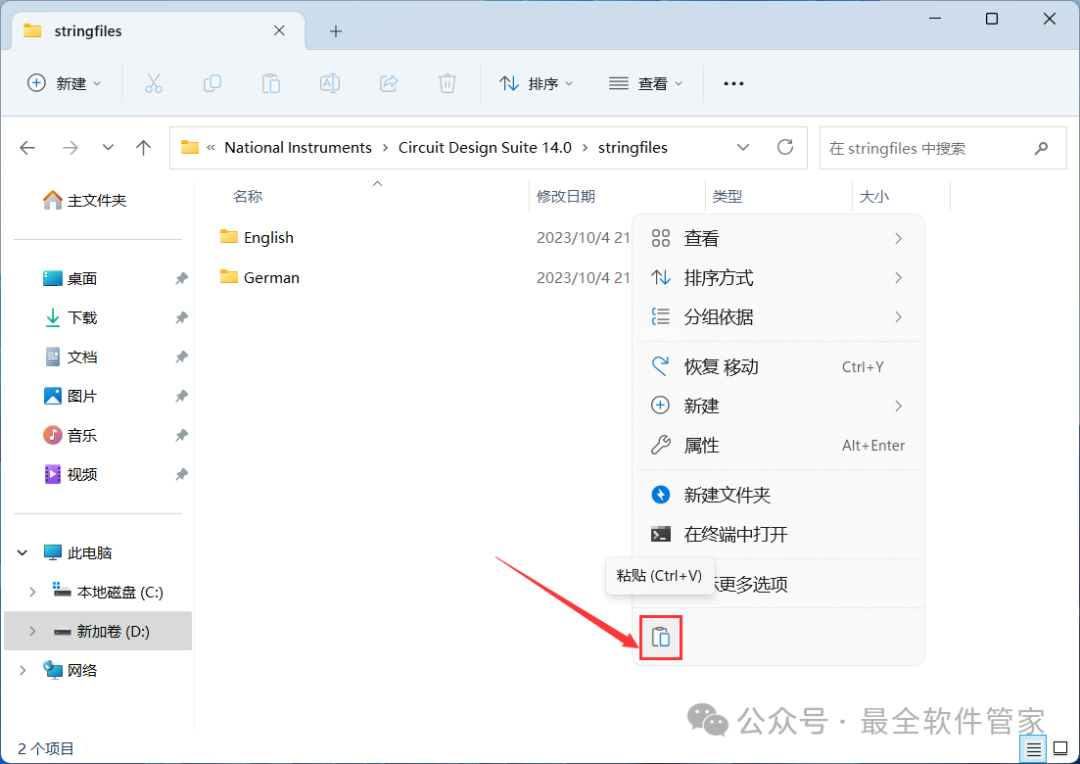
 28. Find the 【stringfiles】 folder, right-click and 【Open】 it
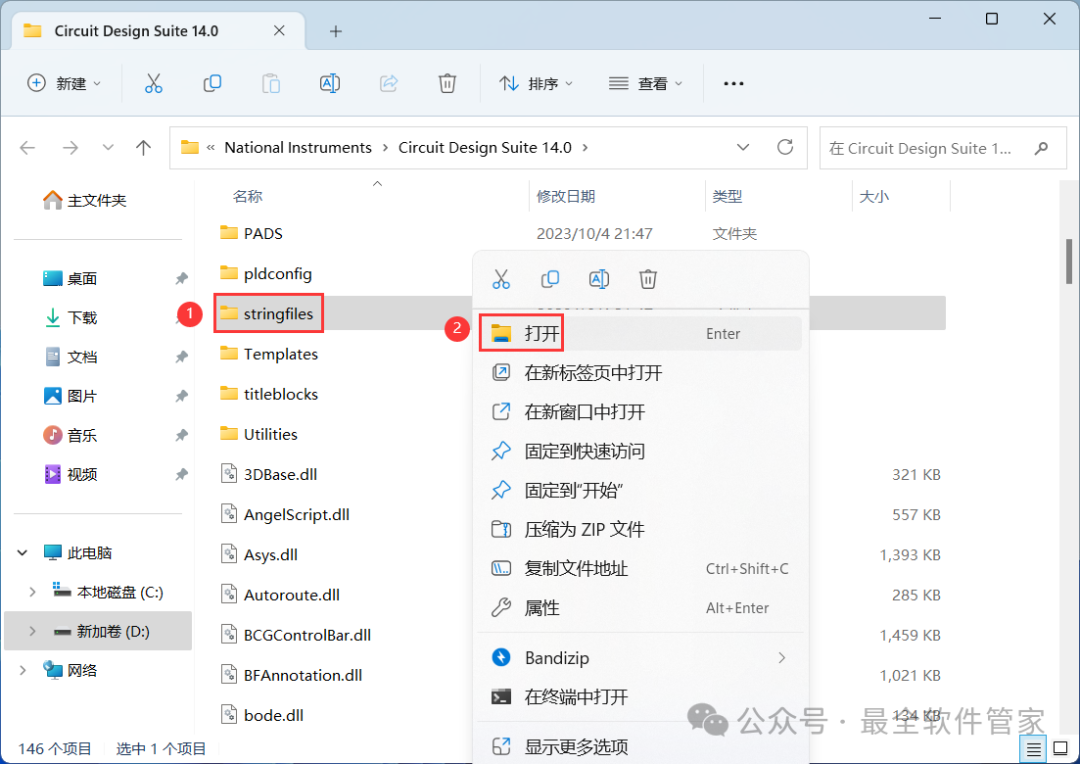 29. Right-click in the empty space of the folder and click 【Paste】
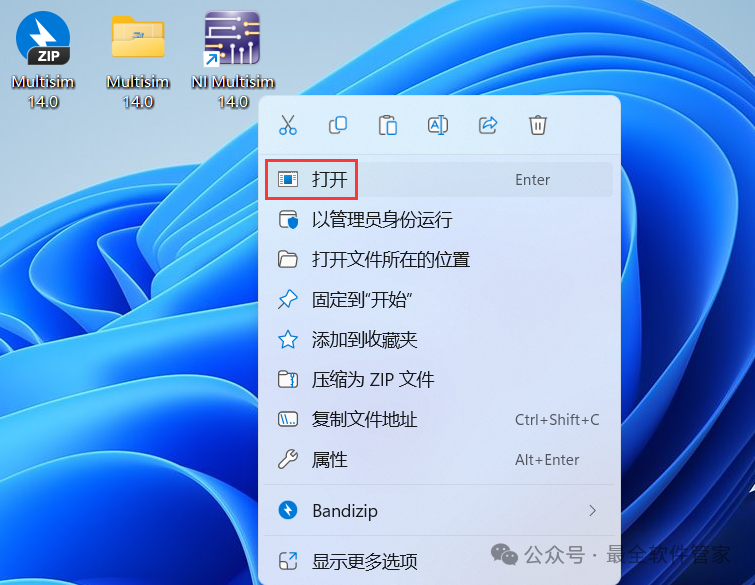
 30. Go back to the desktop, right-click the 【NI Multisim 14.0 software icon】 and click 【Open】
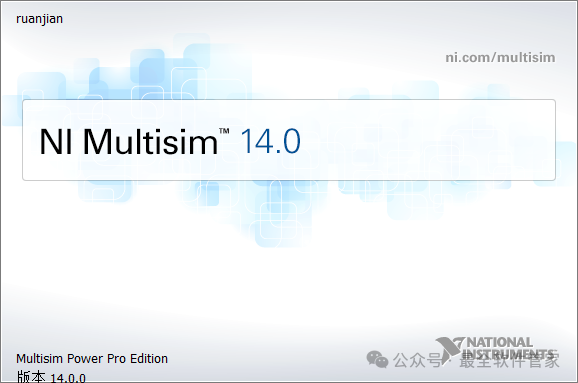
 31. The software is opening, the startup interface is as follows:
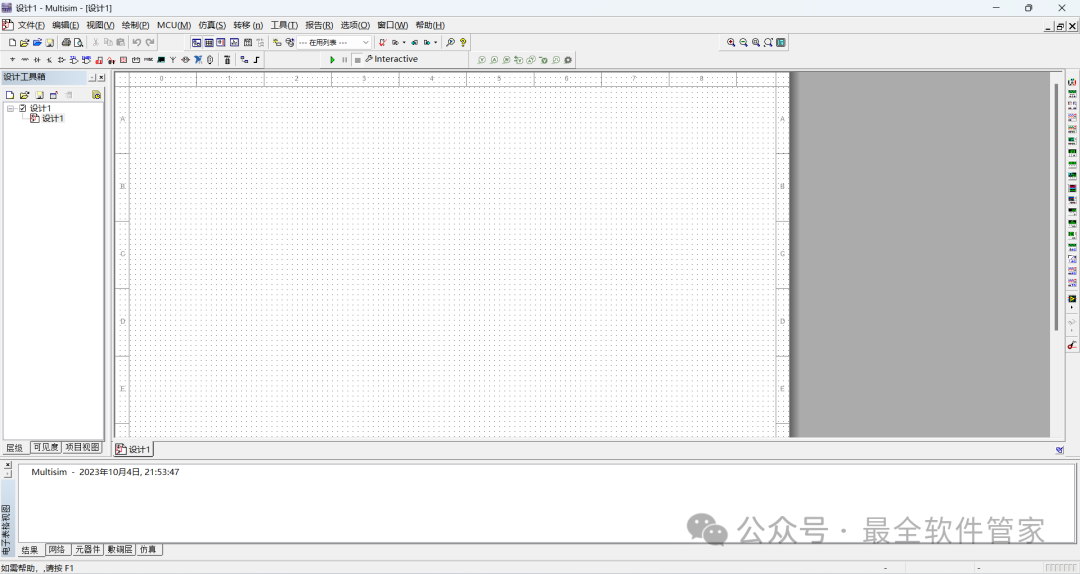
 32. The software opened successfully, the running interface is as follows:
 33. This concludes the entire process of installing Multisim 14.0 software. If this has been helpful to you, please give the editor a thumbs up!Disclaimer: The software resources are sourced from the internet and are for user exchange, learning, and research purposes only. The copyright belongs to the original copyright holder, and any copyright disputes are not related to this public account. Users must not use the downloaded files for commercial or illegal purposes; otherwise, the consequences will be borne by the user. If you access and download this file, you agree to use this software only for reference and learning, not for other purposes. Otherwise, you will bear all consequences. Please delete it within 24 hours after downloading, and it is not allowed for commercial use; otherwise, you will bear legal responsibilities. If you like this software, please support the original software by purchasing a license for better service.