1. Directive Introduction
- js_body_filter directive: Sets a JS function as a filter for the HTTP response body, calling the specified function for each data chunk of the response body. This directive allows dynamic modification of the response body content. The filter function has 3 parameters:
-
r: HTTP object
-
data: Current data chunk
-
flags: An object containing a last field, where last is true if the current data chunk is the last one.
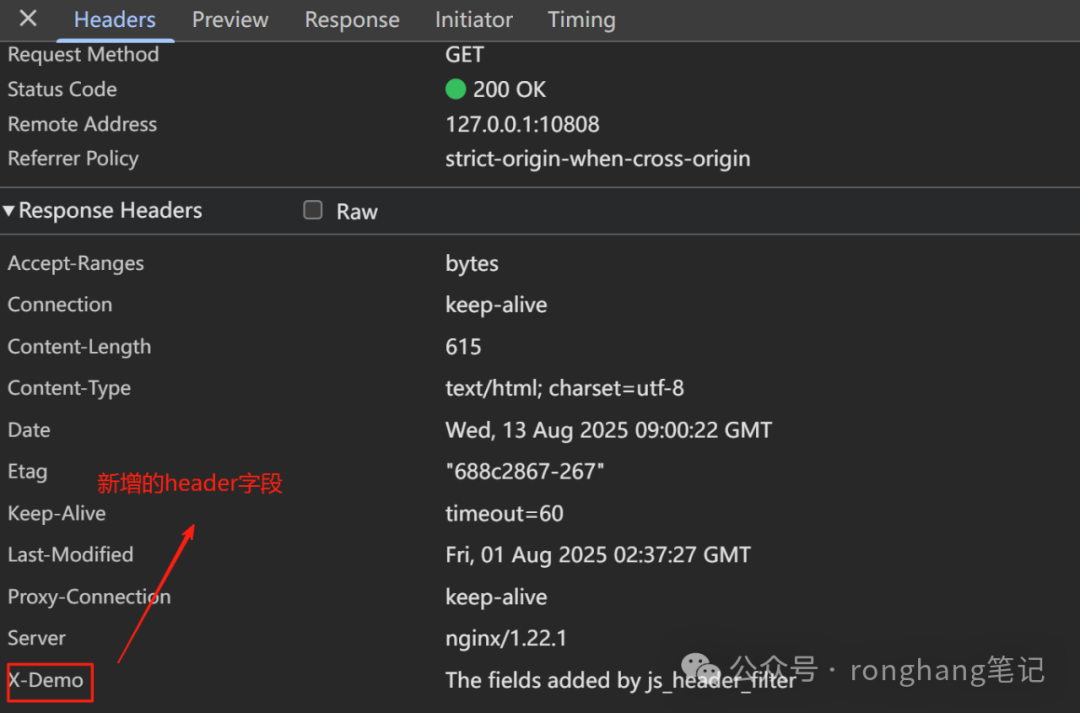
- js_header_filter directive: Functions similarly to js_body_filter, but it modifies the HTTP response header content. The filter function has only one parameter r: representing the HTTP object.
2. Example
demo.js code:
function bodyFilter(r, data, flags) {
  // Log the data
  r.log(`Original data: ${data}`);

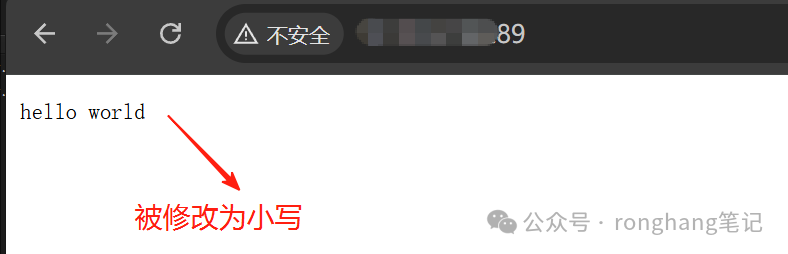
  // Convert to lowercase
  data = data.toLowerCase();
  // Modify content
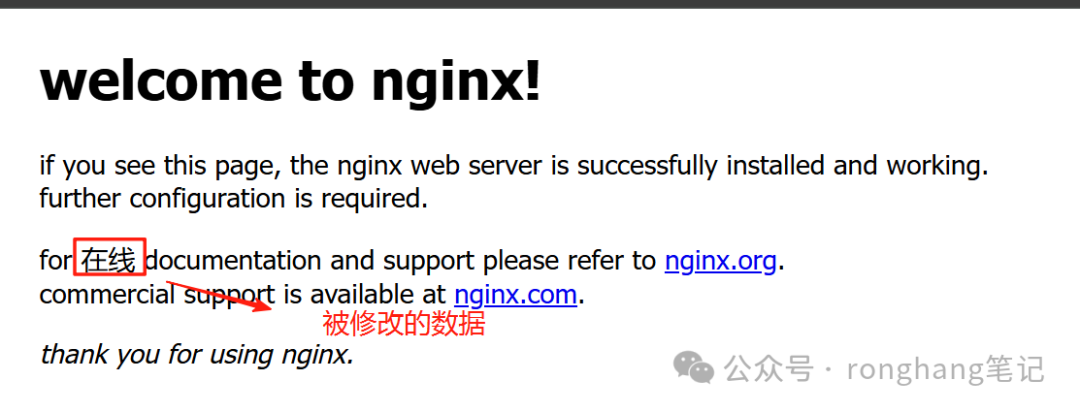
  data = data.replace("online", "在线");

  r.sendBuffer(data, flags);
}

function headerFilter(r) {
  // Add new field to header
  r.headersOut["X-demo"] = "The fields added by js_header_filter";
}

export default { bodyFilter, headerFilter };
Nginx configuration to modify static HTML:
http {
    js_path "/usr/local/nginx/njs";
    js_import demo.js;

    error_log logs/error.log info;

    server {
        listen 89;
        server_name localhost;

        location / {
            root html;
            index index.html index.htm;
            try_files $uri$uri/ /index.html;
            default_type text/html;
            charset utf-8;

            js_body_filter demo.bodyFilter;
            js_header_filter demo.headerFilter;
        }
    }
}
Nginx configuration to modify the response returned by a proxy interface:
http {
    js_path "/usr/local/nginx/njs";
    js_import demo.js;

    error_log logs/error.log info;

    server {
        listen 89;
        server_name localhost;


        location / {
            proxy_pass http://localhost:89/demo;
            charset utf-8;
            js_body_filter demo.bodyFilter;
        }

        location /demo {
            return 200 "HELLO WORLD";
        }
    }
}