
-
What aspects should be considered for server security defense?
- How to open server ports? The five key steps involved in opening server ports
- How to format and mount a data disk on a Linux server
- A historic moment! Intel and AMD announce collaboration: jointly defending the x86 ecosystem
- Detailed explanation of Xeon CPUs – rankings
- Under domestic substitution, the strongest domestic X86 CPU has made a fortune, with profits increasing by 83%
- Comparison of six major domestic CPUs: who is the true king of autonomous control?
- Practical steps for formatting server hard drives
- Can formatted servers recover data?
- What to do when a serial port server fails?
- Practical tips: What to do if the server cannot find the hard drive?
- Can two Dockers be set up on one Linux server?
- Differences between DDR5 and DDR4
- What are the mainstream server operating systems currently?
- A brief discussion on server concept stocks
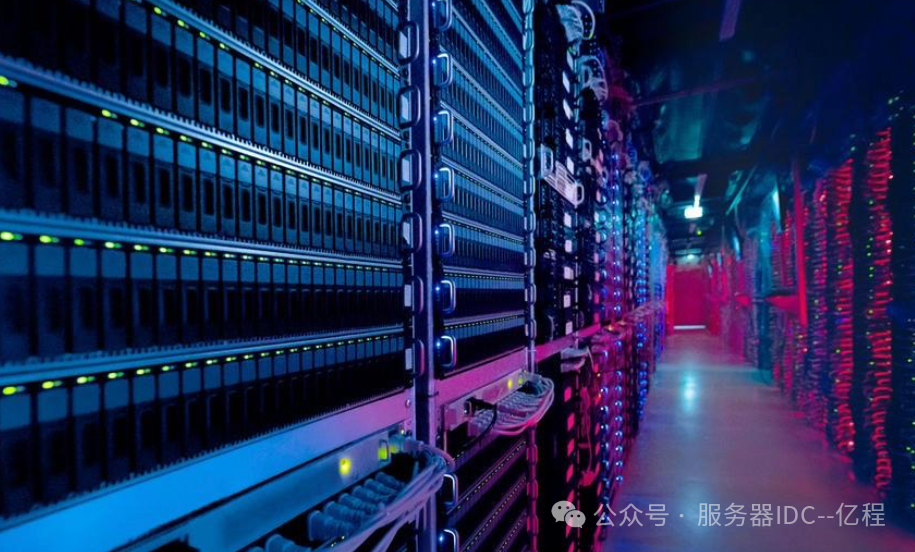
Server virtualization is a technology that divides a physical server into multiple virtual servers, improving server utilization and flexibility. When implementing server virtualization, the following issues need to be considered:
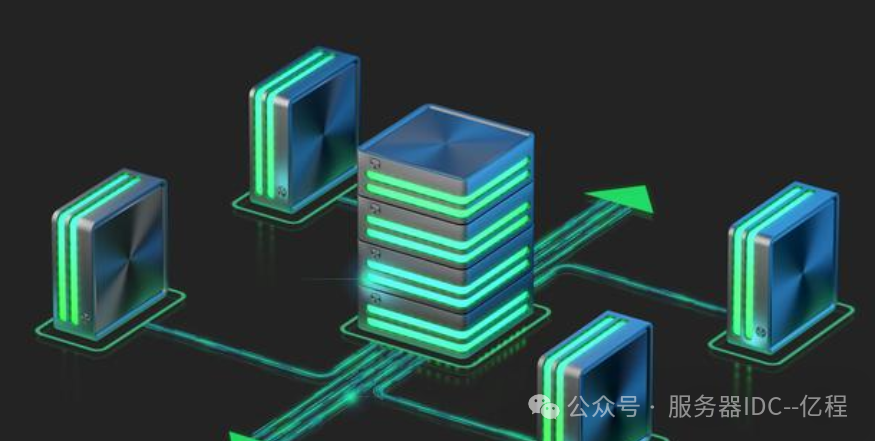
1. Performance Loss: Virtualization technology introduces a certain degree of performance loss because virtual servers need to share the resources of the host server. Therefore, it is necessary to carefully evaluate the impact of virtualization on system performance and choose an appropriate virtualization platform and configuration based on actual needs.
2. Security: Virtual servers share the resources of the same physical server, which poses security risks. Ensure the isolation of virtual servers and implement appropriate security measures, such as network isolation, access control, and encryption technologies, to protect the data security of virtual servers.
3. Management and Monitoring: Virtualization technology increases system complexity, requiring specialized management tools and monitoring systems to ensure the stable and efficient operation of virtual servers. Regularly monitor the performance and resource utilization of virtual servers, and adjust configurations and optimize performance in a timely manner.
4. Backup and Recovery: Data in virtual servers needs to be backed up regularly to prevent data loss or system crashes. Establish a comprehensive backup and recovery strategy to ensure data security and reliability.
5. Software Licenses: When implementing server virtualization, consider the issue of software licenses. Some software vendors may require licenses to be purchased based on the number of virtual servers rather than the number of physical servers. Ensure the legal use of software in a virtualized environment to avoid violating software licensing agreements.
In summary, server virtualization is an effective technology that can enhance server utilization and flexibility. However, when implementing virtualization, it is essential to comprehensively consider issues related to performance, security, management, backup, and licensing to ensure system stability and reliability.
Long press the QR code below ⬇️⬇️⬇️ to follow


Previous reviews
- What aspects should be considered for server security defense?
- How to open server ports? The five key steps involved in opening server ports
- How to format and mount a data disk on a Linux server
- What methods are available for Linux server management?
- Basic commands for server formatting
- How to boot a server with a single hard drive
- A historic moment! Intel and AMD announce collaboration: jointly defending the x86 ecosystem
- Detailed explanation of Xeon CPUs – rankings
- Under domestic substitution, the strongest domestic X86 CPU has made a fortune, with profits increasing by 83%
- Comparison of six major domestic CPUs: who is the true king of autonomous control?
- Practical steps for formatting server hard drives
- Can formatted servers recover data?
- What to do when a serial port server fails?
- Practical tips: What to do if the server cannot find the hard drive?
- How to choose hard drives for servers?
- Servers dominate the Chinese market
- How to choose server configurations
- Can two Dockers be set up on one Linux server?
- Differences between DDR5 and DDR4
- What are the mainstream server operating systems currently?
- A brief discussion on server concept stocks
- Weekend autumn vibes: 5 must-visit free parks in Hangzhou!
- What types of network storage servers are there?
- Differences between rack servers and tower servers
- A comprehensive understanding of GPU virtualization
- White box wars: the battle for the server market
- Comparison of distributed storage and centralized storage
- What are the core advantages of X86 servers?
- Causes and solutions for HTTP errors 400, 404, 500, 502
-
A comprehensive understanding of GPU virtualization
- Causes of internal server error 500
- A comprehensive interpretation: differences between bare metal servers and traditional servers
- What are the differences between cloud storage servers and disk arrays?
- Steps to install VMware on a server
- Marathon schedule for Zhejiang in the first half of 2025
 Every like and share is appreciated, thank you!