Recently, after upgrading the OpenWrt software, I noticed that the system homepage overview page no longer displays the temperature. It was working before the update, but I didn’t dwell on why it stopped showing. Instead, I focused on how to make it display again.
I searched on Google and found that there are mainly two methods: modifying files and installing plugins. However, upon review, I found that the file modification method is no longer effective, likely due to version updates rendering the method obsolete. Therefore, I only considered installing a plugin.
For the plugin, I recommend using one called luci-app-temp-status. The installation process is very simple, and the relevant code is as follows: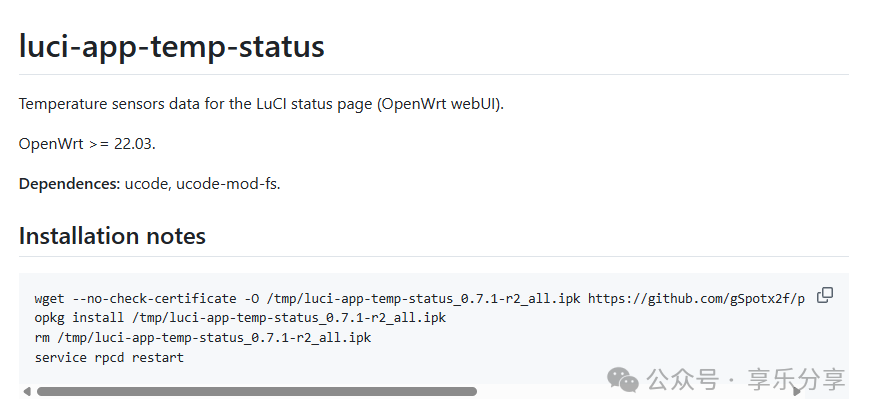
wget --no-check-certificate -O /tmp/luci-app-temp-status_0.7.1-r2_all.ipk https://github.com/gSpotx2f/packages-openwrt/raw/master/current/luci-app-temp-status_0.7.1-r2_all.ipkopkg install /tmp/luci-app-temp-status_0.7.1-r2_all.ipkrm /tmp/luci-app-temp-status_0.7.1-r2_all.ipkservice rpcd restartAccording to the official documentation, this plugin supports version 22.03 and above, and it depends on two plugins: ucode and ucode-mod-fs. You can install these two plugins through the software packages provided by OpenWrt:
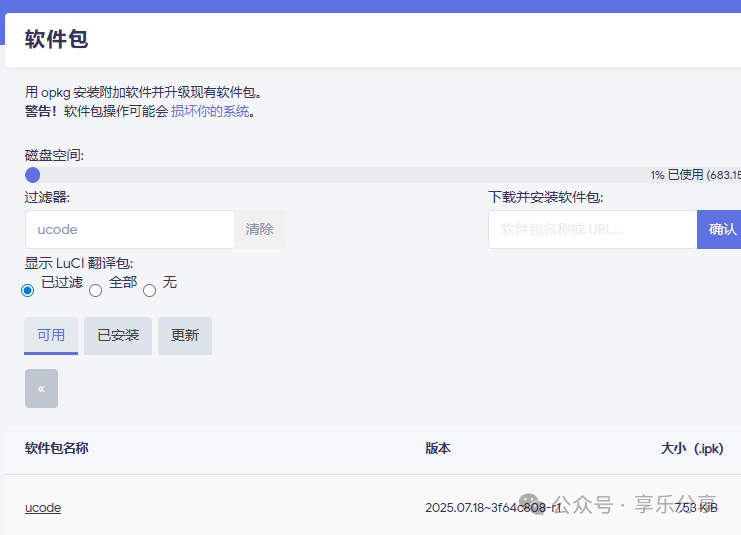
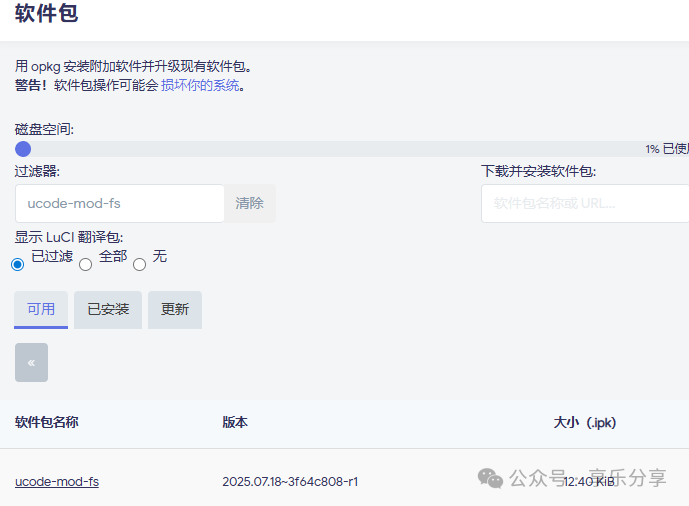
The installation process can be performed directly using SSH software. After completing the operation, you will see the following interface on the homepage: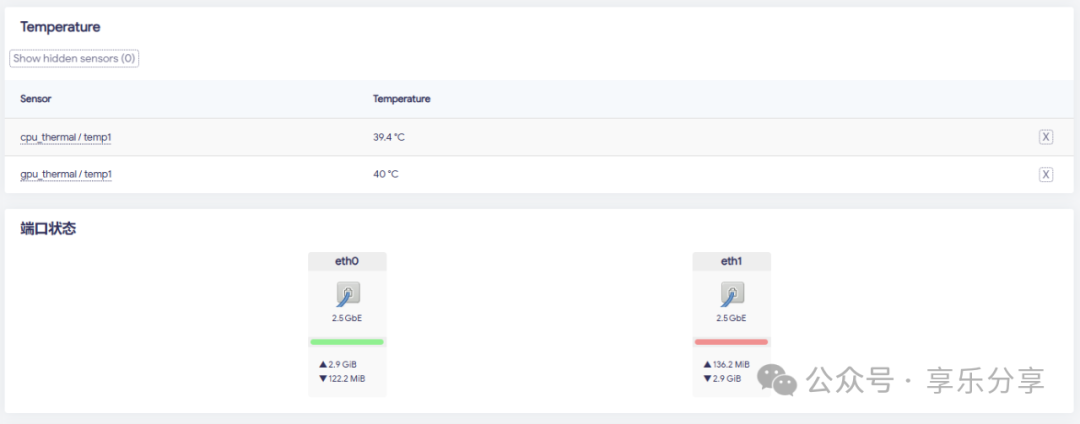
Currently, my device has only two sensors, so it only shows two readings. If your computer has more sensors, it should display more temperature data.
I tested this on ImmortalWrt, which should theoretically support OpenWrt and related variant versions. Please test it yourself for specific compatibility.
 Keywords for this article25067