Douyin commands are a way to quickly access Douyin from other platforms. Many users complain that when someone sends them a Douyin command via WeChat, they click on it for a long time without any response. This is often not due to an issue with the command itself, but rather because the method of opening it is incorrect.
This article will carefully teach everyone how to open Douyin commands step by step. This teaching method applies to both the regular and the fast versions of Douyin, and you will learn it easily.
(This is the latest method for opening Douyin commands in 2025)
1. First, clarify one thing: What is a Douyin command?
Douyin commands do not have a single format; they are mainly divided into two different types of commands.
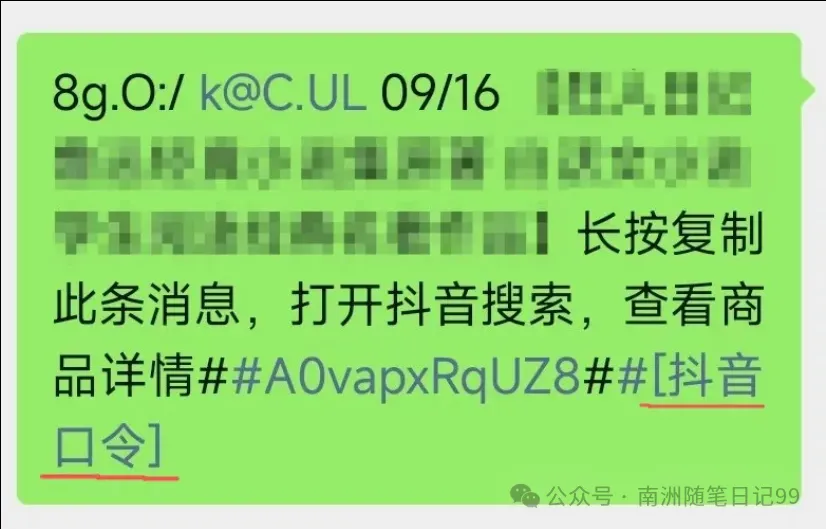
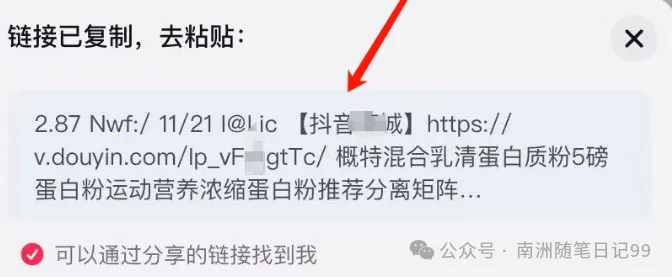
1) Product commands: These commands often contain the words “Douyin command”. When you click on them, they will directly jump to the detailed page of the product being sold in the Douyin mall.
For example, if you see a great item on Douyin and want to share it with a friend, this is when you would use a product command. This way, users can quickly find what they want to buy without searching.
For instance, if you see a great product on Douyin and want to share it with a friend, this is the scenario where a product command can be used.
Please open in the WeChat client
2) Video commands: These are mostly links that start with “http” and will remind you to “copy to open Douyin”. Once opened, you will see the short video.
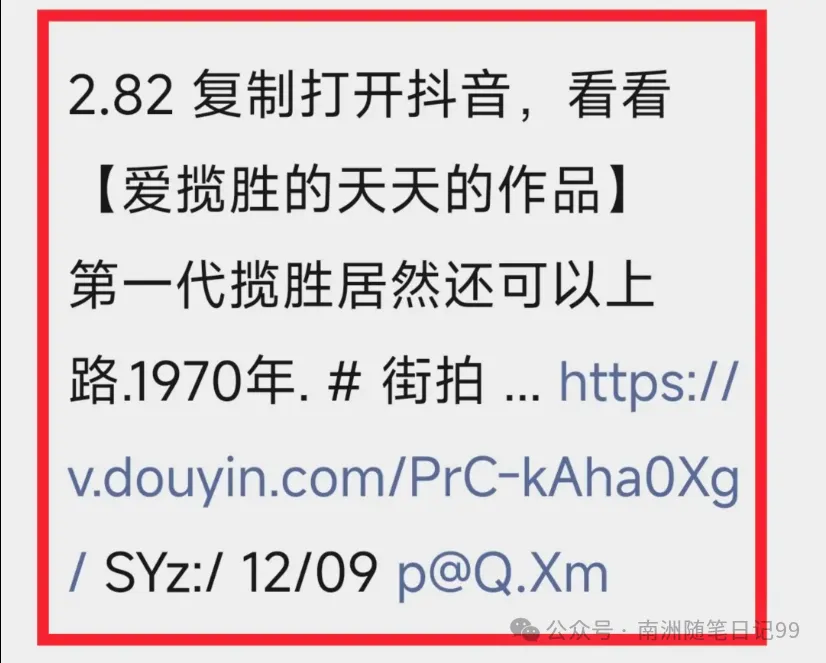
These two types of commands look slightly different from the outside, but the method of operation is quite similar.
Remember one thing, when copying, make sure to copy all the content without missing a single letter or adding an extra symbol.
2. Three ways to open Douyin commands
Method 1: Generally, if you see a blue link, just click on it directly.
Usually, the link you copied will contain a clickable blue URL. If it appears, just click on that blue URL.
When you click it in WeChat, your phone will ask if you want to jump to Douyin. Click “Open Now” to jump over (provided that you have already installed the Douyin app on your phone).
If you just want to watch this one video, you can also watch it directly in WeChat, but you won’t see more information about the video author.
Method 2: Copy the complete information and search in Douyin.
If clicking the blue link does not respond or cannot be opened, then directly copy the entire command’s complete information.
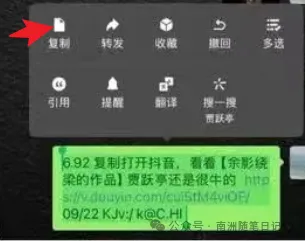
Then open Douyin, and it will usually jump to the video page by itself. If it doesn’t jump automatically, you can click the magnifying glass in the Douyin search box, paste the copied text, and then click search to directly find the content you want to watch.
Method 3: If the first two methods do not work, try opening it in a mobile browser.
If the previous two methods do not open, this method will definitely work. Just copy the complete text information and open it in your mobile browser.
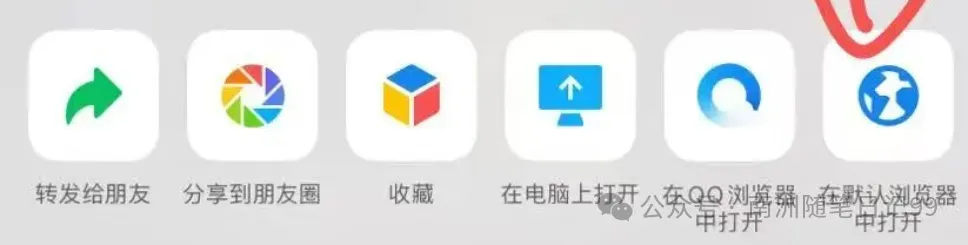
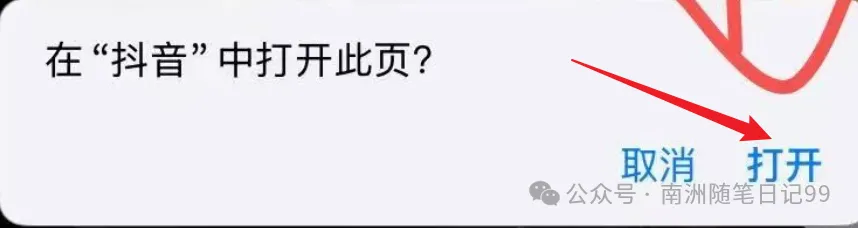
This way, you can watch Douyin videos directly in the browser. Of course, generally, after opening in the browser, it will also prompt you to jump, asking if you want to open this page in Douyin.
It is worth noting that if you are using an iPhone, copying to its built-in browser will allow for smoother redirection.
Using other non-default mobile browsers may result in unsuccessful redirection. This is due to the strict privacy protection mechanisms of the Apple system.
Please open in the WeChat client
3. Some tips for opening Douyin commands
If you have followed the methods above but still cannot open it, there may be a few reasons.
① Check how long the command is still valid. You need to check its validity period. Regular commands can be used within a day (24 hours).
If it is a command for receiving red envelopes or participating in activities, it may only be valid for 4 to 6 hours. If it expires, you will need to ask the sender for a new one.
② Check if your Douyin version is too old. Sometimes, the command cannot be opened not because of your operation, but because your Douyin app version is too old. Upgrading it to the latest version will solve the problem.
Douyin on Android should be updated to version 25.0.0 or higher, and on iPhone to version 25.1.0 or higher. Older versions may not recognize the new command format;
③ Mobile permissions are not enabled. Another situation is that the phone does not pop up the window to let you jump, which is usually because Douyin does not have permission to view the contents of your phone’s clipboard. (If this permission is not enabled, the Douyin app will not actively read what you have copied, and naturally, it will not pop up the prompt window)
As for how to enable this permission, the method varies for each phone model. You can directly search online for the permission settings for your phone model; it is not difficult to operate, so I won’t go into detail here.
It is important to remind you that if it is a command asking you to “receive a red envelope” or something similar, you must be very careful and not casually input your personal information, especially your ID card or bank card information, to avoid financial losses.
Or there are things that pretend to be Douyin commands, and if they ask you to fill in your ID card or bank account number, or require you to transfer some money to “activate” it, it is almost certainly a scam, and you should close it immediately. More seriously, some platforms can make it look very similar to Douyin, and if you are not careful, you can easily be deceived.
✅ Remember these points, and next time you encounter a Douyin command, you will be able to open it easily and smoothly!
Alright, that’s all for today’s sharing.