In mid-February, my QNAP NAS, which had been in service for nearly 10 years, suddenly became unresponsive, and after much effort, it was clear it could not be revived.
After some research, I decided to repurpose an old Dell workstation T7820 that my previous company had discarded into a home server.
The goal of this transformation is to ensure that all my important personal data does not rely on public cloud storage services like OneDrive or Dropbox.
I chose a familiar underlying system, installing Ubuntu 24.04.2 LTS Server version.
The storage consists of a 1TB SSD, two 8TB HDDs, and an 8TB desktop external hard drive.
jinhuaiyao@jinhuaiyao-t7820:~$ df -h |egrep 'home|media'/dev/nvme0n1p3 838G 103G 693G 13% /home/dev/sda1 7.3T 2.4T 4.6T 34% /media/jinhuaiyao/data2/dev/sdb1 7.3T 2.2T 4.7T 32% /media/jinhuaiyao/data1/dev/sdc1 7.3T 2.4T 4.6T 35% /media/jinhuaiyao/backupWhat I installed:
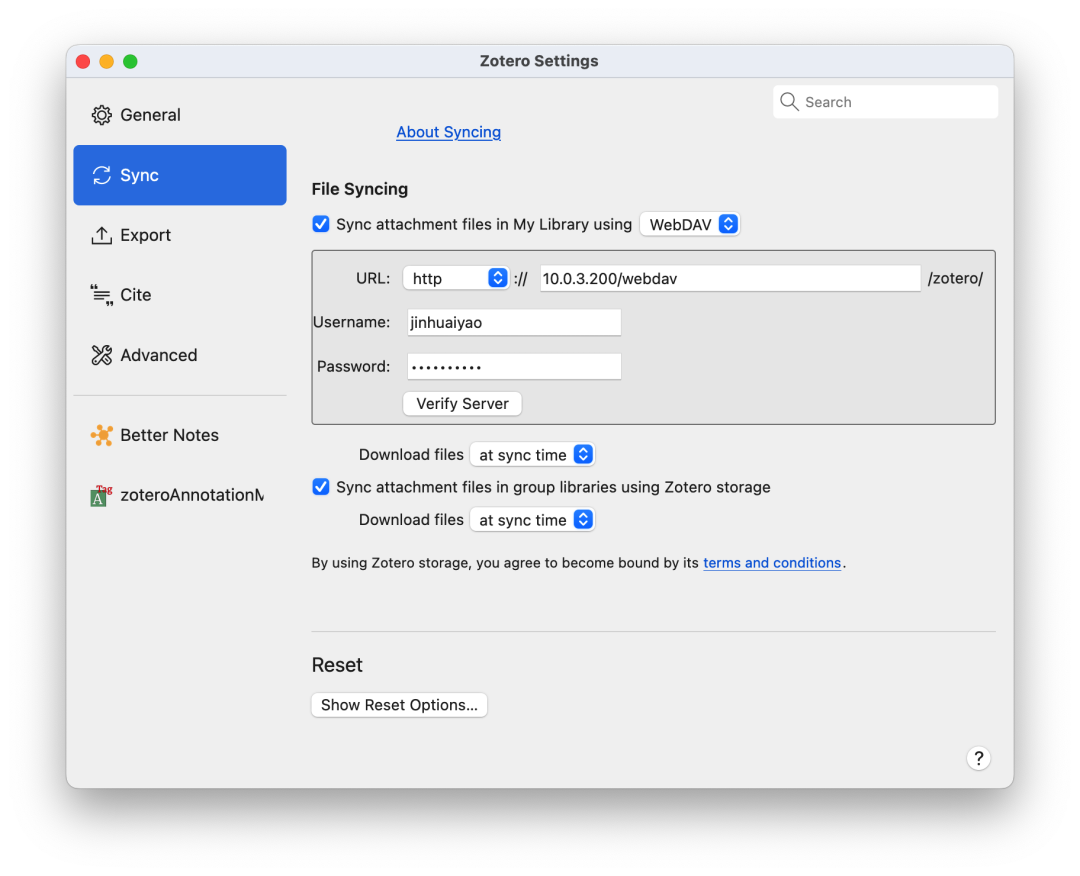
Nginx + WebDAV
Used for synchronization with DEVONthink and Zotero.
root@jinhuaiyao-t7820:/home/jinhuaiyao/webdav# lsdevonthink.dtCloud index.html zotero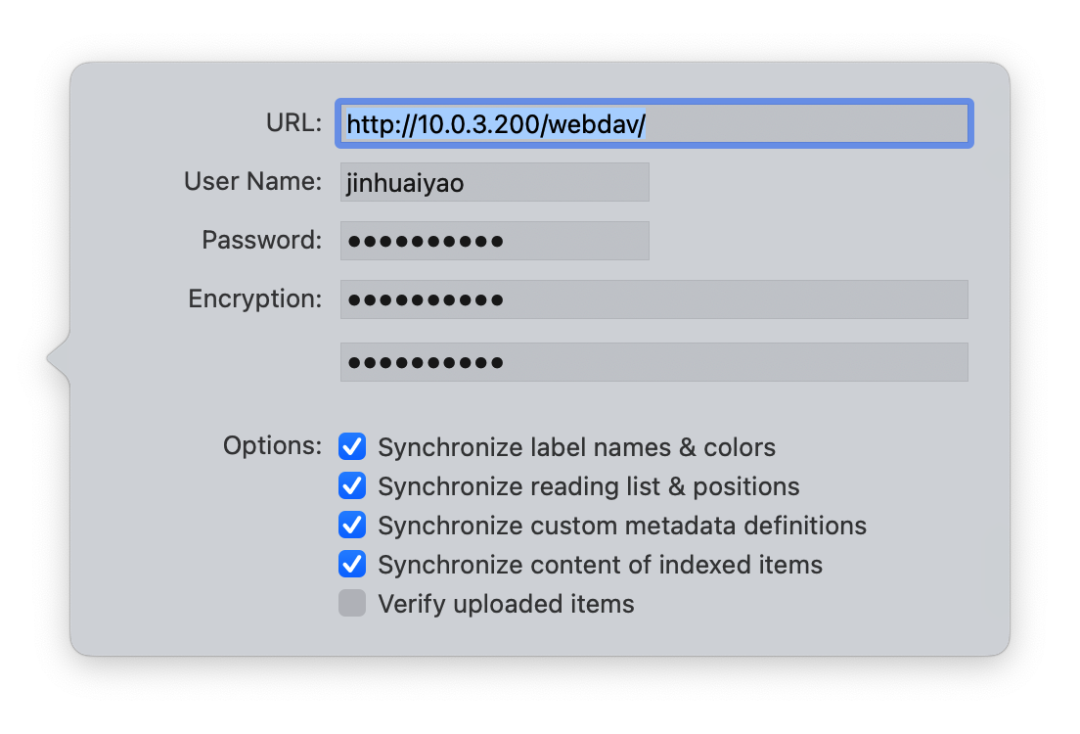
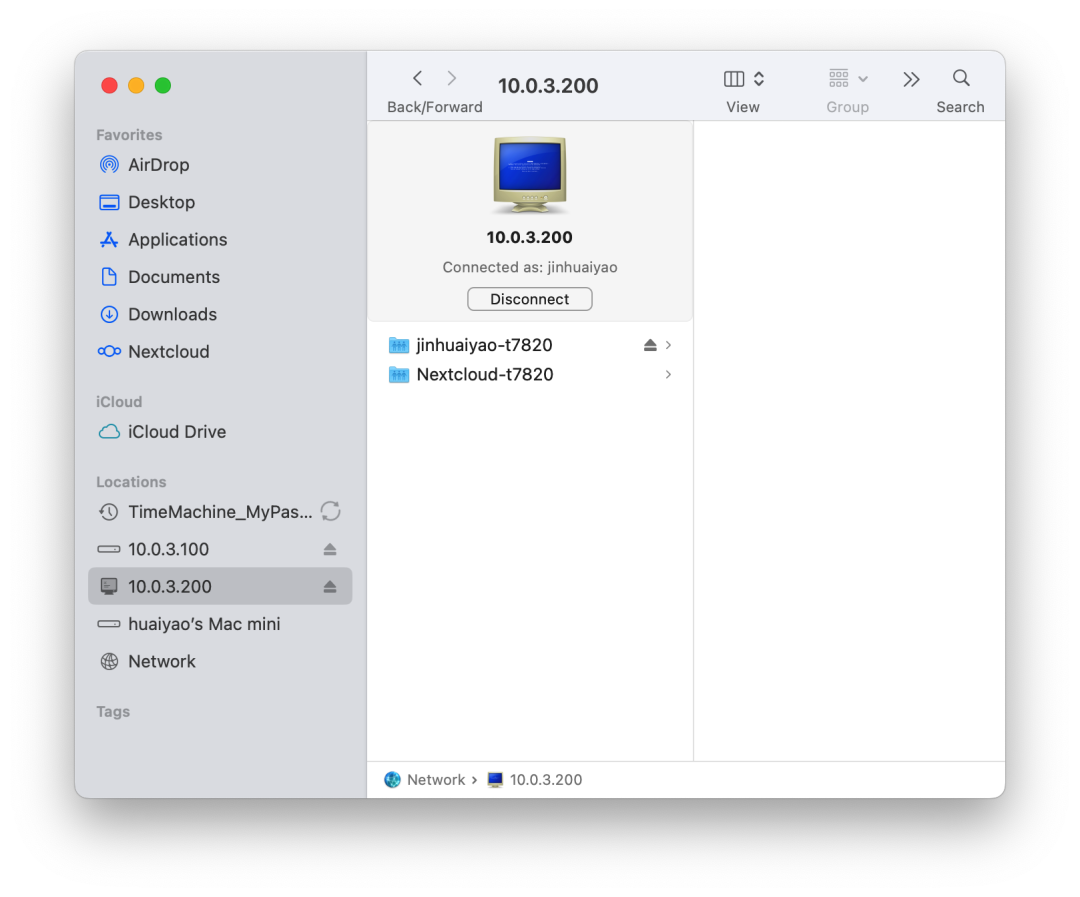
Samba
Used for local network device access to the server’s data.
Docker
Several services are installed within Docker.
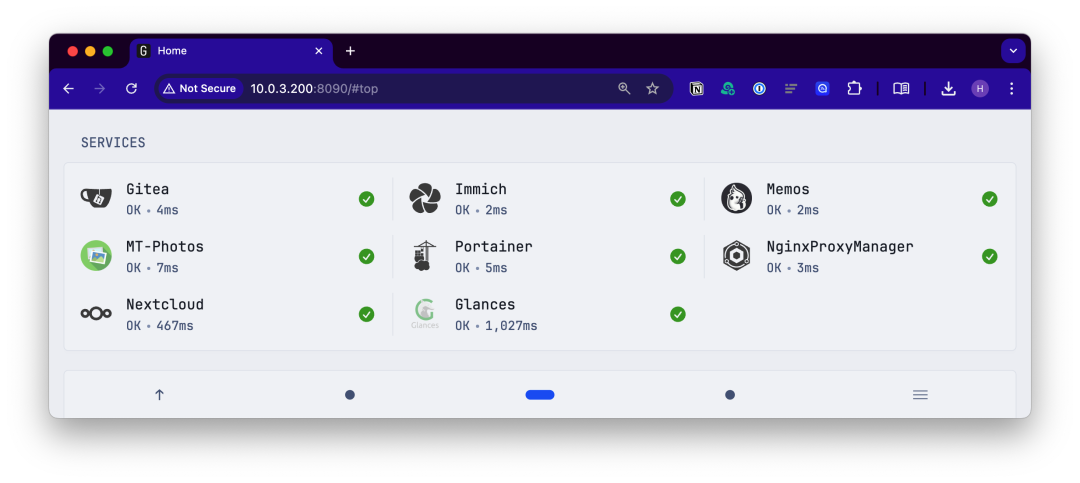
Glance
A self-hosted information dashboard; the interface shown is from Glance.
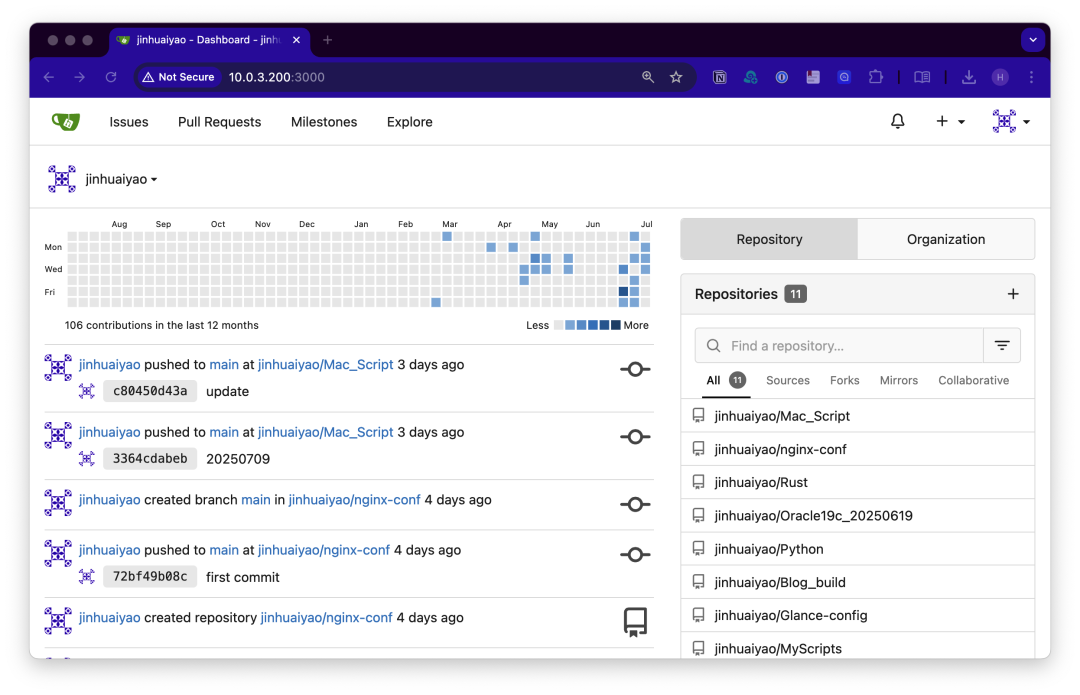
Gitea
A lightweight, open-source Git repository hosting platform used to manage my code and configuration files.
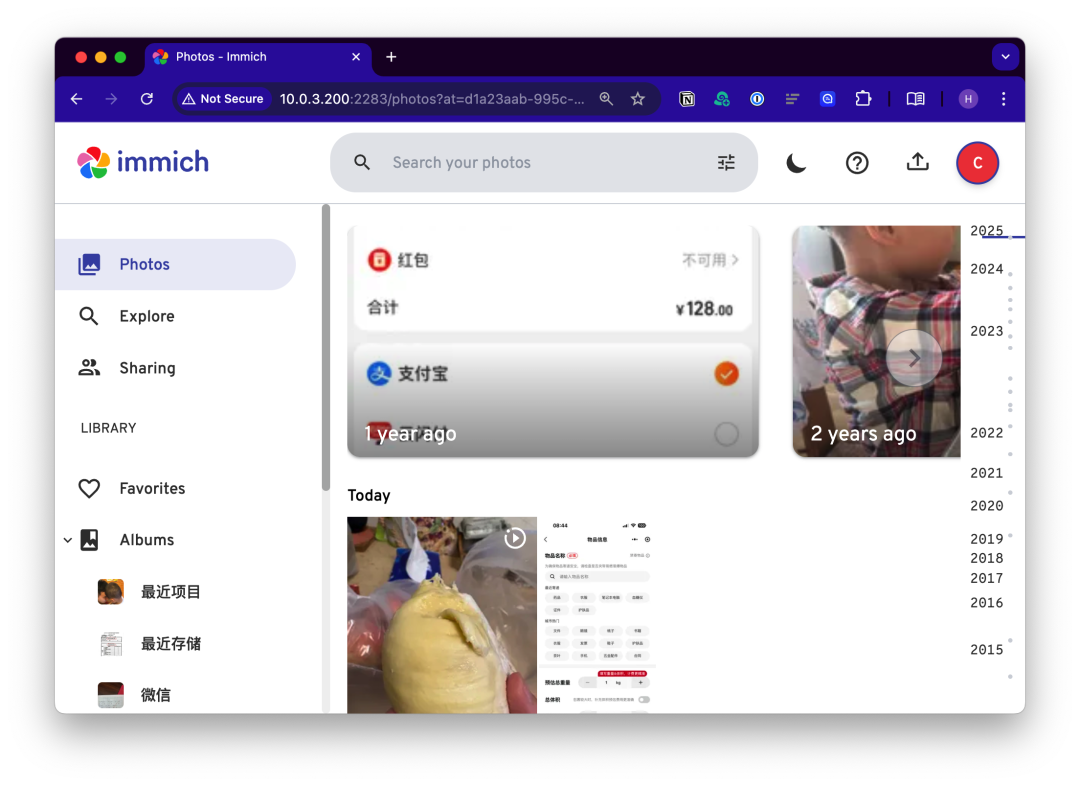
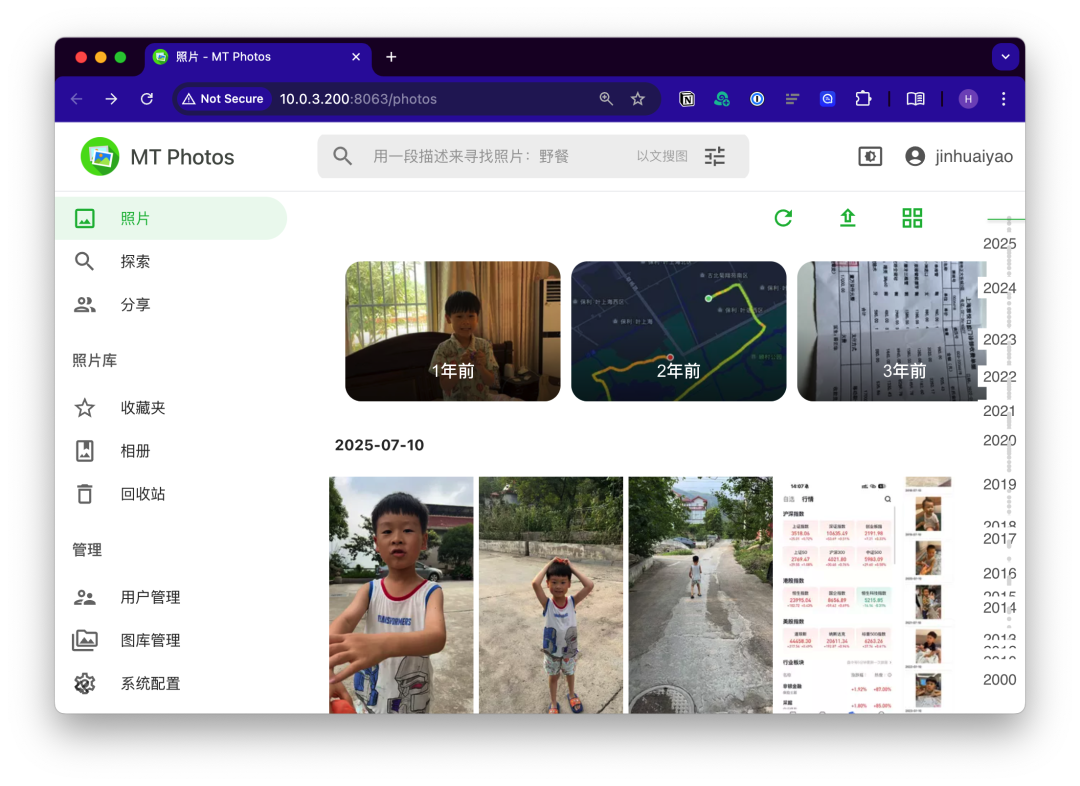
Immich + MT-Photos
An open-source self-hosted photo application for storing photos and videos of my family.
 MemosA lightweight, open-source, self-hosted “fragment record” application for temporarily storing information.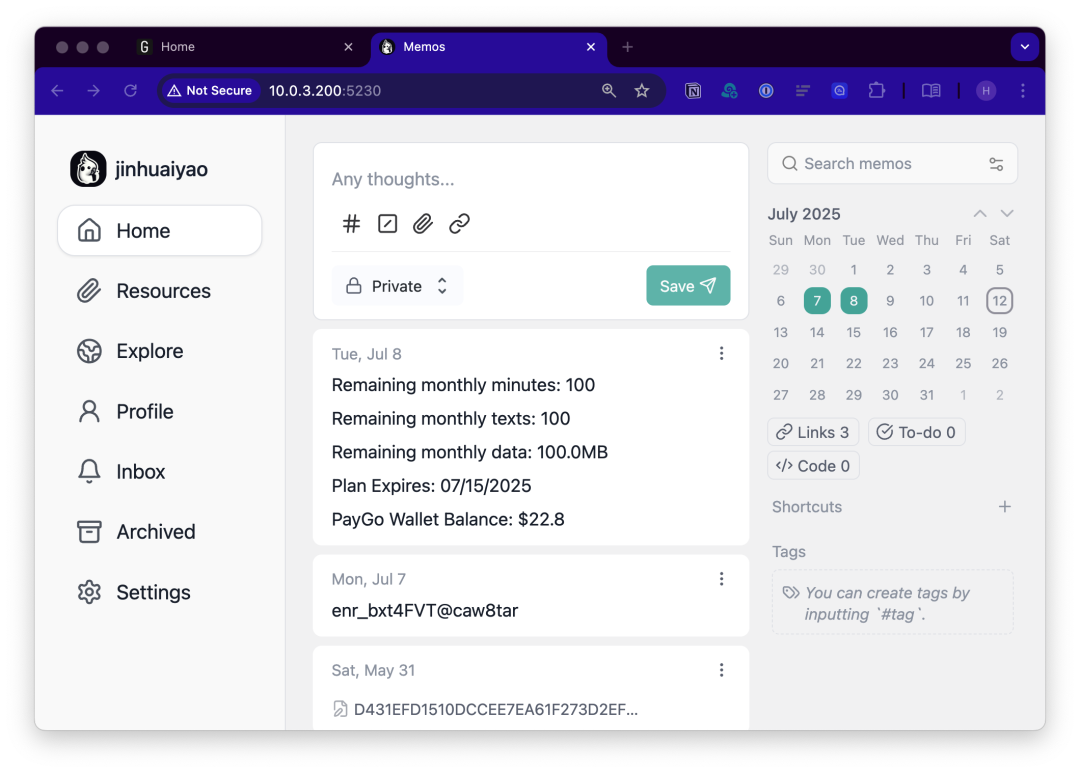
Portainer
An open-source graphical management panel for Docker.
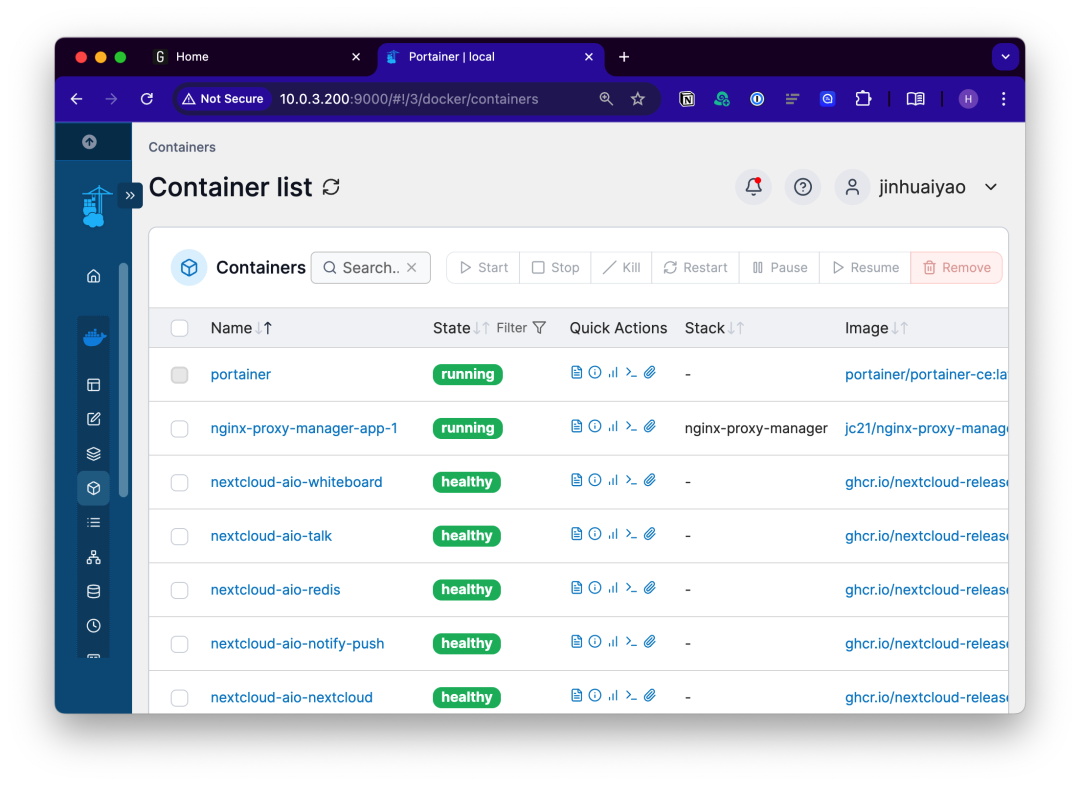
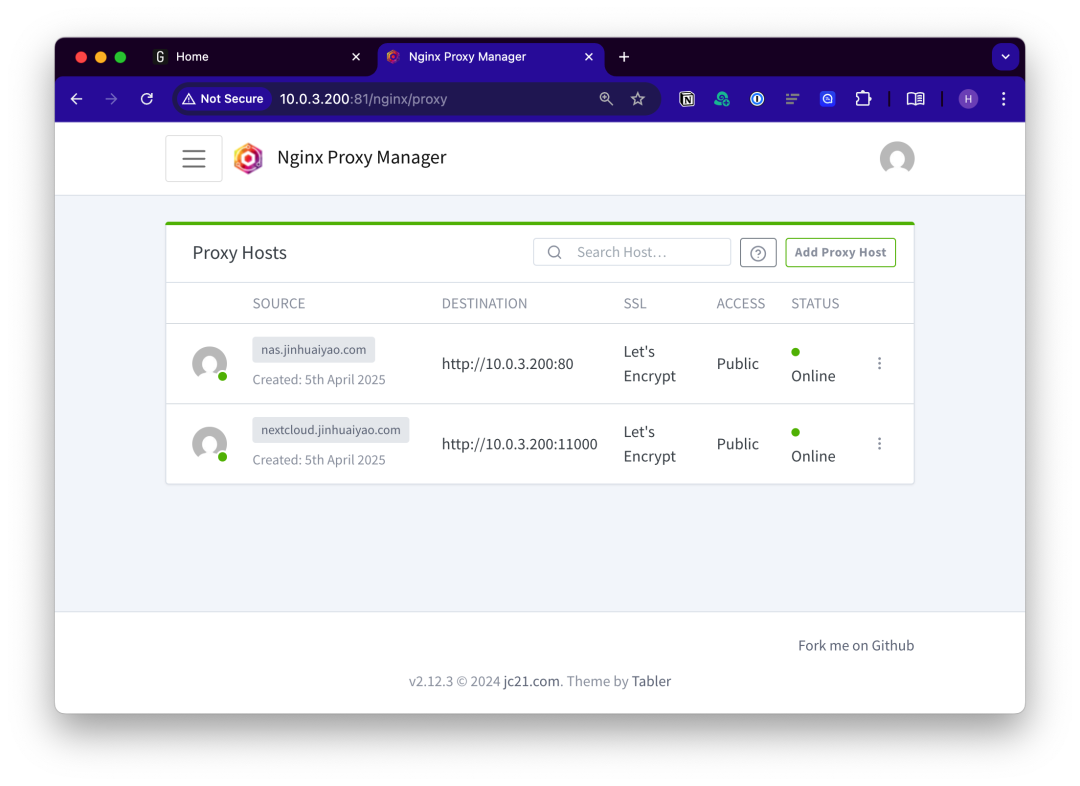
NginxProxyManager
A reverse proxy and HTTPS management tool. I use it to enable HTTPS for my internal network.
Nextcloud
An open-source, self-hosted private cloud storage platform that I use to replace OneDrive and Dropbox. I aim to store all personal data here as much as possible.
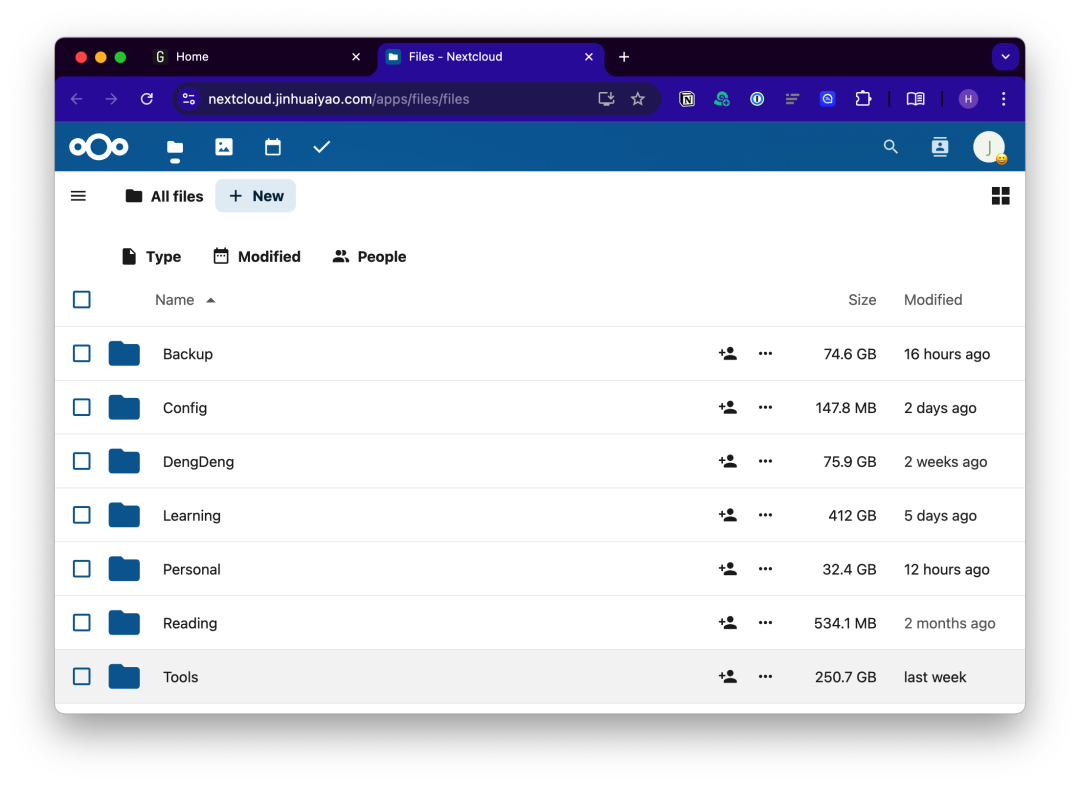
The data is stored on the disk at /media/jinhuaiyao/data1.
jinhuaiyao@jinhuaiyao-t7820:/media/jinhuaiyao/data1/nextcloud$ lsadmin appdata_ochyim22b4zf audit.log fts-index.done index.html nextcloud.logjinhuaiyao@jinhuaiyao-t7820:/media/jinhuaiyao/data1/nextcloud$ df -h .Filesystem Size Used Avail Use% Mounted on/dev/sdb1 7.3T 2.2T 4.7T 32% /media/jinhuaiyao/data1Glances
A system performance monitoring tool used to monitor the status of the Ubuntu server.
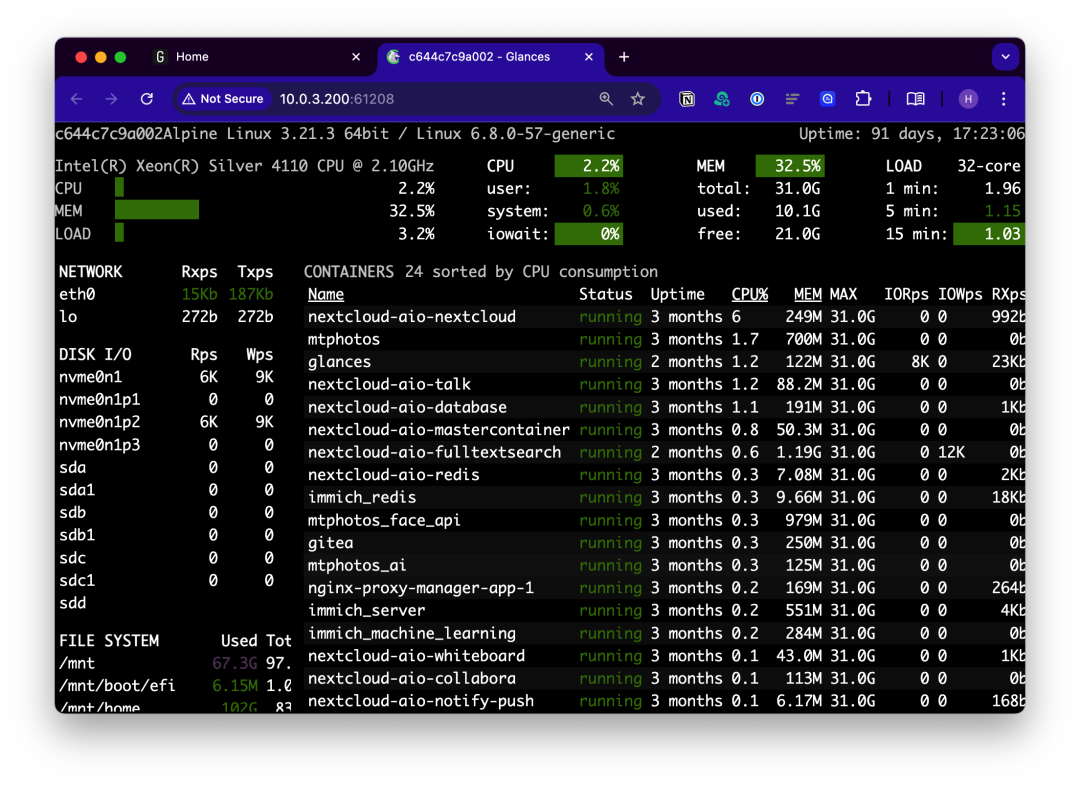
QEMU-KVM
Used to install two virtual machines: Ubuntu Desktop and Windows 10.
jinhuaiyao@jinhuaiyao-t7820:~$ virsh list --all Id Name State------------------------------ 1 nextcloud-vm running 23 win10 running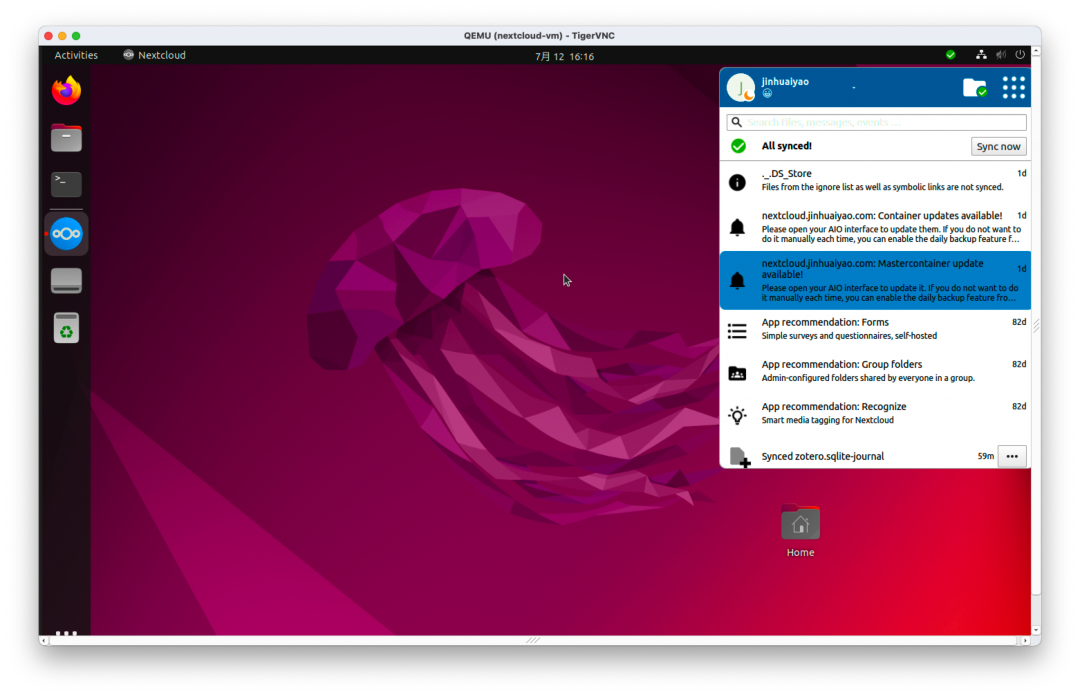
The Ubuntu Desktop has the Nextcloud client installed, with data synchronization stored on the disk at /media/jinhuaiyao/data2, serving as a backup.
jinhuaiyao@jinhuaiyao-t7820:/media/jinhuaiyao/data2/Nextcloud$ lsBackup Config DengDeng Learning Personal Reading Tools TV Videos Zotero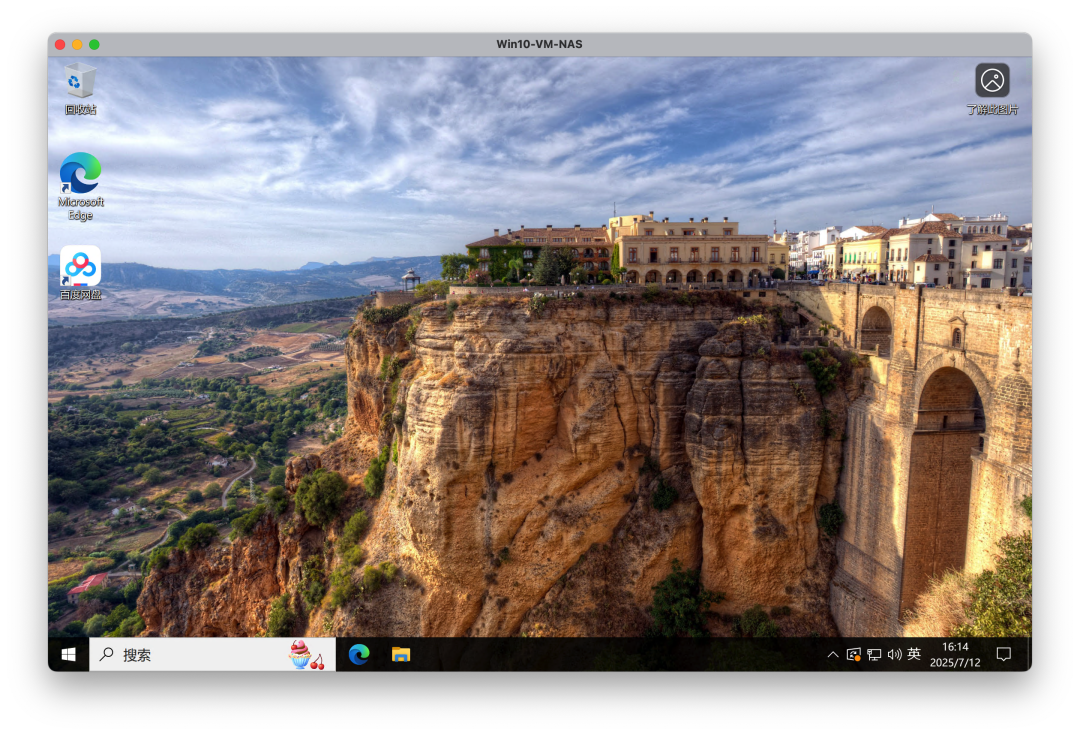
Windows 10 is generally used temporarily, accessed remotely using the “Windows App” on macOS.
Currently, these applications and services have basically covered my usage needs. I will write a separate article later to elaborate on data backup and internal network access.