Virtualization technology has become an indispensable core pillar of modern IT infrastructure. From the world’s top enterprise data centers to individual developer experimental environments, virtualization platforms play a crucial supporting role at the underlying level, greatly enhancing resource utilization efficiency, system flexibility, and management convenience by abstracting hardware resources.
This article organizes desktop virtualization software aimed at local development and testing, along with general enterprise-level virtualization platforms. It provides a clear and practical reference for selection, hoping to assist you.
1. Desktop Virtualization Software
Desktop virtualization allows multiple operating systems to run on a single physical machine, suitable for development, testing, learning, and other scenarios.
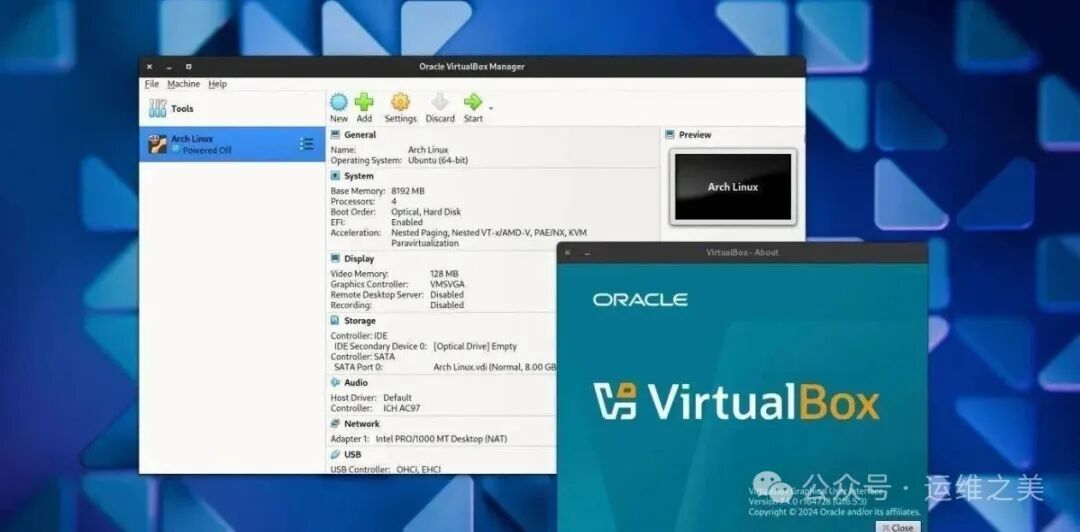
1️⃣ Oracle VirtualBox
- • Developer:Originally developed by Innotek, later acquired by Sun, now owned by Oracle
- • License:Open source and free (extension pack must be installed separately)
- • Architecture Support:x86, AMD64/Intel64
- • Features:
- • Supports various host systems including Windows/macOS/Linux;
- • Provides snapshot, seamless mode, USB 3.0 support;
- • Easy to operate, suitable for beginners.
- • Image Format:VDI
- • Applicable Scenarios:Personal learning, development testing, small experimental environments.
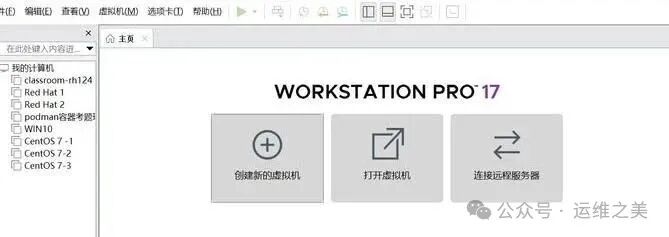
2️⃣ VMware Workstation Pro
- • Developer:VMware (Broadcom)
- • License:Free for commercial, educational, and personal use(effective from November 2024)
- • Architecture Support:x86-64
- • Features:
- • Industry benchmark, feature-rich and stable;
- • Supports a wide range of operating systems;
- • Powerful virtual networking and network simulation capabilities;
- • Supports high-performance 3D graphics (DirectX 10 and OpenGL 3.3);
- • Can connect with vSphere to manage remote virtual machines.
- • Image Format:VMDK
- • Applicable Scenarios:Developers, testing engineers, IT professionals requiring powerful features and stability.
3️⃣ Tongxin Desktop Local Virtualization Software (Rainbow)
- • Developer:Tongxin Software
- • License:Commercial software (30-day free trial)
- • Architecture Support:AMD64 (Xinchuang terminal)
- • Features:
- • Designed for Tongxin UOS, allowing direct execution of Windows applications without switching systems(such as Photoshop, Office);
- • Supports simple copy-paste data exchange between UOS and Windows environments;
- • Supports manual switching of USB devices.
- • Applicable Scenarios:Users who have deployed Tongxin UOS but need to run specific Windows applications.
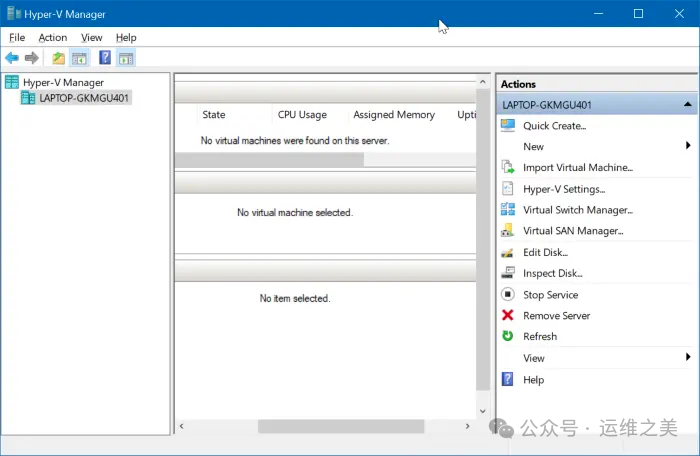
4️⃣ Microsoft Hyper-V
- • Developer:Microsoft
- • License:Free to use built into Windows 10/11 Pro, Education, Enterprise, and Server versions
- • Architecture Support:x86-64
- • Features:
- • Deeply integrated with Windows, supports secure boot, dynamic memory;
- • Good performance, supports GPU virtualization (only for Windows 11/Server 2022+);
- • Supports both Linux and Windows guests.
- • Image Format:VHD/VHDX
- • Applicable Scenarios:Windows users, hybrid cloud environments, local virtualization for small and medium enterprises.
2. Enterprise-Level Virtualization Platforms
Enterprise-level virtualization focuses more on performance, stability, security, high availability, and automated centralized management, used for data centers and critical business operations.
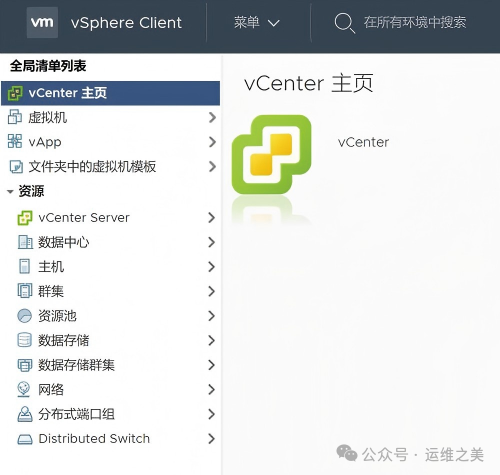
1️⃣ VMware vSphere (ESXi + vCenter)
- • Developer:VMware (Broadcom)
- • License:Commercial license (ESXi has a free version, but features are limited)
- • Architecture Support:x86-64
- • Features:
- • Bare-metal architecture, extremely high performance;
- • Supports basic image templates, snapshots, and also supports vMotion (live migration), HA (high availability), DRS (Distributed Resource Scheduler) and other advanced features;
- • Requires vCenter for cluster management.
- • Provides many third-party libraries and interfaces for automated management
- • Image Format:VMDK
- • Applicable Scenarios:Enterprise production environments, private clouds, critical business systems.
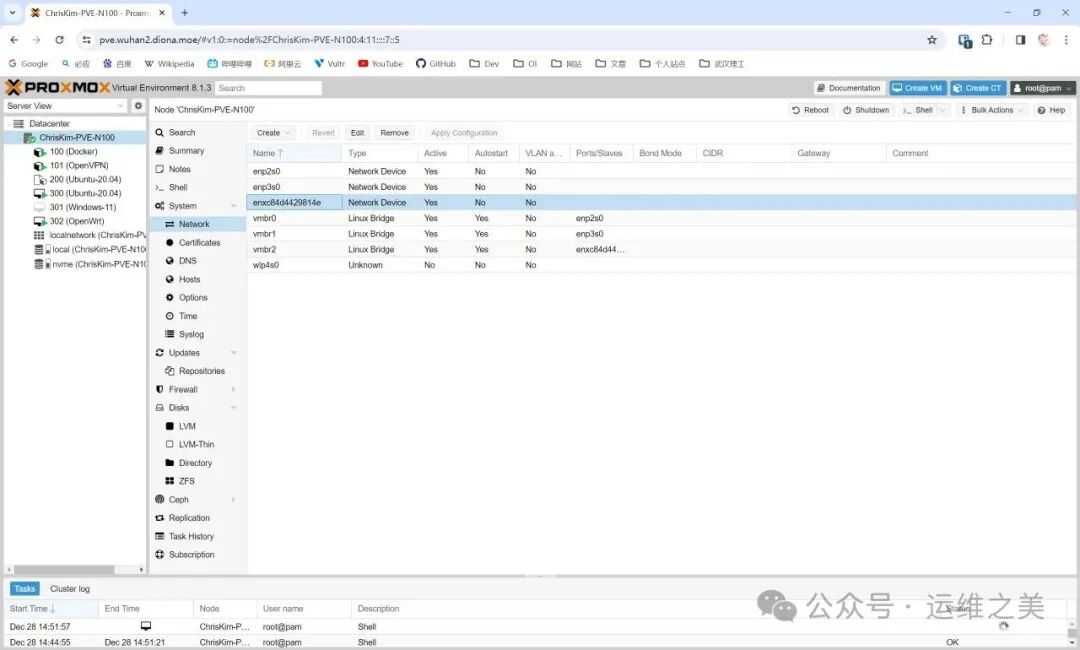
2️⃣ Proxmox VE (PVE)
- • Developer:Proxmox
- • License:Open source and free (enterprise subscription provides technical support)
- • Architecture Support:x86-64
- • Features:
- • Integrates KVM virtualization + LXC containers;
- • Provides a web management interface, supports clustering, backup, and multipath storage;
- • Active community, rich documentation.
- • New versions support automatic migration of virtual machines from ESXi hosts.
- • Image Format:QCOW2, VMDK, RAW
- • Applicable Scenarios:Virtualization for small and medium enterprises, development testing, homelab.
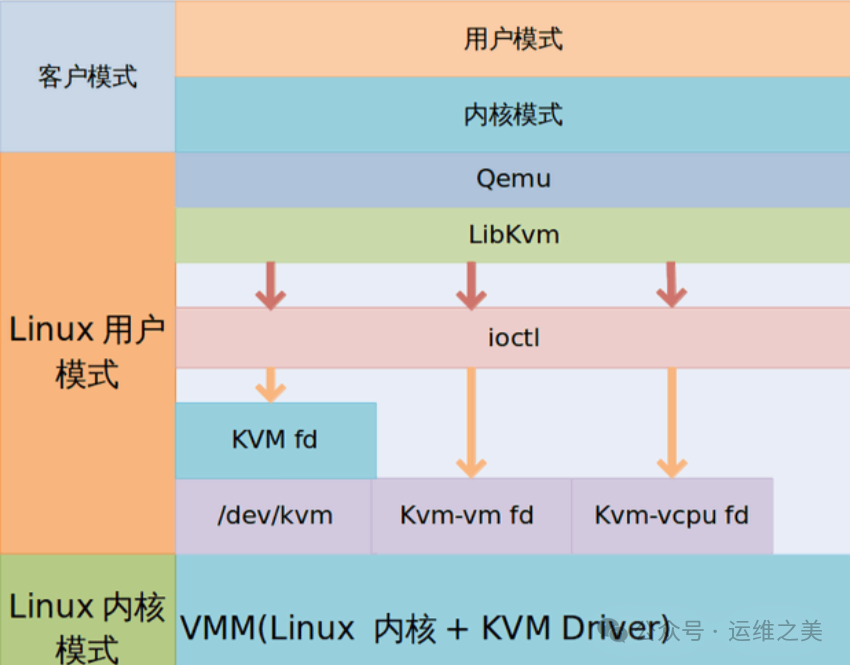
3️⃣ KVM (Kernel-based Virtual Machine)
- • Type:Linux kernel module
- • License:Open source and free (GPLv2)
- • Architecture Support:x86, ARM, PowerPC, s390, etc.
- • Features:
- • Near-native performance, supports hardware acceleration;
- • Commonly used with QEMU and libvirt;
- • Widely used in cloud platforms (such as OpenStack, AWS).
- • Image Format:QCOW2, RAW
- • Applicable Scenarios:Linux environments, cloud computing infrastructure, high-performance virtualization.
4️⃣ Huawei FusionCompute
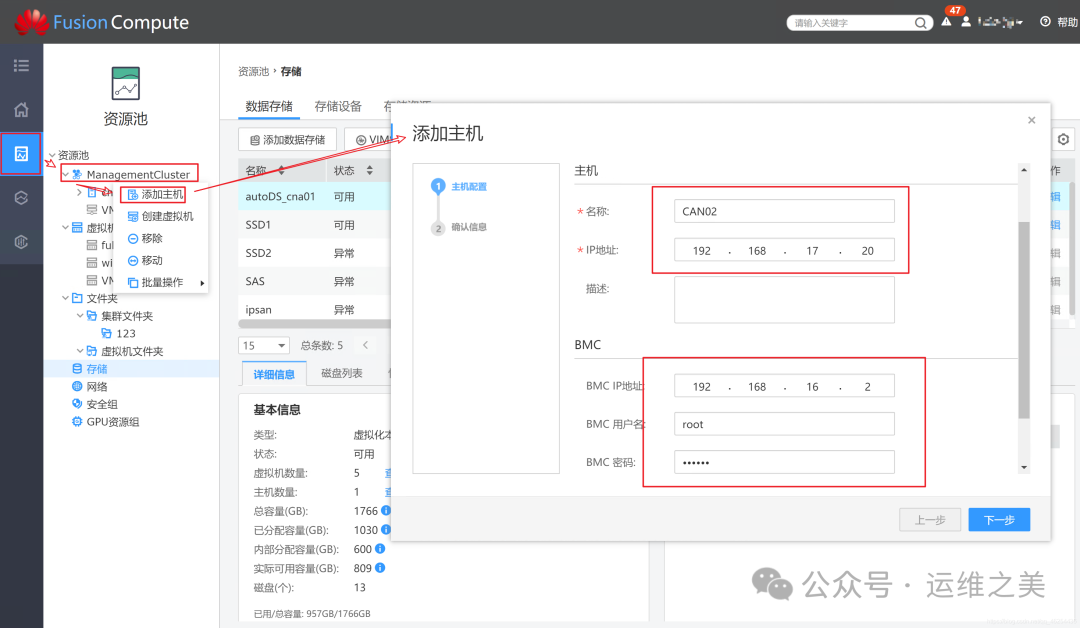
- • Developer:FusionSphere is Huawei’s self-owned cloud operating system, integrating virtualization platform and cloud management features, making cloud computing platform construction and usage simpler, specifically meeting the needs of enterprise and carrier customers for cloud computing.
- • License:Commercial license
- • Architecture Support:x86-64, ARM (Kunpeng)
- • Features:
- • Optimized for Huawei servers and storage;
- • Supports snapshots, high availability, live migration, resource scheduling;
- • Can be integrated with FusionCloud cloud solutions.
- • Image Format:VHD, QCOW2, RAW
- • Applicable Scenarios:Domestic demand scenarios for government and enterprise, finance, carriers, etc., well adapted to servers with architectures like ARM.
3. Cloud-Level Virtualization and Orchestration Platforms
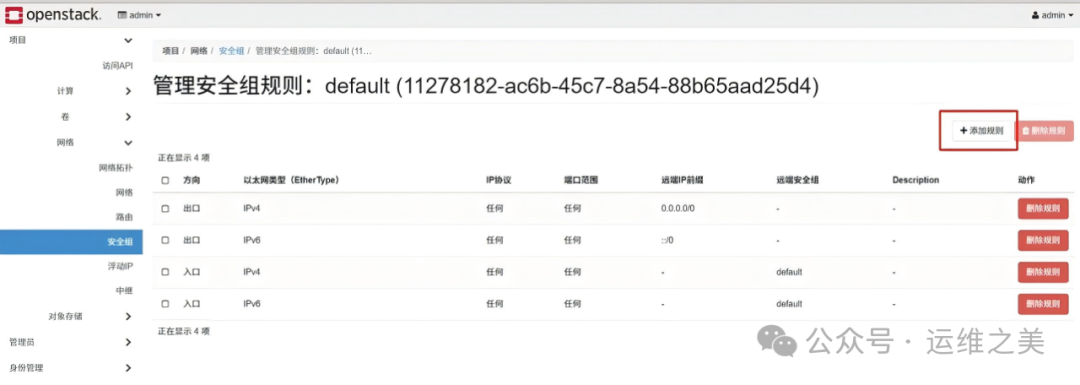
OpenStack
- • Type:IaaS cloud operating system
- • License:Open source and free (Apache 2.0)
- • Architecture Support:x86, ARM (some components)
- • Features:
- • Not virtualization software, but a resource orchestration system;
- • Compute virtualization is usually based on KVM, but can also integrate VMware/Hyper-V;
- • Modular design (Nova/Neutron/Cinder/Glance, etc.).
- • Applicable Scenarios:Large-scale public/private cloud, multi-tenant cloud platforms, many internal cloud platforms are developed based on OpenStack.
4. Key Factors in Virtualization Technology Selection
1. Licensing Model and Cost
- • Open Source and Free:VirtualBox, KVM, Proxmox VE, OpenStack. Suitable for teams with limited budgets and technical capabilities.
- • Free Version:VMware Workstation Pro (completely free), VMware ESXi (limited features). Suitable for beginners, testing, and small-scale deployments.
- • Commercial License:VMware vSphere, Microsoft Hyper-V (Windows Server version), Huawei FusionCompute. Provides full features, technical support, and service guarantees, suitable for enterprise production environments.
2. System Architecture Support
- • x86/x86-64:All mentioned virtualization platforms support this. It is the absolute mainstream choice.
- • ARM:KVM, QEMU, Huawei FusionCompute (Kunpeng), OpenStack (some components). Its importance is increasing, especially in domestic and mobile device scenarios.
- • Other Architectures (PowerPC, s390, etc.):QEMU (in emulator mode) is the main choice for specific fields.
3. Hardware-Assisted Virtualization
Almost all modern virtualization technologies (such as KVM, VMware ESXi, Hyper-V) rely on CPU hardware virtualization extensions (Intel VT-x/AMD-V) to enhance performance. Before deployment, please confirm that your hardware platform supports and has enabled these features.
Conclusion
- • Personal/Experimental:
- • General Scenarios:VirtualBox, VMware Workstation Pro (now free!)
- • Running Windows Applications on Tongxin UOS:Tongxin Rainbow
- • Small and Medium Enterprises/Department Level:Proxmox VE (high integration, free), VMware vSphere Essentials (commercial support), Hyper-V Server (free version)
- • Enterprise Production/High Availability:VMware vSphere, Microsoft Hyper-V (with Windows Server), Huawei FusionCompute (preferred for Xinchuang)
- • Building Private Clouds:Building large-scale cloud platforms,OpenStack is a mature choice
- • Cross-Architecture Development (ARM/PowerPC):QEMU, KVM.
-
Previous Recommendations
Essential Skills for Operations | Collection of Common ETCD Operation Techniques
Practical Network Performance Improvement: Single Queue vs Multi-Queue Performance Testing Comparison