When writing C++ projects with Qt, many people’s first reaction is to directly use Qt Creator to create a <span>.pro</span> project, compile, and run, which goes smoothly. However, once the project needs to interface with an existing CMake build system or needs to be built in a cross-platform CI environment, the <span>.pro</span> file becomes inflexible, making the switch to CMake a necessary choice.
The first hurdle in migrating a Qt project to CMake is the automatic generation steps for MOC / UIC / RCC. If the configuration is incorrect, you may encounter strange issues such as signal-slot failures, UI files not compiling, and missing resource files. Below, I will summarize my approach to integrating Qt with CMake and discuss the principles behind these mechanisms.
📚 The C++ Knowledge Base is now live on ima! The current content covered by the knowledge base is shown in the image below:👇👇👇
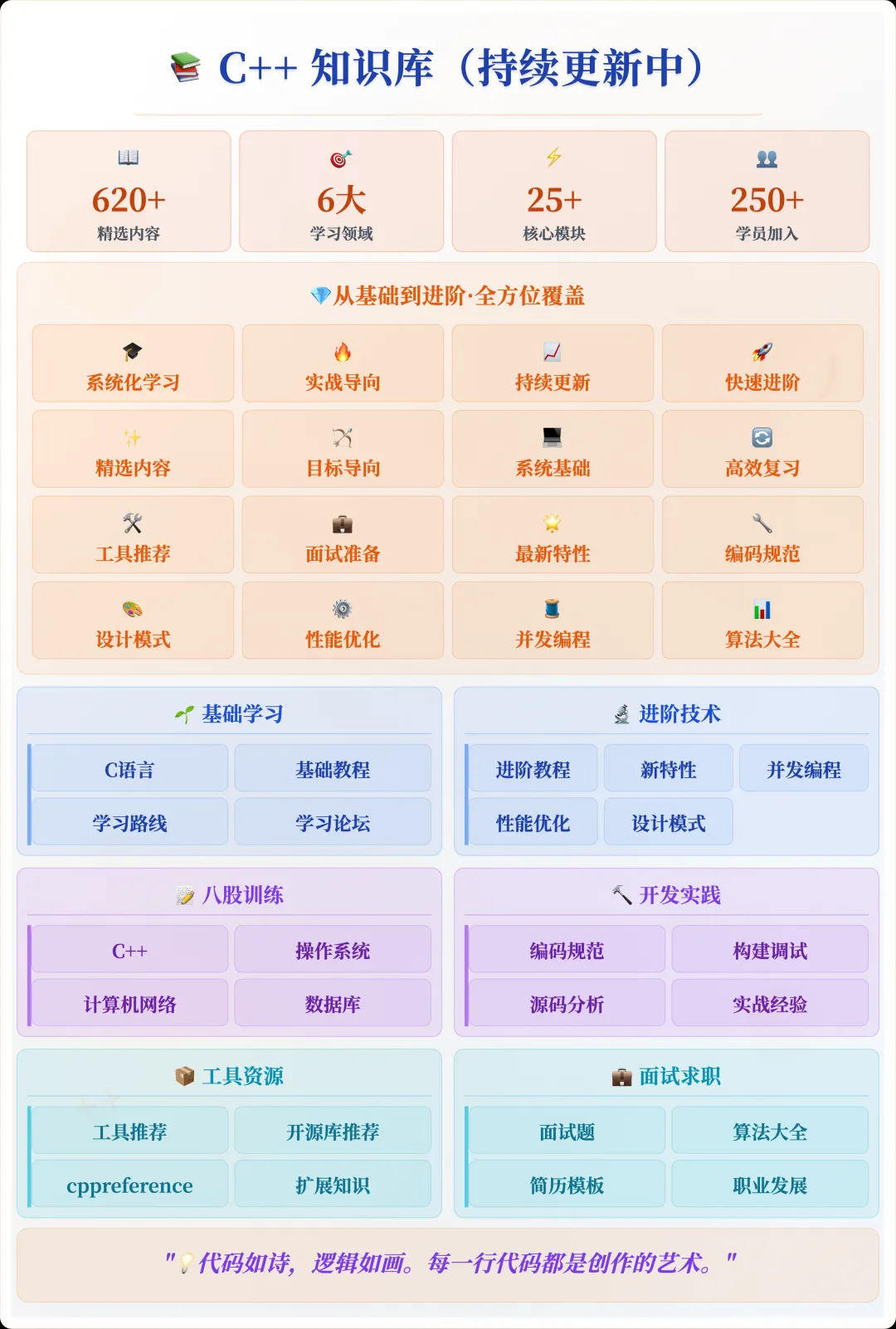
📌 Students interested in the knowledge base can add the assistant vx (cppmiao24) with the note 【Knowledge Base】 or click 👉 C++ Knowledge Base (tap to jump) to view the complete introduction to the knowledge base~
1. The Roles of the Three Tools
When building a Qt project with CMake, these three tasks must be handled properly:
| Tool | Function | Input | Output |
|---|---|---|---|
| MOC (Meta-Object Compiler) | Processes the <span>Q_OBJECT</span> macro and generates meta-object code |
<span>.h</span> |
<span>moc_xxx.cpp</span> |
| UIC (User Interface Compiler) | Converts <span>.ui</span> XML to C++ code |
<span>.ui</span> |
<span>ui_xxx.h</span> |
| RCC (Resource Compiler) | Packs <span>.qrc</span> resource files into C++ source code |
<span>.qrc</span> |
<span>qrc_xxx.cpp</span> |
In a <span>.pro</span> project, these steps are handled by Qt itself; in CMake, you need to explicitly tell it to execute these steps and include the generated files in the build link.
2. Letting CMake Handle MOC / UIC / RCC Automatically
The good news is that starting from CMake 3.10, all three tasks can be automatically completed using built-in switches. The core configuration is as follows:
cmake_minimum_required(VERSION 3.10)
project(MyQtApp LANGUAGES CXX)

find_package(Qt6 REQUIRED COMPONENTS Widgets)

# Key: Enable automatic generation
set(CMAKE_AUTOMOC ON)   # Automatically run MOC
set(CMAKE_AUTOUIC ON)   # Automatically run UIC
set(CMAKE_AUTORCC ON)   # Automatically run RCC

add_executable(MyQtApp
    main.cpp
    mainwindow.cpp
    mainwindow.h
    mainwindow.ui      # Triggers UIC
    resources.qrc      # Triggers RCC
)

target_link_libraries(MyQtApp PRIVATE Qt6::Widgets)
These <span>ON</span> switches tell CMake:
- To scan
<span>.h</span>,<span>.cpp</span>,<span>.ui</span>, and<span>.qrc</span>files before compilation - If it finds a
<span>Q_OBJECT</span>macro, it automatically calls<span>moc</span> - If there are
<span>.ui</span>files, it uses<span>uic</span>to convert them to<span>.h</span> - If there are
<span>.qrc</span>files, it uses<span>rcc</span>to convert them to<span>.cpp</span>
This essentially allows for “just add files to compile” without the need to manually manage generated files.
3. The Storage Path for Automatically Generated Files
By default, CMake will place <span>moc_*.cpp</span>, <span>ui_*.h</span>, and <span>qrc_*.cpp</span> in the build directory. If you don’t see these files in your IDE (like CLion), don’t be surprised; they are in the build directory, not the source directory.
If you want to see the generated code during debugging, you can directly look in the <span>build/</span> directory, for example:
build/CMakeFiles/MyQtApp_autogen
Sometimes I add:
set(CMAKE_INCLUDE_CURRENT_DIR ON)
This allows both the current directory and the automatically generated directory to be included in the include path, eliminating the need for manual <span>include_directories</span>.
4. Manually Specifying MOC/UIC/RCC (Special Cases)
Although the automatic mode is convenient, there are cases where you need to add them manually, such as:
- A header file is not in the project directory and cannot be scanned automatically
- The generated
<span>ui_*.h</span>needs to be placed in a specific path
In this case, you can use:
qt6_wrap_cpp(MOC_SOURCES myclass.h)
qt6_wrap_ui(UI_SOURCES mainwindow.ui)
qt6_add_resources(RCC_SOURCES resources.qrc)

add_executable(MyQtApp
    main.cpp
    ${MOC_SOURCES}
    ${UI_SOURCES}
    ${RCC_SOURCES}
)
However, in manual mode, you have to manage the generated files yourself, which is less convenient than automatic mode.
5. Differences Between Qt5 and Qt6
<span>find_package(Qt6 ...)</span>replaces<span>find_package(Qt5 ...)</span>- Qt6 recommends using
<span>qt_add_executable()</span>and<span>qt_add_resources()</span> - The automatic MOC/UIC/RCC mechanisms for Qt5/6 are basically the same, with differences mainly in the API prefix
If you are still using a Qt5 project, you can replace <span>Qt6::Widgets</span> with <span>Qt5::Widgets</span>, keeping everything else unchanged.
6. Common Pitfalls
- Forgetting to enable automatic switches Forgetting to set
<span>set(CMAKE_AUTOMOC ON)</span>will lead to signal-slot failures, and during compilation, you may encounter “undefined reference to vtable” errors. - .ui files not added to target
<span>.ui</span>must appear in the source file list of<span>add_executable()</span>or<span>add_library()</span>, otherwise UIC will not be triggered. - .qrc not in the build link
<span>.qrc</span>also needs to be explicitly added. - Mixing Qt versions
<span>find_package(Qt5)</span>paths found mixed with<span>Qt6::Widgets</span>will cause compilation to fail.
7. Conclusion
If you are integrating a Qt project with CMake and want to avoid pitfalls, it is recommended to directly enable:
set(CMAKE_AUTOMOC ON)
set(CMAKE_AUTOUIC ON)
set(CMAKE_AUTORCC ON)
Then, simply place the <span>.ui</span> and <span>.qrc</span> files directly in the target’s source file list, allowing CMake to automatically call the corresponding tools. This results in a clear build link, high portability, and easy integration with CI systems and cross-platform builds.
My personal experience is that once a project is switched to CMake, it is best to maintain the principle of letting CMake take over all generation steps, avoiding mixing in <span>.pro</span> files or external scripts. This will make future maintenance and migration much easier.
Recommended Reading:
C++ Direct Access to Major Companies (For those interested in the training camp, you can read this article to learn about the details of the training camp, or add the assistant vx: cppmiao24 to quickly learn about the training camp related information)
Comparison and Implementation of Three Cross-Platform C++ GUI Frameworks: Qt, Dear ImGui, Elements
Processes vs Threads: Why Misunderstanding This Can Ruin Your Concurrent Programming?