Code::Blocks is a compiler for C language programs, integrating a development environment and IDE features, and it is free. Code::Blocks supports operating systems such as Windows, Linux, and macOS. However, after testing, it cannot successfully launch on macOS.
https://www.codeblocks.org
https://www.codeblocks.org/downloads/
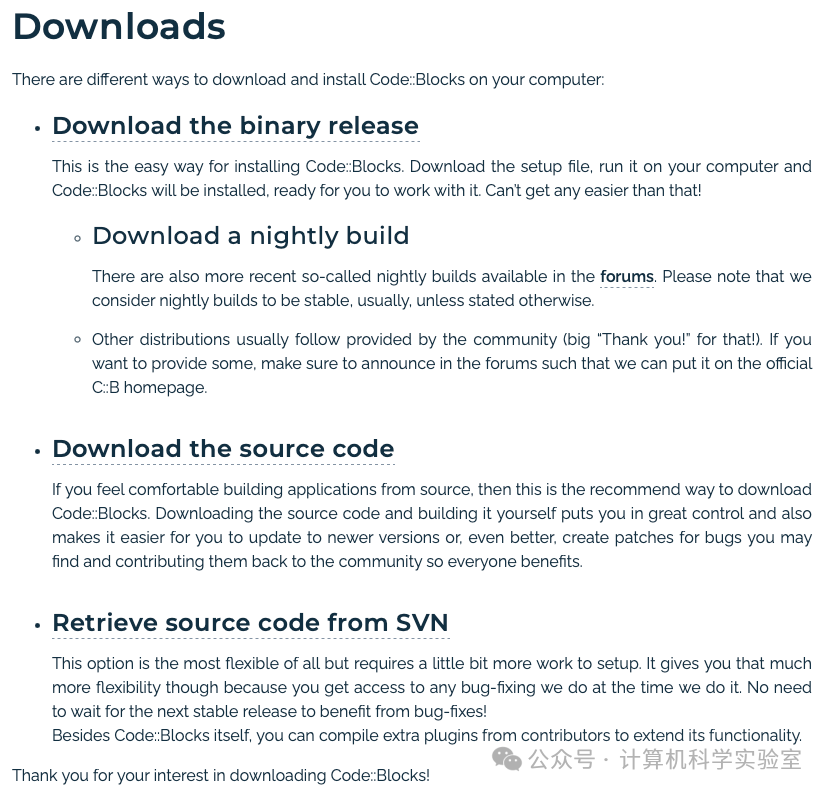
There are two versions available: one is the binary version, and the other is the source code version. For ease of installation, simply download the binary version.
Choose different installation packages based on your computer’s operating system.
Windows Version
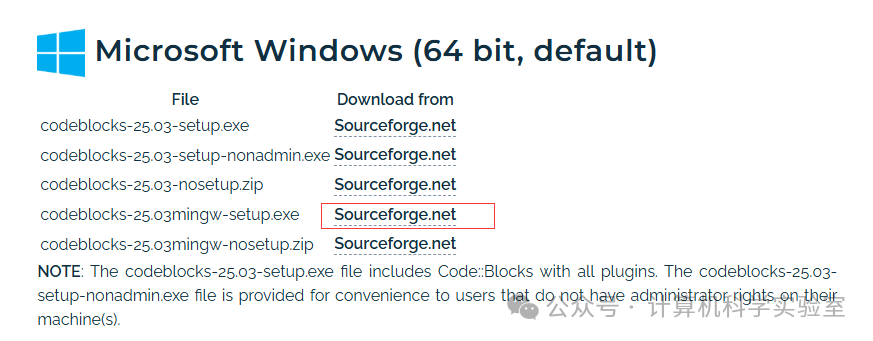
There are many versions available; if you choose the first version, it will only install an IDE editor without the C language compiler, which is small in size and requires manual configuration of the C language compiler. For convenience, directly install the MinGW version, which includes the basic C language compiler and is larger in size.
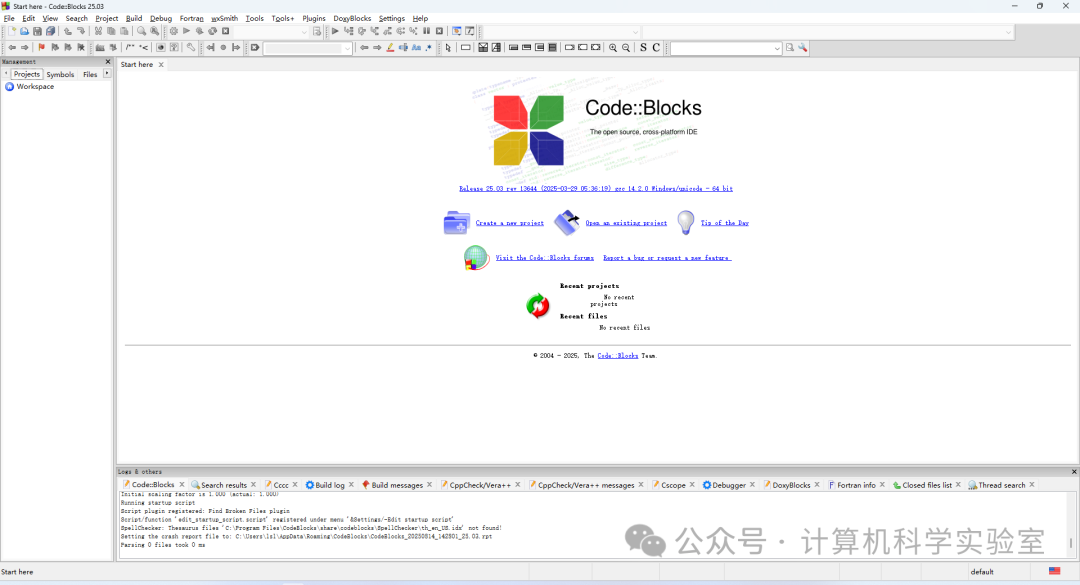
After downloading, simply install it, and upon completion, it will look like the image below.
MacOS Version
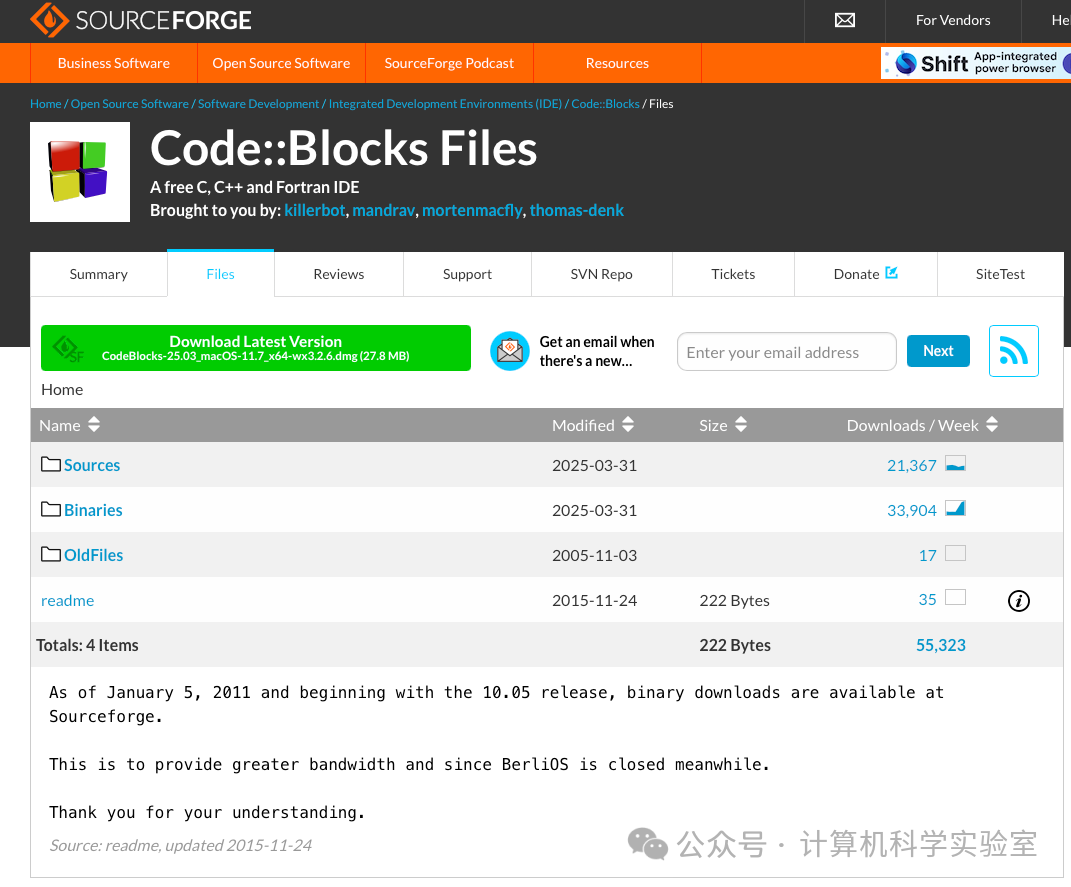
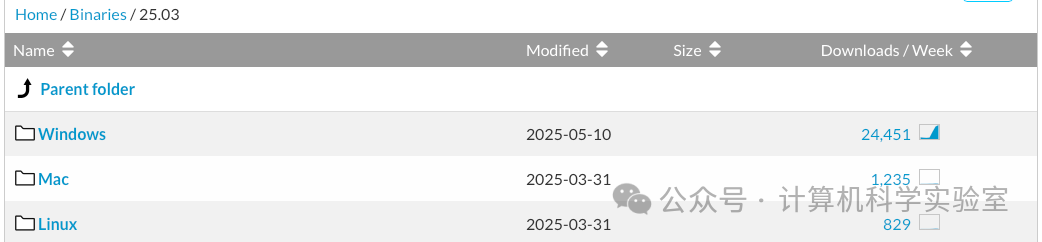
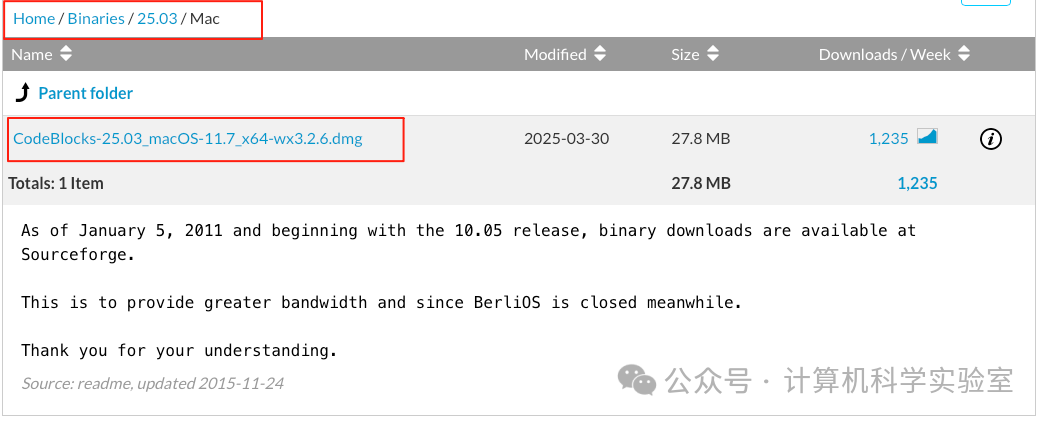
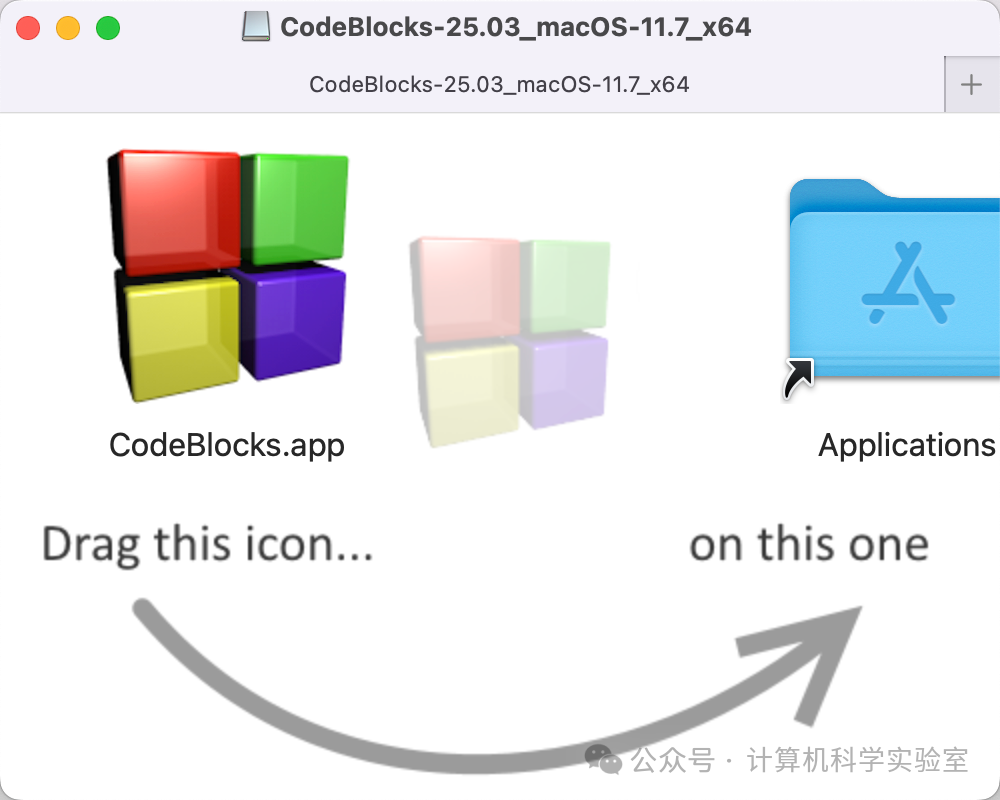
After downloading, right-click to select “Open”, then drag it into the Applications folder on the right, launch the software, and go to system settings to select “Open Anyway”.

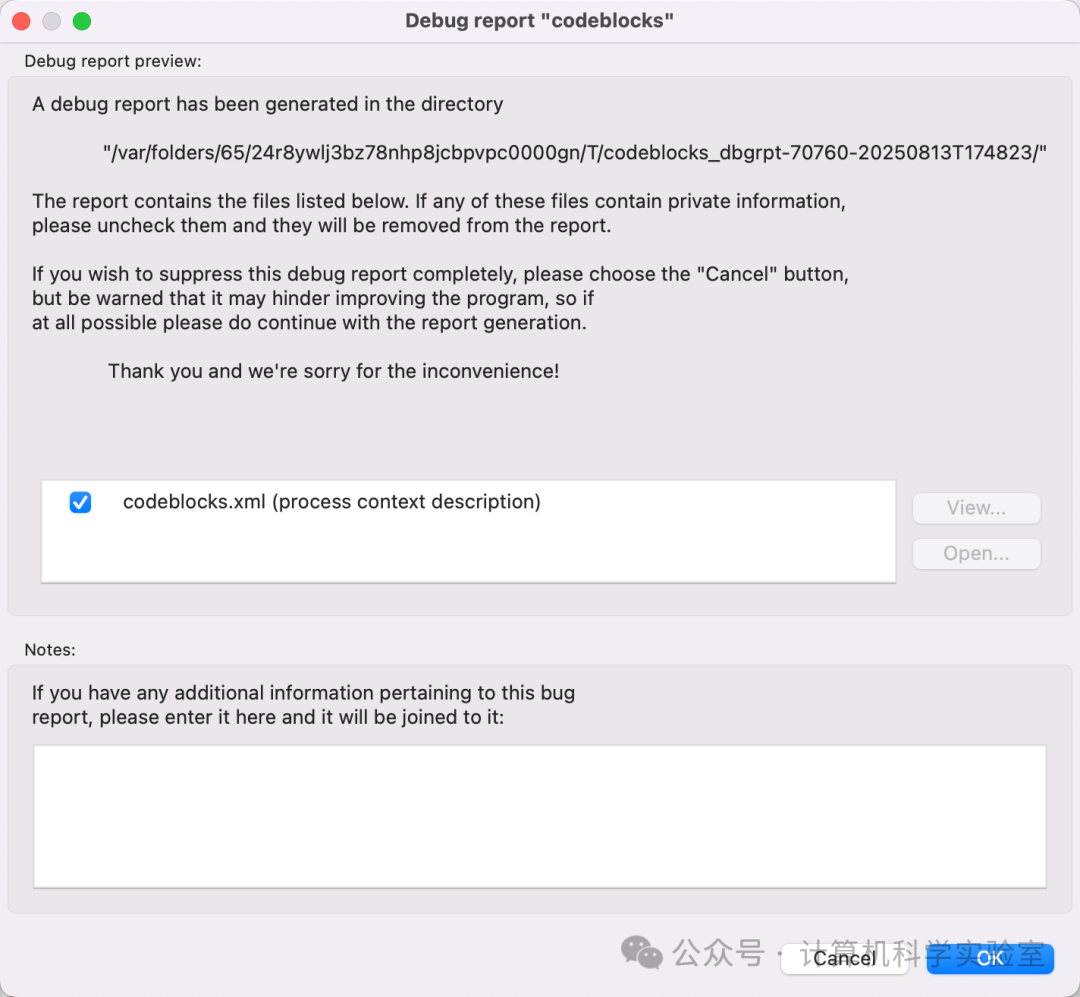
Select the C language compiler; the default compiler chosen here is GCC.
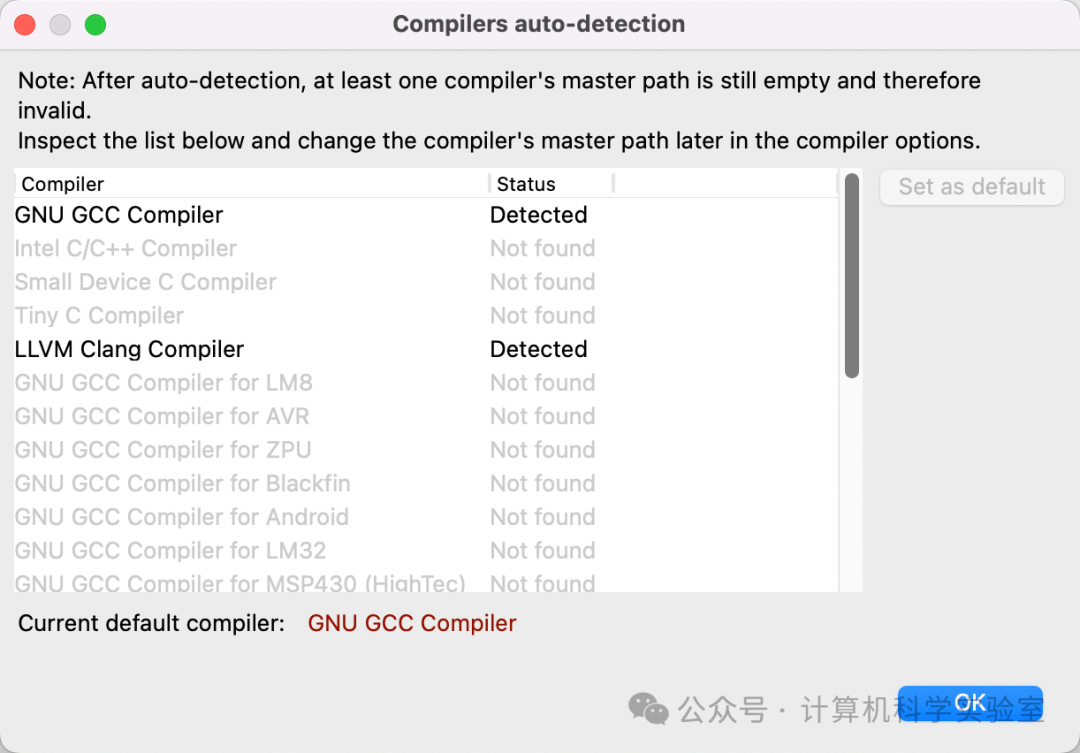
After multiple attempts, version 25.03 failed to install, and version 17.12 could not be opened after installation. The compatibility on M1 is not good, and it is unclear whether this is related to individual PCs.
The reason for this issue is likely that the C language compiler was not recognized, or even if the compiler was recognized, it still could not be opened. An integrated environment is not provided for the macOS system; only the editor is available.