In cross-platform development, developers are often hindered by build scripts: Linux uses <span>Makefile</span>, Windows requires Visual Studio solutions, and macOS needs to accommodate Xcode. If the project team includes both Windows developers and those accustomed to Linux, the environmental differences can be quite troublesome.
The value of CMake lies in its ability to generate project configurations for different platforms using a single script. By writing a <span>CMakeLists.txt</span>, you can generate a <span>.sln</span> file for Windows, a <span>Makefile</span> for Linux, and an <span>Xcode Project</span> for macOS. This article combines some commonly used techniques to demonstrate how to truly achieve “one script to rule them all”.
📚 The C++ Knowledge Base has launched on ima! The current content covered by the knowledge base is shown in the image below👇👇👇
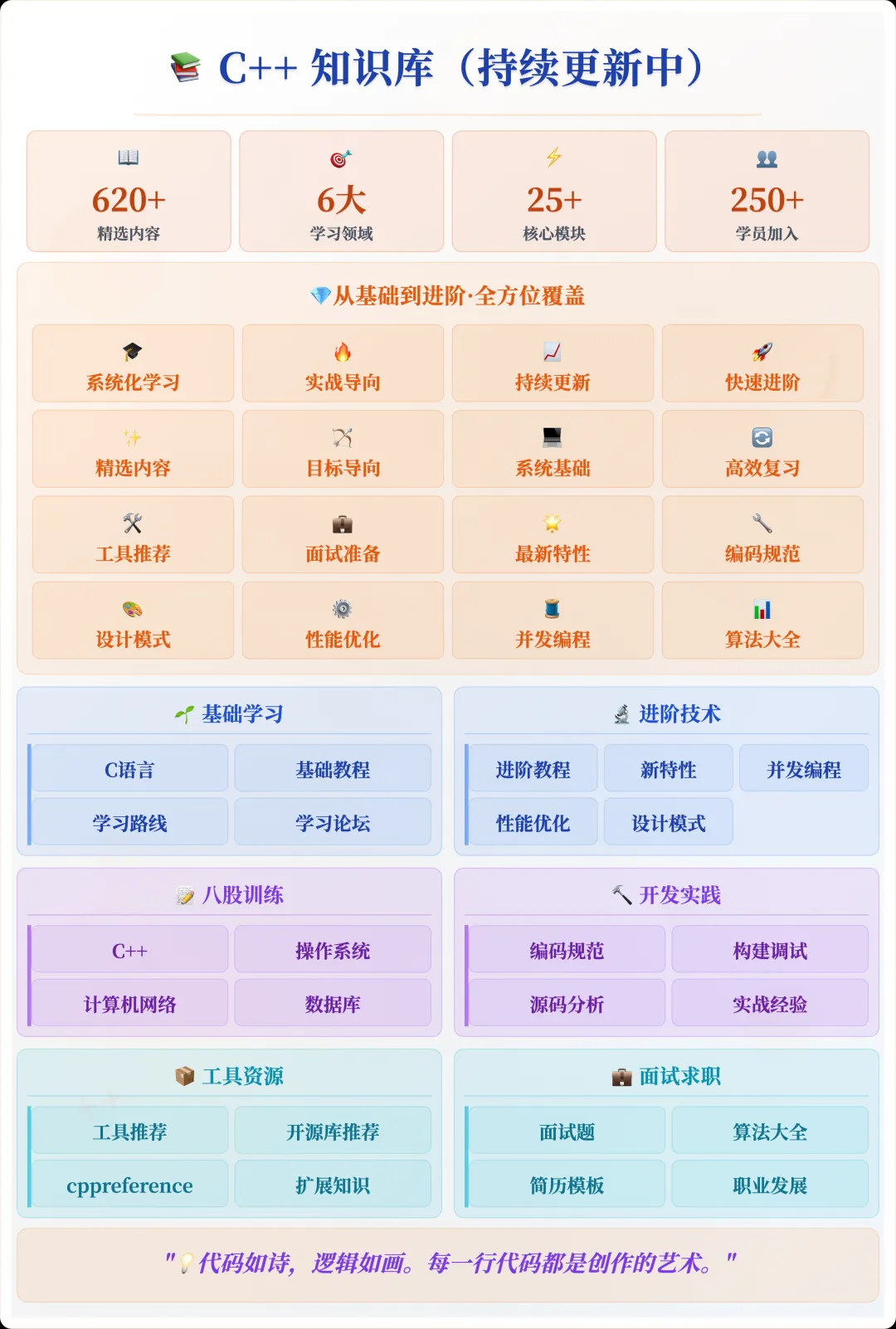
📌 Students interested in the knowledge base can add the assistant vx (chuzi345) with the note 【Knowledge Base】 or click 👉 C++ Knowledge Base (tap to jump) to view the complete introduction to the knowledge base~
1. Basic Project Structure
Assuming we want to write a cross-platform demo project, the structure is roughly as follows:
project-root/
│── src/
│   └── main.cpp
│── include/
│   └── hello.h
│── CMakeLists.txt
The simplest <span>CMakeLists.txt</span> can be written as follows:
cmake_minimum_required(VERSION 3.16)
project(CrossPlatformDemo LANGUAGES CXX)

set(CMAKE_CXX_STANDARD 17)
set(CMAKE_CXX_STANDARD_REQUIRED ON)

add_executable(demo src/main.cpp)
target_include_directories(demo PRIVATE include)
On Windows, execute <span>cmake -G "Visual Studio 17 2022" ..</span>, and on Linux/macOS, execute <span>cmake .. && make</span>, which will generate the corresponding executable file <span>demo</span>. At this point, the basic cross-platform build is established.
2. Handling Platform Differences
In real projects, it is often necessary to write platform-specific code. A common approach is to use preprocessor macros, but in CMake, we can elegantly control compilation options using platform variables.
if(WIN32)
    target_compile_definitions(demo PRIVATE PLATFORM_WINDOWS)
elseif(APPLE)
    target_compile_definitions(demo PRIVATE PLATFORM_MACOS)
elseif(UNIX)
    target_compile_definitions(demo PRIVATE PLATFORM_LINUX)
endif()
Then in the code:
#include "hello.h"
#include <iostream>

int main() {
#ifdef PLATFORM_WINDOWS
    std::cout << "Running on Windows\n";
#elif defined(PLATFORM_MACOS)
    std::cout << "Running on macOS\n";
#elif defined(PLATFORM_LINUX)
    std::cout << "Running on Linux\n";
#endif
    return 0;
}
This ensures that all three platforms use the same script for building, but the output varies according to the platform.
3. Cross-Platform Third-Party Libraries
Another common issue is third-party dependencies. For example, on Linux, we might use <span>pthread</span>, while on Windows, we rely on the Win32 API. Using CMake’s <span>find_package</span> can mask these differences:
find_package(Threads REQUIRED)
target_link_libraries(demo PRIVATE Threads::Threads)
This way, on Linux/macOS, it will automatically link <span>-lpthread</span>, and on Windows, it will link to the corresponding implementation. For more complex libraries, such as OpenSSL, it can be written as:
find_package(OpenSSL REQUIRED)
target_link_libraries(demo PRIVATE OpenSSL::SSL OpenSSL::Crypto)
As long as OpenSSL is correctly installed on the system, all three platforms can build uniformly.
4. Output Directories and Installation Rules
In team collaboration, the installation paths for binaries and header files need to be unified; otherwise, each person’s build directory will be different. CMake can specify output paths uniformly:
set(CMAKE_RUNTIME_OUTPUT_DIRECTORY ${CMAKE_BINARY_DIR}/bin)
set(CMAKE_LIBRARY_OUTPUT_DIRECTORY ${CMAKE_BINARY_DIR}/lib)
The installation rules can be specified using <span>install</span>:
install(TARGETS demo DESTINATION bin)
install(DIRECTORY include/ DESTINATION include)
Executing <span>cmake --install build</span> will install the executable files and header files to a unified directory, maintaining consistency across platforms.
5. Configuration Options and Feature Toggles
In complex projects, we often need to enable features on demand, such as whether to enable logging modules or certain experimental features. CMake provides a configuration option mechanism:
option(ENABLE_LOGGING "Enable logging feature" ON)

if(ENABLE_LOGGING)
    target_compile_definitions(demo PRIVATE ENABLE_LOGGING)
endif()
Developers can freely toggle this during the build:
cmake -DENABLE_LOGGING=OFF ..
This type of “toggle” functionality is especially important for cross-platform teams, avoiding script divergence across different platforms.
6. Cross-Platform Compiler Options
Sometimes, different compiler parameters need to be set for different platforms. CMake provides the variable <span>CMAKE_CXX_COMPILER_ID</span> to determine the compiler:
if(CMAKE_CXX_COMPILER_ID STREQUAL "MSVC")
    target_compile_options(demo PRIVATE /W4 /O2)
else()
    target_compile_options(demo PRIVATE -Wall -Wextra -O2)
endif()
This way, we can enable <span>/W4</span> under MSVC and <span>-Wall</span> under GCC/Clang, ensuring consistent warning levels for team members.
7. Packaging and Distribution
For release versions, CMake comes with <span>cpack</span> for one-click packaging. Just add the following to your CMakeLists.txt:
include(CPack)
Executing <span>cpack</span> will generate <span>.tar.gz</span>, <span>.zip</span>, and even Windows <span>.msi</span> or macOS <span>.dmg</span> installation packages. This step can greatly simplify the cross-platform distribution process.
8. Practical Implementation Suggestions
When I used this method in projects, I had several practical experiences:
- All team members build through CMake, and handwritten platform-specific project files are no longer allowed.
<span>CMakeLists.txt</span>should remain clean, with complex logic split into the<span>cmake/Modules</span>directory.- Try to use
<span>target_*</span>series commands (such as<span>target_link_libraries</span>,<span>target_compile_definitions</span>), to avoid global variable pollution.
This ensures both cross-platform consistency and ease of long-term maintenance.
Using CMake to abstract the differences between Windows/Linux/macOS can greatly enhance team collaboration efficiency. Although writing a clean <span>CMakeLists.txt</span> requires some initial investment, once set up, new members can join development with almost zero learning cost.
If the language itself determines whether the business can run, then the build system often determines whether the project can thrive smoothly. For cross-platform development, a maintainable CMake script is that seemingly inconspicuous yet crucial infrastructure.
Recommended Reading:
C++ Direct Access to Major Companies (For those interested in the training camp, you can read this article to learn about the details of the training camp, or add vx: chuzi345 to quickly learn about the training camp related information)
Common Memory Leak Detection Methods in C++ Projects (Valgrind, ASan, Smart Pointer Replacement)
How to Configure an Efficient C++ Development Environment from Scratch (VSCode + CMake + gdb)