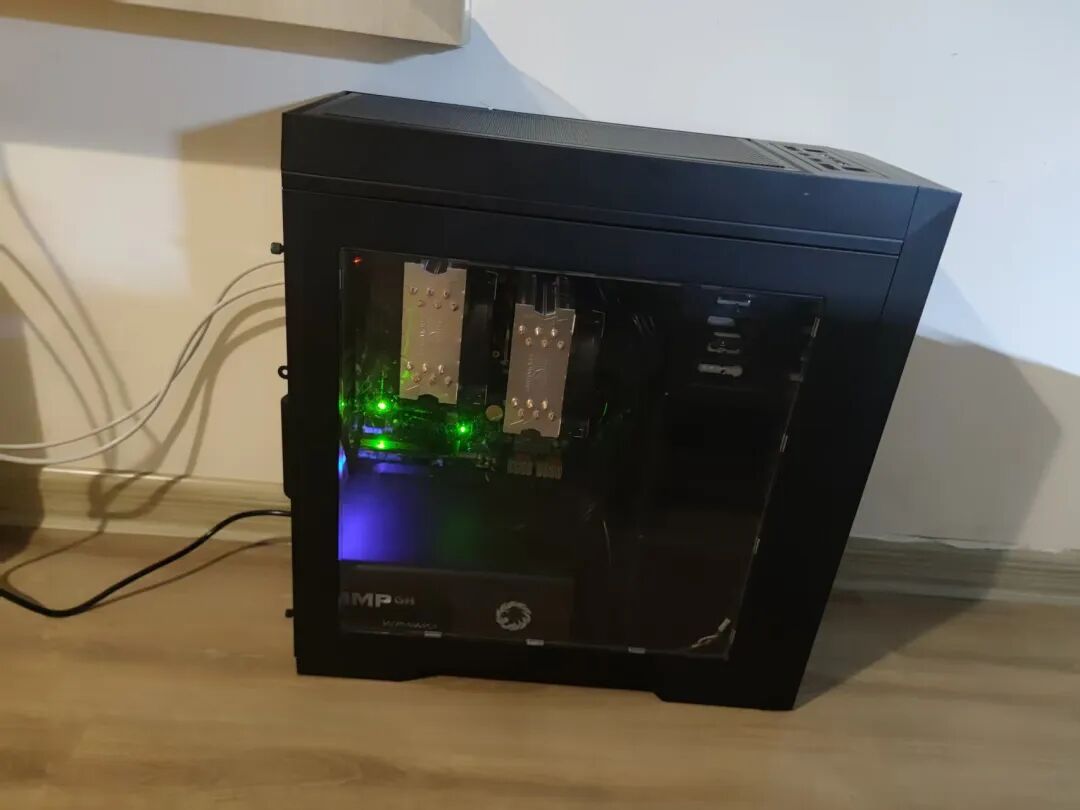
Hello, I am Lao Cheng. Recently, I assembled a home server for less than 3000 yuan. Today, I will share the assembly process and the hardware list, which can serve as a reference for those who want to build a home server.
Something interesting happened during this process…
Actually, I started using servers during my university years, back then in the college data center, where we had several servers available for our use. The OpenStack cluster set up in the data center also provided sufficient resources for the tenant assigned by the instructor (500G).
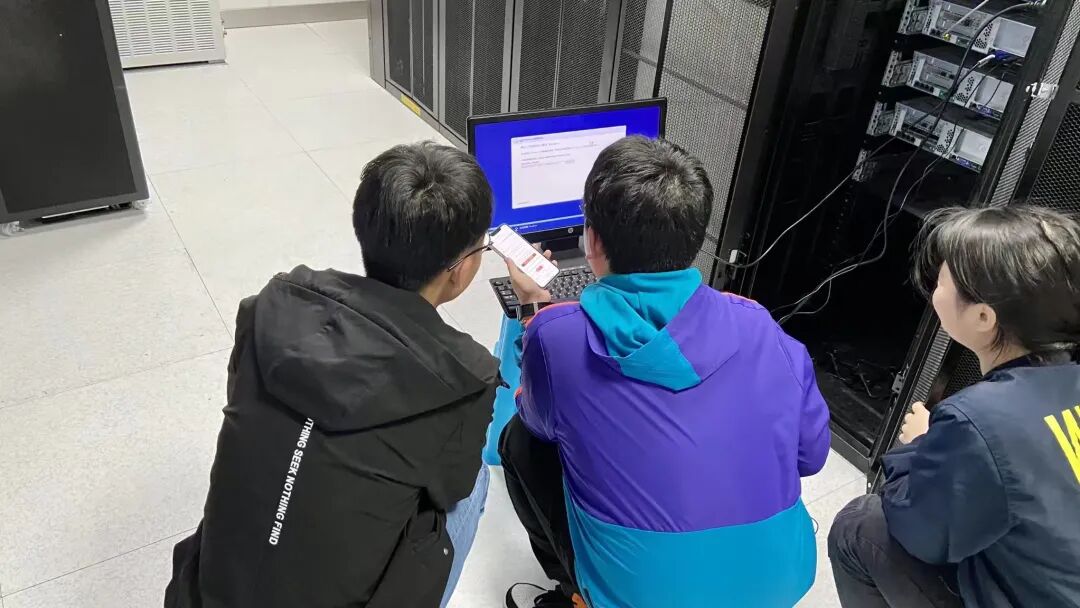
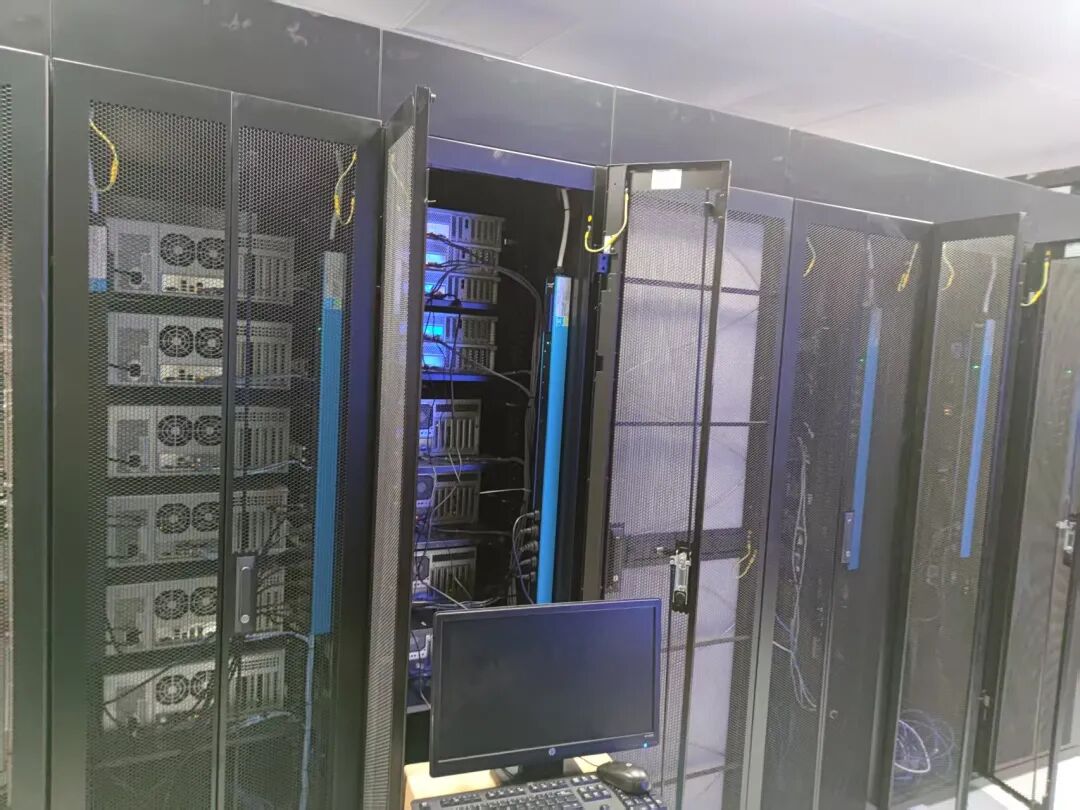
My requirement was to assemble a home server to experiment and learn about operations and maintenance technologies. Additionally, having a server allows me to tinker with many interesting things, such as NAS (not considering it in the short term due to insufficient disk space).
When assembling a home server, virtualization is definitely a must, and since I will be conducting experiments related to operations and maintenance, the memory requirement is higher than that of the disk.
Currently, my server configuration is approximately as follows:
- 2 CPUs, 28 cores, 56 threads
- 4 x 32G memory modules, 128G memory
- 1 x 1T M.2 SSD
Total expenditure: 2,971.6=711.9+148+703+389+459+299.9+35.9+148+22+12.1+31.9+10.9
Hardware Configuration
The motherboard, CPU, memory, case, and CPU cooler were all purchased as second-hand products, while the power supply and SSD are brand new. The power supply and SSD are critical for power safety and data security, so for safety considerations, I opted for new products here.
When assembling yourself, you need to consider whether the purchased hardware is compatible with your motherboard. For example, whether the CPU cooler corresponds to the motherboard socket, and whether the graphics card supports the PCIe interface version (2.0, 3.0, 4.0, 5.0), etc.
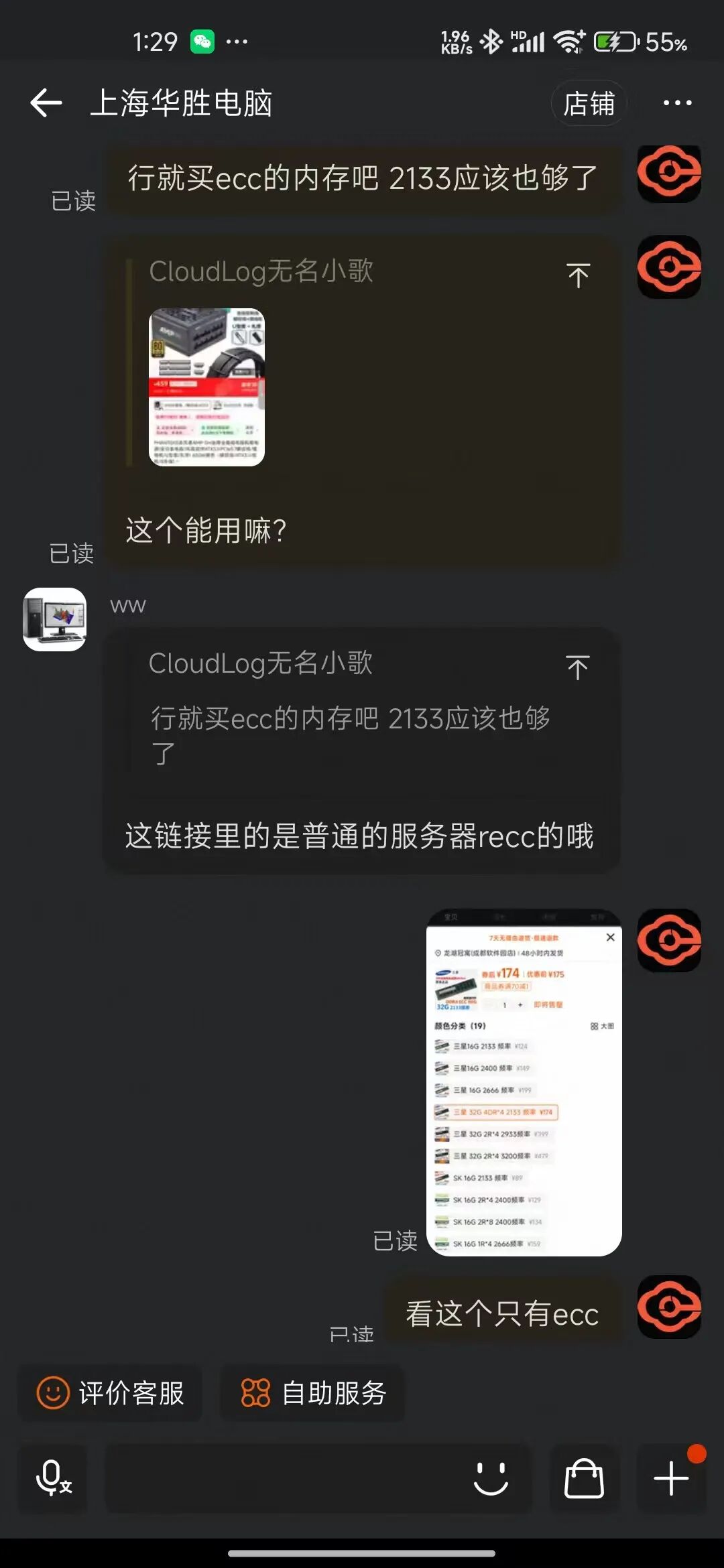
For this issue, you can directly ask the seller. For instance, after I bought the second-hand motherboard, I asked the seller if they had memory, coolers, etc., and whether they were compatible. I also inquired if the AMP power supply I bought could connect to this motherboard and what CPUs it supported.
Ps: I am really not very familiar with hardware haha.
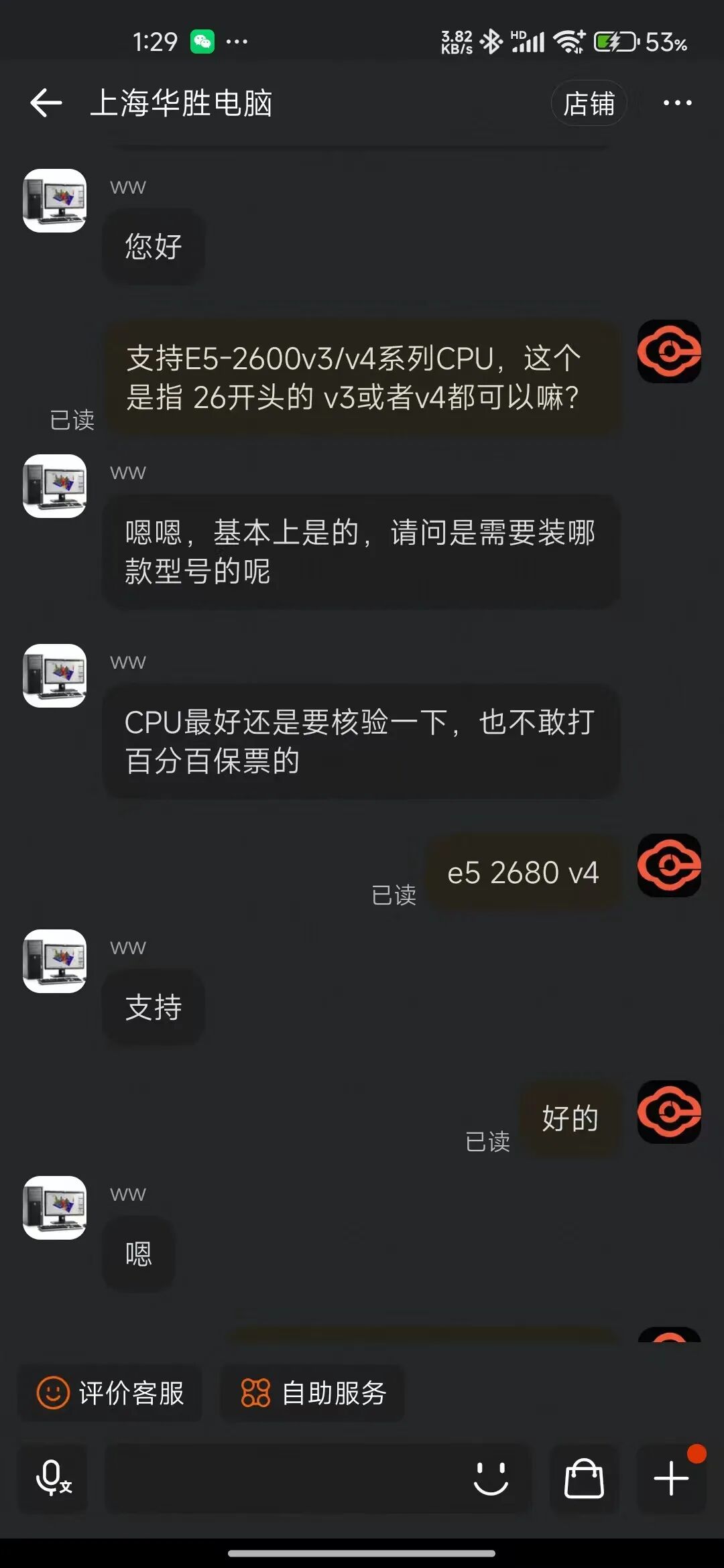
Hardware list to purchase:
- Motherboard
- CPU
- Memory
- M.2 SSD
- Power Supply
- Case
- M.2 Adapter Card
- CPU Cooler
- Fan Controller
- Network Cable
- VGA Video Cable
- Home Screwdriver Set (optional, most SSD purchases come with a screwdriver)
Indeed, there are no graphics card and network card here. Previously, I bought a display card and a gigabit network card, but later found that the server motherboard comes with built-in graphics and network capabilities, so I saved the money for the graphics and network cards.

Detailed Hardware Configuration
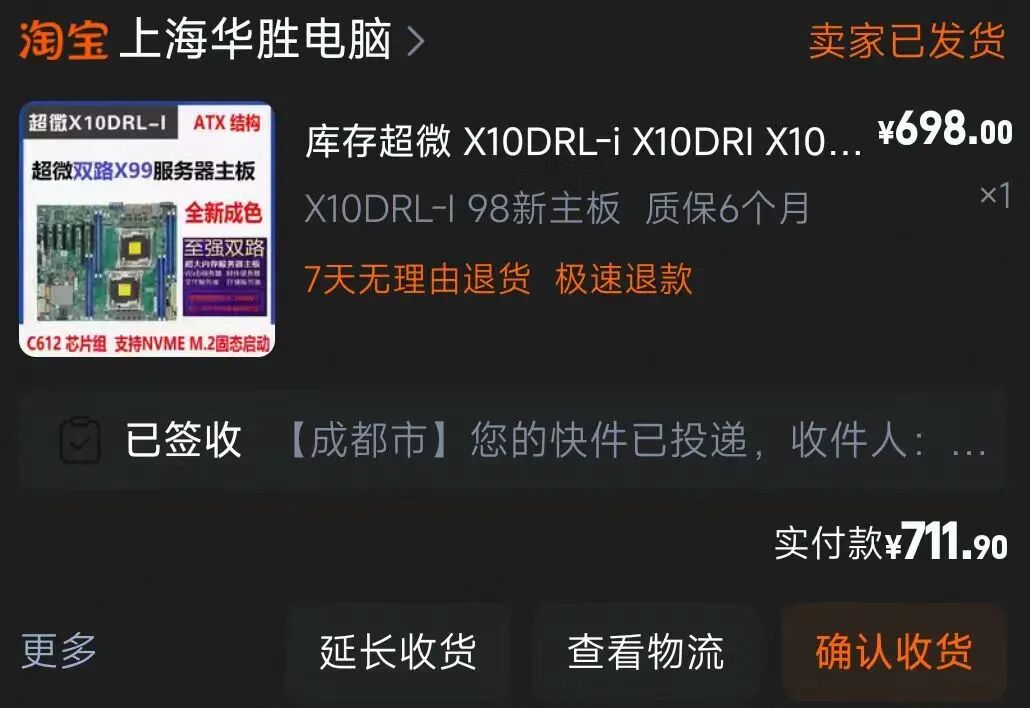
1. Motherboard (second-hand): 1 unit, Supermicro X10DRL-i motherboard (server motherboard), 711.9
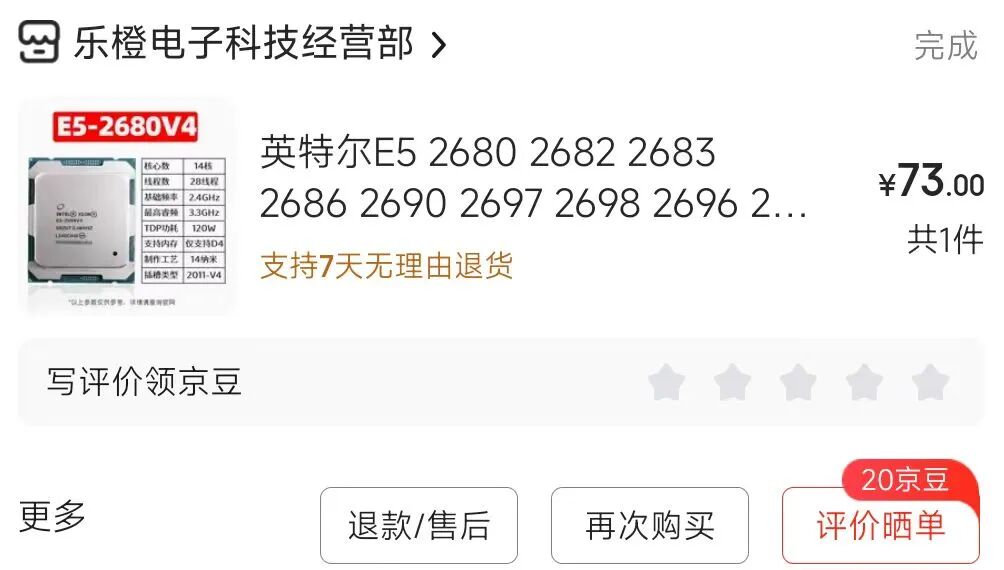
2. CPU (second-hand): 2 units, E5 2680 v4, total 73+75=148
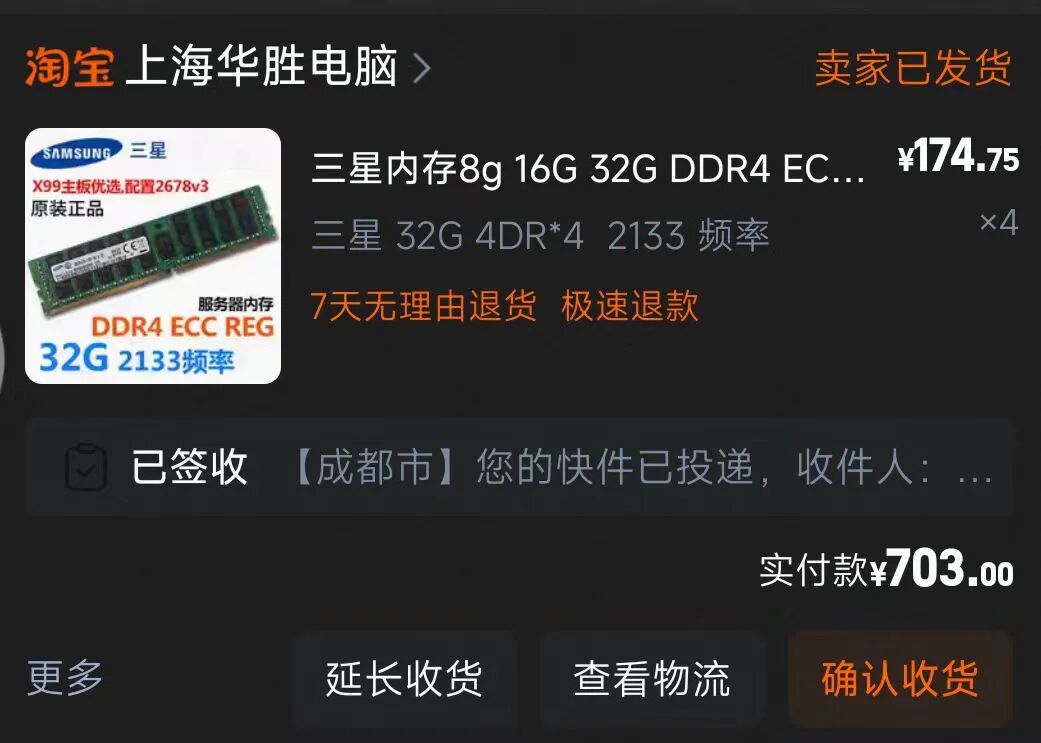
3. Memory (second-hand): 4 modules, Samsung DDR4 ECC REG 2133MHz 32G, 703
I couldn’t find RECC 2400MHz, but it shouldn’t significantly affect performance.
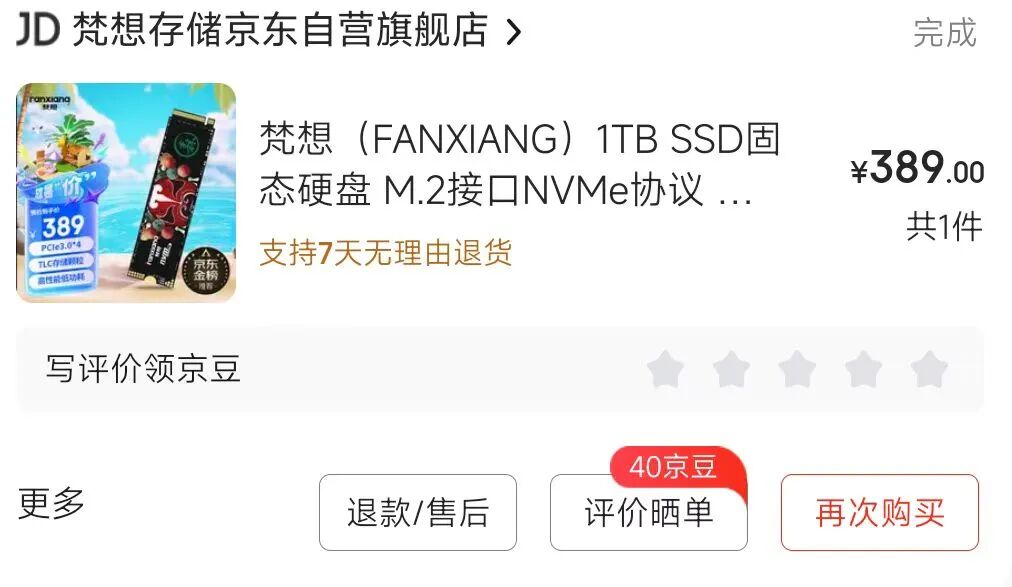
4. Hard Drive: 1 unit, NVMe protocol 1T M.2 SSD, 389
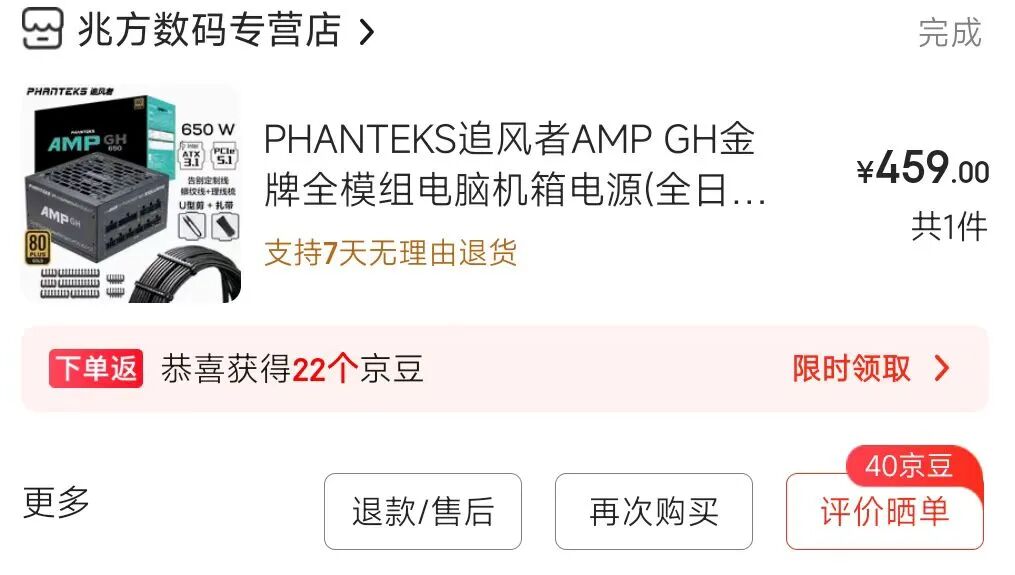
5. Power Supply: 1 unit, Pursuer AMP series fully modular power supply, 650W, 459
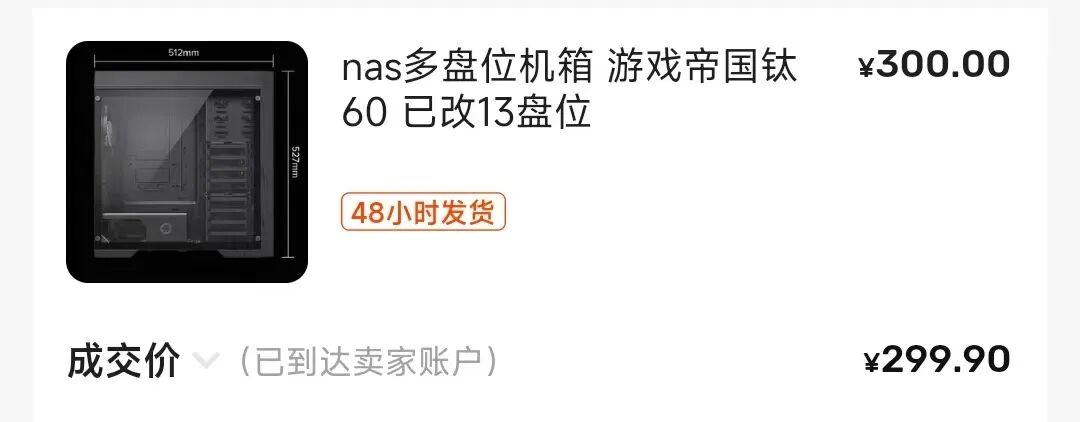
6. Case (second-hand): 1 unit, Game Empire Titanium 60 case, 4 fans (Lian Li B12), 299.9
Since I bought the case on Xianyu, the seller included 4 fans with the case, so I didn’t need to purchase additional fans.
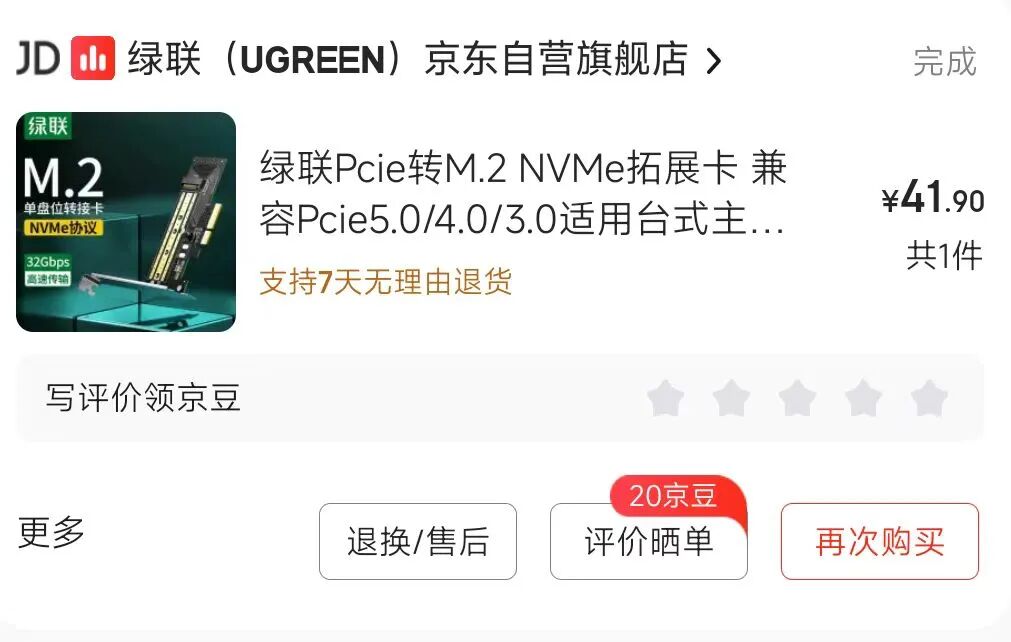
7. Expansion: 1 M.2 adapter card supporting PCIe 3.0 protocol, 35.9
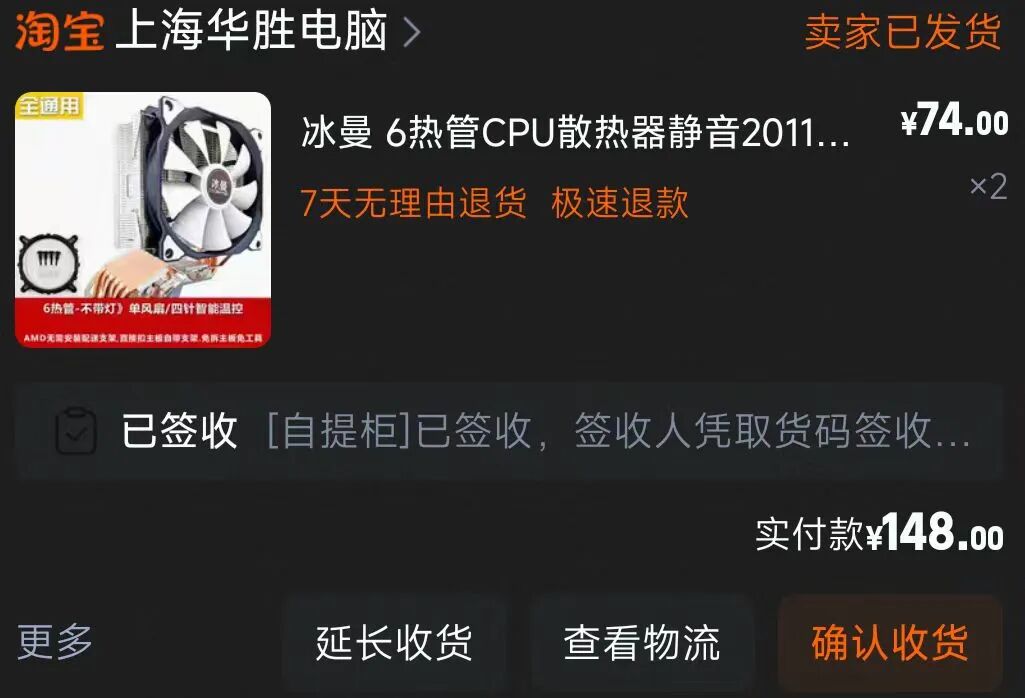
8. CPU Cooler (second-hand): 2 units, Ice Man 6 heat pipe air cooler, 148
Installing the CPU cooler took a lot of effort; this model uses a clip system that requires a lot of force to secure. At first, I was afraid of damaging the motherboard and didn’t dare to apply too much force, but after watching installation videos, I realized it needed to be pressed on firmly. In the end, I managed to secure it with considerable force.
9. Fan Controller: 22
I haven’t connected this yet; it doesn’t seem too noisy, so I haven’t bothered. I’ll connect it later.

10. Home Screwdriver Set: 12.1

11. Ordered from Meituan, 2 Ugreen gigabit network cables, 1.5 meters, 31.9
12. Ordered from Meituan, 1 VGA video cable, 10.9
Hardware Assembly Process
The entire hardware assembly process took me three evenings after work. On the third evening, I installed the PVE, OpenWRT, and Win10 systems.
On 2025/07/21, on the first night, I completed all the configuration components. After assembly, two issues arose:
1) Issue 1: When connecting the power supply and plugging in the monitor, I found that the monitor did not turn on. At that time, I had also plugged in a display card, and the monitor was connected to this display card.
Cause of the issue: Many server motherboards prioritize the video output from the motherboard’s video interface. If you need to use a dedicated graphics card, you must set the priority in the motherboard BIOS.
Solution: Buy a VGA video cable and connect it to the motherboard’s built-in VGA interface to display normally.
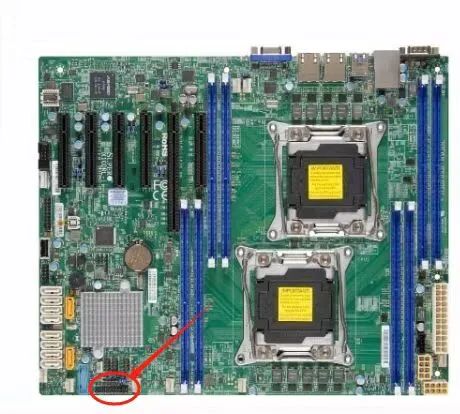
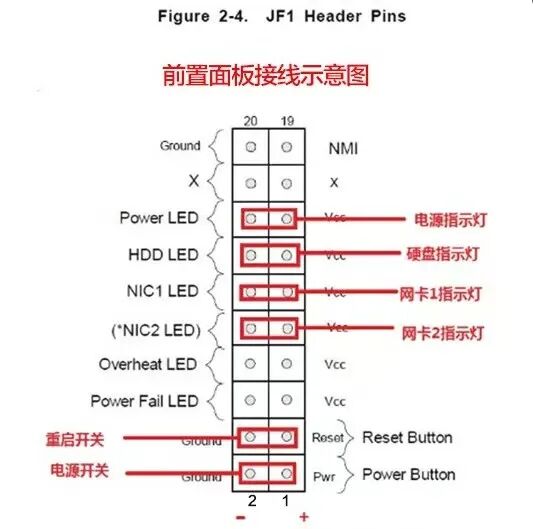
2) Issue 2: The power and reset buttons on the case were not functioning. I knew that the wiring for the power and reset buttons was incorrect, but I didn’t know how to connect them.
Cause of the issue: The second-hand motherboard did not come with a manual, so guessing was not effective.
Solution: I asked the seller for a wiring diagram and connected it accordingly. As shown in the image:
On 2025/07/22, the second night, I resolved the two issues mentioned above. However, a new problem arose during the system installation.
Problem 1: While installing the PVE system, the system was already installed on the hard drive, but when I removed the USB drive, it still could not boot into the system.
Cause of the issue: This is related to the BOOT startup mode, which defaults to Legacy mode.
Solution: In the BIOS system’s BOOT page, change the startup mode to UEFI mode.
Installing Virtualization Management System
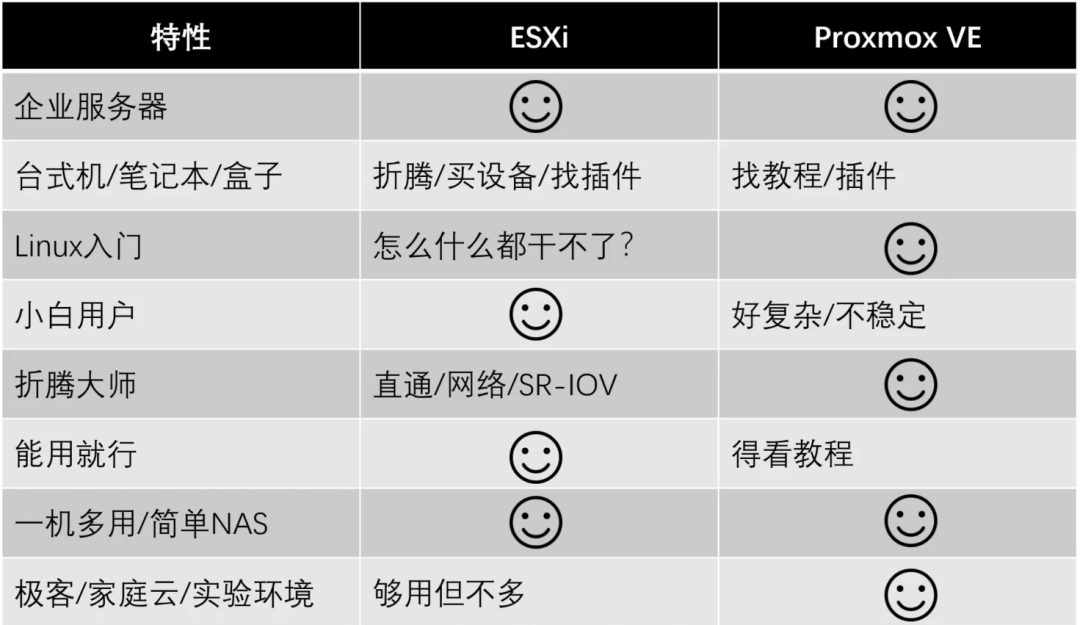
To install various operating systems and utilize resources, virtualization is essential. Therefore, we need to install a virtualization management system. The common options are PVE and EXSi.
How to Choose Between PVE and EXSi?
You can directly watch the analysis from a Bilibili UP master. Here’s the conclusion: Choose PVE, which is suitable for ordinary users. It has better hardware compatibility, high customizability, and is based on the Debian Linux operating system. Solutions for problems can be easily found on Baidu.
EXSi, on the other hand, is more for enterprise users and has poor hardware compatibility.
Reference videos:
Comparison of ESXi and PVE: How to Choose a Virtual Machine_哔哩哔哩_bilibili
https://www.bilibili.com/video/BV1Ub421n7Kn/
How to Choose Between PVE and ESXi for AIO Virtual Machines_哔哩哔哩_bilibili
https://www.bilibili.com/video/BV1e64y1L7Py/
Installing PVE and OpenWRT
For how to install PVE to create an All In One system, just watch the videos from Bilibili masters.
- Use PVE virtual machines to create your own All In One system!_哔哩哔哩_bilibili
- Use PVE virtual machines to install Windows and Linux systems and optimize configurations_哔哩哔哩_bilibili
- Use PVE virtual machines to install Hackintosh and other systems, running 5 systems All In One_哔哩哔哩_bilibili
Mo’s attachment table: https://www.xn--ghqy5t5uf651b82d.com/#/
Interesting Events
While purchasing the case on Xianyu, I encountered something interesting. The event happened quite suddenly, and I found it quite absurd…
To know, when purchasing the motherboard and case, I referred to a Bilibili UP master’s work. Video link: https://www.bilibili.com/video/BV1Ng4y1t7FS/
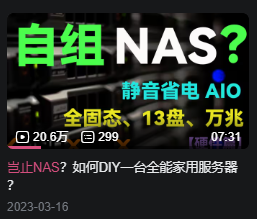
Why do I mention buying the case on Xianyu? Because the seller on Xianyu is actually this Bilibili UP master… I encountered such a situation.
Because I added them on WeChat, I occasionally asked a few questions. Then they seemed to realize something was off and asked if I learned from that “Village Rain”. I then discovered their nickname and a post on Zhihu about “Village Rain”.


At this point, I felt something was off. Could they be that “Village Rain”? Playing dumb here!

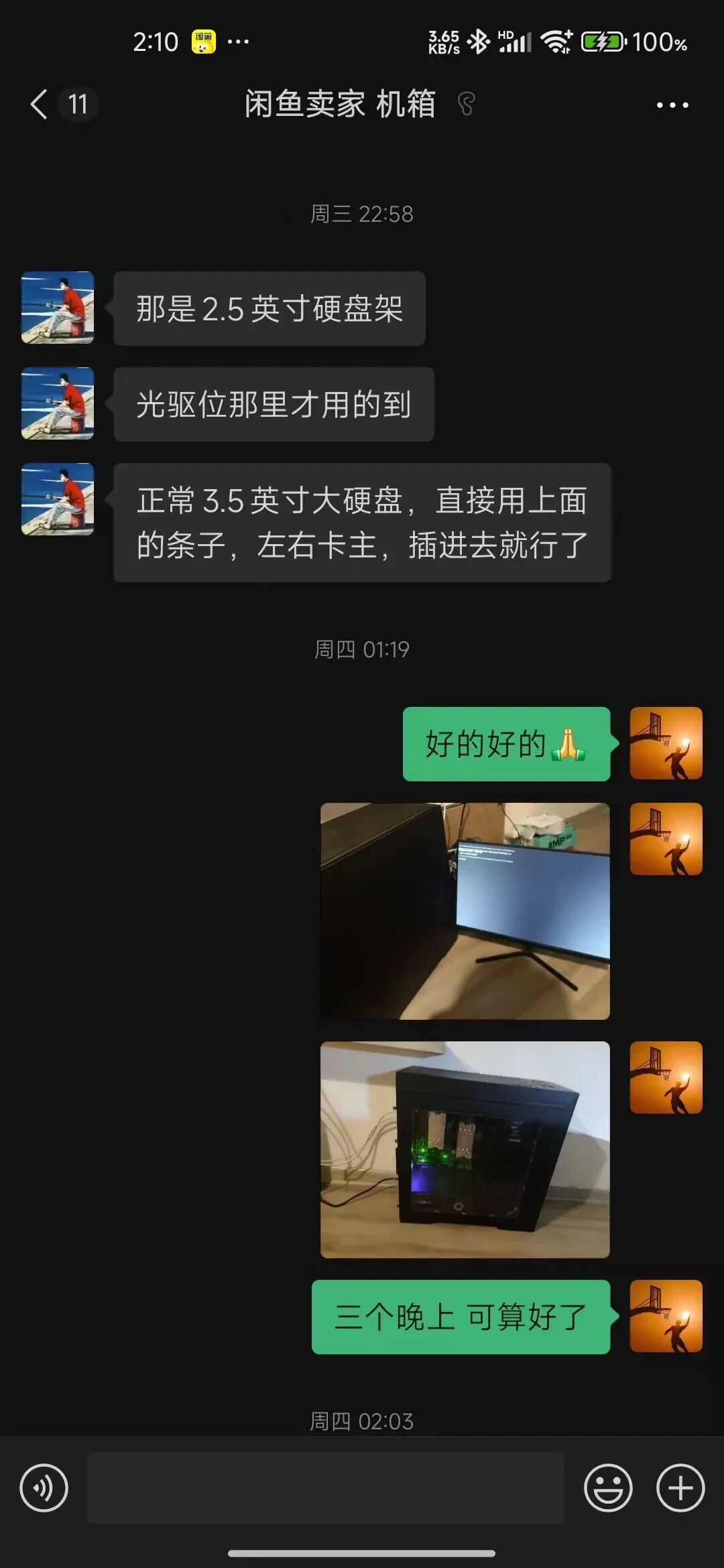
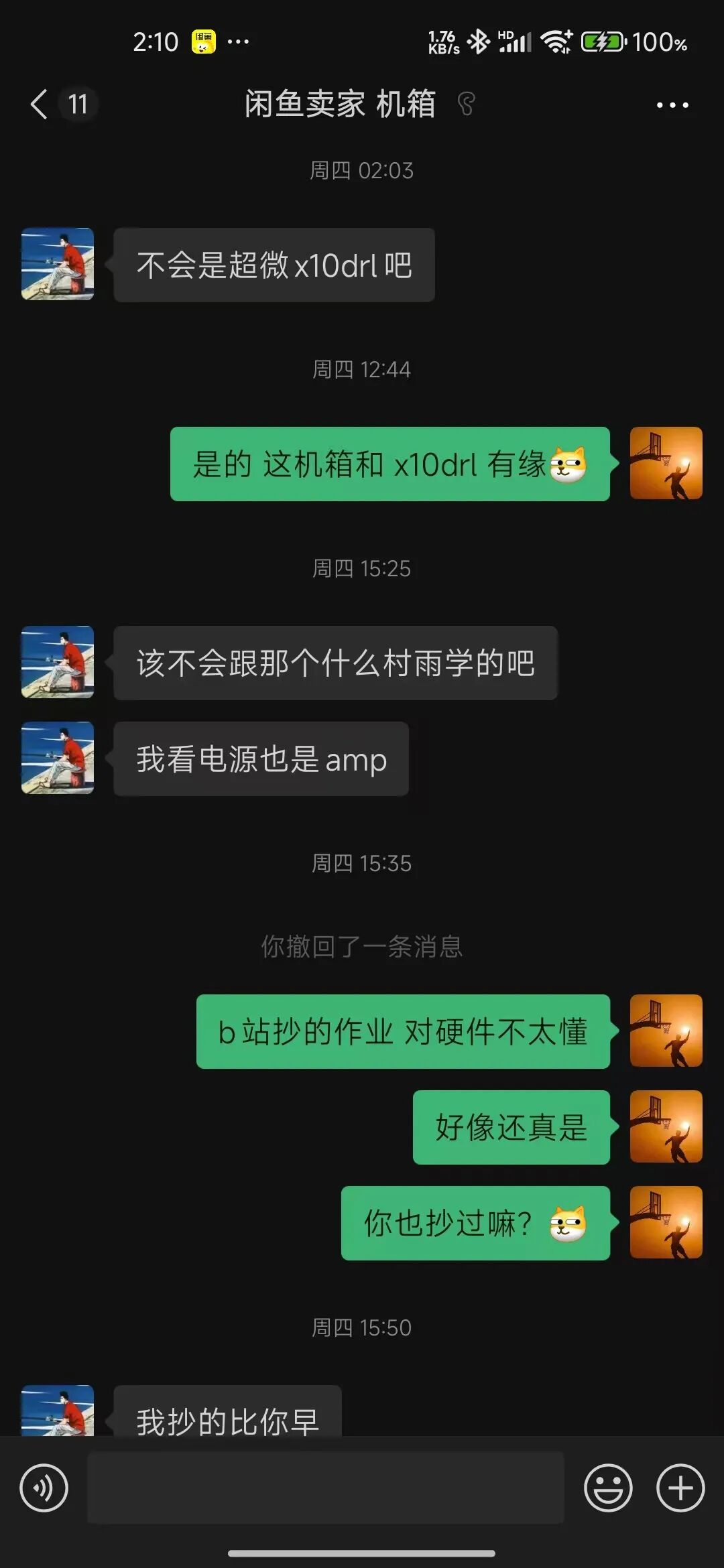
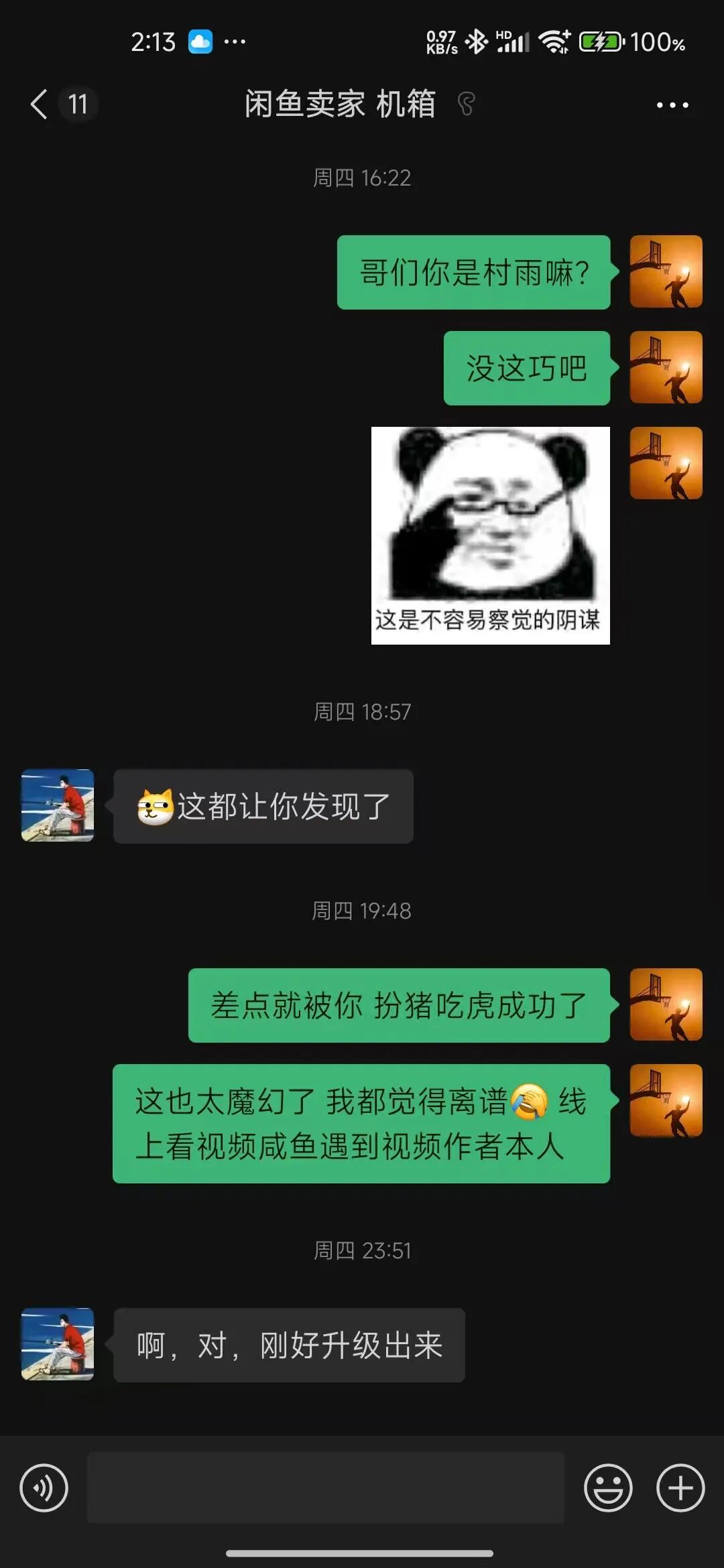
In the end, I would like to thank the master “Village Rain” for the provided solution!
END
Personal Blog: Blog Introduction
Welcome everyone to join the group for communication (recommended WeChat group chat): Operations and Maintenance Communication/Business Cooperation, Collection
 Recommended HighlightsWhat is a Linux distribution? What is the Linux operating system?Aside from technology, what soft skills do companies value in employees?Changes in production environments: Switching PVC storage to object storageUnderstanding 2>&1 in LinuxHow is the business of self-built K8s in local IDC data centers accessed by users?
 One Finger Zen, Tap Tap Tap!