When developing C++ command line tools, we often need to handle various parameter parsing, option validation, and help information output. The traditional approach usually involves manually writing parsing logic or relying on <span>getopt</span> series functions. However, as the complexity of parameters increases, this method becomes error-prone and less intuitive.
Thus, I started experimenting with some existing libraries and found that <span>Docopt</span> is an option that can significantly simplify CLI (Command Line Interface) development. Its core idea is simple: the definition of command line parameters and the help documentation are governed by the same specification. You only need to describe “how you want users to use the program,” and the library will automatically parse the parameters and generate help information.
📚 The C++ Knowledge Base has been launched on ima! The content currently covered by the knowledge base is shown in the image below👇👇👇
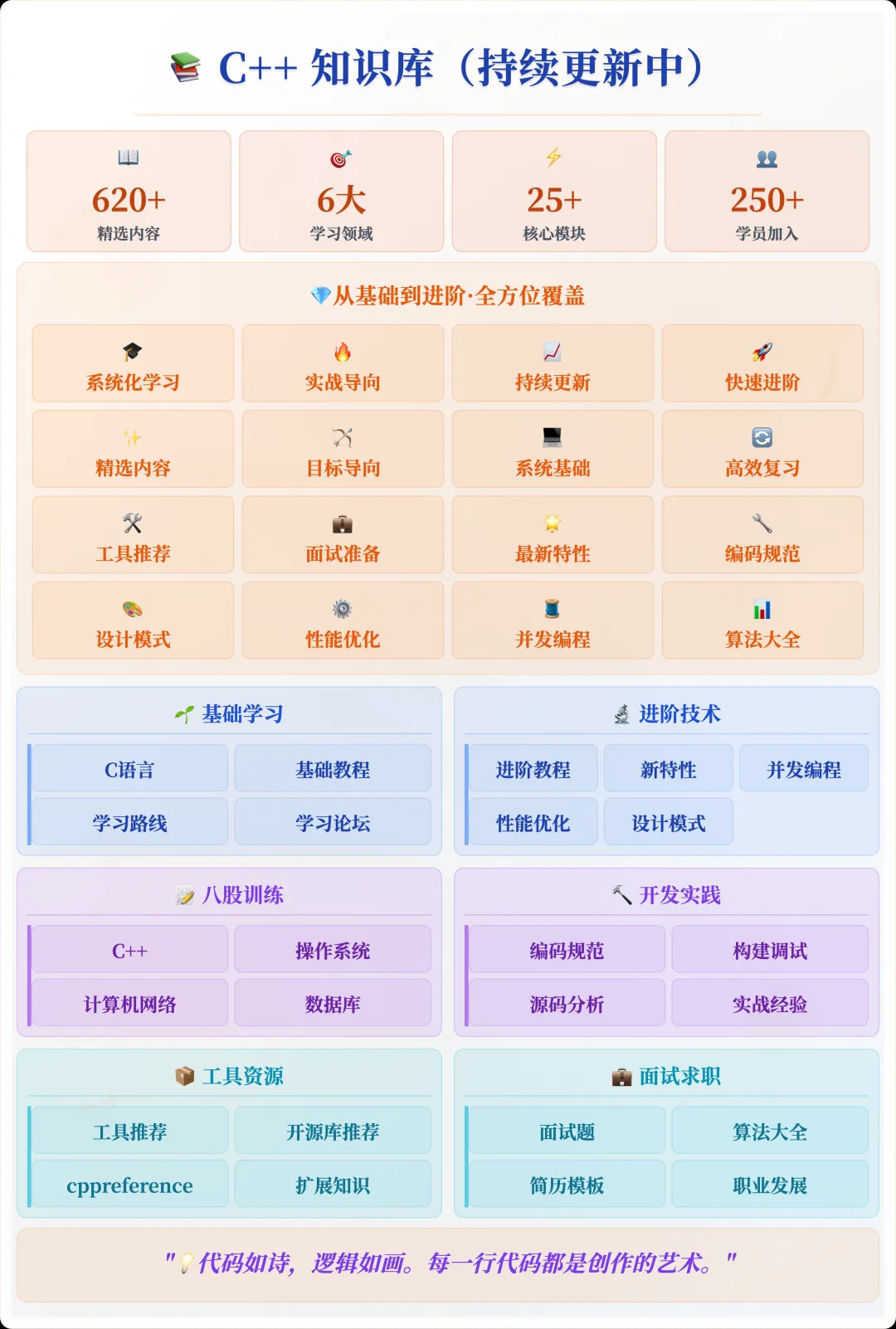
📌 Students interested in the knowledge base can add the assistant vx (cppmiao24) with the note 【Knowledge Base】 or click 👉 C++ Knowledge Base (tap to jump) to view the complete introduction of the knowledge base~
Design Philosophy of Docopt
The design philosophy of Docopt differs from traditional <span>getopt</span> series tools; it adopts a “declarative” approach to describe the command line interface. In other words, you only need to write a string similar to usage instructions, and Docopt will automatically parse user input based on this description and return the corresponding parameter mapping.
The core features include:
- Declarative Parameter Definition Define the command line interface in a way similar to help documentation, without manually parsing each option.
- Automatic Help Information Generation When the user inputs
<span>--help</span>or the parameters are invalid, the library automatically generates readable help information. - Type Safety Docopt will parse command line parameters into corresponding types (string, integer, boolean), reducing manual conversion errors.
Installation and Integration
Docopt provides a C++ version (docopt.cpp) that can be directly integrated into projects. For example, in a CMake project:
# Assuming docopt.cpp is placed in the project's external/docopt directory
add_executable(myapp main.cpp external/docopt/docopt.cpp)
target_include_directories(myapp PRIVATE external/docopt)
Then include the header file in your code:
#include "docopt.h"
Usage Example
Suppose we want to write a simple file search tool <span>findfile</span> that supports the following features:
- Specify search path
- Specify file extension
- Optionally display detailed information
We can define the command line instructions as follows:
static const char USAGE[] =
R"(findfile.

Usage:
  findfile <path> [--ext=<extension>] [--verbose]
  findfile (-h | --help)
  findfile --version

Options:
  -h --help             Show this screen.
  --version             Show version.
  --ext=<extension>     File extension to search [default: txt].
  --verbose             Show detailed output.
)";
Then parse it using Docopt:
int main(int argc, char* argv[]) {
    std::map<std::string, docopt::value> args
        = docopt::docopt(USAGE,
                         { argv + 1, argv + argc },
                         true,               // show help if requested
                         "findfile 1.0");    // version string

    std::string path = args["<path>"].asString();
    std::string ext = args["--ext"].asString();
    bool verbose = args["--verbose"].asBool();

    std::cout << "Searching in: " << path << " for *." << ext << std::endl;
    if (verbose) std::cout << "Verbose mode enabled." << std::endl;
}
Example of running:
$ ./findfile /home/user --ext=cpp --verbose
Searching in: /home/user for *.cpp
Verbose mode enabled.
As you can see, the entire parameter parsing logic requires almost no manual checks of <span>argc</span> or <span>argv</span>, while automatically generating help information:
$ ./findfile --help
findfile.

Usage:
  findfile <path> [--ext=<extension>] [--verbose]
  findfile (-h | --help)
  findfile --version

Options:
  -h --help             Show this screen.
  --version             Show version.
  --ext=<extension>     File extension to search [default: txt].
  --verbose             Show detailed output.
Comparison with Other Solutions
In C++, common command line parameter parsing methods include:
- getopt / getopt_long: Standard, lightweight, but code becomes bulky when handling complex parameters.
- Boost.Program_options: Powerful, but has heavy dependencies and a high learning curve.
- Docopt: Lightweight, intuitive, best suited for rapid development of tool-like programs.
In my personal practice, I found that when the complexity of command line tool parameters is not high, but clear documentation and safe parsing are desired, the development experience with Docopt is the most comfortable.
Usage Insights
- Strong Readability: The command line definition and help documentation are consistent, leading to low maintenance costs.
- Rapid Development: Especially suitable for writing small tools and scripted programs.
- Type Safety: Avoids common errors when manually parsing parameters.
- Cross-Platform: The C++ version is compatible with mainstream platforms like Linux and Windows, without additional dependencies.
Of course, Docopt is not a panacea. If your CLI tool parameters are extremely complex (for example, with many levels of subcommands), you may need to combine it with other libraries or custom parsing logic. However, for small CLI tools in daily development, the convenience of Docopt is very evident.
The challenges of C++ command line development often lie not in functionality implementation, but in parameter parsing and documentation maintenance. The emergence of Docopt makes this process intuitive and efficient. By defining the command line interface in a declarative manner, the maintainability and readability of the program itself can be improved.
For me personally, Docopt not only simplifies the code but also clarifies the user experience of the tool. It allows developers to focus more on business logic rather than tedious parameter parsing.
✅ References:
- Docopt Official Website URL: http://docopt.org/
- C++ Version docopt.cpp URL: https://github.com/docopt/docopt.cpp
Recommended Reading:
C++ Direct Access to Major Companies (For students interested in the training camp, you can read this article to learn about the details of the training camp, or add the assistant vx: cppmiao24 to quickly understand the relevant introduction of the training camp)